LG TV Screen Mirroring Cast

LG TV Screen Mirroring Cast

ダウンロード: App Storeダウンロード: Google Play
Spark by MWM logo
ロゴ: LG TV Screen Mirroring Cast

LG TV Screen Mirroring Cast:iPhoneをワイヤレスで大画面に接続

2012年以降のあらゆるLGスマートTVで、写真の共有、Web動画のストリーミング、プレゼンテーションの実施が最も簡単に行えます。ケーブル、アダプター、追加のハードウェアは不要です。

開発元

AirBeamTV BV

カテゴリ

Photo & Video

ダウンロード

1M+

ユーザー評価

4.2/5

評価数

26K+

対応言語

17

ワイヤレスの利点

このインターフェースを利用する 1M+ 人のユーザー.

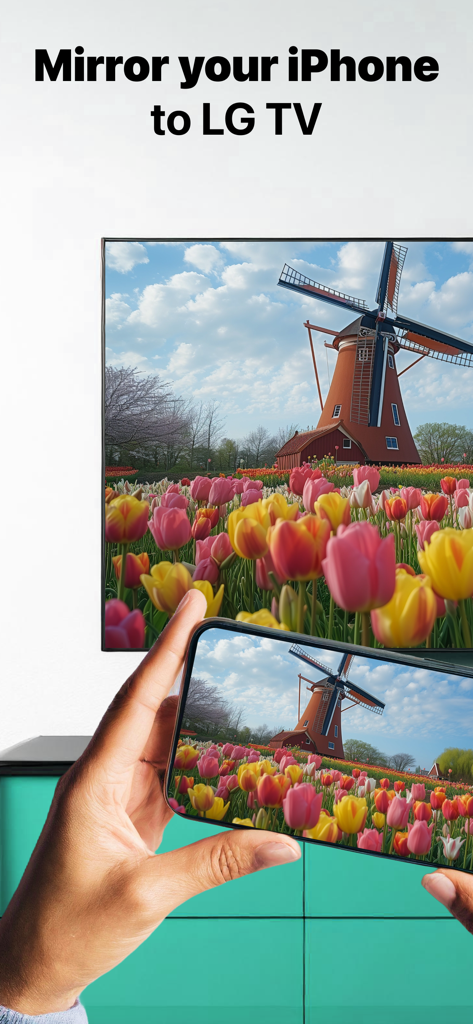
iPhoneからLGスマートTVに風車とチューリップの写真がミラーリングされている様子

iPhoneからLGスマートTVに風車とチューリップの写真がミラーリングされている様子

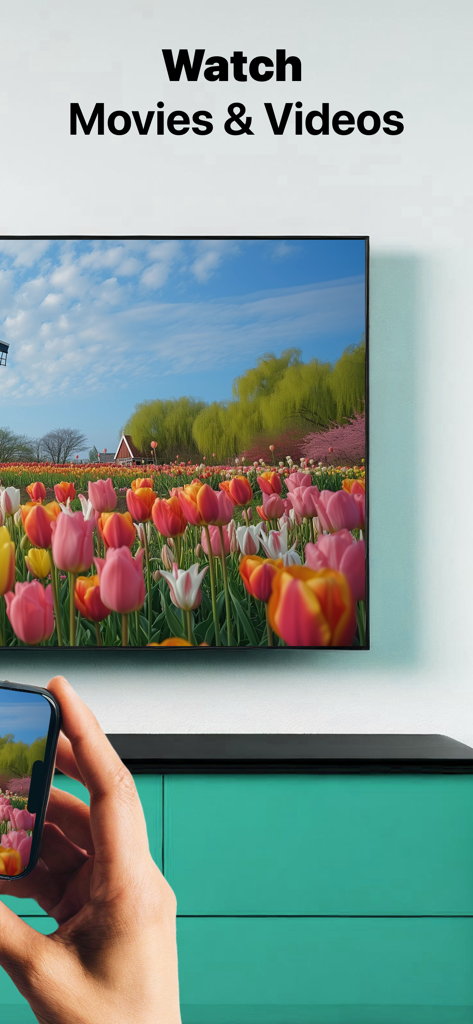
iPhoneからLGスマートTVにカラフルな動画がミラーリングされている様子

iPhoneからLGスマートTVにカラフルな動画がミラーリングされている様子

女性がLGスマートTVで風景動画を見ている様子。すべてのLG TVで動作すると表示されている。

女性がLGスマートTVで風景動画を見ている様子。すべてのLG TVで動作すると表示されている。

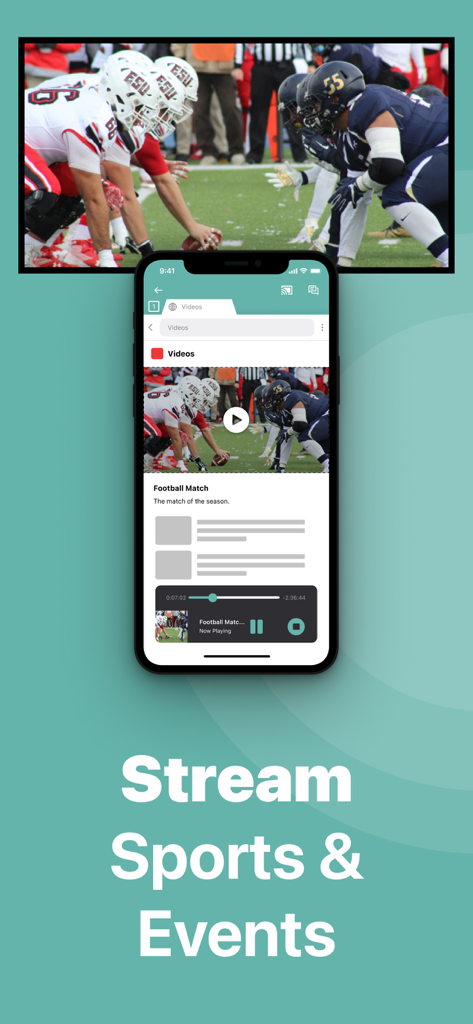
iPhone画面がLGスマートTVにライブのフットボールの試合をミラーリングしている様子

iPhone画面がLGスマートTVにライブのフットボールの試合をミラーリングしている様子

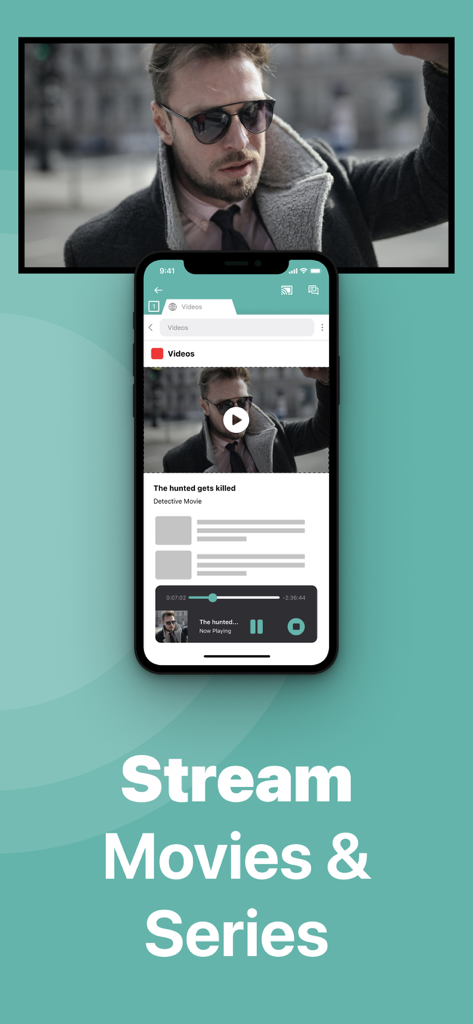
iPhoneアプリが大画面のLG TVに映画をミラーリングしている様子

iPhoneアプリが大画面のLG TVに映画をミラーリングしている様子

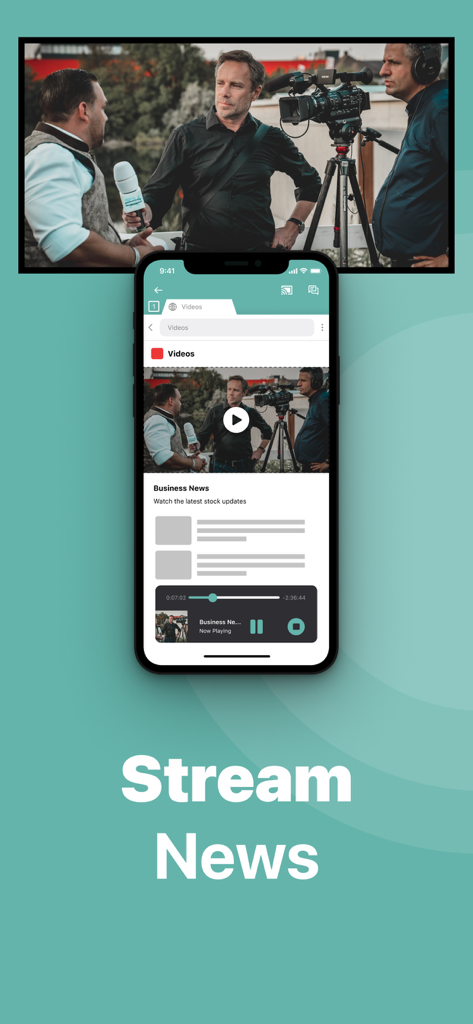
iPhone画面がニュース放送動画を大きなLGスマートTV画面にミラーリングしている様子

iPhone画面がニュース放送動画を大きなLGスマートTV画面にミラーリングしている様子

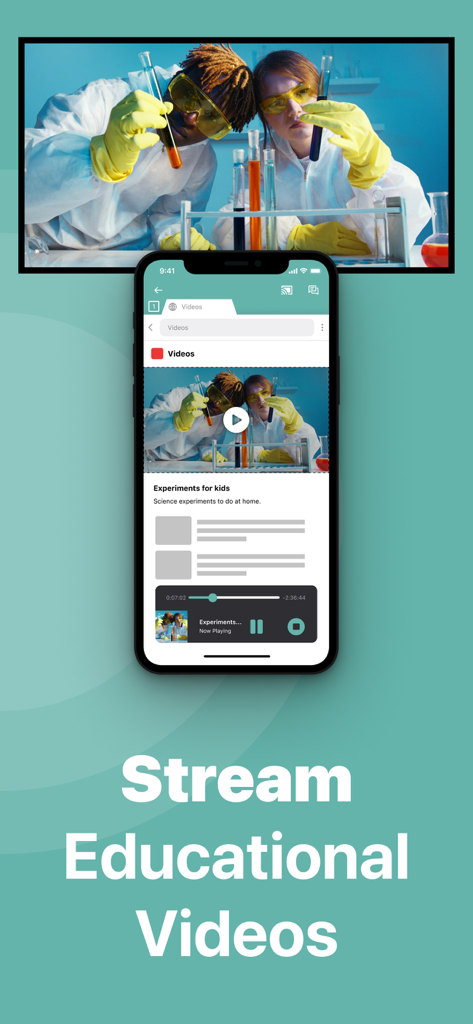
iPhone画面がLGスマートTVに教育動画をミラーリングしている様子

iPhone画面がLGスマートTVに教育動画をミラーリングしている様子

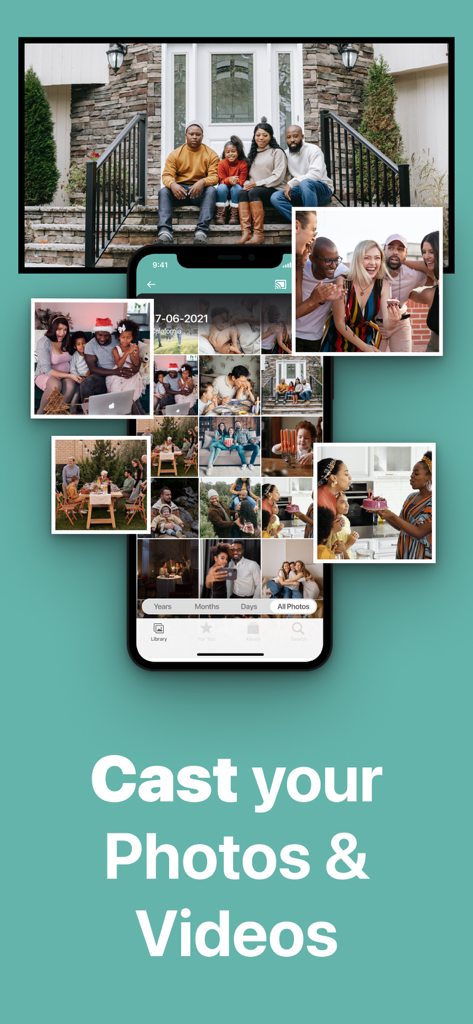
iPhoneがLGスマートTV画面に写真と動画のギャラリーをキャストしている様子

iPhoneがLGスマートTV画面に写真と動画のギャラリーをキャストしている様子

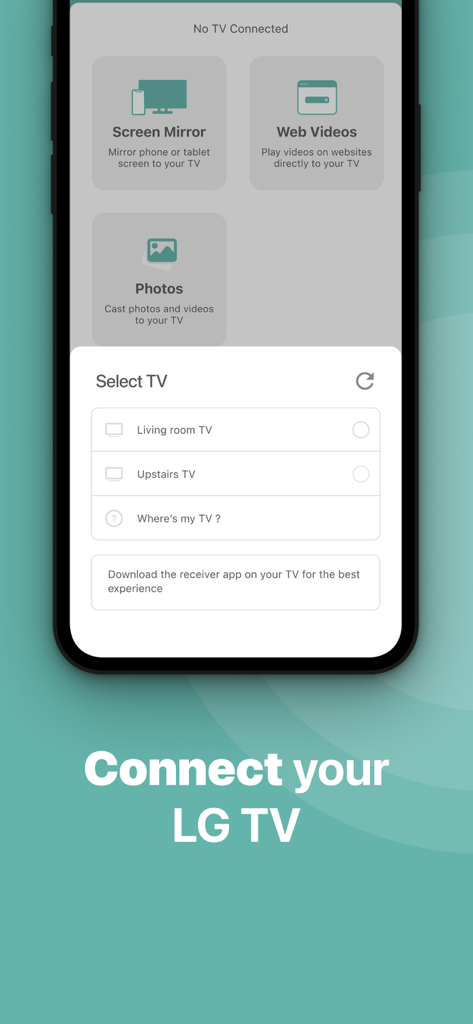
iPhoneアプリのインターフェースに、画面ミラーリングのために接続可能なLG TVのリストが表示されている。

iPhoneアプリのインターフェースに、画面ミラーリングのために接続可能なLG TVのリストが表示されている。

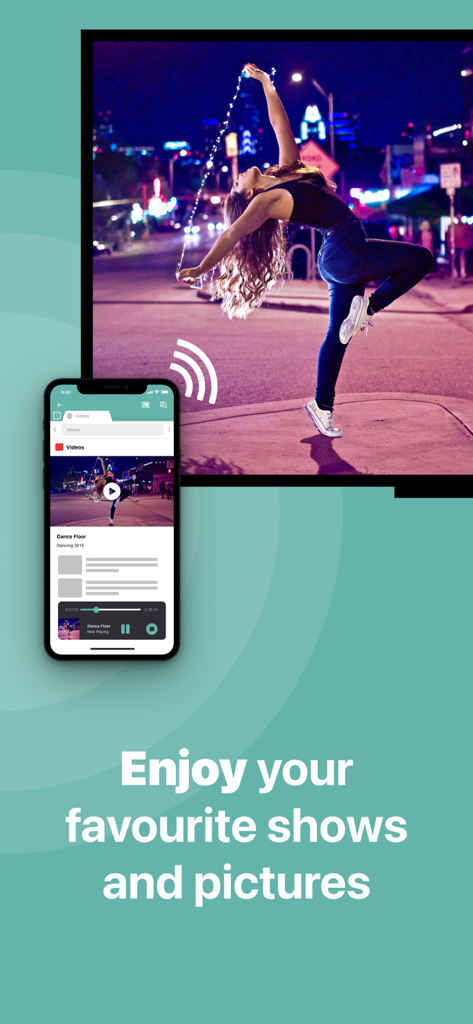
iPhoneが大画面のLGスマートTVに、踊っている女性の動画をミラーリングしている様子

iPhoneが大画面のLGスマートTVに、踊っている女性の動画をミラーリングしている様子

コンテンツを大画面で体験

このアプリを際立たせるツール、 1M+ 人のユーザーが選択.

📲

ワイヤレスの自由

高価なアダプターや煩雑なケーブルはもう必要ありません。既存のホームWi-Fiネットワーク経由で画面を瞬時にミラーリングし、よりクリーンでモダンなセットアップを実現します。

🖼️

思い出を共有

カメラロールからお気に入りの写真やホームビデオを直接大画面にキャストして、家族全員で楽しむことで、大切な瞬間を追体験しましょう。

💼

仕事とウェルネスをスケールアップ

より没入感のある生産的な体験のために、プロフェッショナルなプレゼンテーションのホスティングや、フィットネスアプリの追従に最適です。

世界中のユーザーに愛されています

Trusted by 1M+ 人がこのアプリを愛用しています.

"

"リビングルームにある古いLG TVはAirPlayに対応しておらず、写真共有のためだけに高価なApple TVボックスを買うのは避けたいと思っていました。このアプリは救世主です!すぐにTVを見つけ、今ではケーブルなしで家族旅行の動画や写真を大画面で見ることができます。とてもシンプルで、説明通りに動作します。"

サラ・ミラー
"

"毎朝のワークアウトルーチンに最適です。フィットネスアプリをiPhoneからTVにミラーリングすることで、動きながらインストラクターをはっきりと見ることができます。セットアップは驚くほど速く、わずかな遅延はありますが、動画やプレゼンテーションには最適です。オーディオと1080pのためにProバージョンにアップグレードしたのは、それだけの価値がありました!"

デイビッド・チェン

アプリについて

について知っておくべきこと LG TV Screen Mirroring Cast.

説明

Application to mirror the screen of your iPhone or iPad to any LG Smart TV. No wires and no additional hardware needed! You can mirror any app on your iPhone or iPad to your LG TV. This works on any LG Smart TV from the 2012 models onward. In using the app, there will be a couple of seconds of latency (usually between 1 and 3). So this mirroring is not suitable for gaming. However, it is very suitable for watching movies, giving presentations, watching photos, and much more! How the app works: 1. Make sure that your iPhone or iPad is connected to the same local network as your LG TV. Don't use multiple VLANs, a VPN or subnets. 2. Launch the Mirror for LG TV app. It will start looking for your LG TV(s) on your local network. When a TV is found, please select it. When you use this app for the first time, depending on your model LG TV, the TV might ask you to "allow" the connection. In that case, take your TV Remote Control and press OK to allow the connection from your TV to your iPhone or iPad. 3. Turn on notifications for this app. We will not spam you, but we will use this to let you know if your TV is working correctly or not. So please, please allow it, otherwise when things don't work as they should, you are left in the dark. 4. Click on Start Mirroring to start mirroring on the TV that is currently selected. After that, you can just go to any other app on your iPhone or iPad and the mirroring just continues to run. 5. To stop mirroring, there are two options. (1) click on the red top bar that you will see on your iPhone or iPad. (2) Go to the Mirror for LG TV app and click on Stop Mirroring. Limitations and known issues: DRM Some apps block Screen Mirroring. This means that application developers can choose themselves if they want to block Screen Mirroring. For instance, Netflix, Disney and AppleTV+ have decided to block this. There is a simple test that you can do to see if the app that you want to mirror has blocked Screen Mirroring: Open that particular app and slide up Control Center on your iPhone/iPad. Then, click on Screen Recording and start recording the screen to your Camera Roll. Watch the app that you want to mirror and at some point stop the screen recording. Then go to your Photos app and watch the video that was recorded. If the recorded video shows the app you want to mirror, it works fine. If the video is empty, then the app you want to mirror does not allow Screen Mirroring. About Screen Recording and Privacy Even though there are notifications about Screen Recording, we don't record your screen into files and we don't send any content to a server. We only temporarily store data in memory, before it is streamed to TV. Upon streaming, the content is removed from memory. You can purchase the Mirror for LG TV Pro Version through an in app purchase. The Pro Version has the following features: 1. Adds audio to the screen mirroring 2. Provides for free lifetime updates of the app 3. Gives the option to choose higher screen resolutions, like 720p and 1080p * Payment will be charged to iTunes Account at confirmation of purchase. * Subscription automatically renews unless auto-renew is turned off at least 24-hours before the end of the current period. * Account will be charged for renewal within 24-hours prior to the end of the current period, and identify the cost of the renewal. * Subscriptions may be managed by the user and auto-renewal may be turned off by going to the user’s Account Settings after purchase. * Any unused portion of a free trial period, if offered, will be forfeited when the user purchases a subscription to that publication, where applicable. Feel free to check: Our Terms of Use: http://bit.ly/ABTV-TOU21 Our Privacy Policy: https://www.airbeam.tv/privacy-policy/ Support: If you have questions or would like to provide feedback, please send us an e-mail on support@airbeam.tv

最新バージョン

5.1.16

サイズ

148.9 MB

リリース日

Oct 17, 2017

大画面で見る準備はできましたか?

ケーブルや高価なアダプターはもう必要ありません。100万人以上のユーザーに加わり、本日、追加のハードウェアなしでiPhoneやiPadをLG TVにミラーリングしましょう。

ダウンロード: App Storeダウンロード: Google Play
FAQ

よくある質問

について知っておくべきこと LG TV Screen Mirroring Cast
LG TV Screen Mirroring Castアプリとは何ですか?

LG TV Screen Mirroring Castを使用すると、iPhoneまたはiPadの画面を、ワイヤーや追加のハードウェアなしで、あらゆるLG Smart TVにミラーリングできます。あらゆるアプリのミラーリングに対応しています。

Mirror for LG TVを使用してiPhoneをLG TVに接続するにはどうすればよいですか?

iPhone/iPadとLG TVを同じローカルネットワークに接続します。Mirror for LG TVアプリを起動し、テレビを選択して、リモコンでテレビに接続を許可します。

LG TV Screen Mirroring Castに対応しているLG Smart TVのモデルはどれですか?

LG TV Screen Mirroring Castアプリは、2012年以降のすべてのLG Smart TVモデルに対応しています。この世代のLG TVであれば、どれでも動作します。

LG TV Screen Mirroring Castは、NetflixやDisney+のコンテンツをミラーリングできますか?

いいえ、LG TV Screen Mirroring Castは、Netflix、Disney+、AppleTV+などのアプリからコンテンツをミラーリングすることはできません。これらのアプリケーションは、DRM制限のため画面ミラーリングをブロックします。

Mirror for LG TVアプリはゲームに適していますか?

いいえ、Mirror for LG TVアプリはゲームには適していません。通常1~3秒程度の遅延があり、リアルタイムのインタラクションに影響します。

LG TV Screen Mirroring Castアプリでミラーリングできるコンテンツの種類は何ですか?

LG TV Screen Mirroring Castアプリは、iPhoneまたはiPadからLG TVに、映画、プレゼンテーション、写真、スポーツ、イベント、ニュース、教育ビデオなどをミラーリングします。

LG TV Screen Mirroring Castはユーザーの画面を録画しますか?

いいえ、LG TV Screen Mirroring Castは画面をファイルに録画したり、コンテンツをサーバーに送信したりしません。ストリーミングのために一時的にメモリにデータを保存し、その後削除します。

Mirror for LG TV Proバージョンにはどのような機能がありますか?

Proバージョンでは、ミラーリングに音声が追加され、無料の生涯アップデートが提供され、720pや1080pなどのより高い画面解像度で視聴体験が向上します。

LG TV Screen Mirroring Castで画面ミラーリングを停止するにはどうすればよいですか?

iPhone/iPadの上の赤いバーをクリックするか、Mirror for LG TVアプリを開いて「ミラーリングを停止」を選択することで、画面ミラーリングを停止します。

LG TV Screen Mirroring Castにはワイヤーや追加のハードウェアが必要ですか?

いいえ、LG TV Screen Mirroring Castアプリは、ワイヤーや追加のハードウェアなしで機能します。デバイス間の既存のローカルネットワーク接続を使用します。

Mirror for LG TVのProバージョンを入手するにはどうすればよいですか?

ユーザーは、アプリケーション内のアプリ内購入を通じてMirror for LG TVのProバージョンを入手します。これにより、高度な機能がアンロックされます。

LG TV Screen Mirroring Cast Proサブスクリプションを管理するにはどうすればよいですか?

Proサブスクリプションと自動更新設定は、購入後にiTunesのアカウント設定にアクセスして管理します。サブスクリプションは自動的に更新されます。