Sony TV Screen Mirroring Cast

Sony TV Screen Mirroring Cast

ダウンロード: App Storeダウンロード: Google Play
Spark by MWM logo
ロゴ: Sony TV Screen Mirroring Cast

Sony TV Screen Mirroring Cast:iPhoneまたはiPadを即座に大画面にミラーリング

散らかったケーブルや高価なハードウェアにさよならを。数回のタップで、お気に入りの写真、動画、ウェブコンテンツをiOSデバイスからあらゆるSony Smart TVにワイヤレスでストリーミングします。

開発元

AirBeamTV BV

カテゴリ

Photo & Video

ダウンロード

479K+

ユーザー評価

3.8/5

評価数

6K+

対応言語

17

大画面を体験

このインターフェースを利用する 479K+ 人のユーザー.

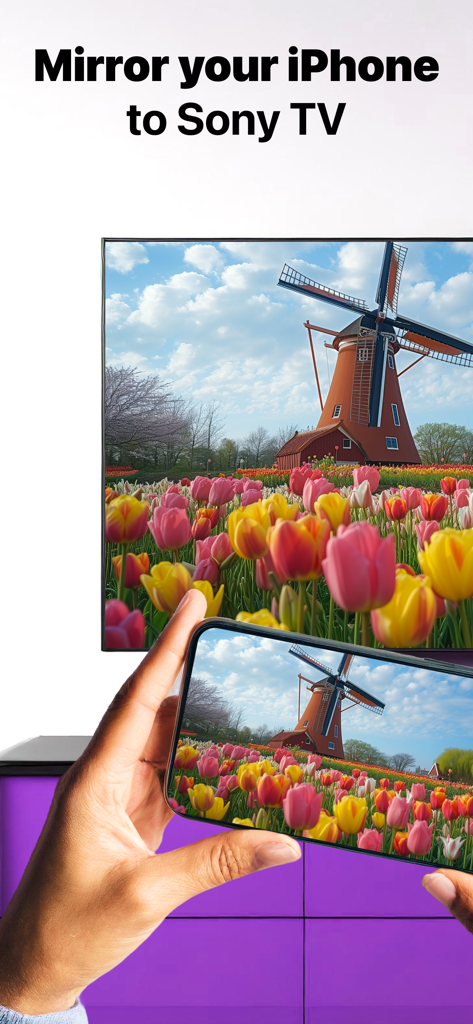
風車とカラフルなチューリップの写真がSony Smart TVにミラーリングされているiPhoneの画面

風車とカラフルなチューリップの写真がSony Smart TVにミラーリングされているiPhoneの画面

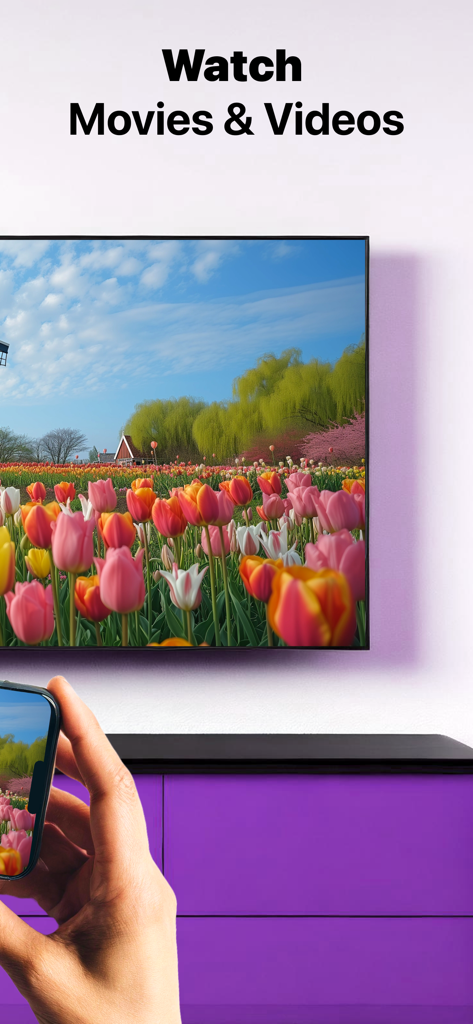
iPhoneを使用して、チューリップ畑の動画をSony Smart TVにワイヤレスでミラーリングしている様子

iPhoneを使用して、チューリップ畑の動画をSony Smart TVにワイヤレスでミラーリングしている様子

アプリがすべてのSony TVに対応しているというテキストとともに、Sony TVを見ている人

アプリがすべてのSony TVに対応しているというテキストとともに、Sony TVを見ている人

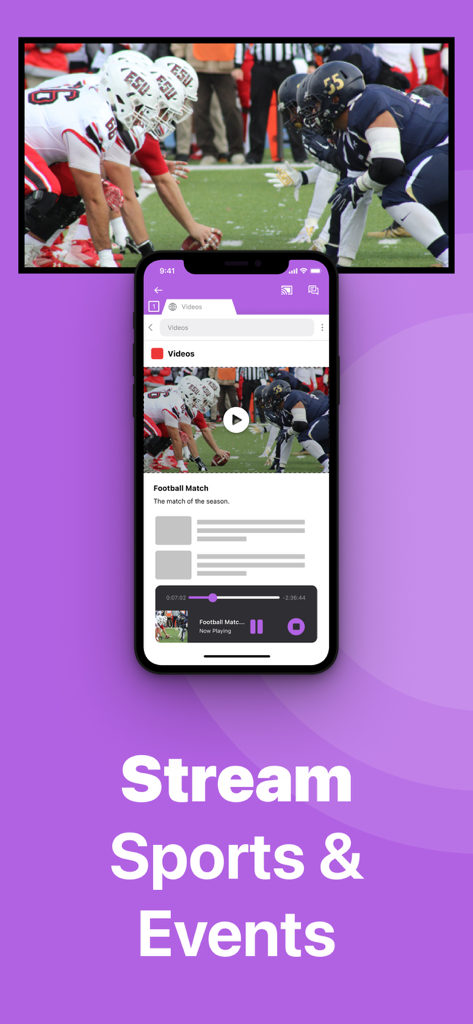
大型Sony TV画面にアメリカンフットボールのライブゲームをミラーリングしているiPhone

大型Sony TV画面にアメリカンフットボールのライブゲームをミラーリングしているiPhone

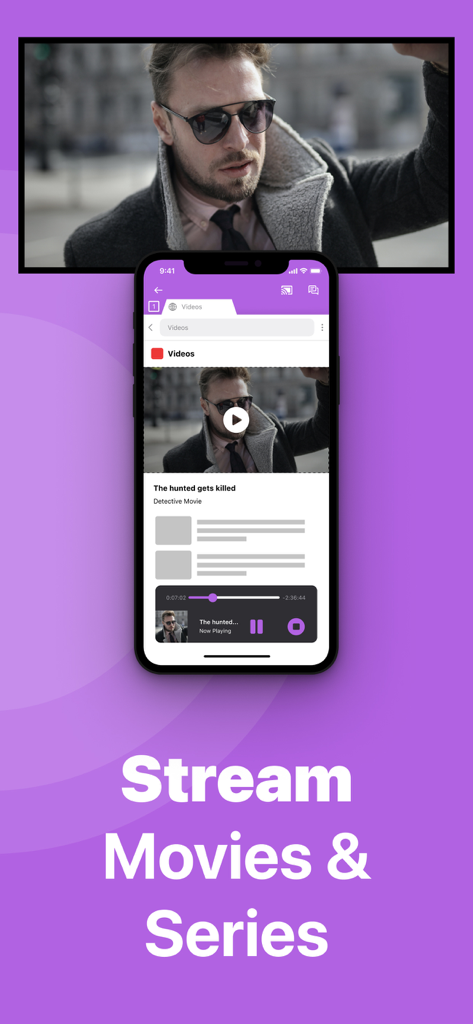
Stream Movies and Seriesというテキストとともに、Sony TVに映画をミラーリングしているiPhone画面

Stream Movies and Seriesというテキストとともに、Sony TVに映画をミラーリングしているiPhone画面

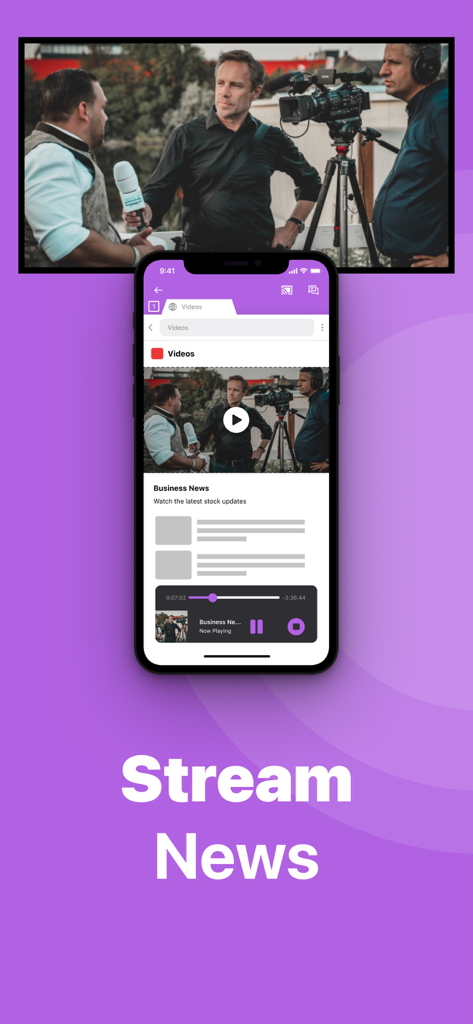
大型Sony Smart TV画面にビジネスニュース動画をワイヤレスでミラーリングしているiPhone

大型Sony Smart TV画面にビジネスニュース動画をワイヤレスでミラーリングしているiPhone

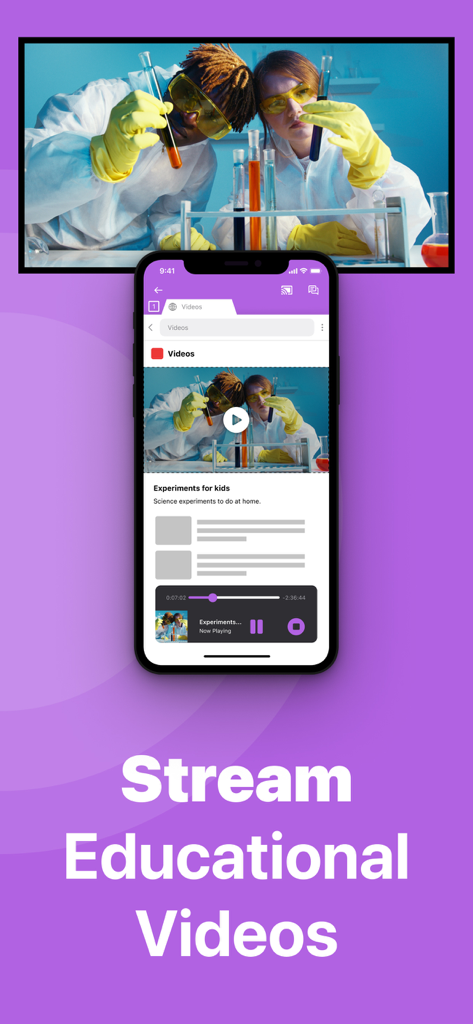
大型Sony Smart TV画面に教育的な科学動画をミラーリングしているiPhone

大型Sony Smart TV画面に教育的な科学動画をミラーリングしているiPhone

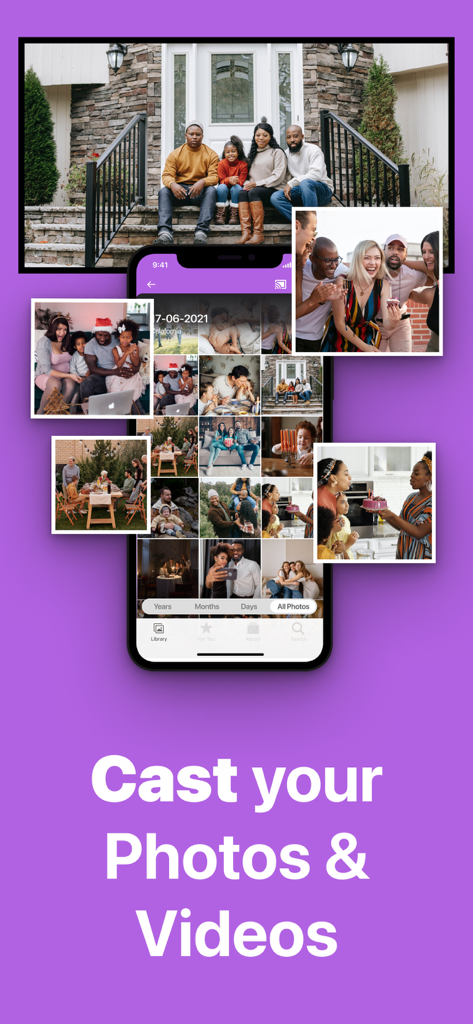
iPhone画面がSony TVに家族の写真や動画をワイヤレスでミラーリングしている様子

iPhone画面がSony TVに家族の写真や動画をワイヤレスでミラーリングしている様子

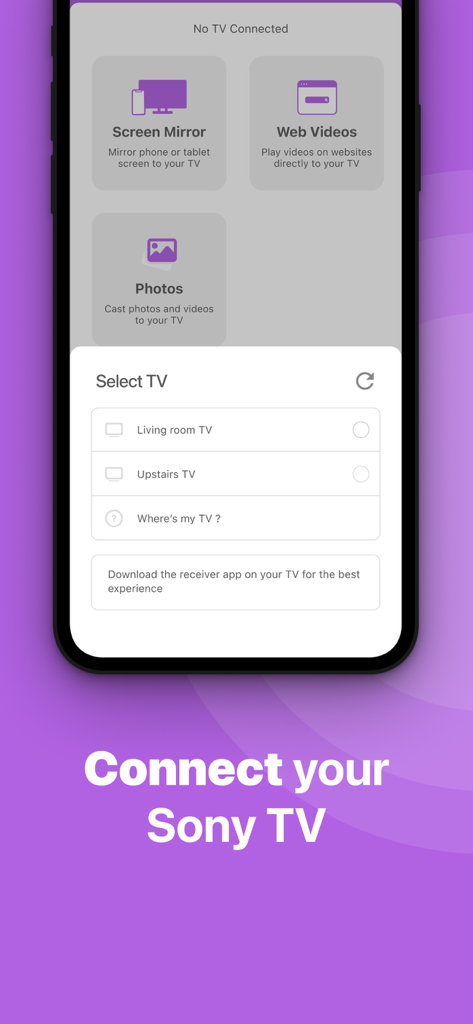
接続可能なスマートTVのリストが表示されているSony TV Screen Mirroringアプリのスマートフォンインターフェース

接続可能なスマートTVのリストが表示されているSony TV Screen Mirroringアプリのスマートフォンインターフェース

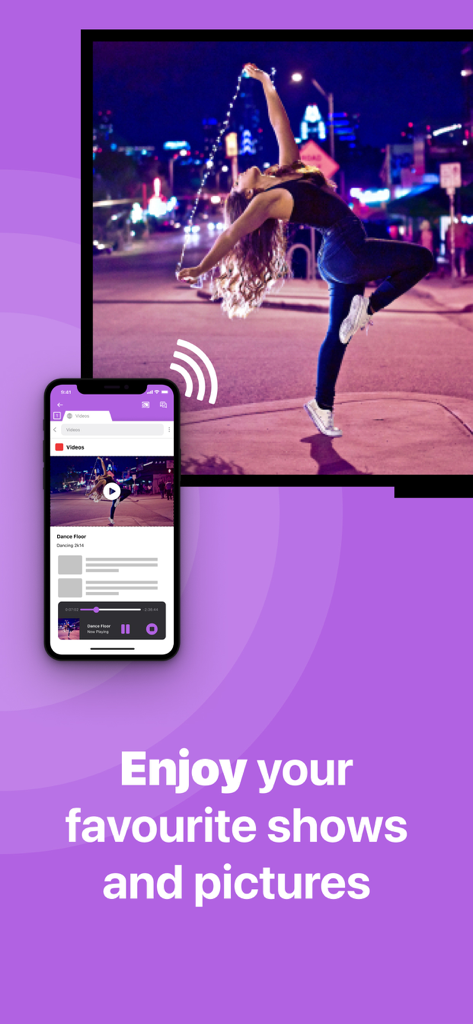
Sony TV Screen Mirroringアプリを使用して、大型テレビ画面にダンス動画をワイヤレスでキャストしているスマートフォン

Sony TV Screen Mirroringアプリを使用して、大型テレビ画面にダンス動画をワイヤレスでキャストしているスマートフォン

シームレスな接続に必要なすべて

このアプリを際立たせるツール、 479K+ 人のユーザーが選択.

🔌

100% ワイヤレスの自由

高価なアダプターや散らかったHDMIケーブルはもう必要ありません。既存のホームWi-Fiネットワークのみを使用して、iPhoneまたはiPadの画面を即座にミラーリングします。

🎬

あらゆるウェブ動画をキャスト

ネイティブアプリがSony TVにない場合でも、ライブニュース、ニッチなスポーツ、ウェブベースの動画を大画面でお楽しみください。

🖼️

家族の思い出を共有

Sony TVを巨大なデジタルフォトフレームに変えましょう。休暇の写真やホームビデオを大画面で高解像度で再生し、みんなで楽しみましょう。

世界中のユーザーに愛されています

Trusted by 479K+ 人がこのアプリを愛用しています.

"

"常に子供たちのサッカーの試合や学校の劇を撮影している親として、このアプリは救世主でした。2017年のSony BraviaにはAirPlayが搭載されておらず、追加のハードウェアを購入したくありませんでした。このアプリを使えば、最新の動画を数秒で大画面に表示できます。携帯電話を部屋で回し見するよりもずっと良いです!"

David Miller
"

"このアプリがどれほど簡単に動作するようになったかに驚いています。フィットネスルーチンやウェブベースの料理教室にはiPadを使っていますが、ワークアウトには画面が小さすぎます。このアプリを使えば、散らかったHDMIアダプターなしで、すべてをSony TVにワイヤレスでミラーリングできます。iOSとSonyの間のギャップを埋めたい人にとって、完璧で費用対効果の高いソリューションです。"

Sarah Jenkins

アプリについて

について知っておくべきこと Sony TV Screen Mirroring Cast.

説明

Enjoy anything on the big screen without any hassle. Just wirelessly connect your phone or tablet to your Sony TV. Finally, you can get rid of those annoying and unsafe cables. You don't need expensive hardware either. In less than 5 minutes you can make your life easier and more comfortable. Get this app and screen mirror, cast or stream anything to your TV from your iOS device. This works on any Sony Smart TV from the 2012 models onward. In using the app, there will be a couple of seconds of latency (usually between 1 and 3). So this mirroring is not suitable for gaming. Enjoy series, movies, sport, live streams, breaking news or web videos. In big size of course! How the app works: 1. Make sure that your iPhone or iPad is connected to the same local network as your Sony TV. Don't use multiple VLANs, a VPN or subnets. 2. Launch the Mirror for Sony TV app. It will start looking for your Sony TV(s) on your local network. When a TV is found, please select it. When you use this app for the first time, depending on your model Sony TV, the TV might ask you to "allow" the connection. In that case, take your TV Remote Control and press OK to allow the connection from your TV to your iPhone or iPad. 3. Turn on notifications for this app. We will not spam you, but we will use this to let you know if your TV is working correctly or not. So please, please allow it, otherwise when things don't work as they should, you are left in the dark. 4. Click on Start Mirroring to start mirroring on the TV that is currently selected. After that, you can just go to any other app on your iPhone or iPad and the mirroring just continues to run. 5. To stop mirroring, there are two options. (1) click on the red top bar that you will see on your iPhone or iPad. (2) Go to the Mirror for Sony TV app and click on Stop Mirroring. Limitations and known issues: DRM Some apps block Screen Mirroring. This means that application developers can choose themselves if they want to block Screen Mirroring. For instance, Netflix, Disney and AppleTV+ have decided to block this. There is a simple test that you can do to see if the app that you want to mirror has blocked Screen Mirroring: Open that particular app and slide up Control Center on your iPhone/iPad. Then, click on Screen Recording and start recording the screen to your Camera Roll. Watch the app that you want to mirror and at some point stop the screen recording. Then go to your Photos app and watch the video that was recorded. If the recorded video shows the app you want to mirror, it works fine. If the video is empty, then the app you want to mirror does not allow Screen Mirroring. You can purchase the Mirror for Sony TV Pro Version through an in app purchase. The Pro Version has the following features: 1. Adds audio to the screen mirroring 2. Provides for free lifetime updates of the app 3. Gives the option to choose higher screen resolutions. * Payment will be charged to iTunes Account at confirmation of purchase. * Subscription automatically renews unless auto-renew is turned off at least 24-hours before the end of the current period. * Account will be charged for renewal within 24-hours prior to the end of the current period, and identify the cost of the renewal. * Subscriptions may be managed by the user and auto-renewal may be turned off by going to the user’s Account Settings after purchase. * Any unused portion of a free trial period, if offered, will be forfeited when the user purchases a subscription to that publication, where applicable. Feel free to check: Our Terms of Use: http://bit.ly/ABTV-TOU21 Our Privacy Policy: https://www.airbeam.tv/privacy-policy/ Support: If you have questions or would like to provide feedback, please send us an e-mail or chat with us on our Facebook page. When you like the app, please don't forget to give it a positive rating! Thanks in advance from the AirBeamTV development team! Please give us feedback by mailing to support@airbeam.tv

最新バージョン

5.1.9

サイズ

157.0 MB

リリース日

Nov 3, 2017

iPhoneをSony TVで体験—ケーブル不要

すでに479,000人以上のユーザーが、手間のかからないワイヤレスミラーリングを楽しんでいます。今すぐダウンロードして、5分以内にホームシアターをアップグレードしましょう。

ダウンロード: App Storeダウンロード: Google Play