Screen Mirroring Samsung TV

Screen Mirroring Samsung TV

ダウンロード: App Storeダウンロード: Google Play
Spark by MWM logo
ロゴ: Screen Mirroring Samsung TV

サムスンテレビへの画面ミラーリング:iPhoneとiPadをキャストする最も簡単なワイヤレス方法

ケーブル、ドングル、追加のハードウェアは不要です。簡単なタップで、Appleデバイスからサムスン製スマートテレビにお使いの写真、動画、アプリを即座に共有できます。

開発元

AirBeamTV BV

カテゴリ

Photo & Video

ダウンロード

2M+

ユーザー評価

4.1/5

評価数

27K+

対応言語

17

全体像

このインターフェースを利用する 2M+ 人のユーザー.

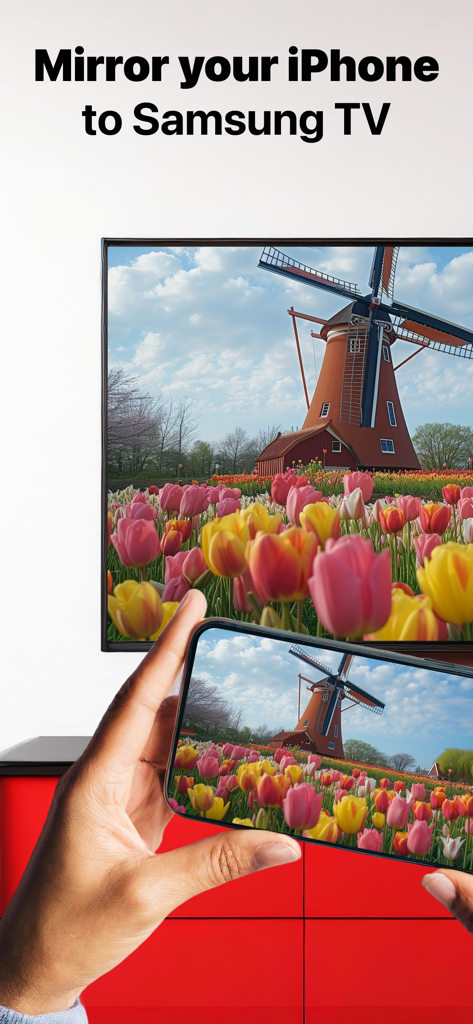
風車とチューリップの写真が写ったiPhone画面を、大型サムスン製スマートテレビにミラーリングしている様子

風車とチューリップの写真が写ったiPhone画面を、大型サムスン製スマートテレビにミラーリングしている様子

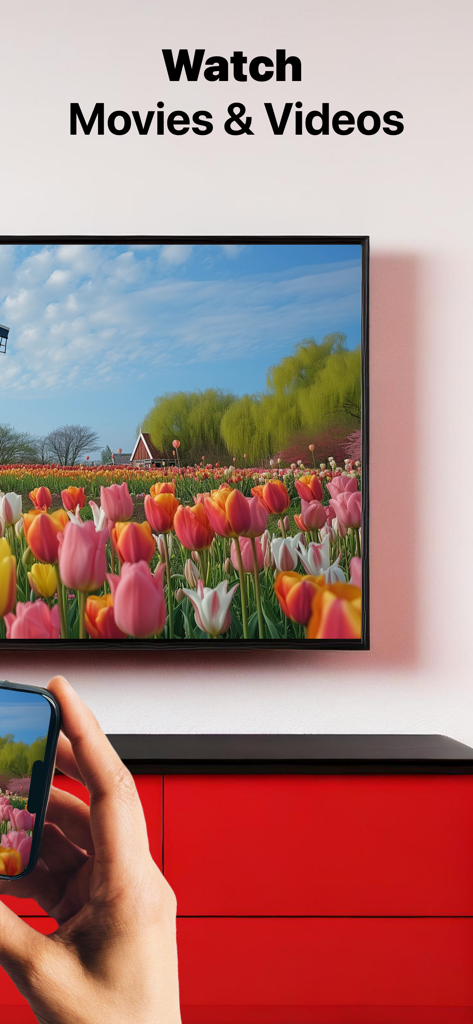
iPhoneからサムスン製スマートテレビへ映画や動画をミラーリングしている様子

iPhoneからサムスン製スマートテレビへ映画や動画をミラーリングしている様子

ソファに座った人が、大型サムスン製テレビで風景動画を見ている様子

ソファに座った人が、大型サムスン製テレビで風景動画を見ている様子

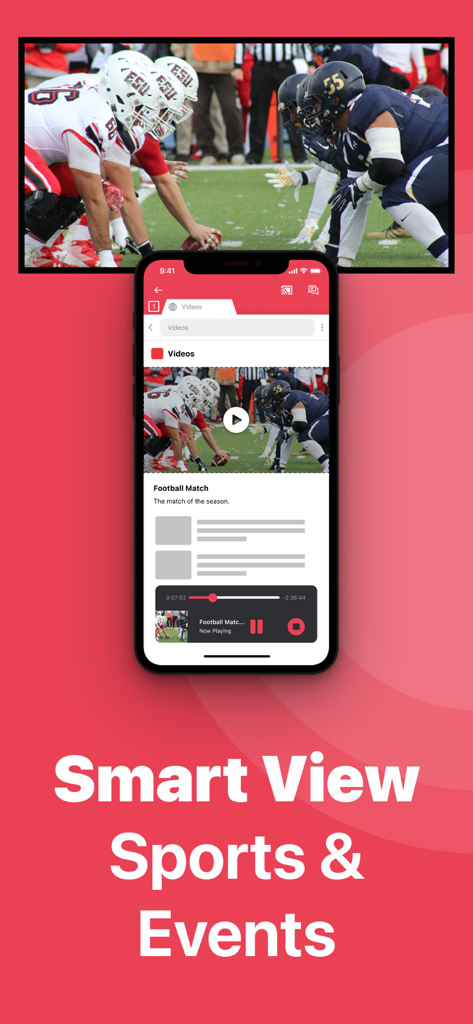
iPhoneからサムスン製スマートテレビへアメリカンフットボールの試合をミラーリングしている様子

iPhoneからサムスン製スマートテレビへアメリカンフットボールの試合をミラーリングしている様子

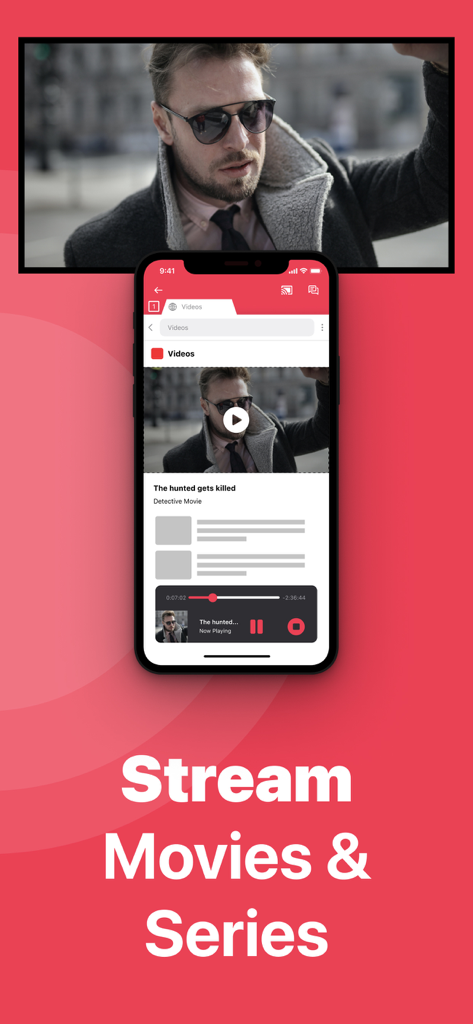
iPhoneからサムスン製スマートテレビ画面へ映画をミラーリングしている様子

iPhoneからサムスン製スマートテレビ画面へ映画をミラーリングしている様子

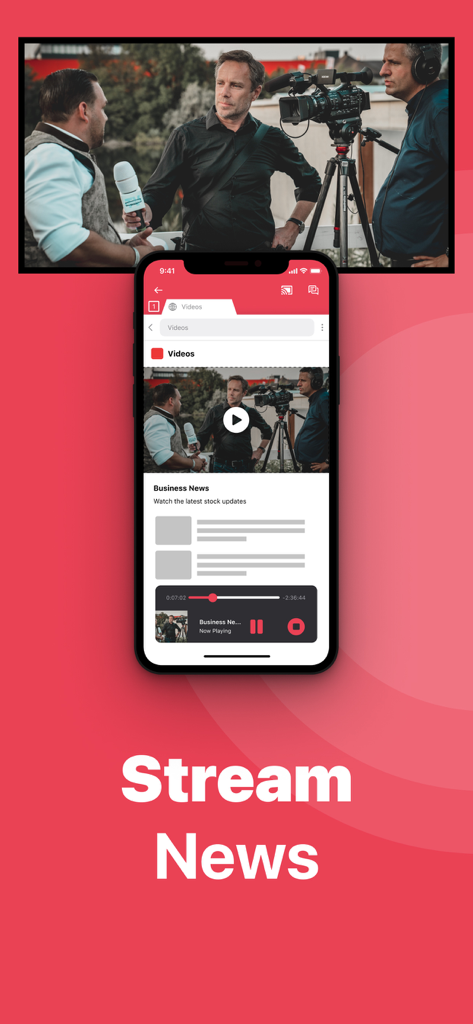
iPhoneから大型サムスン製スマートテレビへビジネスニュースをワイヤレスでミラーリングしている様子

iPhoneから大型サムスン製スマートテレビへビジネスニュースをワイヤレスでミラーリングしている様子

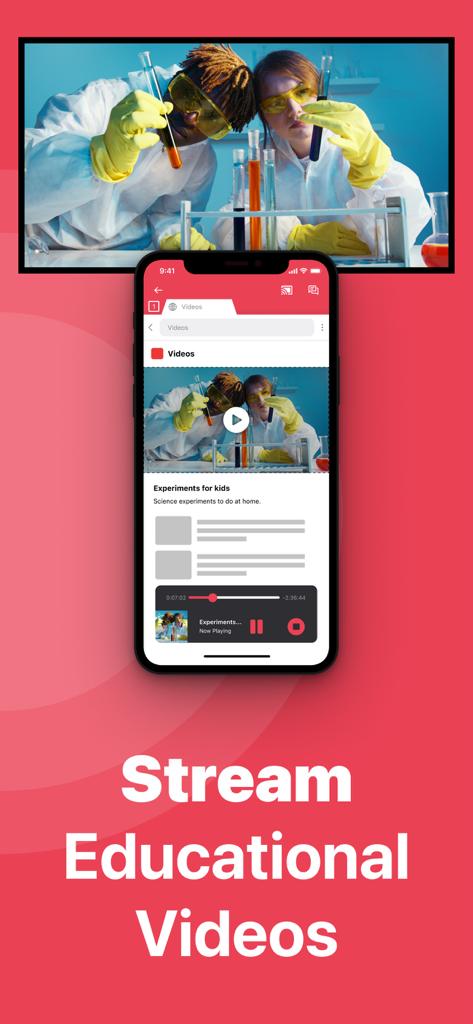
iPhoneから大型サムスン製スマートテレビへ科学実験動画をミラーリングしている様子

iPhoneから大型サムスン製スマートテレビへ科学実験動画をミラーリングしている様子

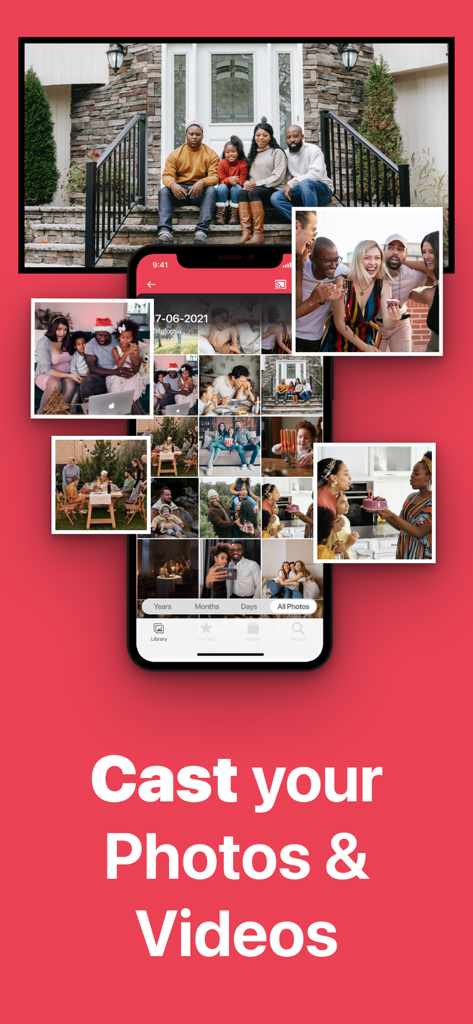
iPhoneから大型サムスン製スマートテレビ画面へ家族写真のギャラリーをミラーリングしている様子

iPhoneから大型サムスン製スマートテレビ画面へ家族写真のギャラリーをミラーリングしている様子

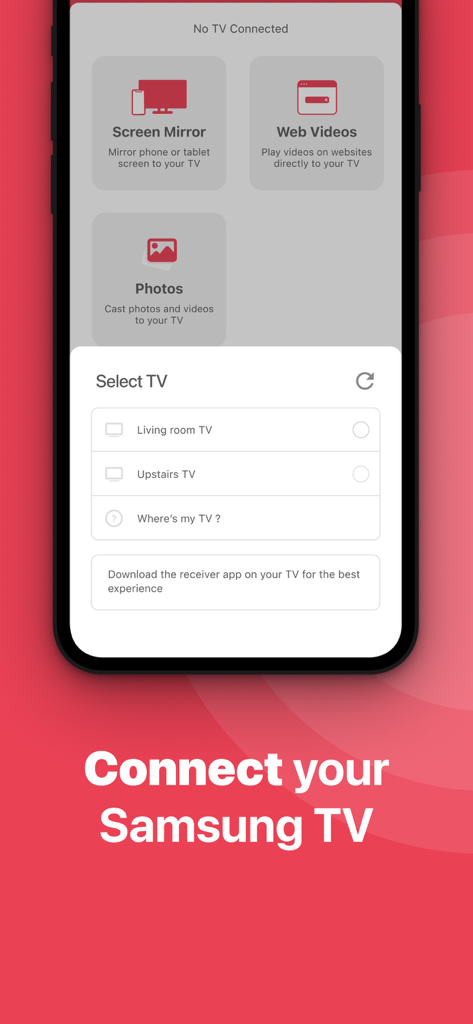
iPhoneを近くのスマートテレビに接続するための選択メニューが表示されているScreen Mirroring Samsung TVアプリのユーザーインターフェース

iPhoneを近くのスマートテレビに接続するための選択メニューが表示されているScreen Mirroring Samsung TVアプリのユーザーインターフェース

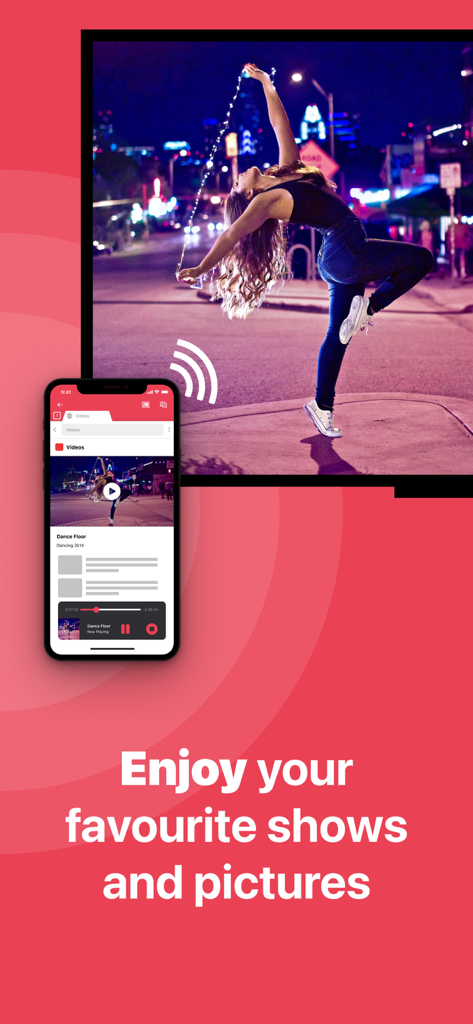
女の子が踊っている動画を大型サムスン製スマートテレビ画面にワイヤレスでキャストしているiPhone。

女の子が踊っている動画を大型サムスン製スマートテレビ画面にワイヤレスでキャストしているiPhone。

大画面体験をパワーアップ

このアプリを際立たせるツール、 2M+ 人のユーザーが選択.

ハードウェア不要

130ドルのApple TVボックスや高価なアダプターは忘れてください。既存のWi-Fiネットワークのみを使用して、画面全体をミラーリングします。

📸

クリアな共有

高解像度の写真を見せたり、フィットネスアプリをストリーミングしたり、プレゼンテーションを行ったりできます。家族の集まりやホームオフィスのセットアップに最適です。

🔄

旧型テレビ対応

古いサムスン製テレビに新たな命を吹き込みます。このアプリは2012年モデルまで対応しており、どの画面も取り残されません。

💯

使いやすさ

複雑な設定や技術知識は必要ありません。数回タップするだけで、iPhoneまたはiPadからサムスン製スマートテレビへのキャストを開始できます。

🚀

低遅延ストリーミング

遅延の少ないストリーミングにより、ゲームや動画鑑賞がスムーズに行えます。大画面でエンターテイメントを最大限に楽しみましょう。

🔒

プライバシー保護

お使いのコンテンツは、デバイスとテレビの間で直接共有されます。外部サーバーは一切使用しません。安心してご利用ください。

高解像度出力

フルHDおよび4K解像度でのミラーリングに対応。細部まで鮮明な映像をお楽しみいただけます。

🔄

多目的利用

写真、動画、音楽、ゲーム、プレゼンテーションなど、あらゆるコンテンツを大画面で共有できます。

📱

幅広い互換性

iPhone、iPad、および2012年以降のほとんどのサムスン製スマートテレビモデルに対応しています。

💡

簡単なセットアップ

Wi-Fiに接続し、アプリを開いて、テレビを選択するだけです。数秒でミラーリングを開始できます。

世界中のユーザーに愛されています

Trusted by 2M+ 人がこのアプリを愛用しています.

"

"iPhoneからサムスンテレビに、追加のハードウェアなしでワークアウトクラスをキャストする方法を探していました。このアプリはまさにゲームチェンジャーです!接続がとても簡単で、ヨガセッションを大画面で見られるようになりました。オーディオのためにProバージョンを強くお勧めします!"

Sarah Jenkins
"

"私のサムスンテレビは少し古く、AirPlayが内蔵されていなかったので、諦めていました。このアプリがすべてを解決してくれました。家族の写真を見せたり、ホームオフィスの簡単なプレゼンテーションにも使っています。配線もごちゃごちゃせず、毎回機能する簡単な接続です。"

Robert Miller

アプリについて

について知っておくべきこと Screen Mirroring Samsung TV.

説明

#1 screen mirroring app to cast your iPhone or iPad to Samsung Smart TV. Application to mirror the screen of your iPhone or iPad to any Samsung Smart TV. No wires and no additional hardware needed! You can mirror anything from your iPhone or iPad to your Samsung TV. To mirror video as well as audio, please make sure that you start mirroring when you are in the app (Photos, YouTube, etc.) that you want to mirror to your TV. Enjoy everything on TV from your iPhone, iPad & Mac. This works on any Samsung Smart TV from the 2012 models onward. Which model year do you have? You can see that by looking at the middle letter in your model type (on the back of Samsung TV). E = 2012 F = 2013 H = 2014 J = 2015 K = 2016 M = 2017 N = 2018 R = 2019 T = 2020 A = 2021 B = 2022 C = 2023 Q = QLED (also supported) For instance: UE55_E_S8000 = 2012. UE78_H_U8500L = 2014. In using the app, there will be a couple of seconds of latency (usually between 1 and 3). So this mirroring & screen casting is not suitable for gaming. However, it is very suitable for watching movies, giving presentations, watching photos, and much more! How the app works: 1. Make sure that your iPhone or iPad is connected to the same local network as your Samsung TV. Don't use multiple VLANs or subnets. 2. Launch the Mirror for Samsung TV app. It will start looking for your Samsung TV(s) on your local network. When you use this app for the first time, depending on your model Samsung TV, the TV might ask you to "allow" the connection. In that case, take your TV Remote Control and press OK to allow the connection from your TV to your iPhone or iPad for airstream. 3. Turn on notifications for this app. We will not spam you, but we will use this to let you know if your TV is working correctly or not. So please, please allow it, otherwise when things don't work as they should, you are left in the dark. 4. Click on Start Mirroring to start mirroring on the TV that is currently selected. After that, you can just go to any other app on your iPhone or iPad and the mirroring just continues to run. 5. To stop mirroring, there are two options. (1) click on the red top bar that you will see on your iPhone or iPad. (2) Go to the Mirror for Samsung TV app and click on Stop Mirroring. Limitations and known issues: DRM Some apps block Screen Mirroring. This means that application developers can choose themselves if they want to block Screen Mirroring, airmirror. For instance, Netflix, Disney and AppleTV+ have decided to block this. You can purchase the Mirror for Samsung TV Pro Version through an in app purchase. The Pro Version has the following features: 1. Adds audio to the screen mirroring 2. Provides for free lifetime updates of the app 3. Gives the option to choose higher screen resolutions, like 720p and 1080p * Payment will be charged to iTunes Account at confirmation of purchase. * Subscription automatically renews unless auto-renew is turned off at least 24-hours before the end of the current period. * Account will be charged for renewal within 24-hours prior to the end of the current period, and identify the cost of the renewal. * Subscriptions may be managed by the user and auto-renewal may be turned off by going to the user’s Account Settings after purchase. * Any unused portion of a free trial period, if offered, will be forfeited when the user purchases a subscription to that publication, where applicable. Our Terms of Use: http://bit.ly/ABTV-TOU21 Our Privacy Policy: https://www.airbeam.tv/privacy-policy/ Support: If you have questions or would like to provide feedback, please send us an e-mail or chat with us on our Facebook page. What our users are saying: "Amazing" - 5 STARS - by Pmanswah At first I thought it was going to trash then saw the reviews and thought they were bots.I bought the app and used it and it worked perfectly perfect sound and audio this app is a match made in heaven for me. Please give us feedback by mailing to support@airbeam.tv

最新バージョン

5.2.14

サイズ

187.9 MB

リリース日

Oct 10, 2017

大画面体験の準備はできましたか?

ケーブルや高価なハードウェアを諦めた200万人以上のユーザーに加わりましょう。今すぐダウンロードして、数秒でiPhoneまたはiPadをサムスンテレビにミラーリングしましょう。

ダウンロード: App Storeダウンロード: Google Play
FAQ

よくある質問

について知っておくべきこと Screen Mirroring Samsung TV
「Screen Mirroring Samsung TV」とは何ですか?

Screen Mirroring Samsung TVは、iPhoneまたはiPadの画面をSamsung Smart TVにミラーリングし、追加のハードウェアなしでワイヤレス接続を提供するアプリケーションです。

Screen Mirroring Samsung TVアプリはどのデバイスをサポートしていますか?

Screen Mirroring Samsung TVアプリは、Samsung Smart TVへのミラーリングのためにiPhoneおよびiPadデバイスをサポートしています。2012年以降のSamsung Smart TVで動作します。

Screen Mirroring Samsung TVとの互換性をSamsung TVでどのように確認できますか?

テレビの背面にあるSamsung TVのモデルタイプの真ん中の文字を確認することで互換性を確認できます。例えば、「E」は2012年、「Q」はQLEDを示します。

Screen Mirroring Samsung TVをゲームに使用できますか?

いいえ、Screen Mirroring Samsung TVはゲームには適していません。アプリには1〜3秒の遅延があるため、インタラクティブなゲーム体験には適していません。

Screen Mirroring Samsung TVでミラーリングするのに適したコンテンツは何ですか?

Screen Mirroring Samsung TVは、映画鑑賞、プレゼンテーション、写真表示、スポーツ、イベント、ニュース、教育ビデオのストリーミングに適しています。

Screen Mirroring Samsung TVアプリでミラーリングを開始するにはどうすればよいですか?

まず、デバイスとテレビが同じローカルネットワーク上にあることを確認してください。アプリを起動し、促されたらテレビの接続を許可し、通知を有効にしてから「ミラーリング開始」をクリックします。

Screen Mirroring Samsung TVアプリでミラーリングを停止するにはどうすればよいですか?

ミラーリングを停止するには、iPhoneまたはiPadの赤いトップバーをクリックするか、Screen Mirroring Samsung TVアプリに戻って「ミラーリング停止」をクリックします。

Screen Mirroring Samsung TVはオーディオミラーリングをサポートしていますか?

はい、Screen Mirroring Samsung TVのProバージョンでは、画面ミラーリング機能にオーディオが追加されます。ソースアプリからミラーリングを開始した場合、基本バージョンはオーディオをミラーリングします。

NetflixやDisney+などのアプリでScreen Mirroring Samsung TVが機能しないのはなぜですか?

Netflix、Disney、AppleTV+などの一部のアプリケーションは、DRM制限により画面ミラーリングをブロックします。アプリケーション開発者がこの機能の許可またはブロックを決定します。

Screen Mirroring Samsung TV Proバージョンにはどのような機能が含まれていますか?

Screen Mirroring Samsung TVのProバージョンには、オーディオミラーリング、無料の生涯アップデート、および720pや1080pなどの高解像度画面オプションが含まれています。

Screen Mirroring Samsung TV Proバージョンはどのように購入できますか?

Screen Mirroring Samsung TV Proバージョンは、アプリ内購入を通じて購入できます。確認後、iTunesアカウントに料金が請求されます。

Screen Mirroring Samsung TV Proバージョンにはサブスクリプションがありますか?

はい、Proバージョンには自動更新されるサブスクリプションが含まれています。購入後、アカウント設定でサブスクリプションを管理し、自動更新をオフにすることができます。

Screen Mirroring Samsung TVのプライバシーポリシーはどこで見つけられますか?

Screen Mirroring Samsung TVのプライバシーポリシーは、次のURLで確認できます:https://www.airbeam.tv/privacy-policy/。

Screen Mirroring Samsung TVアプリのサポートはどこで受けられますか?

サポートについては、support@airbeam.tvにメールを送信するか、Facebookページでチャットできます。

「Screen Mirroring Samsung TV」には追加のハードウェアが必要ですか?

いいえ、Screen Mirroring Samsung TVには、ワイヤーや追加のハードウェアは必要ありません。iPhoneまたはiPadからSamsung Smart TVへのワイヤレスミラーリングソリューションを提供します。