Roku Remote Control・Cast to TV

Roku Remote Control・Cast to TV

ダウンロード: App Storeダウンロード: Google Play
Spark by MWM logo
ロゴ: Roku Remote Control・Cast to TV

Rokuリモコン・テレビへのキャスト: オールインワンリモコン&画面ミラーリングソリューション

なくしたリモコンを探すのはもうやめましょう。iPhoneの画面を瞬時にミラーリングし、1080p動画をキャストし、モバイルライフスタイルに合わせて設計された、高速で直感的なインターフェースでRoku TVをコントロールしましょう。

開発元

AirBeamTV BV

カテゴリ

Photo & Video

ダウンロード

499K+

ユーザー評価

3.8/5

評価数

6K+

対応言語

17

完全なコントロールの片鱗

このインターフェースを利用する 499K+ 人のユーザー.

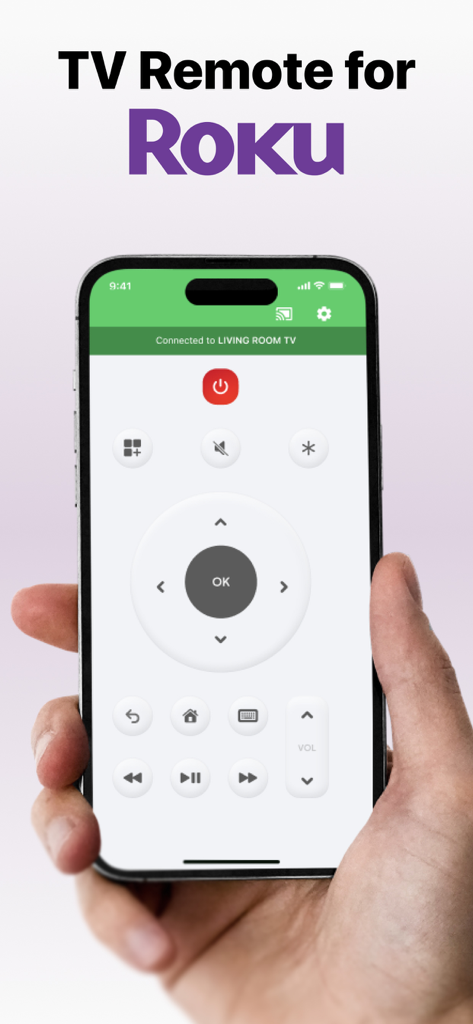
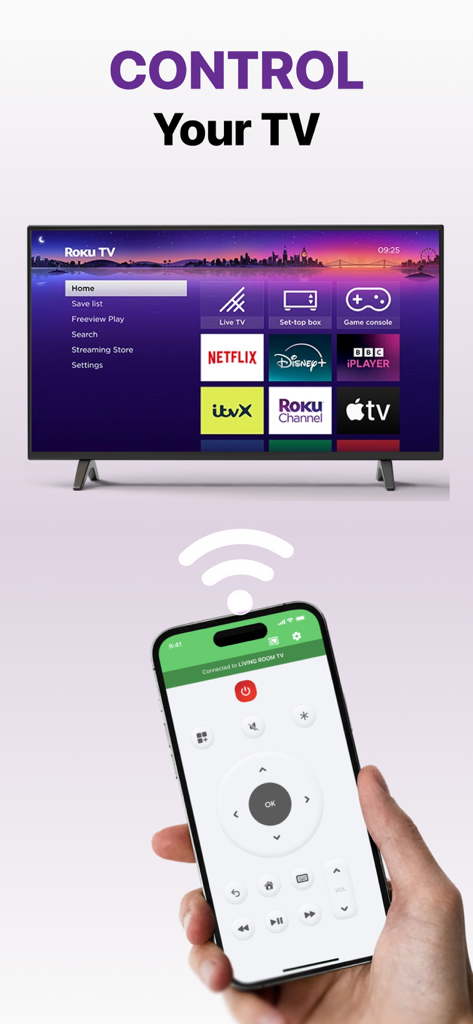
テレビのリモコン、ナビゲーション、再生コントロールが表示されたスマートフォンの画面を持つ手

テレビのリモコン、ナビゲーション、再生コントロールが表示されたスマートフォンの画面を持つ手

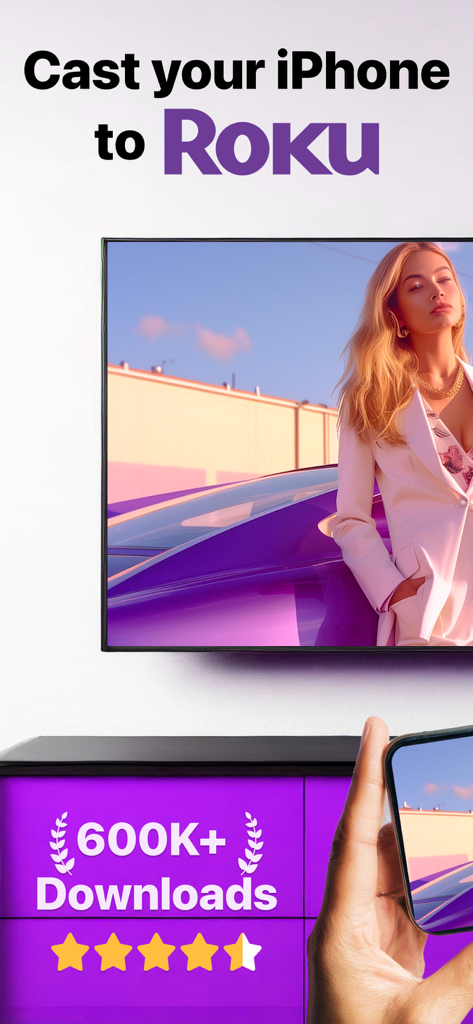
Rokuリモコンアプリを使用してRoku TVにミラーリングされているiPhone画面

Rokuリモコンアプリを使用してRoku TVにミラーリングされているiPhone画面

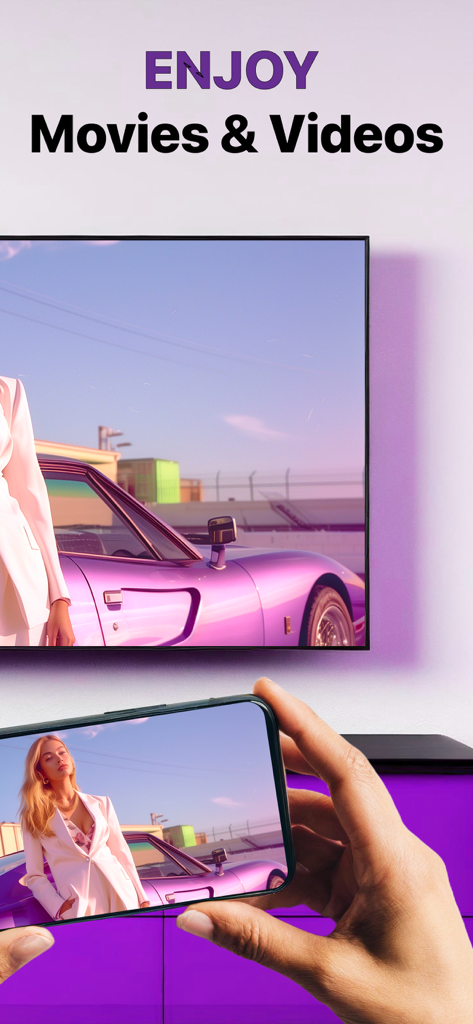
iPhoneがRoku TV画面に映画をミラーリングしている様子

iPhoneがRoku TV画面に映画をミラーリングしている様子

Roku TVのリモコンとしてiPhoneを使用している人物、画面には様々なストリーミングアプリが表示されている

Roku TVのリモコンとしてiPhoneを使用している人物、画面には様々なストリーミングアプリが表示されている

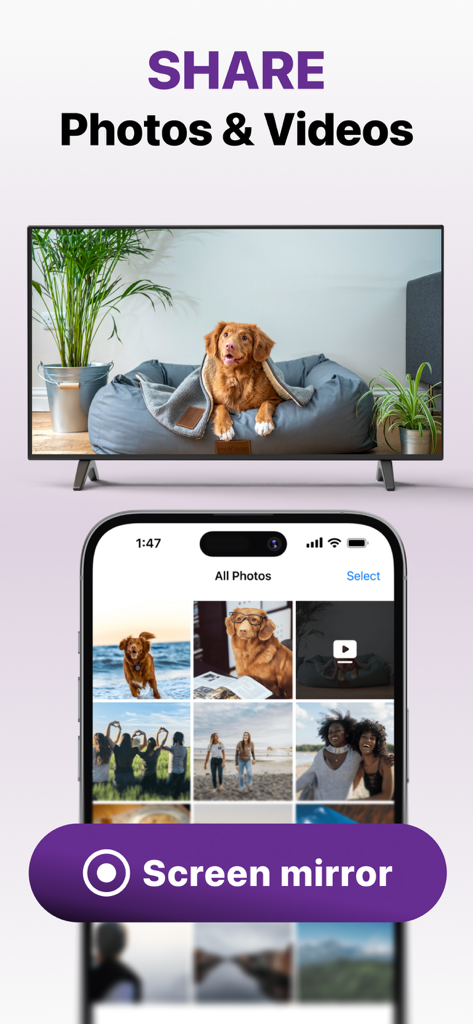
Rokuリモコン画面ミラーリング機能を使用してiPhoneからTVに写真や動画を共有している様子

Rokuリモコン画面ミラーリング機能を使用してiPhoneからTVに写真や動画を共有している様子

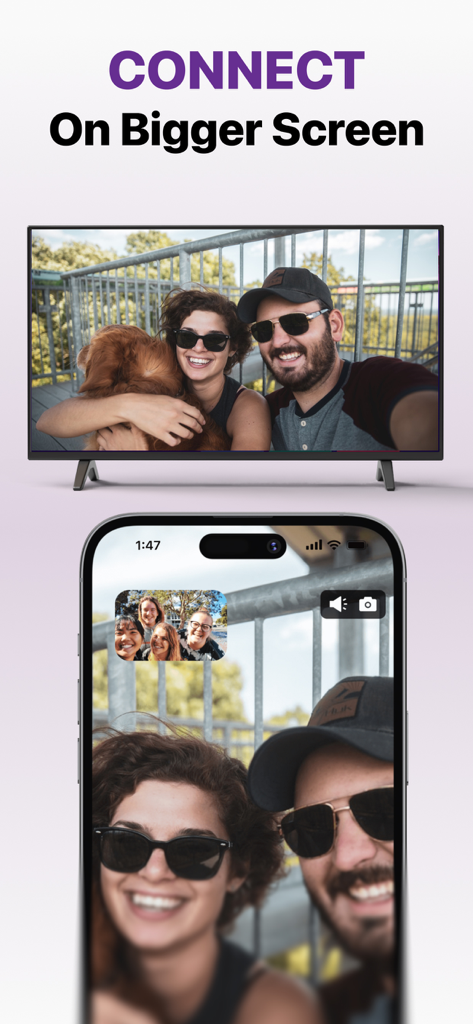
iPhoneがカップルとその犬の写真の大画面TVにミラーリングされている様子

iPhoneがカップルとその犬の写真の大画面TVにミラーリングされている様子

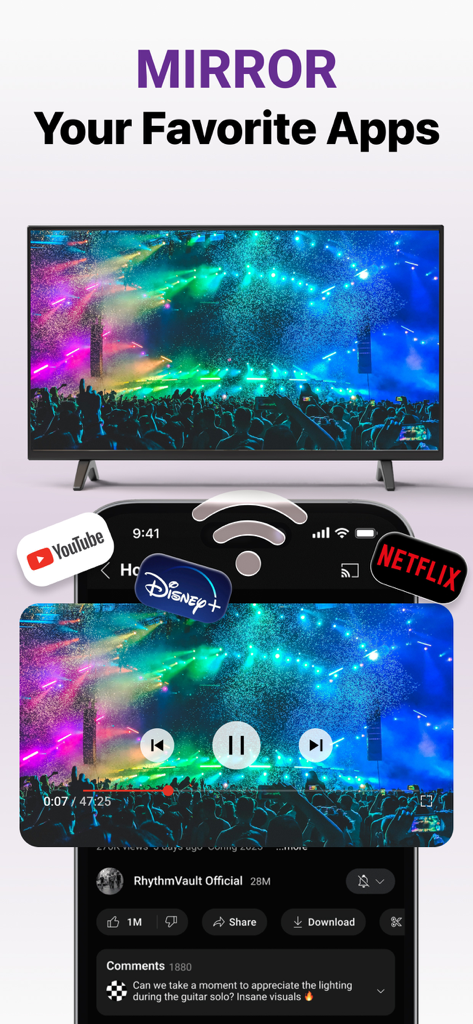
iPhoneがRoku TV画面にYouTubeやNetflixなどのストリーミングアプリをミラーリングしている様子

iPhoneがRoku TV画面にYouTubeやNetflixなどのストリーミングアプリをミラーリングしている様子

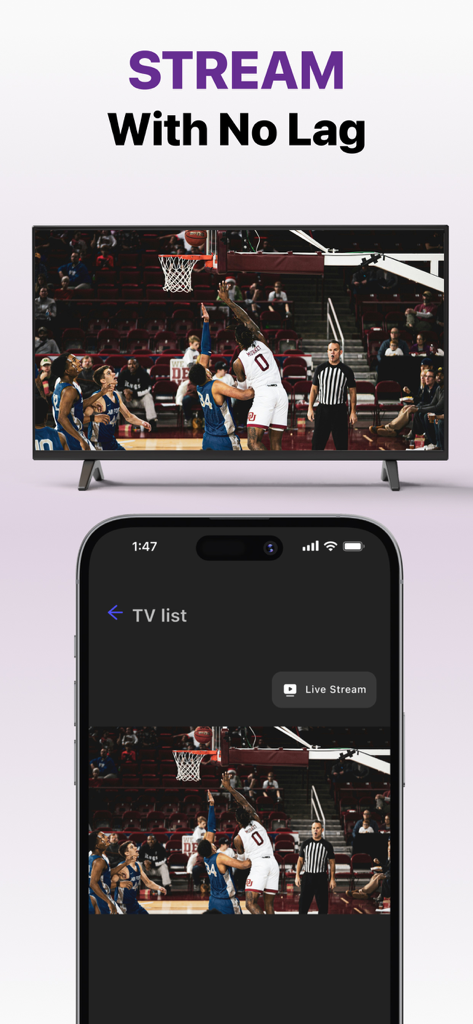
iPhone画面がRoku TV画面にバスケットボールのライブゲームをミラーリングしている様子

iPhone画面がRoku TV画面にバスケットボールのライブゲームをミラーリングしている様子

Rokuのためのオールインワンコマンドセンター

このアプリを際立たせるツール、 499K+ 人のユーザーが選択.

📱

あなたが使う最もスマートなリモコン

またリモコンをなくしましたか?電話を使ってチャンネルをナビゲートし、音量を調整し、iPhoneキーボードを使って、超高速で映画を検索しましょう。

📺

インスタント画面ミラーリング

あらゆるアプリ、ウェブサイト、モバイルゲームを大画面に表示しましょう。仕事でも遊びでも、低遅延で高品質なビジュアルでモバイル体験を共有しましょう。

📸

思い出を高画質でキャスト

視聴体験をアップグレードしましょう。カメラロールから直接、個人写真やホームビデオをテレビにキャストして、友人や家族と共有しましょう。

世界中のユーザーに愛されています

Trusted by 499K+ 人がこのアプリを愛用しています.

"

"子供たちがいつも隠してしまうので、実際のリモコンが見つからなくなることがよくあります。このアプリは、私たちの映画の夜を文字通り救ってくれました!セットアップは非常に簡単で、iPhoneキーボードを使って番組を検索できるのは、古い物理的なリモコンと比べてまったくのゲームチェンジャーです。"

Sarah M.、郊外のお母さん
"

"余分なハードウェアを購入せずに、フィットネスアプリや休暇の写真をRokuにミラーリングしたかったのです。このアプリは私のiPhoneにとって完璧なブリッジです。1080pストリーミング品質は、ほとんど遅延がなく非常にクリアで、ホームオフィスのセットアップに最適なミラーリングソリューションです。"

James L.、テクノロジー愛好家

アプリについて

について知っておくべきこと Roku Remote Control・Cast to TV.

説明

Cast to Roku from iPhone or iPad with the ultimate Roku Remote + Screen Mirroring App developed by AirBeamTV. Use your phone as a remote and easily enjoy your favorite content on the big screen in record time! Control your Roku directly from your iPhone or iPad — navigate channels, adjust volume, or play and pause with ease. WHY AREN'T MY APPS WORKING ON ROKU? Recently, Roku updated its default settings, which may block mobile apps from connecting to the device. Follow these steps to fix the issue: Open Roku’s System Settings: On your Roku remote, go to the Settings menu and select System. Adjust Network Access: Navigate to Advanced System Settings Then go to Control by Mobile Apps Select Network Access. Enable Access: Set the option to Enabled or Permissive to allow mobile apps to connect. ADVANTAGES: Seamless Mirroring: Instantly mirror your iPhone or iPad screen to your Roku device. Cast with Ease: Stream videos, photos, presentations, and more directly to your Roku. Built-in Remote Control: Use your iPhone or iPad as a Roku remote — change channels, control playback, and navigate the Roku interface. High-Quality Streaming: Enjoy HD mirroring with low latency and clear audio. User-Friendly Interface: Easy setup and intuitive controls for all users. Reliable & Secure: Strong connection and safe data transmission. Mirror the screen and audio of your iPhone or iPad to any Roku Streaming Player, Roku Stick, or Roku TV (Hisense, TCL, Insignia, JVC, RCA, Westinghouse, Philips, Sanyo, Hitachi, Magnavox, Element, Onn, Sharp). You can mirror any app from your device to the TV. HOW IT WORKS: Connect your iPhone or iPad to the same Wi-Fi network as your Roku. Avoid using VLANs, VPNs, or subnets. Open the Mirror for Roku app. It will detect nearby Roku devices. Select your Roku. The first time, your Roku will show the Mirror for Roku install screen. Choose "Add Channel" to install the receiver. Enable notifications. We only use them to inform you if your Roku is connected properly. Tap "Start Mirroring" to begin. You can then open any app, and your screen will continue to mirror. To stop mirroring: tap the red bar on your device or go back to the app and select "Stop Mirroring." DRM NOTICE: Some apps block screen mirroring. Developers can choose to disable mirroring. Apps like Netflix, Disney+, and AppleTV+ do not support this. ENJOY ALL FEATURES: The Pro Version unlocks: Audio support during mirroring Lifetime app updates Higher resolutions (720p, 1080p) Payment will be charged to your iTunes Account at confirmation of purchase. Subscription auto-renews unless turned off at least 24 hours before the end of the current period. Your account will be charged for renewal within 24 hours before the end of the current period. Manage your subscriptions and turn off auto-renewal in Account Settings. Unused trial portions are forfeited after a subscription purchase. Terms of Use: http://bit.ly/ABTV-TOU21 Privacy Policy: http://bit.ly/ABTVPrivacy More info: https://www.airbeam.tv/brands/mirror-for-roku-tv/ Questions? Email: support@airbeam.tv

最新バージョン

6.1.5

サイズ

164.0 MB

リリース日

May 12, 2018

リモコンを探すのをやめて、今日からキャストを始めましょう

Roku体験をアップグレードした50万人以上のユーザーに加わりましょう。数秒でiPhoneを究極のリモコン&画面ミラーリングツールに変えましょう。

ダウンロード: App Storeダウンロード: Google Play