Screen Mirroring Panasonic TV

Screen Mirroring Panasonic TV

ダウンロード: App Storeダウンロード: Google Play
Spark by MWM logo
ロゴ: Screen Mirroring Panasonic TV

パナソニックテレビに画面ミラーリング:iPhone画面を共有する簡単な方法

ケーブルも、余分なハードウェアも、散らかりもなし。Appleデバイスから映画、写真、プレゼンテーションをパナソニック製スマートテレビに瞬時にミラーリングできます。

開発元

AirBeamTV BV

カテゴリ

Photo & Video

ダウンロード

637K+

ユーザー評価

4.1/5

評価数

10K+

対応言語

17

視覚体験

このインターフェースを利用する 637K+ 人のユーザー.

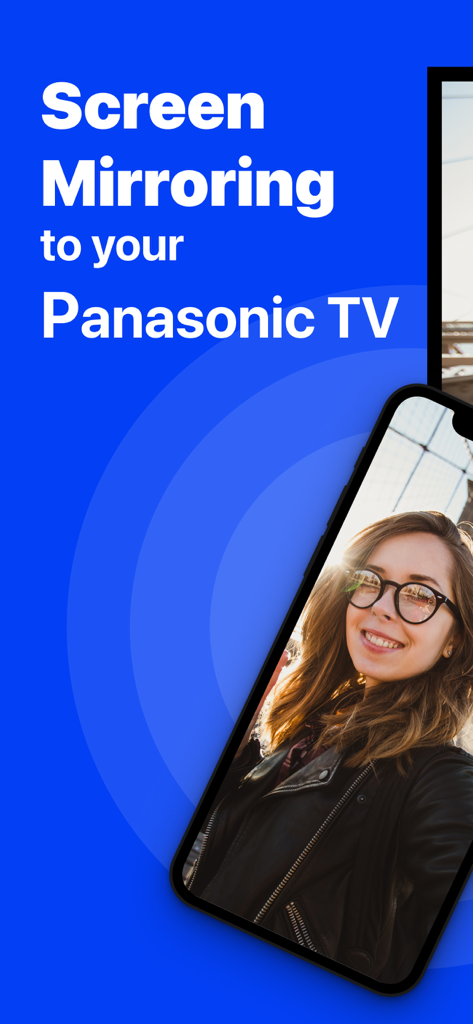
iPhoneが自撮り写真をパナソニックテレビに画面ミラーリングしている様子

iPhoneが自撮り写真をパナソニックテレビに画面ミラーリングしている様子

スマートフォン画面がウェブビデオをパナソニックの大画面テレビにワイヤレスでミラーリングしている様子。

スマートフォン画面がウェブビデオをパナソニックの大画面テレビにワイヤレスでミラーリングしている様子。

iPhoneからパナソニック製スマートテレビに写真やビデオをキャストする

iPhoneからパナソニック製スマートテレビに写真やビデオをキャストする

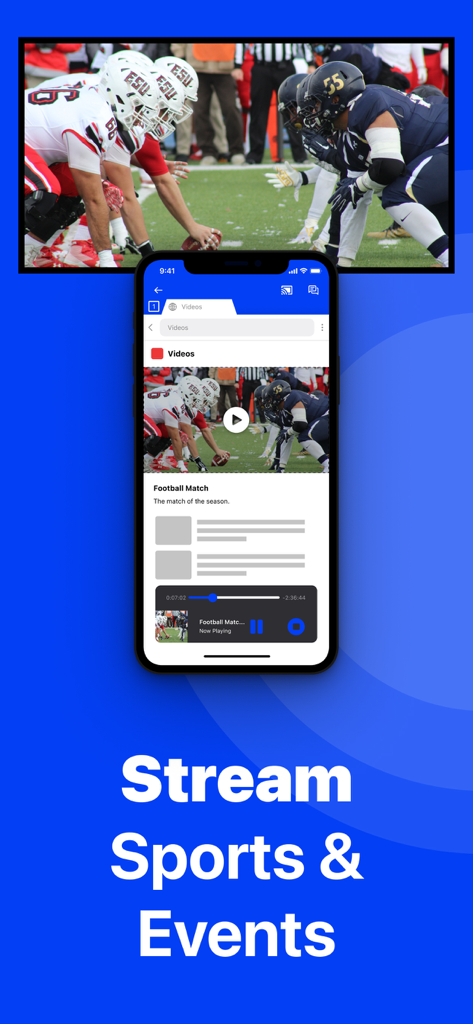
iPhoneがサッカーの試合をワイヤレスでパナソニック製スマートテレビにミラーリングしている様子

iPhoneがサッカーの試合をワイヤレスでパナソニック製スマートテレビにミラーリングしている様子

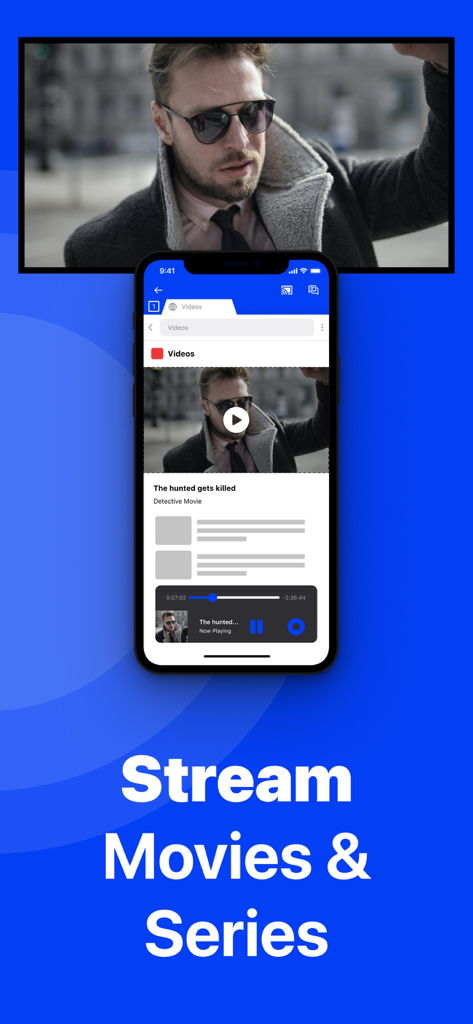
iPhoneが映画をワイヤレスでパナソニック製スマートテレビに画面ミラーリングしている様子

iPhoneが映画をワイヤレスでパナソニック製スマートテレビに画面ミラーリングしている様子

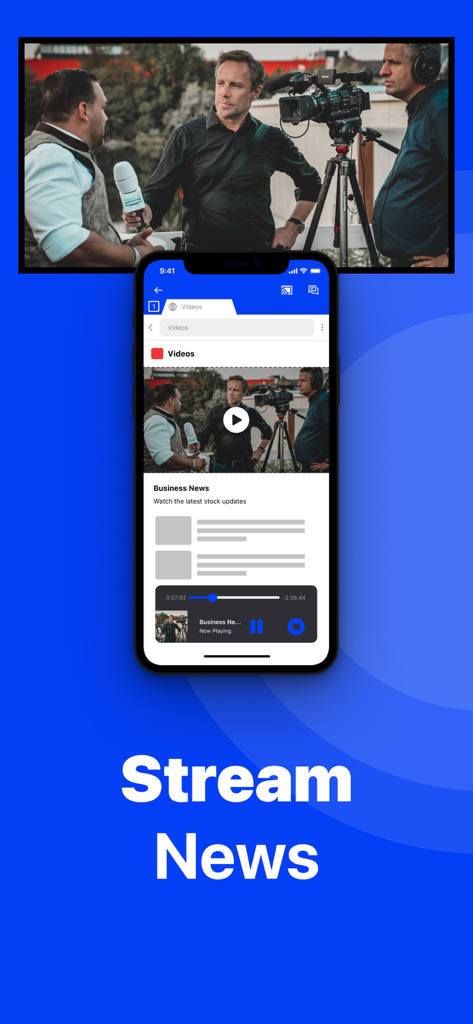
iPhoneがニュース番組のビデオをパナソニック製スマートテレビの画面にミラーリングしている様子

iPhoneがニュース番組のビデオをパナソニック製スマートテレビの画面にミラーリングしている様子

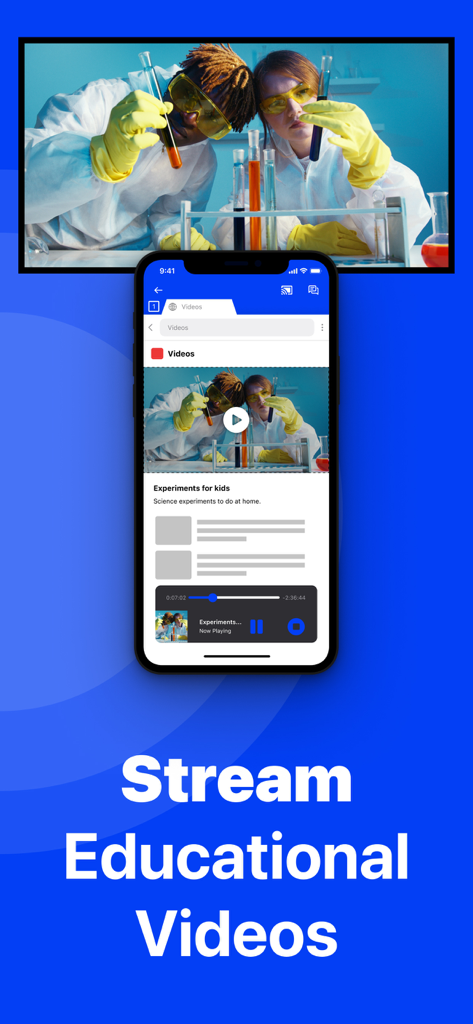
iPhoneが教育科学ビデオをパナソニック製スマートテレビにミラーリングしている様子

iPhoneが教育科学ビデオをパナソニック製スマートテレビにミラーリングしている様子

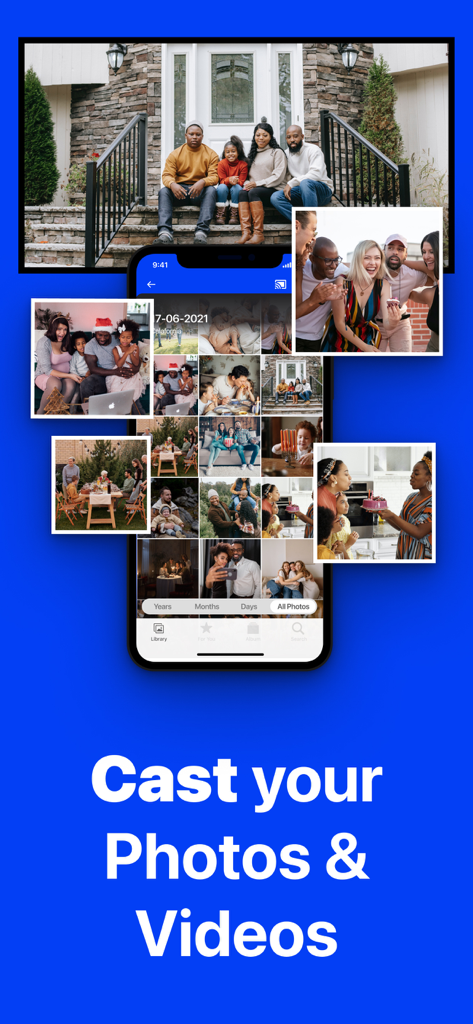
iPhoneがフォトギャラリーを大画面のパナソニックテレビにミラーリングし、家族の肖像画を表示している様子。

iPhoneがフォトギャラリーを大画面のパナソニックテレビにミラーリングし、家族の肖像画を表示している様子。

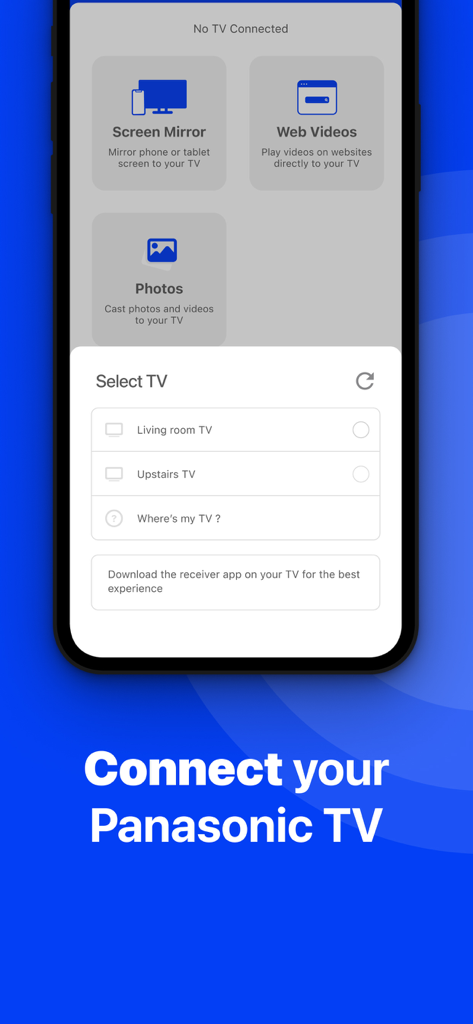
iPhoneからワイヤレス画面ミラーリングのためにパナソニックテレビを選択するメニューを表示しているアプリのインターフェース

iPhoneからワイヤレス画面ミラーリングのためにパナソニックテレビを選択するメニューを表示しているアプリのインターフェース

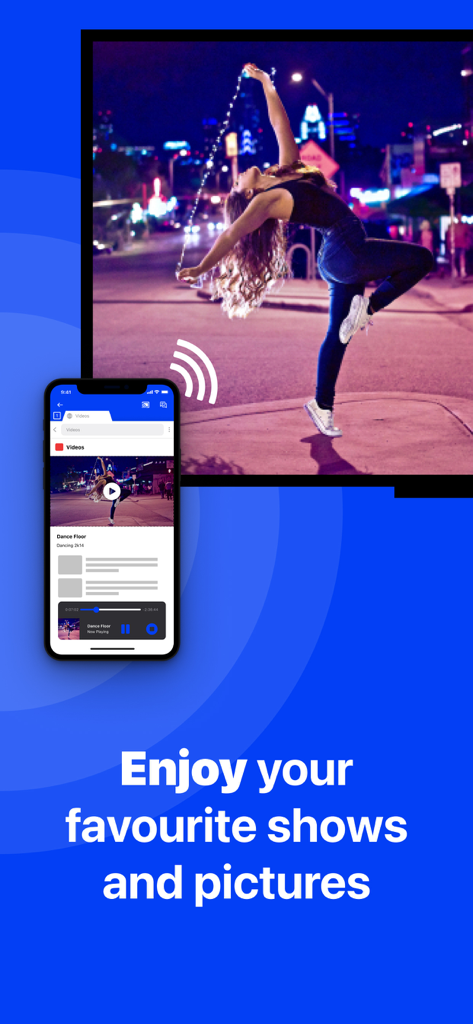
iPhoneがダンスビデオをワイヤレスでパナソニック製スマートテレビに画面ミラーリングしている様子

iPhoneがダンスビデオをワイヤレスでパナソニック製スマートテレビに画面ミラーリングしている様子

パナソニックテレビの可能性を最大限に引き出す

このアプリを際立たせるツール、 637K+ 人のユーザーが選択.

🔌

真のワイヤレス接続

高価なアダプターにお金をかける必要はありません。自宅のWi-Fiネットワークのみを使用して、iPhoneまたはiPadの画面を瞬時にミラーリングします。

📸

共有する家族の思い出

写真やビデオをグループに見せる最も簡単な方法。休日の集まりや大切な人との思い出の共有に最適です。

📈

生産性とウェルネス

視野を広げましょう。自宅でのワークアウト用のフィットネスアプリや、ビジネス会議用のプレゼンテーションをテレビに直接ミラーリングできます。

世界中のユーザーに愛されています

Trusted by 637K+ 人がこのアプリを愛用しています.

"

"リビングのパナソニックテレビで両親に旅行の写真を見せたかったのですが、そのためだけに高価なApple TVボックスを買いたくありませんでした。このアプリは完璧に機能しました!セットアップがとても簡単で、ごちゃごちゃした配線なしで大画面で子供たちの顔を見ることができて、本当に画期的でした。"

サラ M.
"

"毎朝このアプリを使ってiPadのワークアウトアプリをテレビにミラーリングしています。小さな画面を凝視するよりもずっと良いです。オーディオと1080p品質のためにPro版にアップグレードしましたが、その価値は十分にありました。AirPlayを内蔵していない古いパナソニックモデルには素晴らしいワイヤレス「ハック」です。"

デビッド R.

アプリについて

について知っておくべきこと Screen Mirroring Panasonic TV.

説明

The best screen mirroring app for Panasonic TV! Application to mirror the screen of your iPhone or iPad to any Panasonic Smart TV. No wires and no additional hardware needed! You can mirror any app on your iPhone or iPad to your Panasonic TV. Please enable DMR (Digital Media Renderer) in TV Settings: WIth your remote control, go to: Menu / Setup / Network / Application / DMR: ON This works on any Panasonic Smart TV from the 2012 models onward. For the latest Panasonic TV models, please enable DMR (Digital Media Renderer) in TV Settings: WIth your remote control, go to: Menu / Setup / Network / Application / DMR: ON In using the app, there will be a couple of seconds of latency (usually between 1 and 3). However, it is very suitable for watching movies, giving presentations, watching photos, and much more! How the app works: 1. Make sure that your iPhone or iPad is connected to the same local network as your Panasonic TV. 2. Launch the Mirror for Panasonic TV app. It will start looking for your Panasonic TV(s) on your local network. When a TV is found, please select it. When you use this app for the first time, depending on your model Panasonic TV, the TV might ask you to "allow" the connection. In that case, take your TV Remote Control and press OK to allow the connection from your TV to your iPhone or iPad. 3. Turn on notifications for this app. We will not spam you, but we will use this to let you know if your TV is working correctly or not. So please, please allow it, otherwise when things don't work as they should, you are left in the dark. 4. Click on Start Mirroring to start mirroring on the TV that is currently selected. After that, you can just go to any other app on your iPhone or iPad and the mirroring just continues to run. 5. To stop mirroring, there are two options. (1) click on the red top bar that you will see on your iPhone or iPad. (2) Go to the Mirror for Panasonic TV app and click on Stop Mirroring. Limitations and known issues: DRM Some apps block Screen Mirroring. This means that application developers can choose themselves if they want to block Screen Mirroring. For instance, Netflix, Disney and AppleTV+ have decided to block this. There is a simple test that you can do to see if the app that you want to mirror has blocked Screen Mirroring: Open that particular app and slide up Control Center on your iPhone/iPad. Then, click on Screen Recording and start recording the screen to your Camera Roll. Watch the app that you want to mirror and at some point stop the screen recording. Then go to your Photos app and watch the video that was recorded. If the recorded video shows the app you want to mirror, it works fine. If the video is empty, then the app you want to mirror does not allow Screen Mirroring. You can purchase the Mirror for Panasonic TV Pro Version through an in app purchase. The Pro Version has the following features: 1. Adds audio to the screen mirroring 2. Provides for free lifetime updates of the app 3. Gives the option to choose higher screen resolutions, like 720p and 1080p * Payment will be charged to iTunes Account at confirmation of purchase. * Subscription automatically renews unless auto-renew is turned off at least 24-hours before the end of the current period. * Account will be charged for renewal within 24-hours prior to the end of the current period, and identify the cost of the renewal. * Subscriptions may be managed by the user and auto-renewal may be turned off by going to the user’s Account Settings after purchase. * Any unused portion of a free trial period, if offered, will be forfeited when the user purchases a subscription to that publication, where applicable. Our Terms of Use: http://bit.ly/ABTV-TOU21 Our Privacy Policy: https://www.airbeam.tv/privacy-policy/ Support: If you have questions or would like to provide feedback, please send us an e-mail or chat with us on our Facebook page. Please give us feedback by mailing to support@airbeam.tv

最新バージョン

5.2.8

サイズ

162.9 MB

リリース日

Oct 10, 2018

パナソニックテレビでワイヤレスの自由を体験する準備はできましたか?

ケーブルや高価なハードウェアから解放された63万7千人以上のユーザーに加わりましょう。今すぐダウンロードして、iPhoneやiPadのミラーリングを即座に開始できます。Apple TVは必要ありません。

ダウンロード: App Storeダウンロード: Google Play