Adobe Illustrator: Graphic Art

Adobe Illustrator: Graphic Art

ダウンロード: App Store
Spark by MWM logo
ロゴ: Adobe Illustrator: Graphic Art
Adobe Illustrator: グラフィックアート – プロ仕様のベクターデザインを指先で

Apple Pencilの精度で、スケッチを拡張可能なベクターアートに変換。シームレスなCreative Cloud同期により、外出先でも美しいロゴ、アイコン、イラストを作成できます。

ダウンロード: App Store

開発元

Adobe Inc.

カテゴリ

Graphics & Design

ダウンロード

7M+

ユーザー評価

4.5/5

評価数

101K+

対応言語

5

境界のないデザインを

このインターフェースを利用する 7M+ 人のユーザー.

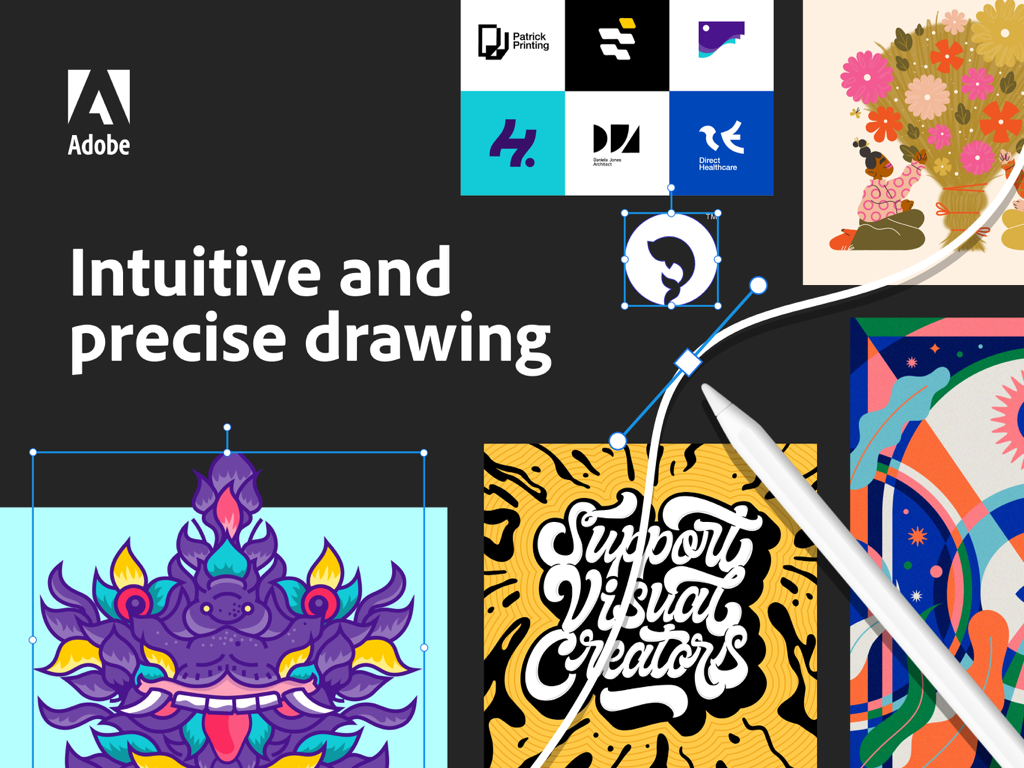
Apple Pencilを使ったベクター描画と様々なグラフィックデザインの例を表示するiPad上のAdobe Illustrator

Apple Pencilを使ったベクター描画と様々なグラフィックデザインの例を表示するiPad上のAdobe Illustrator

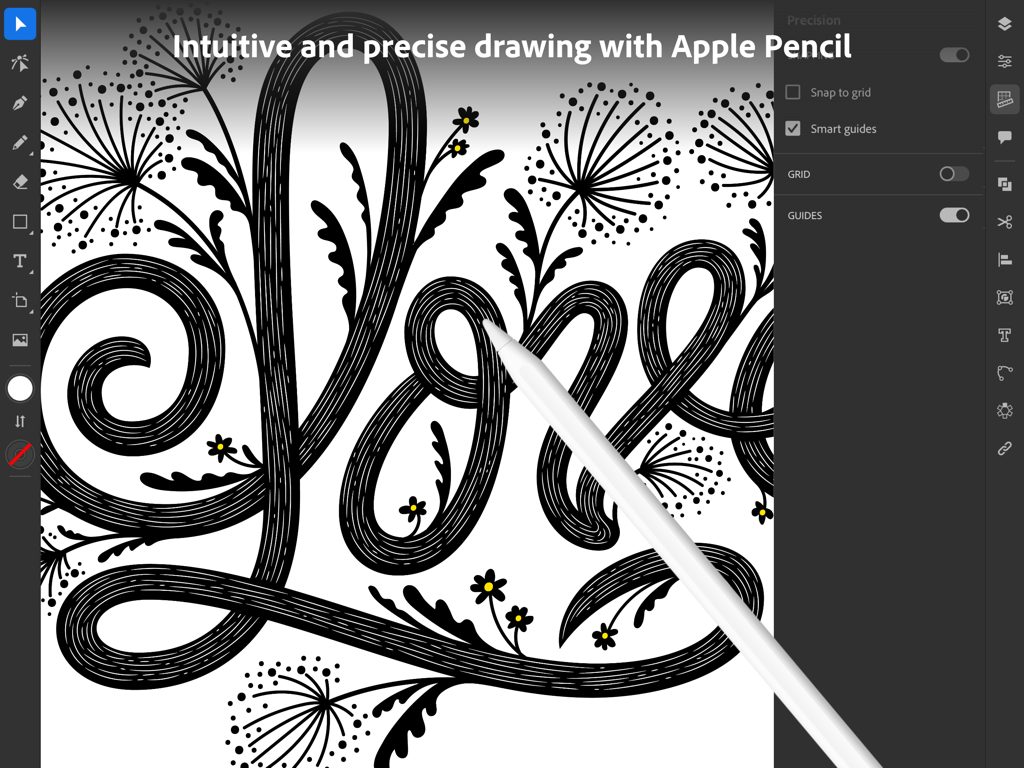
iPadのAdobe IllustratorでApple Pencilを使用して精密なベクターアートを作成するグラフィックデザイナー。

iPadのAdobe IllustratorでApple Pencilを使用して精密なベクターアートを作成するグラフィックデザイナー。

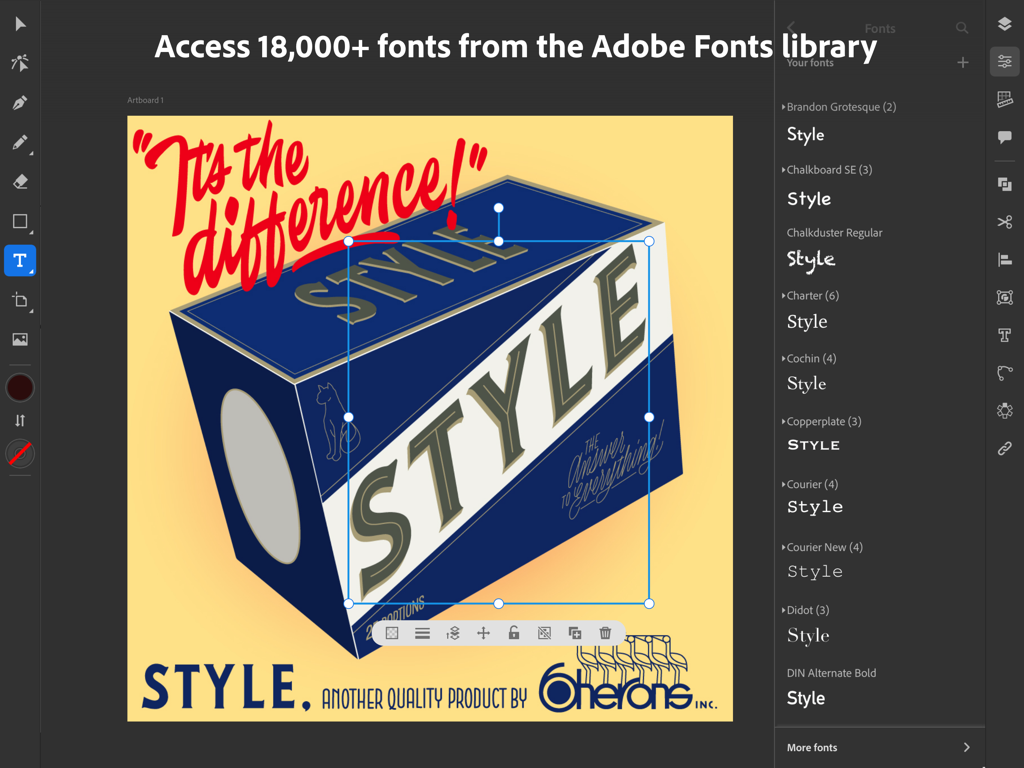
フォント選択メニューとレトロなグラフィックデザインプロジェクトを表示するAdobe Illustrator iPadアプリのインターフェース

フォント選択メニューとレトロなグラフィックデザインプロジェクトを表示するAdobe Illustrator iPadアプリのインターフェース

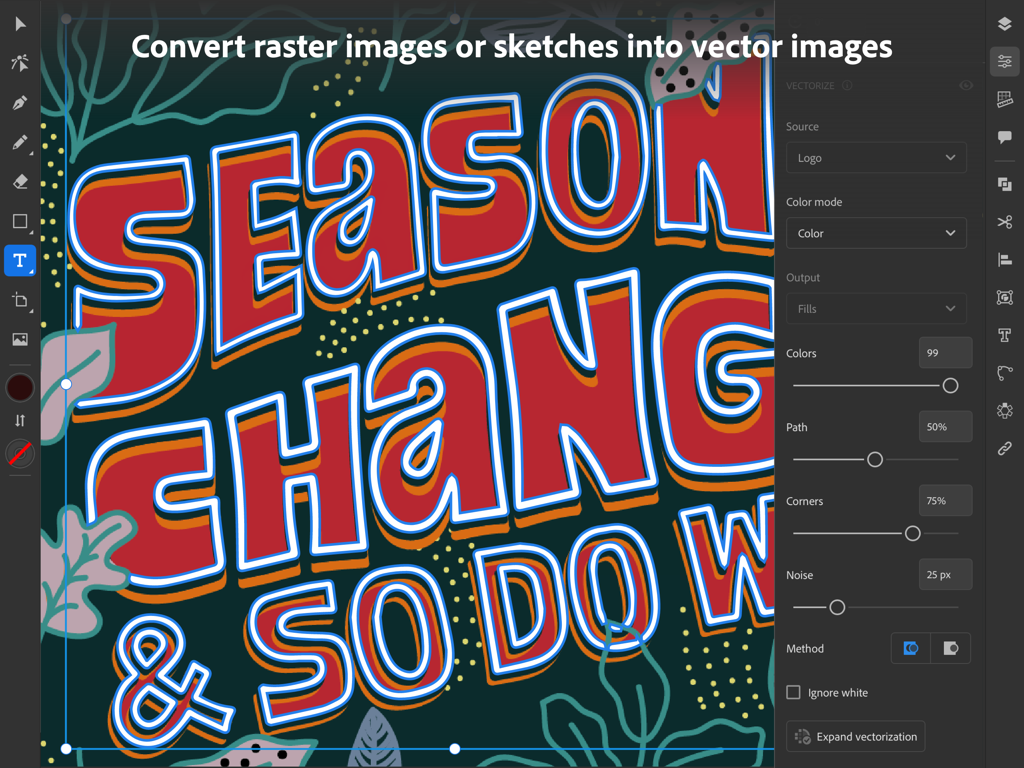
カラフルな手書きのタイポグラフィイラストを編集可能なベクターグラフィックスに変換する、iPad上のAdobe Illustratorのベクター化パネル。

カラフルな手書きのタイポグラフィイラストを編集可能なベクターグラフィックスに変換する、iPad上のAdobe Illustratorのベクター化パネル。

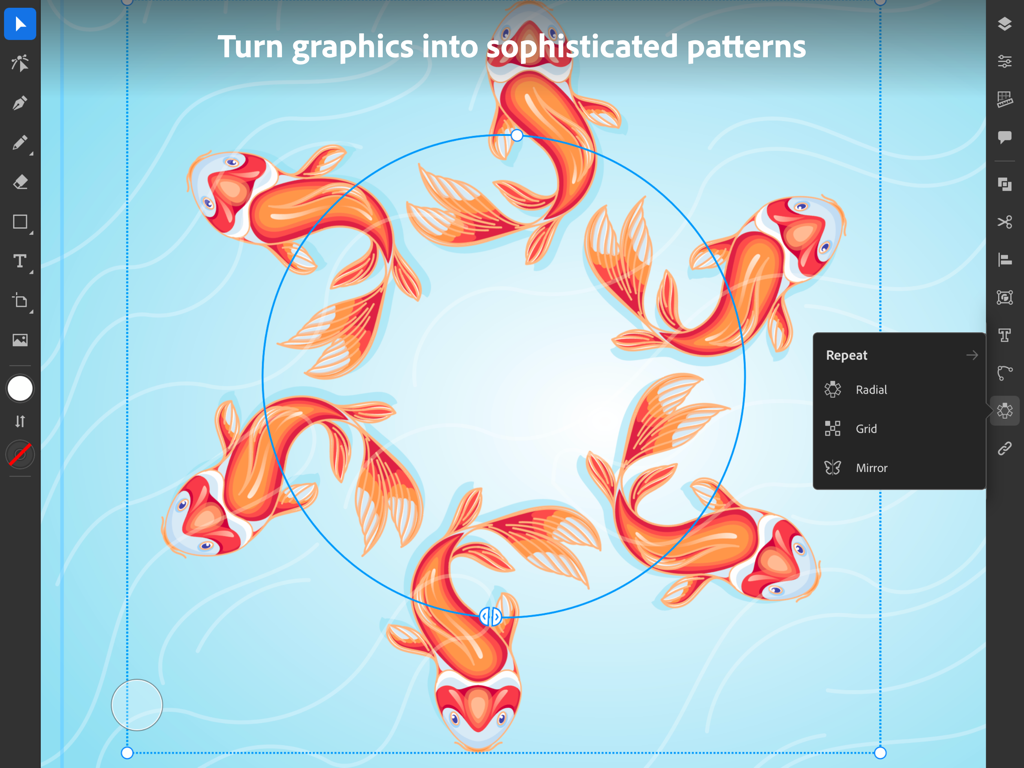
鯉のイラストとともにラジアルリピート機能を表示するAdobe Illustrator iPadアプリ

鯉のイラストとともにラジアルリピート機能を表示するAdobe Illustrator iPadアプリ

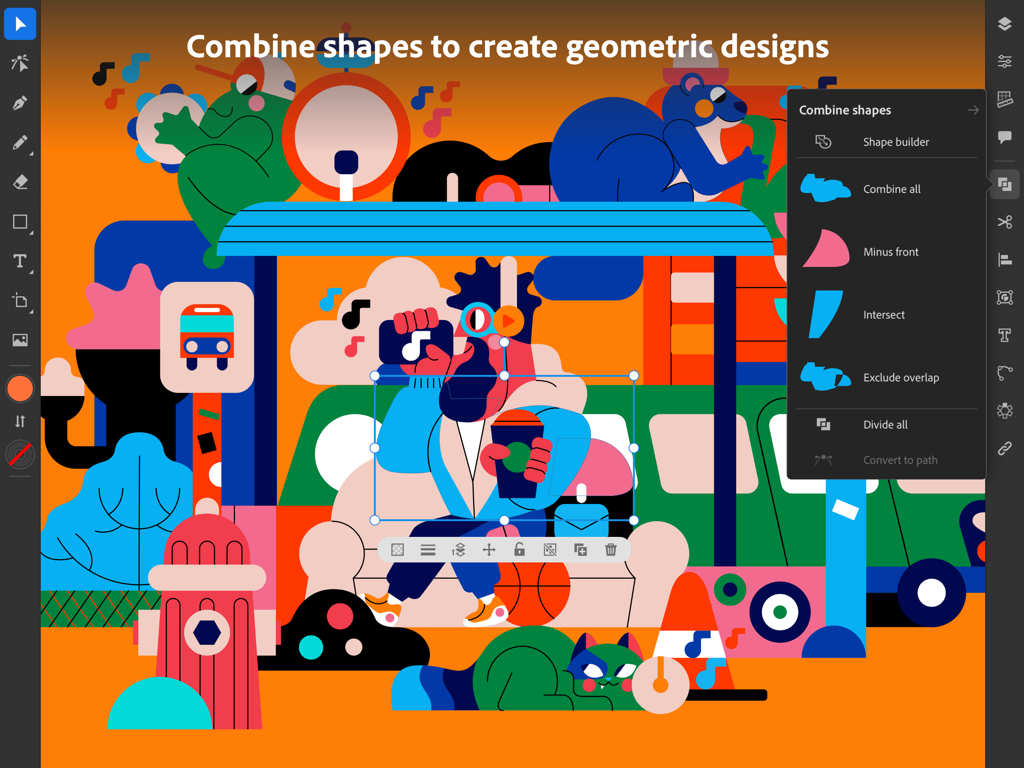
カラフルな幾何学模様のイラストと「シェイプを結合」メニューを表示するiPad向けAdobe Illustratorのインターフェース。

カラフルな幾何学模様のイラストと「シェイプを結合」メニューを表示するiPad向けAdobe Illustratorのインターフェース。

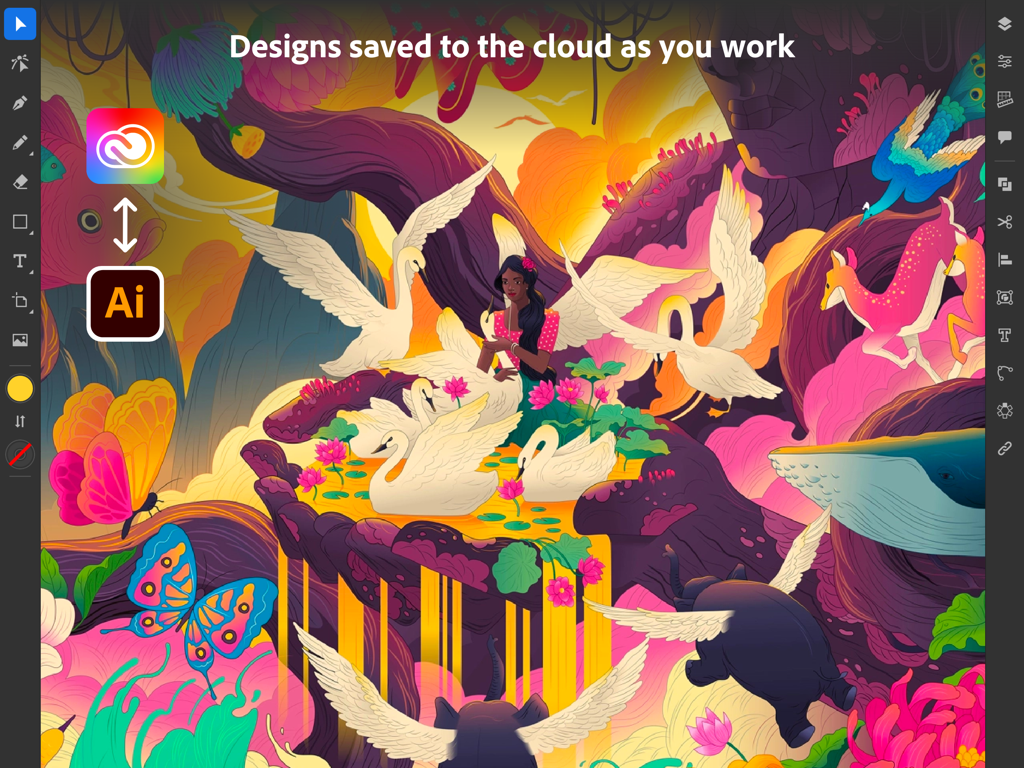
シュールなイラストとクラウド同期アイコンを表示するAdobe Illustrator iPadインターフェース

シュールなイラストとクラウド同期アイコンを表示するAdobe Illustrator iPadインターフェース

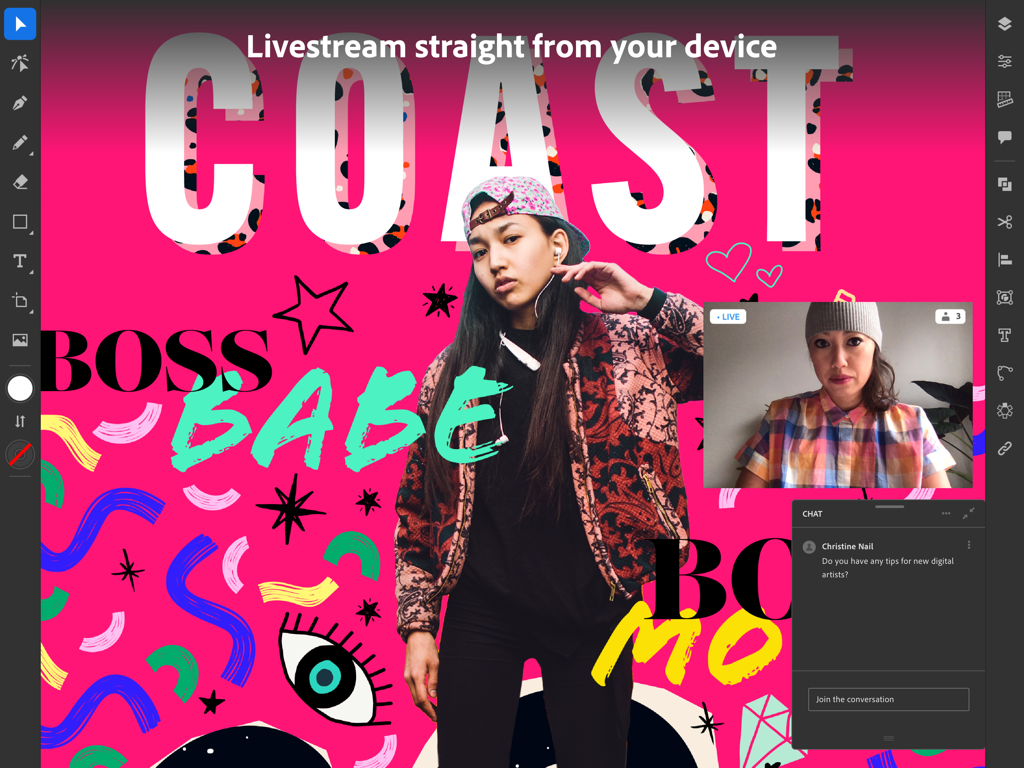
ライブストリームとコミュニティチャットを表示するAdobe Illustrator iPadアプリ。

ライブストリームとコミュニティチャットを表示するAdobe Illustrator iPadアプリ。

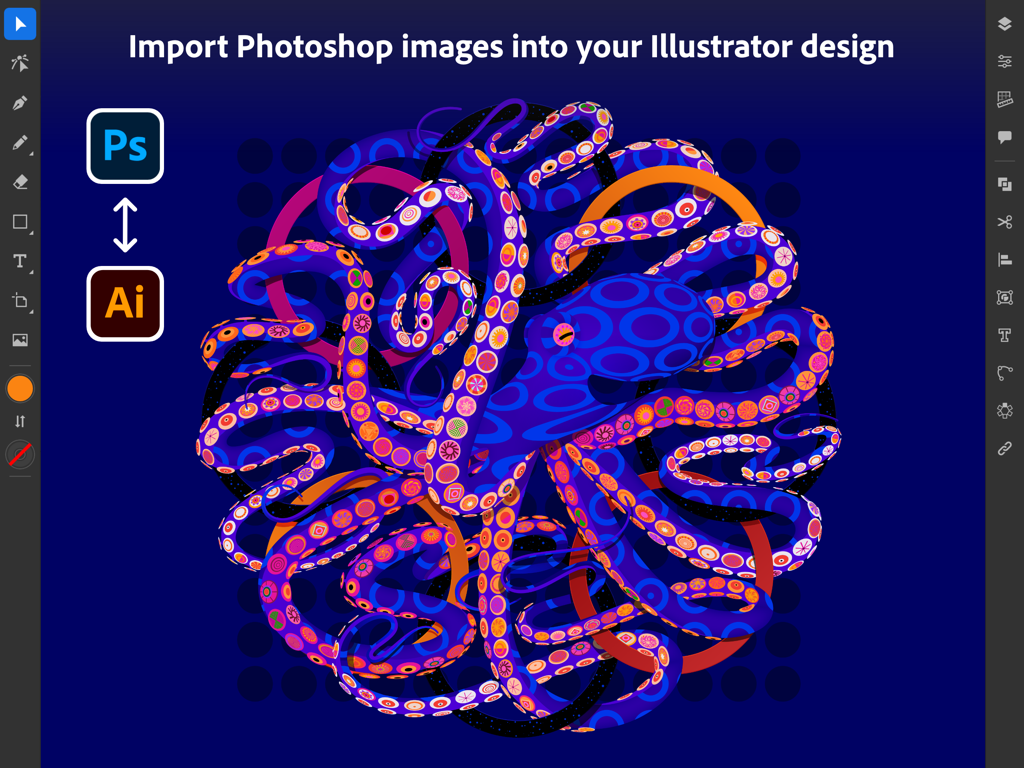
カラフルなタコのグラフィックとともにPhotoshop画像の読み込みを表示するAdobe Illustrator iPadインターフェース

カラフルなタコのグラフィックとともにPhotoshop画像の読み込みを表示するAdobe Illustrator iPadインターフェース

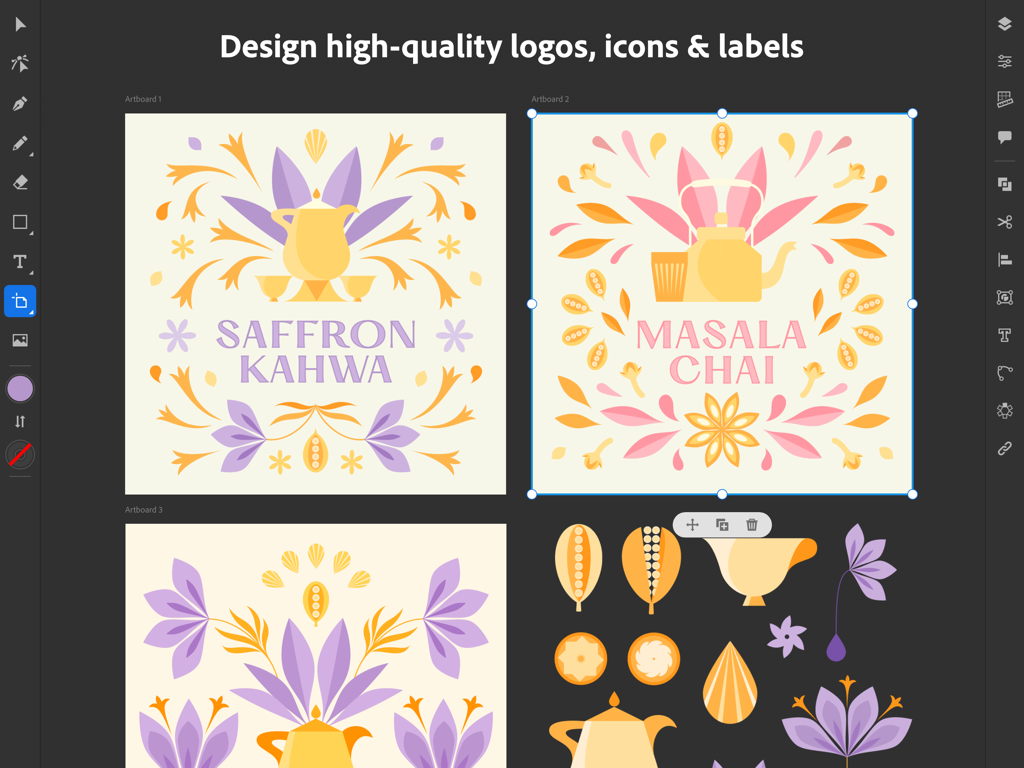
お茶ブランドのベクターロゴとラベルデザインを表示するAdobe Illustrator iPadインターフェース。

お茶ブランドのベクターロゴとラベルデザインを表示するAdobe Illustrator iPadインターフェース。

プロのパワー、モバイルの自由

このアプリを際立たせるツール、 7M+ 人のユーザーが選択.

✏️

直感的なペンシルの精度

紙にペンで書くように、ベクターの線や曲線を自然に描画。直感的なジェスチャーとApple Pencilを使用して、デスクに縛られることなくピンポイントの精度でデザインできます。

🔄

シームレスなクラウドワークフロー

iPadで開始し、デスクトップで仕上げる。プロジェクトはデバイス間で自動的に同期されるため、どこにいても中断したところから正確に再開できます。

ワンタップでベクター化

手描きのスケッチやラスター画像を、瞬時にクリーンで拡張可能なベクターグラフィックスに変換。プロ仕様の出力が可能で、SNS投稿から看板まであらゆる用途に対応します。

世界中のユーザーに愛されています

Trusted by 7M+ 人がこのアプリを愛用しています.

"

"フリーランスのロゴデザイナーとして、デスクを離れていても精密なベクターアートを作成できる能力は不可欠です。Apple Pencilとの連携は非常に自然で、プロジェクトがCreative Cloud経由でデスクトップに即座に同期されることで、ブランディングのワークフローが完全に効率化されました。今や真にモバイルとなったプロフェッショナル基準のツールです。"

マヤ・トンプソン、ブランディングスペシャリスト
"

"伝統的なスケッチからデジタルアートへ移行しましたが、このアプリはその移行をシームレスにしてくれました。ベクター化機能は紙の図面をクリーンなグラフィックに変えるための救世主であり、内蔵のチュートリアルはスキルの大幅な向上に役立ちました。外出先でデザインの副業を管理するのに最適です。"

レオ・ロドリゲス、デジタルイラストレーター

レビュー分析

ユーザーレビューの分析.

感情スコア

27%
ネガティブ

概要

This mobile app receives overwhelmingly negative feedback, with users frequently reporting frustrating crashes, freezing, and loss of work, sometimes linked to specific updates like version 26.0.1. Many criticize the app's lack of essential features compared to its desktop counterpart, such as the "width tool" and "Free Transform," alongside issues with misleading "free" advertising and inadequate language support. While some users appreciate the app's intuitiveness and express optimism about its potential and continuous improvement, particularly noting recent improvements in handling large files without crashing, the pervasive technical issues severely hinder the user experience.

主なテーマ

Feature Requests(4)
App Stability(1)
Mobile Version Appeal(1)
Intuitiveness(1)
Continuous Improvement(1)

アプリについて

について知っておくべきこと Adobe Illustrator: Graphic Art.

説明

Create logos, illustrations, graphics and more. Illustrator on the iPad works intuitively with your Apple Pencil so you can design on the go from anywhere, even offline - it’s never been easier to take your creativity to new places. Design with precision, as naturally as you would with pen and paper. Create vector lines, shapes, type, gradients, and effects. Merge or cut graphics with quick, intuitive Pencil gestures to remove unwanted areas. Make your graphics pop with effects, and access over 18,000 fonts, 20+ color palettes, up-to-the-minute live streams from famous creatives, and guided tutorials. Work on a project across Adobe Illustrator, Photoshop, and Fresco. Plus, your Illustrator work is automatically synced to the cloud, so you and your team can always access the latest version from your desktop or iPad. This app is part of Adobe Creative Cloud. It’s free for Creative Cloud members who have a plan that includes Illustrator. INTUITIVE AND PRECISE DRAWING WITH APPLE PENCIL • Natural ways to draw — Make lines and curves using the Pen, Pencil, and Brush tools • Art and Calligraphic Brushes — Create and apply brush strokes to add artistic elements to your artwork. • Pinpoint editing — Create perfect graphics without quality loss with Smart Delete, Simplify Path, and more • Point precision — Edit graphics down to the point, radius, or angle level NEW WAYS TO MAKE STUNNING PATTERNS AND SHAPES • Vectorize — Convert raster images or paper sketches into vector images. • Radial, grid, and mirror repeat — Turn graphics into sophisticated patterns • Polygon shape creation — Make objects out of circles, triangles, squares, and stars • Transform as Shape — Transform paths and curves without manual manipulation of anchor points. • Blend Tool — Smoothly blend one shape into another across a specified number of steps. THE MOST COMPREHENSIVE TYPE TOOLKIT FOR IPAD • 18,000+ fonts — Use one of the thousands of high-quality fonts included in the Adobe Fonts library • Fonts of your own — Upload and design with any of your own licensed fonts and use them on both desktop and iPad • Type on a path — Bend and flow text onto the surface of lines and shapes • Outlined text — Turn text into an editable format that can be modified without limits • Variable fonts — They’re infinitely customizable • Color fonts — Explore gorgeous color variations and gradients that are built into the font BRILLIANT COLORS AND GRADIENTS • Point gradients — Drag and drop colors to create dynamic blends of diffused colors • 20+ color books — Use industry-standard color swatches or incorporate your own SEAMLESS MOVEMENT BETWEEN DEVICES AND APPS • File syncing between Illustrator on the desktop and on the iPad — Projects are automatically synced and accessible across devices • Photoshop import — Easily place a Photoshop image into your Illustrator design • Standard file format export — Create, save, and open Illustrator (AI) files with no loss of quality, and export in the most common formats, including SVG, PDF, PNG, and PSD. KEEPING TABS ON THE LATEST CREATIVE TRENDS • Livestreaming — Watch and learn from top design-industry creatives daily, right within the app • Trends to discover — Explore projects by other creatives Terms & Conditions: Your use of this application is governed by the Adobe General Terms of Use http://www.adobe.com/go/terms_linkfree_en and the Adobe Privacy Policy http://www.adobe.com/go/privacy_policy_linkfree_en Do Not Sell My Personal Information: www.adobe.com/go/ca-rights-linkfree

最新バージョン

3.0.10

サイズ

856.2 MB

リリース日

2020年10月19日

境界のないデザインを

IllustratorのパワーとApple Pencilの精度で、野心的なアイデアを形にしましょう。スタジオから世界へとプロフェッショナルなワークフローを広げ、インスピレーションの瞬間を逃しません。

ダウンロード: App Store
FAQ

よくある質問

について知っておくべきこと Adobe Illustrator: Graphic Art

Adobe Illustrator: Graphic ArtはCreative Cloudサブスクリプションで無料ですか?

はい、Adobe Illustrator: Graphic Artは、Illustratorが含まれるプランをお持ちのCreative Cloudメンバーは無料です。Adobe Creative Cloudアプリケーションスイートの一部です。

iPadでAdobe Illustrator: Graphic Artを使って何を作成できますか?

Adobe Illustrator: Graphic Artを使用すると、ロゴ、イラスト、さまざまなグラフィックを作成できます。ベクトル線、形状、タイプ、グラデーション、エフェクトを使用してデザインできます。

Adobe Illustrator: Graphic ArtはApple Pencilに対応していますか?

はい、iPad版Adobe IllustratorはApple Pencilと直感的に連携するように設計されています。これにより、紙とペンのように正確な描画と自然な操作が可能になります。

iPadでAdobe Illustrator: Graphic Artをオフラインで使用できますか?

はい、インターネット接続がない場所でも、オフラインでiPad版Adobe Illustrator: Graphic Artを使用してデザインできます。この機能により、インターネット接続なしでどこでもクリエイティブな作業が可能です。

Adobe Illustrator: Graphic Artはデザインをクラウドに同期しますか?

はい、iPadで作成したIllustratorの作業は自動的にCreative Cloudに同期されます。これにより、デスクトップとiPadデバイス間で、あなたとあなたのチームがプロジェクトにアクセスできるようになります。

Adobe Illustrator: Graphic Artではいくつのフォントが利用できますか?

Adobe Illustrator: Graphic Artでは、Adobe Fontsライブラリから18,000以上の高品質なフォントにアクセスできます。ユーザーは自身のライセンスを持つフォントをアップロードして使用することもできます。

Adobe Illustrator: Graphic Artはラスター画像をベクトルに変換できますか?

はい、iPad版Adobe Illustratorには「ベクター化」機能があり、ラスター画像や紙のスケッチをアプリ内で直接編集可能なベクトルグラフィックに変換できます。

Adobe Illustrator: Graphic ArtはPhotoshopファイルと互換性がありますか?

はい、Adobe Illustrator: Graphic Artでは、Photoshop画像をIllustratorデザインに直接インポートできます。Adobe Illustrator、Photoshop、Fresco間でのシームレスなワークフローをサポートします。

Adobe Illustrator: Graphic Artはどのようなエクスポートファイル形式をサポートしていますか?

Adobe Illustrator: Graphic Artは、SVG、PDF、PNG、PSDなどの一般的なファイル形式でデザインをエクスポートできます。これにより、プラットフォーム全体での品質と互換性が保証されます。

Adobe Illustrator: Graphic Artではライブストリーミングチュートリアルが提供されていますか?

はい、Adobe Illustrator: Graphic Artではアプリ内でライブストリーミングが提供されています。ユーザーは毎日、主要なデザイン業界のクリエイターから学び、新しいトレンドを発見できます。