Affinity Designer 2 for iPad

Affinity Designer 2 for iPad

ダウンロード: App Store
Spark by MWM logo
ロゴ: Affinity Designer 2 for iPad

Affinity Designer 2 for iPad: サブスクリプション不要のプロフェッショナルベクターデザイン

最もパワフルでタッチ最適化されたデザインスイートで、あなたのクリエイティブなビジョンを実現しましょう。複雑なイラストからブランドアイデンティティまで、どこへ行くにもiPadでデスクトップクラスの精度とパフォーマンスを体験してください。

ダウンロード: App Store

開発元

Serif (Europe) Ltd.

カテゴリ

Graphics & Design

ダウンロード

1M+

ユーザー評価

4.7/5

評価数

11K+

対応言語

8

あなたのスタジオを再定義

このインターフェースを利用する 1M+ 人のユーザー.

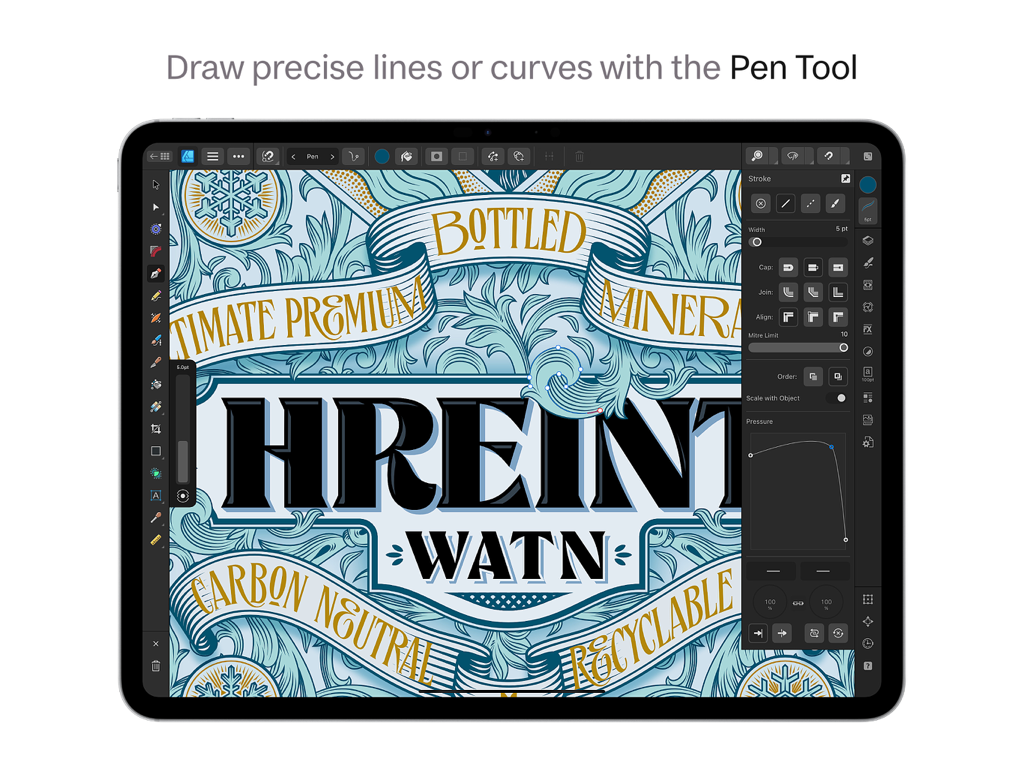
Affinity Designer 2 for iPadで、ペンツールを使用して正確なベクターカーブを描画しています。

Affinity Designer 2 for iPadで、ペンツールを使用して正確なベクターカーブを描画しています。

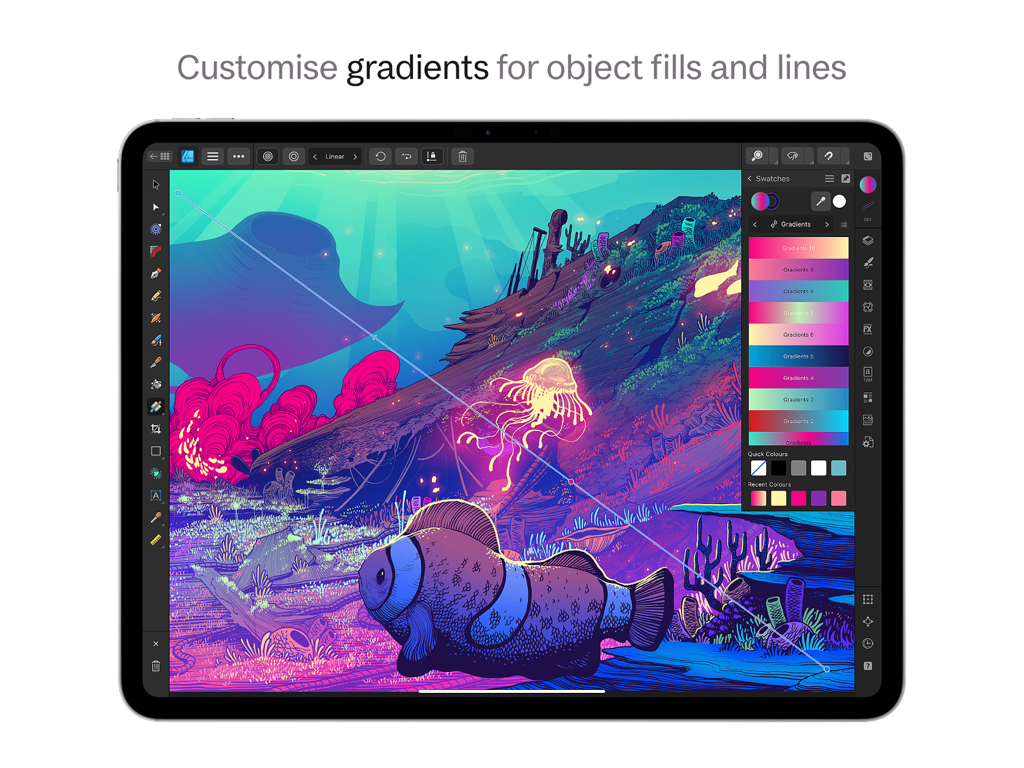
Affinity Designer 2 for iPadのインターフェースで、水中デジタルイラストにグラデーションのカスタマイズが表示されています。

Affinity Designer 2 for iPadのインターフェースで、水中デジタルイラストにグラデーションのカスタマイズが表示されています。

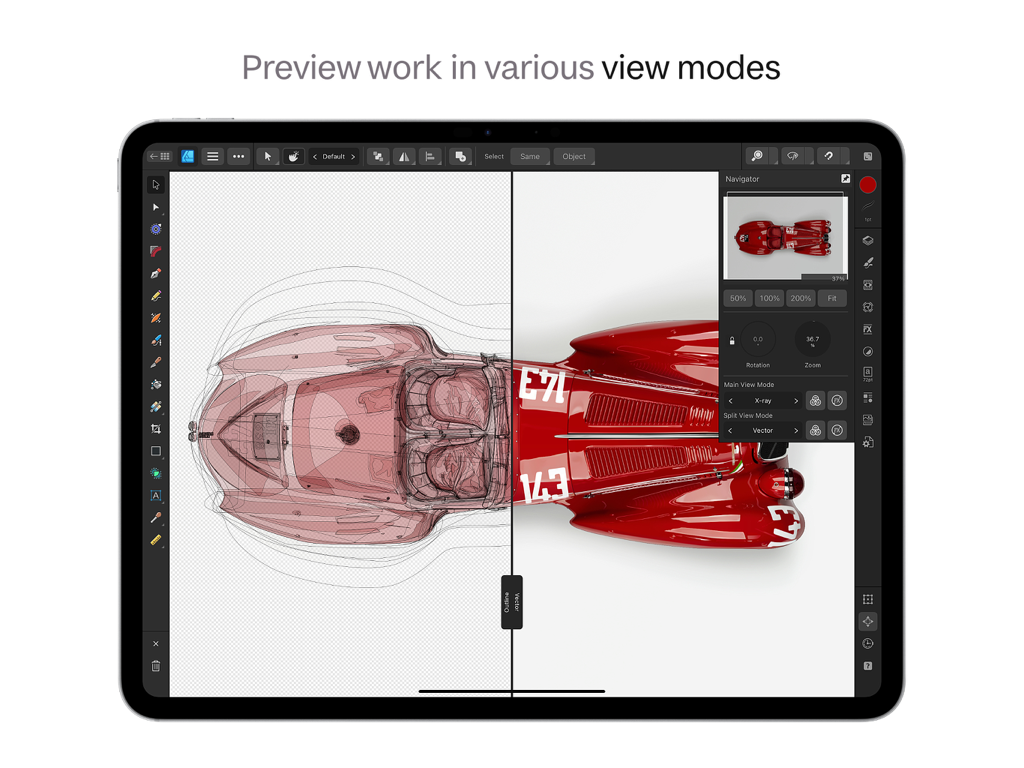
Affinity Designer 2 for iPadで、車のデザインにX線モードとベクターモードが表示された分割画面ビューを表示しています。

Affinity Designer 2 for iPadで、車のデザインにX線モードとベクターモードが表示された分割画面ビューを表示しています。

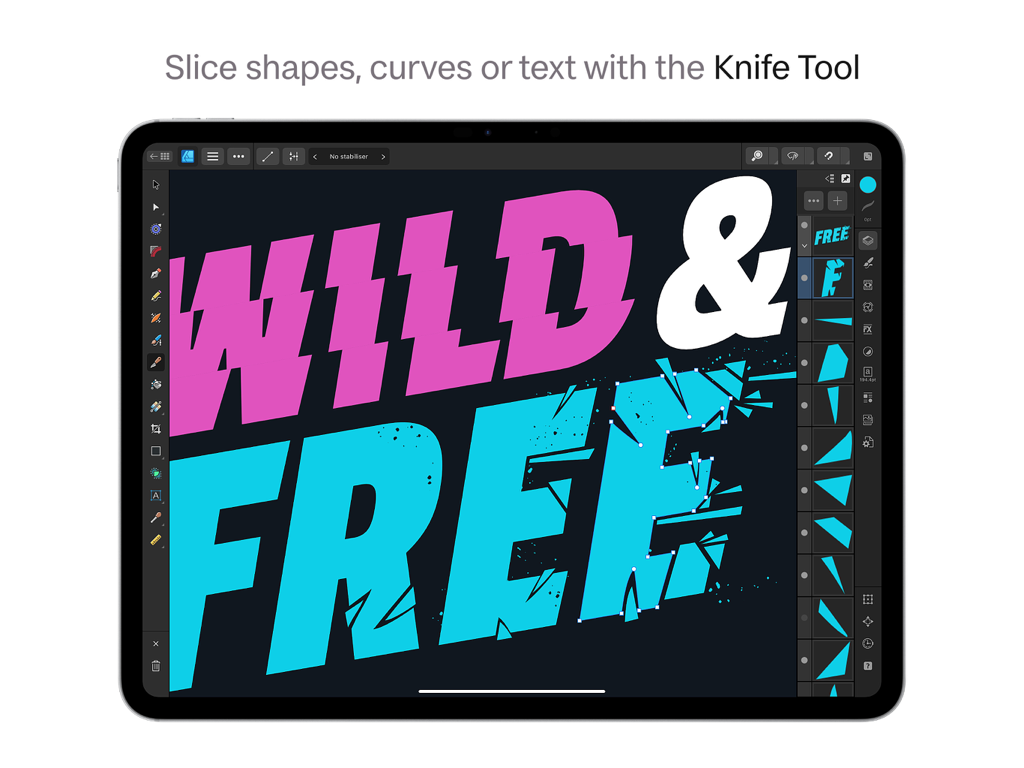
Affinity Designer 2 on iPadで、ナイフツールを使用してタイポグラフィをスライスおよびフラグメント化しています。

Affinity Designer 2 on iPadで、ナイフツールを使用してタイポグラフィをスライスおよびフラグメント化しています。

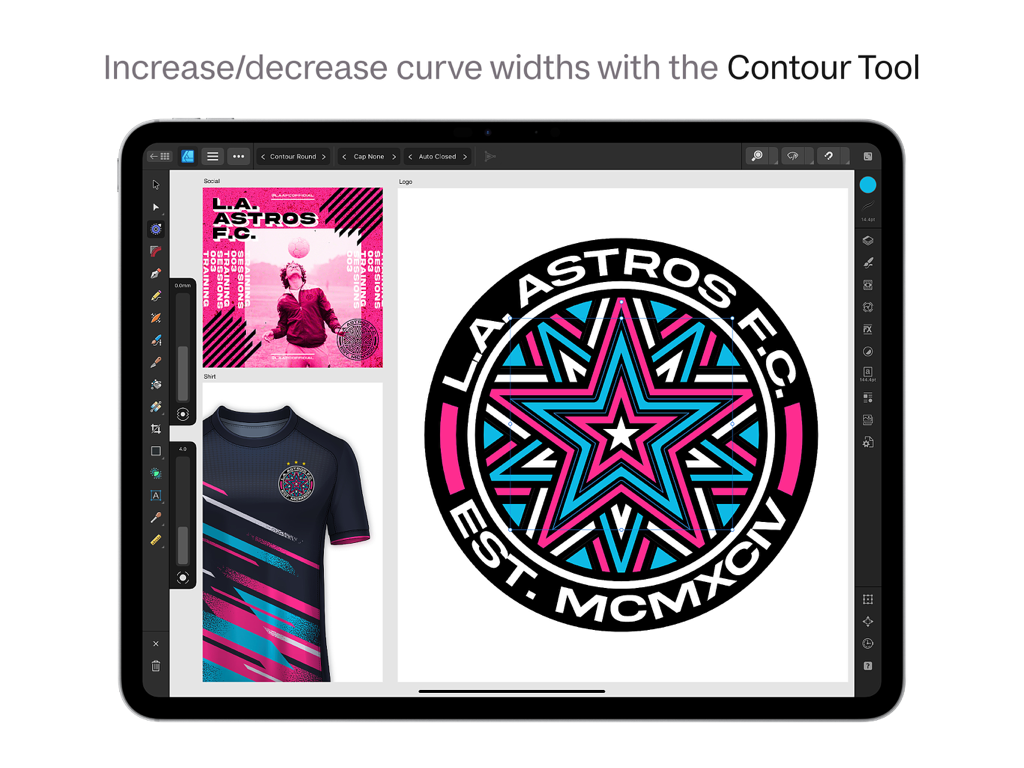
Affinity Designer 2 for iPadで、コンツールツールを使用してスポーツロゴのグラフィックデザインを作成しています。

Affinity Designer 2 for iPadで、コンツールツールを使用してスポーツロゴのグラフィックデザインを作成しています。

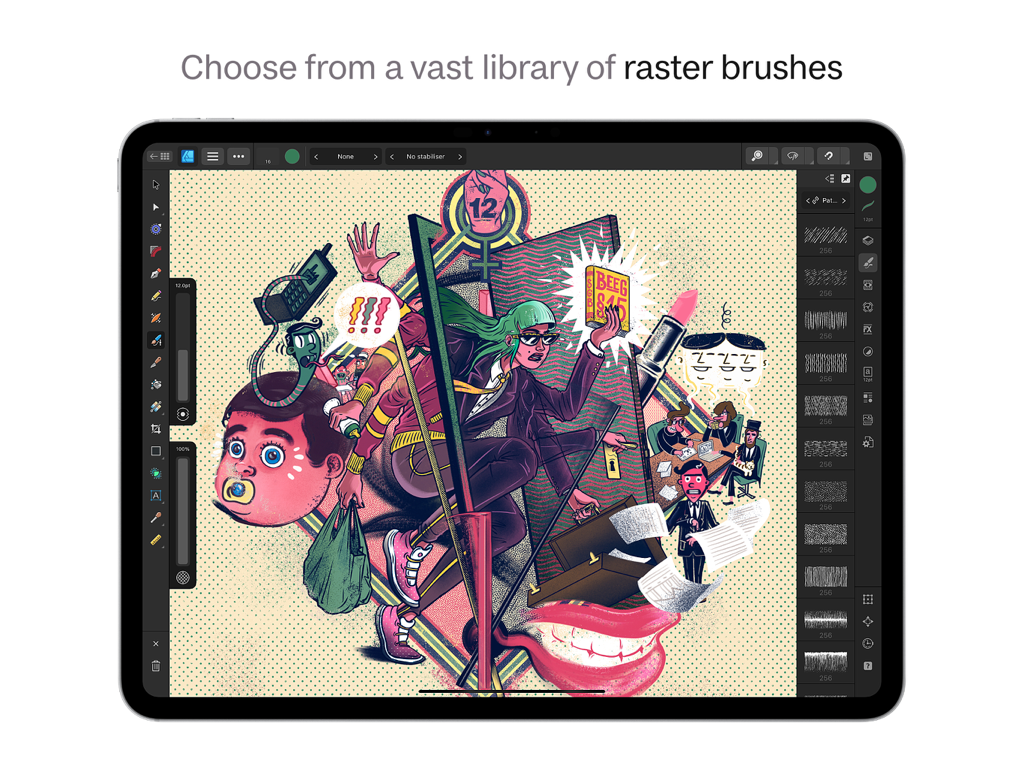
Affinity Designer 2 for iPadのインターフェースに、ラスターブラシライブラリと複雑なデジタルイラストが表示されています。

Affinity Designer 2 for iPadのインターフェースに、ラスターブラシライブラリと複雑なデジタルイラストが表示されています。

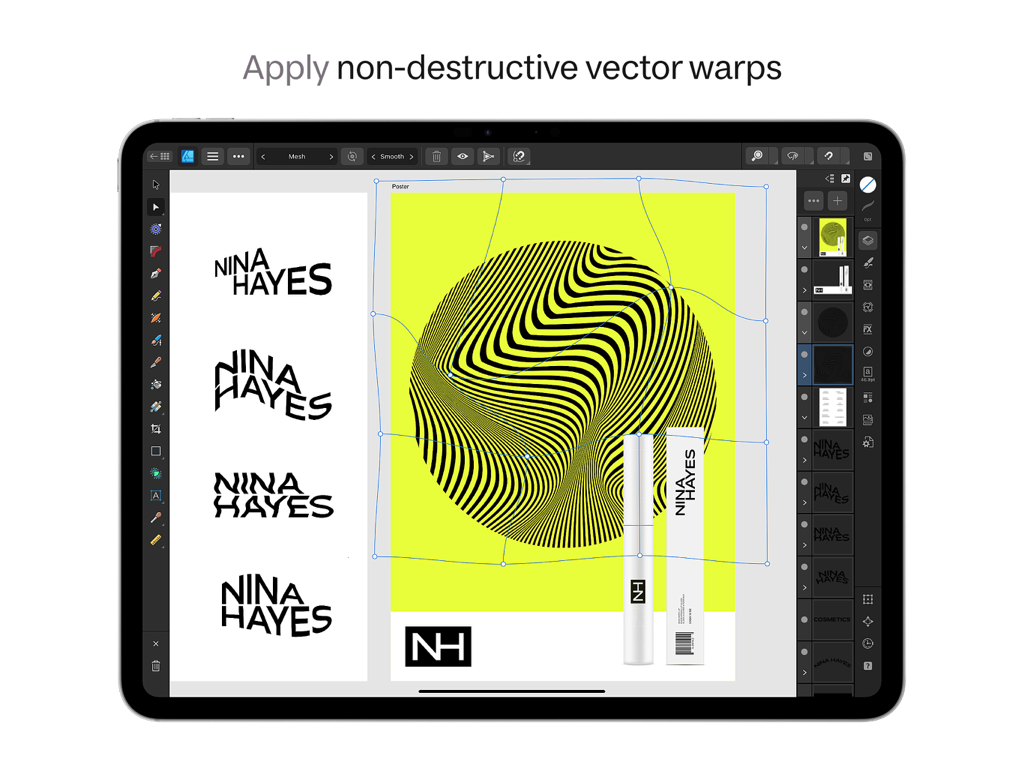
Affinity Designer 2 for iPadのインターフェースに、ロゴデザインの非破壊ベクターワープツールが表示されています。

Affinity Designer 2 for iPadのインターフェースに、ロゴデザインの非破壊ベクターワープツールが表示されています。

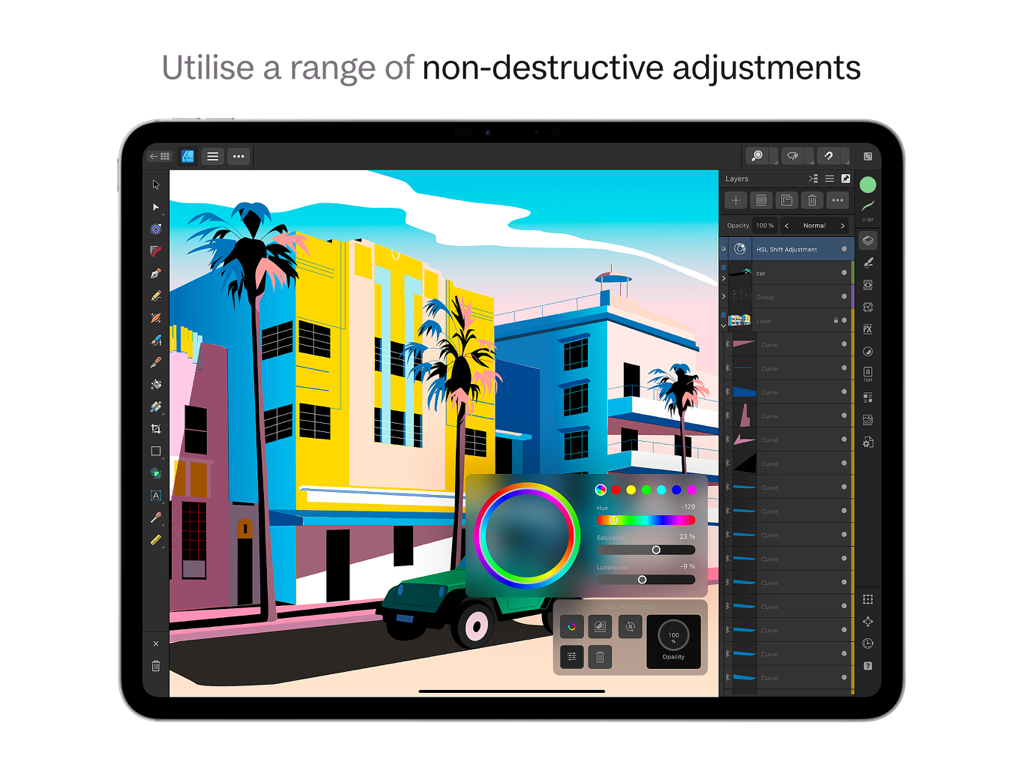
Affinity Designer 2 for iPadで、非破壊HSL調整を使用してベクターイラストを編集しています。

Affinity Designer 2 for iPadで、非破壊HSL調整を使用してベクターイラストを編集しています。

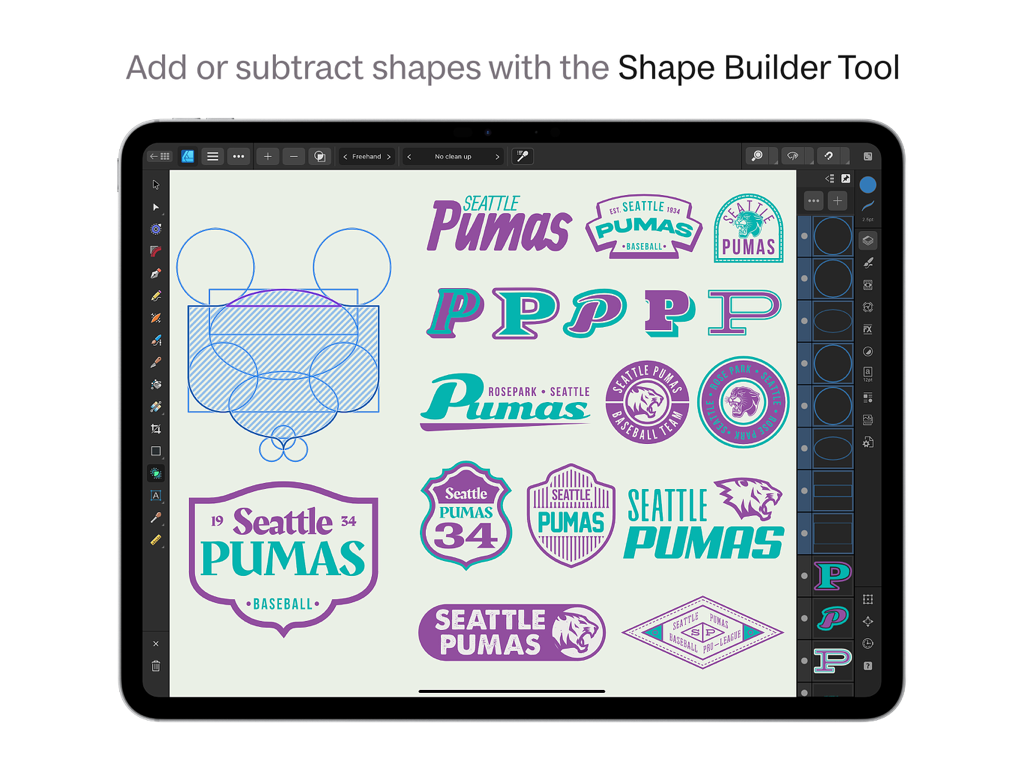
Affinity Designer 2 for iPadで、シェイプビルダーツールを使用してシアトル・ピューマス・ロゴを作成しています。

Affinity Designer 2 for iPadで、シェイプビルダーツールを使用してシアトル・ピューマス・ロゴを作成しています。

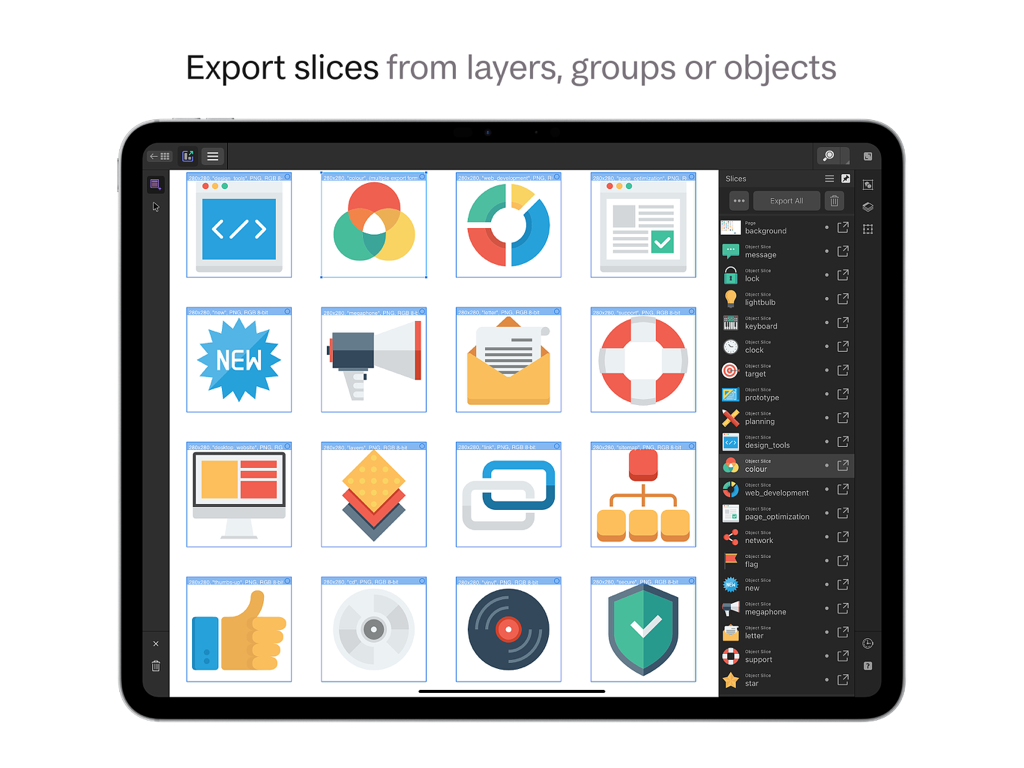
Affinity Designer 2 for iPadのインターフェースに、複数のUIアイコンのエクスポートスライス機能が表示されています。

Affinity Designer 2 for iPadのインターフェースに、複数のUIアイコンのエクスポートスライス機能が表示されています。

iPad向けに再定義されたプロフェッショナルデザイン

このアプリを際立たせるツール、 1M+ 人のユーザーが選択.

デスクトップパワー、ゼロラグ

複雑なドキュメントも簡単に処理できます。流れるような120fpsのパフォーマンスと最大1,000,000%のズームで、あらゆるノードに絶対的な精度を。

🎨

究極のハイブリッドワークフロー

プロフェッショナルなベクターツールと高品質なラスターブラシを瞬時に切り替えることができます。アプリを離れることなく、ペイント、テクスチャリング、マスキングが可能です。

📂

業界標準の互換性

外出先でもプロフェッショナルな作業を。AI、PSD、SVGファイルをシームレスにインポートおよびエクスポートし、CMYKおよびPantoneカラーモデルを完全にサポートします。

世界中のユーザーに愛されています

Trusted by 1M+ 人がこのアプリを愛用しています.

"

"Affinity Designer 2は、私のフリーランスワークフローにとって全くのゲームチェンジャーです。iPad ProからCMYKサポートと完全なファイル互換性を持つプロフェッショナルなブランディングプロジェクトを、サブスクリプションに縛られることなく処理できます。Apple Pencilとの統合の精度により、デスクトップマウスと比較してシェイプビルダーツールは魔法のようです。"

Marcus Rivera, フリーランスアイデンティティデザイナー
"

"シャープなベクターとテクスチャのあるラスターワークの間を行き来するイラストレーターとして、デュアルペルソナは命綱です。作品を完成させるために異なるアプリを切り替える必要がなくなりました。複雑なドキュメントでもパフォーマンスは信じられないほど流動的で、買い切りモデルはまさにクリエイティブコミュニティが今必要としているものです。"

Sarah Jenkins, デジタルイラストレーター&スモールビジネスオーナー

アプリについて

について知っておくべきこと Affinity Designer 2 for iPad.

説明

Affinity Designer 2 for iPad takes the power and precision of the Apple Design Award-winning desktop app and converts it into an incredible touch-focused creative experience. Packed with tons of new features and hundreds of enhancements to optimize your workflow, the graphic design app has everything you need to seamlessly create stunning illustrations, branding, logos, icons, UI/UX designs, print projects, typography, posters, labels, flyers, stickers, concept art, digital art, and much more – all completely free from the confines of your desk. OPTIMIZED FOR IPAD • Fully integrated and optimized iPad gesture controls to speed up your workflow • iOS16 ready, including optimization for virtual memory swap, dramatically increasing performance on large documents. • Sensitive to pressure, tilt, and angle, the app harnesses the full power and precision of Apple Pencil • Command controller hosting on-screen modifiers • Quick Menu for context-sensitive access to commands • Use as your very own digital sketchbook, canvas, logo maker, sticker maker, flyer maker, and more POWERFUL TOOLS & FUNCTIONALITY • Vector Warp • Shape Builder Tool • Knife Tool • DXF/DWF import • Measure & Area tools • Drawing scale – including ability for different scales set per artboard • X-ray, hide effects, and greyscale view modes • Multiple shadow, outline, and overlay layer effects per object • Powerful grids and guides • Transform Tool • Vector Flood Fill • Spiral Tool REAL-TIME PERFORMANCE • Pan and zoom at 120fps • Live gradients, transforms, effects, and adjustments • Optimized for documents of any complexity, zoom to over 1,000,000% for absolute precision • Live pixel, retina, wireframe, and x-ray views of vector artwork in and out of split screen mode • Live Pattern Preview • Seamless switching between tools and editing modes for frustration-free design • Incredibly accurate results with minimal nodes PRECISE VECTOR TOOLS • Rock solid vector tools that work just the way you want them to • The best Pen Tool, Node Tool, curve editing, and smart shape tools available • Powerful Contour Tool to create abstract objects or increase the width of single open curves • Pencil and brush stabilization for drawing super-smooth curves freehand • Non-destructive Boolean operations • Live effects, blend modes, and image adjustments • Incredibly smooth gradient and transparency controls RASTER OR VECTOR, YOU DECIDE • Switch between fully-featured vector and raster workspaces with a single tap – paint, draw, or sketch in raster and then create cool, custom vector art • High quality raster tools for painting, texturing, masking, finishing artwork, or even creating tattoo designs • Use raster brushes, edit single pixels on icons, mask and add grain to your crisp vectors, enclose and clip pixel layers – it’s true creative freedom not found in other software or drawing apps SOPHISTICATED TYPOGRAPHY • Flexible text handling including comprehensive support for OpenType • Artistic text and text frames • Full control over character and paragraph styles • Flow text and type along any drawn path • Extensive library of free fonts BUILT FOR YOUR WORKFLOW • Unlimited artboards • Savable history with alternate futures • Customizable shortcuts with attached keyboard or new quick menu • Adobe Illustrator ® (Ai files), PSD, PDF, EPS, SVG, JPG, JPEG XL, TIFF, EXR, DXF, and DWG file support • Linked symbols and constraints • Save documents as template files to re-use time and time again • Quickly access royalty free images through the Stock Panel or import files from Affinity Photo or other photo editor • Select Same and Select Object functions PERFECT COLOR & OUTPUT • Professional CMYK, LAB, RGB, PANTONE© and Greyscale color models • Full 16-bit per channel editing • End-to-end ICC color management • Slice export for exporting multiple elements in a single tap • Live pixel preview to see exactly how your design will export

最新バージョン

2.6.4

サイズ

1.7 GB

リリース日

2022年11月9日

限界なくデザイン。永遠に所有。

100万人以上のプロフェッショナルがサブスクリプションを廃止し、iPadでデスクトップクラスの精度を手に入れました。月額料金なし、妥協なし - 純粋なクリエイティブパワーだけです。

ダウンロード: App Store
FAQ

よくある質問

について知っておくべきこと Affinity Designer 2 for iPad

Affinity Designer 2 for iPadとは何ですか?

Affinity Designer 2 for iPadは、タッチとApple Pencilに最適化されたグラフィックデザインアプリです。堅牢なベクトルおよびラスターツールを使用して、イラスト、ブランディング、ロゴ、UI/UXデザイン、印刷プロジェクト、デジタルアートを作成できます。

Affinity Designer 2 for iPadはApple Pencilをサポートしていますか?

はい、Affinity Designer 2 for iPadはApple Pencilを完全にサポートしています。筆圧、傾き、角度の感度を活用して、描画およびデザインタスクに正確な制御を提供します。

Affinity Designer 2 for iPadはベクトルグラフィックとラスターグラフィックの両方を処理できますか?

はい、Affinity Designer 2 for iPadでは、フル機能のベクトルワークスペースとラスターワークスペースをシームレスに切り替えることができます。ユーザーはラスターでペイント、描画、スケッチし、次にカスタムベクトルアートを作成できます。

Affinity Designer 2 for iPadはどのファイル形式をサポートしていますか?

Affinity Designer 2 for iPadは、Ai、PSD、PDF、EPS、SVG、JPG、JPEG XL、TIFF、EXR、DXF、DWGなど、さまざまなファイル形式をサポートしています。これにより、プロジェクトの幅広い互換性が保証されます。

Affinity Designer 2 for iPadは大規模ドキュメントのパフォーマンスをどのように最適化しますか?

Affinity Designer 2 for iPadは、iOS16仮想メモリのスワップを統合することで、大規模ドキュメントのパフォーマンスを最適化します。これにより、複雑なデザインプロジェクトでも効率が大幅に向上します。

Affinity Designer 2 for iPadにはナイフツールがありますか?

はい、Affinity Designer 2 for iPadにはナイフツールが搭載されています。ユーザーは、インターフェイスに示されているように、アプリケーション内で直接、形状、曲線、またはテキストを正確にスライスできます。

Affinity Designer 2 for iPadで非破壊的なエフェクトを適用できますか?

はい、Affinity Designer 2 for iPadは、非破壊的な調整とベクターワープをサポートしています。これにより、ユーザーは元の画像データを永続的に変更することなく変更を加え、柔軟な編集を保証できます。

Affinity Designer 2 for iPadは高度なタイポグラフィ機能を提供していますか?

はい、Affinity Designer 2 for iPadは、洗練されたタイポグラフィ機能を提供します。これには、OpenTypeサポート、アートテキスト、テキストフレーム、文字/段落スタイル、および任意のパスに沿ってテキストを流し込む機能が含まれます。

Affinity Designer 2 for iPadはプロフェッショナルな出力のためにどのカラーモデルをサポートしていますか?

Affinity Designer 2 for iPadは、CMYK、LAB、RGB、PANTONE©、グレースケールを含むプロフェッショナルカラーモデルをサポートしています。また、フル16ビット/チャンネル編集とエンドツーエンドのICCカラーマネジメントも備えています。

Affinity Designer 2 for iPadを使用してロゴやブランディングを作成できますか?

はい、Affinity Designer 2 for iPadは、ロゴやブランディングの作成に最適です。ペンツールやシェイプビルダーなどの強力なベクトルツールが含まれており、正確なグラフィックデザイン作業を可能にします。