Genki Studio

Genki Studio

다운로드: App Store
Spark by MWM logo
로고: Genki Studio

Genki Studio: iPad를 전문가 수준의 휴대용 모니터로 변환

콘솔 게임 플레이, 전문가용 카메라 모니터링, 고품질 비디오를 기기 또는 외부 SSD에 직접 녹화하는 iPad의 성능을 활용하세요.

개발사

Human Things, Inc

카테고리

Utilities

다운로드

120K+

사용자 평점

4.6/5

총 평가 수

0

지원 언어

4

한눈에 보는 프로 스튜디오

이 인터페이스를 사용하는 120K+ 명의 사용자.

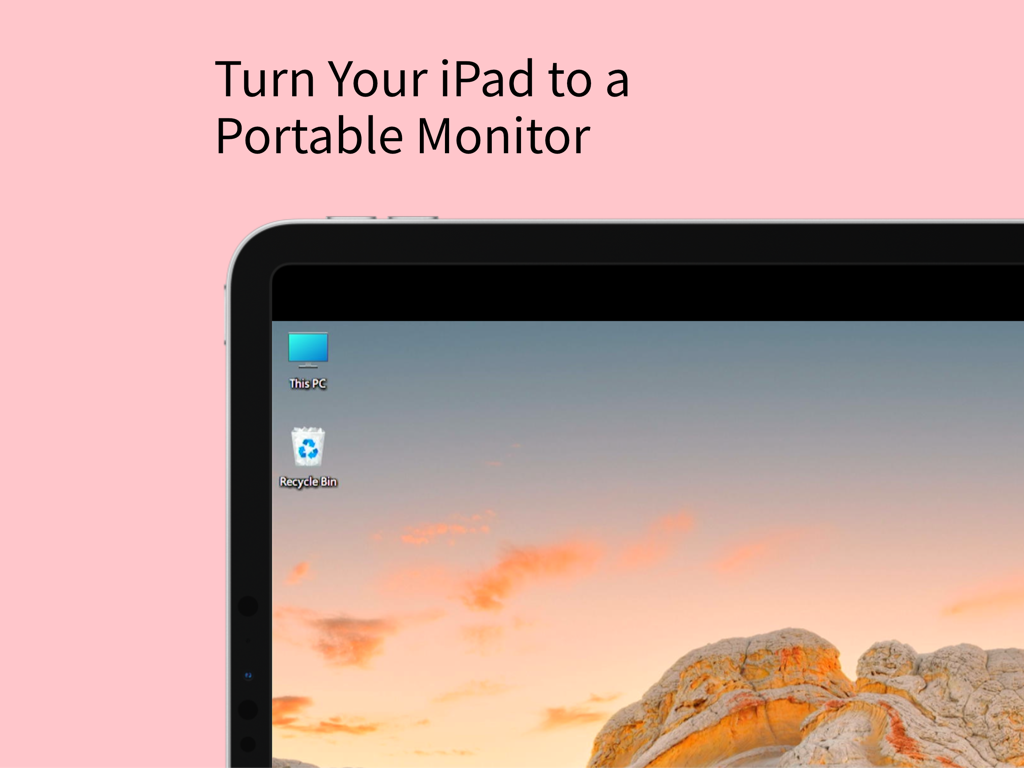
휴대용 모니터로 사용되는 Windows 데스크톱을 표시하는 iPad 화면

휴대용 모니터로 사용되는 Windows 데스크톱을 표시하는 iPad 화면

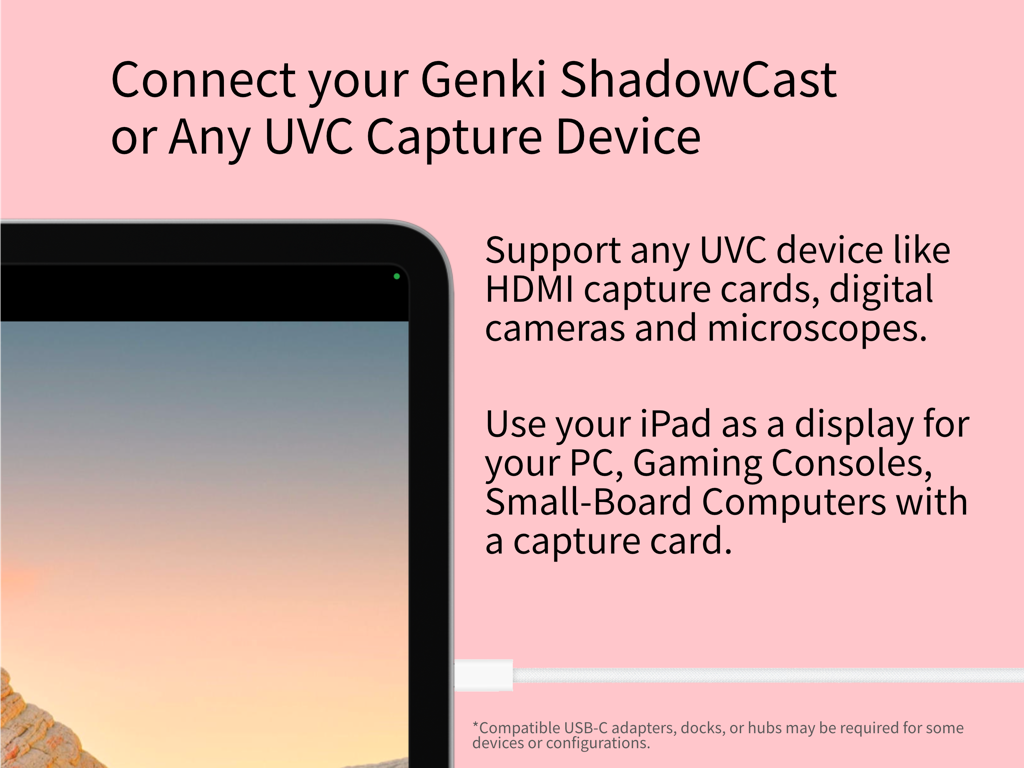
게임 및 전문가 용도로 UVC 캡처 장치에 연결된 iPad 디스플레이

게임 및 전문가 용도로 UVC 캡처 장치에 연결된 iPad 디스플레이

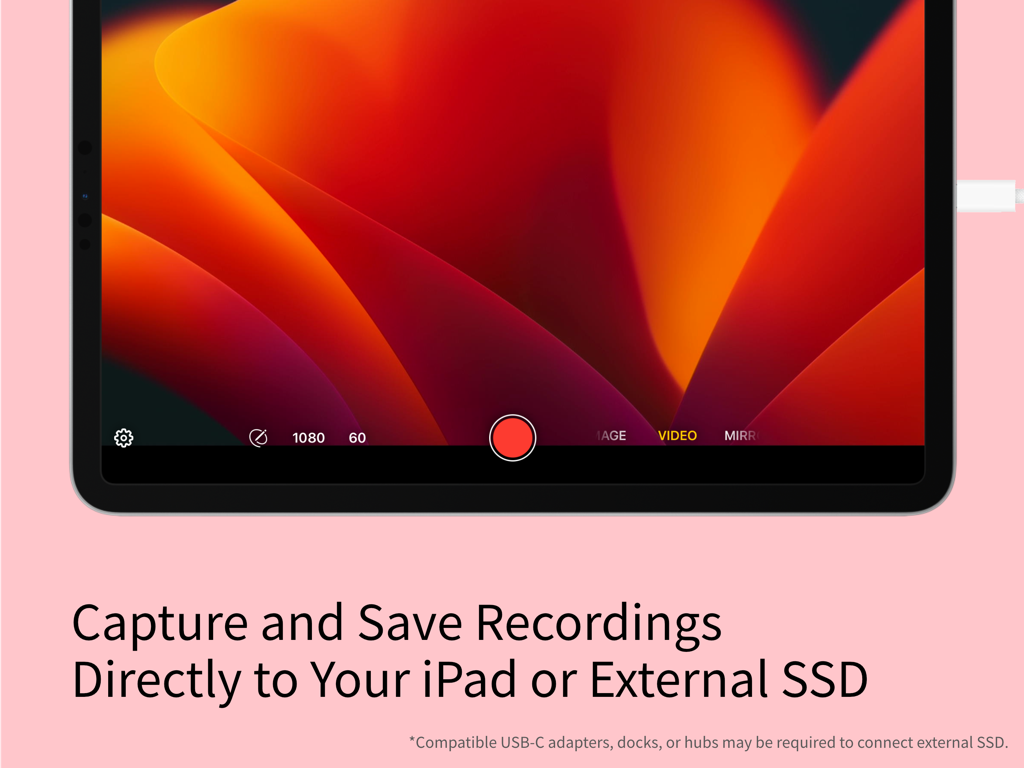
iPad에서 비디오 녹화 기능 및 외부 저장 옵션을 보여주는 Genki Studio 앱 인터페이스

iPad에서 비디오 녹화 기능 및 외부 저장 옵션을 보여주는 Genki Studio 앱 인터페이스

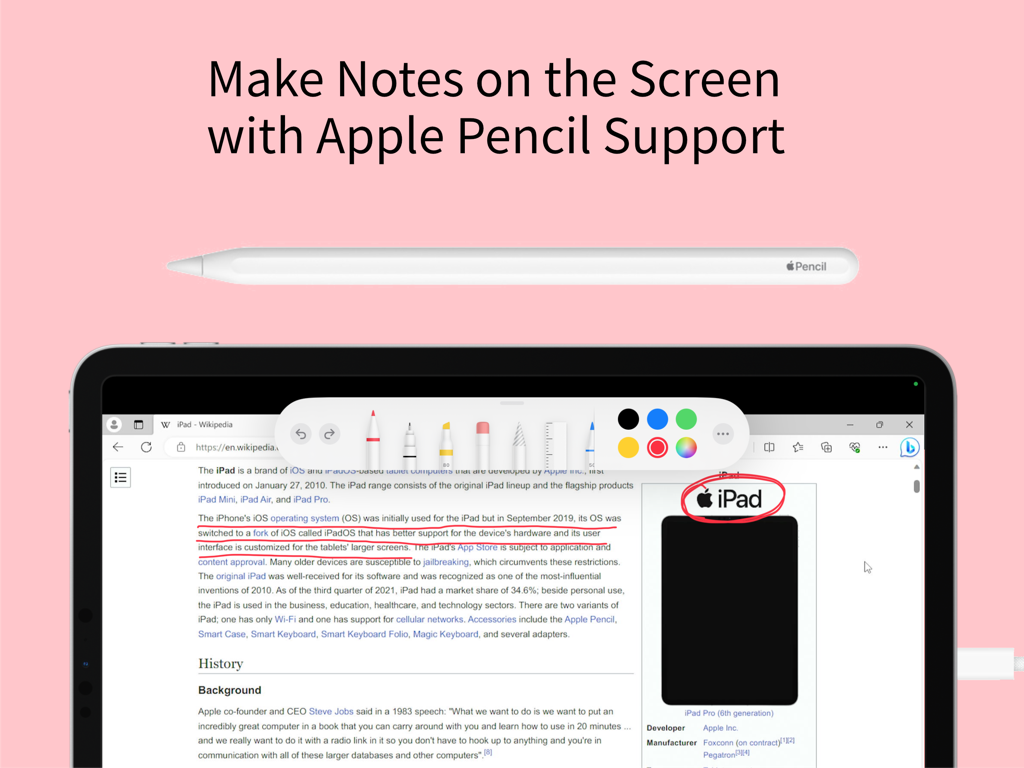
Genki Studio 앱에서 메모 및 주석 만들기를 위한 Apple Pencil 지원을 보여주는 iPad 화면

Genki Studio 앱에서 메모 및 주석 만들기를 위한 Apple Pencil 지원을 보여주는 iPad 화면

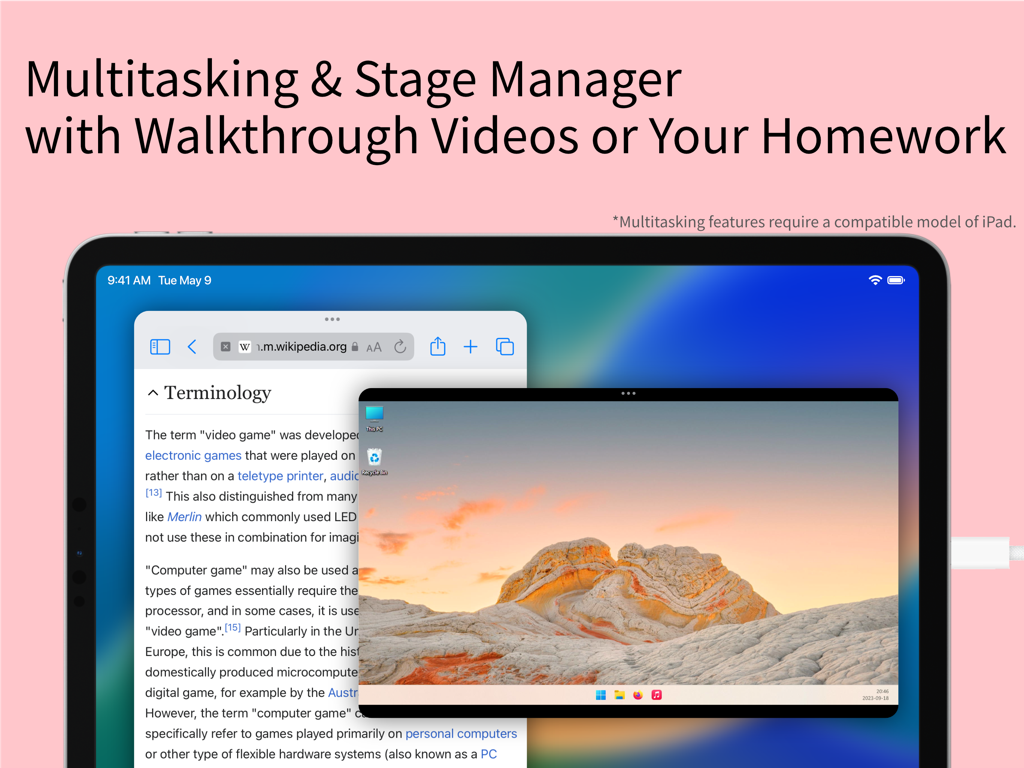
Wikipedia 기사 및 원격 PC 데스크톱 비디오 피드와 멀티태스킹하는 스테이지 관리자를 사용하는 iPad 화면

Wikipedia 기사 및 원격 PC 데스크톱 비디오 피드와 멀티태스킹하는 스테이지 관리자를 사용하는 iPad 화면

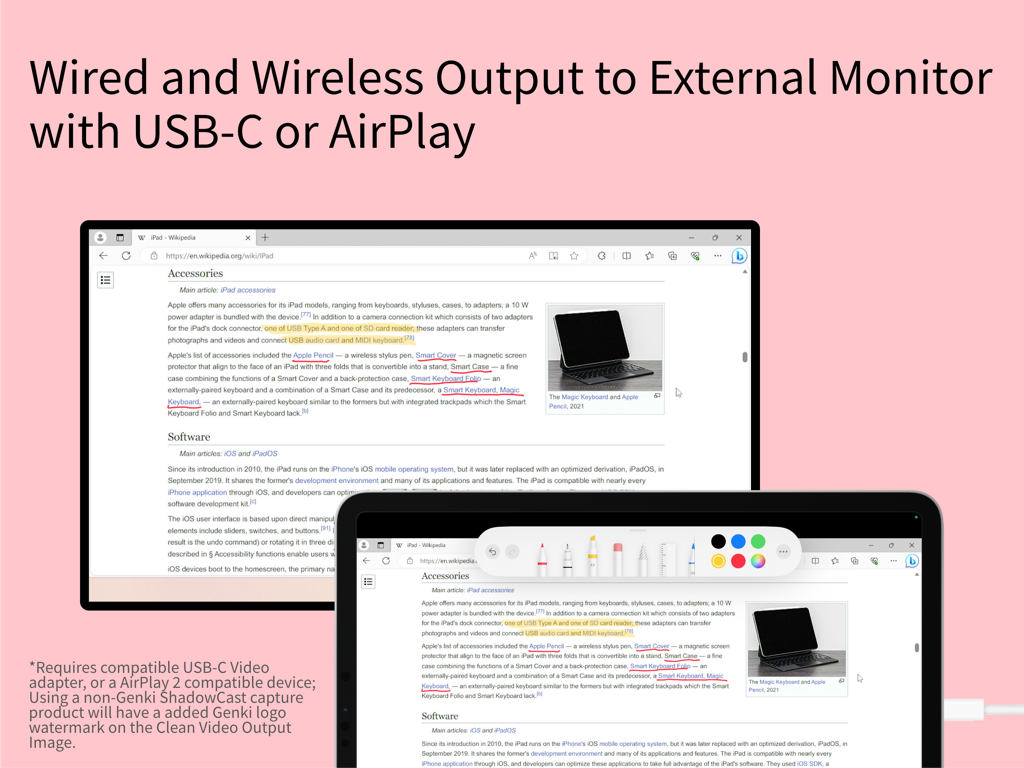
마크업 도구가 있는 외부 모니터로 미러링된 iPad 화면

마크업 도구가 있는 외부 모니터로 미러링된 iPad 화면

iPad의 숨겨진 잠재력을 발휘하세요

이 앱을 돋보이게 하는 도구, 120K+ 명의 사용자가 선택.

🎮

궁극의 휴대용 디스플레이

Nintendo Switch, Steam Deck 또는 PC를 연결하여 TV 없이도 자신이 가진 최고의 화면에서 프리미엄, 지연 없는 게임 경험을 즐기세요.

🎥

전문가 수준의 비디오 캡처

전문적인 그리드 오버레이로 카메라 피드를 모니터링하고 원활한 워크플로우를 위해 iPad 또는 외부 SSD에 직접 고품질 영상을 녹화하세요.

✏️

실시간 마크업 및 프레젠테이션

Apple Pencil을 사용하여 실시간으로 라이브 비디오 위에 스케치하세요. 코칭, 교육 또는 Clean Video Output을 통한 대화형 프레젠테이션 제공에 완벽합니다.

전 세계 사용자들에게 사랑받는 앱

Trusted by 120K+ 명이 이 앱을 사랑합니다.

"

"Genki Studio는 제 여행 설정에 있어 완전히 판도를 바꿉니다. 이제 기차 안에서 iPad Pro를 Nintendo Switch의 고화질 모니터로 사용할 수 있으며, 스테이지 관리자 지원 덕분에 게임 가이드를 옆에 열어둘 수 있습니다. 지연이 거의 느껴지지 않아 완벽한 휴대용 게임 스테이션입니다."

Alex Rivera, Tech Enthusiast & Digital Nomad
"

"프리랜서 비디오그래퍼로서 이 앱 덕분에 비싼 전용 필드 모니터를 구매하지 않아도 되었습니다. UVC를 통해 미러리스 카메라를 연결하면 전문적인 그리드 오버레이가 있는 멋진 대형 화면 미리보기를 얻을 수 있습니다. Apple Pencil로 촬영본에 마크업하면서 피드를 외부 SSD에 직접 녹화할 수 있다는 점은 전체 워크플로우를 간소화했습니다."

Sarah Chen, Content Creator

앱 소개

에 대해 알아야 할 모든 것 Genki Studio.

설명

Genki Studio turns your iPad into a portable monitor and advanced video capture and presentation device. Connect your Genki ShadowCast or any compatible USB UVC input device to start using your iPad as a portable monitor for your gaming console, PC, digital camera, small board computer, or microscope. Record the input at maximum quality and save the media file directly to your iPad or an external SSD to save storage space on your iPad. With external monitor support, your iPad can output full-screen content to another external display via AirPlay or USB-C to HDMI/DisplayPort adapters while continuing recording to your iPad, or use mirror mode and Apple Pencil markup for a quick presentation. Highlights of this app: · Connect your Genki ShadowCast or any compatible USB UVC input device to your iPad. · View the UVC input directly on your iPad. · Capture images or videos with audio with maximum quality, to your iPad storage or directly to an external storage device like a portable SSD. · Fully compatible with Stage Manager and Multitasking features of the iPad, enjoy music or play the video guide of your game while playing your game all on an iPad. · Grid and Ratio Overlay for easy monitoring of professional cameras. · Clean Video Output to display input on an external monitor with AirPlay or a wired connection, while continuing recording to your iPad at the same time. · Mark Up with Apple Pencil support lets you scribble on the screen. · Connecting to an external monitor and using Mark Up to enable Mirroring Mode, which turns your iPad into a portable notepad perfect for any live events. · Optimized for accessibility with VoiceOver support. * Connecting to UVC devices requires a compatible model of iPad. Using this app requires additional UVC accessories; this app supports Genki ShadowCast, and any other USB UVC input device including capture cards, professional cameras, microscopes, or webcams that conform with UVC standards. Appropriate USB-C adapters, docks, or hubs are required for some devices or configurations. Multitasking features require a compatible model of iPad. Using Clean Video Output with a wirelessly connected monitor requires AirPlay 2-enabled TVs, streaming boxes or sticks, or a compatible Mac with the latest macOS update installed; also, using a non-Genki ShadowCast capture product will have an added Genki logo watermark on the Clean Video Output Image. UVC input are supported on iPad with a USB-C port: · iPad Pro 11-inch and 13-inch (M4) · iPad Pro 12.9-inch (3rd generation and later) · iPad Pro 11-inch (1st generation and later) · iPad Air 11-inch and 13-inch (M2) · iPad Air (4th and 5th generation) · iPad mini (A17 Pro) · iPad mini (6th generation) · iPad (A16) · iPad (10th generation) USB-C ports on some iPad only supports maximum USB 3.0 SuperSpeed 5Gbps or USB 2.0 High-Speed, which may limit the formats you can use with your UVC devices. Please check your iPad’s support before downloading this app or buying accessories.

최신 버전

1.5.2

크기

7.3 MB

출시일

2023년 9월 19일

iPad를 전문가 수준의 디스플레이로 변환

제한 없이 게임, 콘텐츠 제작 및 라이브 프레젠테이션에 Genki Studio를 사용하는 120,000명 이상의 크리에이터 및 게이머와 함께하세요. 지금 바로 휴대용 설정을 시작하세요.

다운로드: App Store
FAQ

자주 묻는 질문

에 대해 알아야 할 모든 것 Genki Studio

Genki Studio는 무엇인가요?

Genki Studio는 iPad를 휴대용 모니터 및 고급 비디오 캡처 및 프레젠테이션 장치로 변환합니다. Genki ShadowCast와 같은 UVC 입력 장치에 연결하여 다양한 소스의 비디오를 표시하고 녹화합니다.

Genki Studio에서 비디오 입력을 녹화할 수 있나요?

네, Genki Studio는 오디오를 포함한 UVC 입력을 최대 품질로 녹화합니다. 사용자는 미디어 파일을 iPad 저장 공간이나 외부 SSD에 직접 저장할 수 있습니다.

Genki Studio를 사용하여 어떤 장치를 iPad에 연결할 수 있나요?

Genki Studio는 Genki ShadowCast 또는 호환되는 USB UVC 입력 장치에 연결됩니다. 여기에는 캡처 카드, 전문가용 카메라, 현미경, 게임 콘솔, PC 및 소형 보드 컴퓨터가 포함됩니다.

Genki Studio는 외부 모니터를 지원하나요?

네, Genki Studio는 외부 모니터를 지원합니다. iPad는 iPad에서 녹화가 계속 진행되는 동안에도 AirPlay 또는 USB-C-HDMI/DisplayPort 어댑터를 통해 전체 화면 콘텐츠를 출력할 수 있습니다.

Genki Studio에서 Apple Pencil을 지원하나요?

네, Genki Studio는 Apple Pencil을 지원합니다. 사용자는 화면에 마크업하거나 낙서하여 iPad를 휴대용 메모장으로 전환하는 미러링 모드를 활성화할 수 있습니다.

UVC 입력을 위한 Genki Studio 호환 iPad 모델은 무엇인가요?

Genki Studio는 USB-C 포트가 있는 iPad에서 UVC 입력을 지원하며, 여기에는 다양한 세대의 iPad Pro, iPad Air, iPad mini (6세대 및 A17 Pro), iPad (10세대 및 A16)가 포함됩니다.

Genki Studio는 Stage Manager와 같은 멀티태스킹 기능과 함께 작동하나요?

네, Genki Studio는 iPad의 Stage Manager 및 멀티태스킹 기능과 완벽하게 호환됩니다. 사용자는 앱을 동시에 사용하는 동안 음악을 즐기거나 비디오 가이드를 시청할 수 있습니다.

Clean Video Output에 Genki ShadowCast가 아닌 장치를 사용하면 워터마크가 표시되나요?

네, Genki ShadowCast가 아닌 캡처 제품을 사용하면 Clean Video Output 이미지에 Genki 로고 워터마크가 추가됩니다.

Genki Studio의 녹화 저장 옵션은 무엇인가요?

Genki Studio를 사용하면 녹화 내용을 iPad의 내부 저장 공간이나 휴대용 SSD와 같은 외부 저장 장치에 직접 저장할 수 있습니다.

Genki Studio를 프레젠테이션에 사용할 수 있나요?

네, Genki Studio는 프레젠테이션을 지원합니다. 사용자는 미러 모드와 Apple Pencil 마크업을 사용하여 iPad를 라이브 이벤트에 이상적인 휴대용 메모장으로 변환할 수 있습니다.