MirrorMeister Screen Mirroring

MirrorMeister Screen Mirroring

다운로드: App Store
Spark by MWM logo
로고: MirrorMeister Screen Mirroring
MirrorMeister 화면 미러링: iPhone을 모든 스마트 TV로 무선 전송

지저분한 케이블과 비싼 어댑터는 잊으세요. 사진, 동영상, 스포츠, 소셜 미디어를 iPhone 또는 iPad에서 큰 화면으로 손쉽게 스트리밍하여 더 좋고 편안한 시청 경험을 누리세요.

다운로드: App Store

개발사

MeisterApps BV

카테고리

Photo & Video

다운로드

2M+

사용자 평점

4.5/5

총 평가 수

23K+

지원 언어

17

큰 화면의 행복

이 인터페이스를 사용하는 2M+ 명의 사용자.

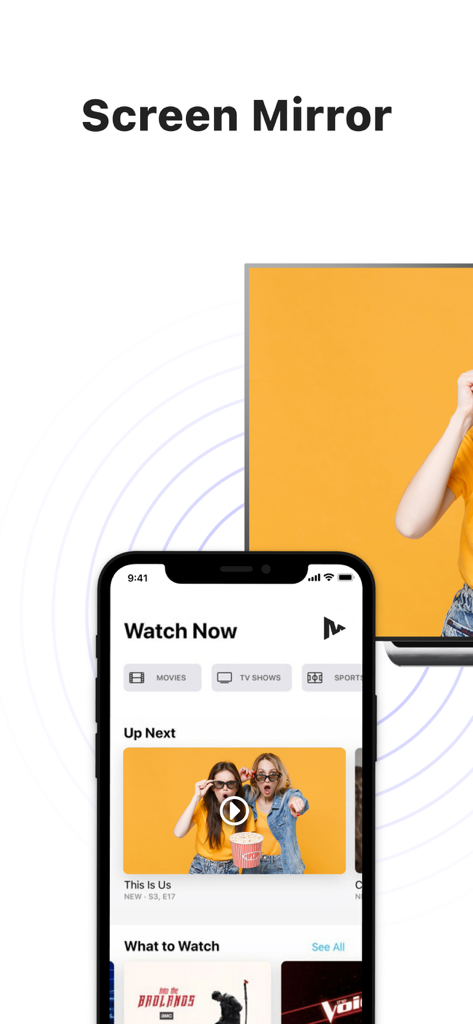
비디오 콘텐츠를 표시하는 iPhone이 대형 스마트 TV 화면으로 무선 미러링되는 모습

비디오 콘텐츠를 표시하는 iPhone이 대형 스마트 TV 화면으로 무선 미러링되는 모습

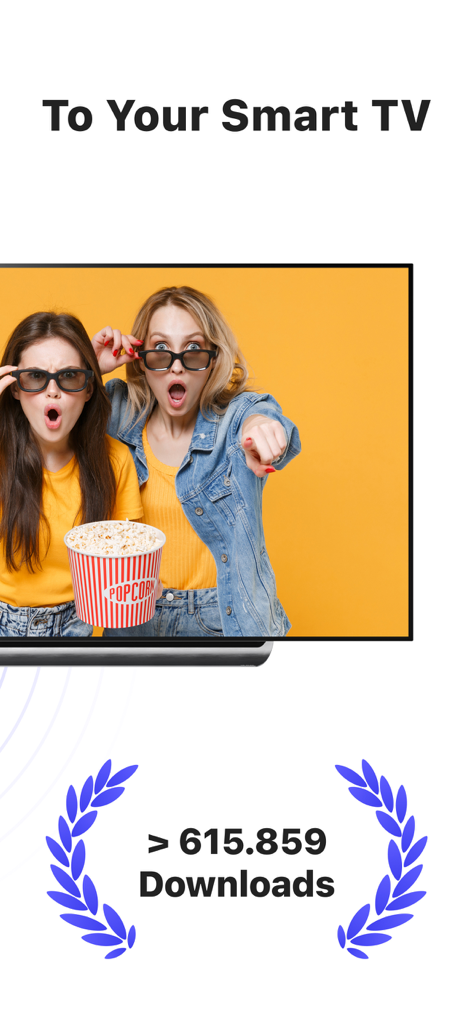
다운로드 마일스톤이 있는 스마트 TV로의 무선 화면 미러링을 보여주는 MirrorMeister 앱 스크린샷

다운로드 마일스톤이 있는 스마트 TV로의 무선 화면 미러링을 보여주는 MirrorMeister 앱 스크린샷

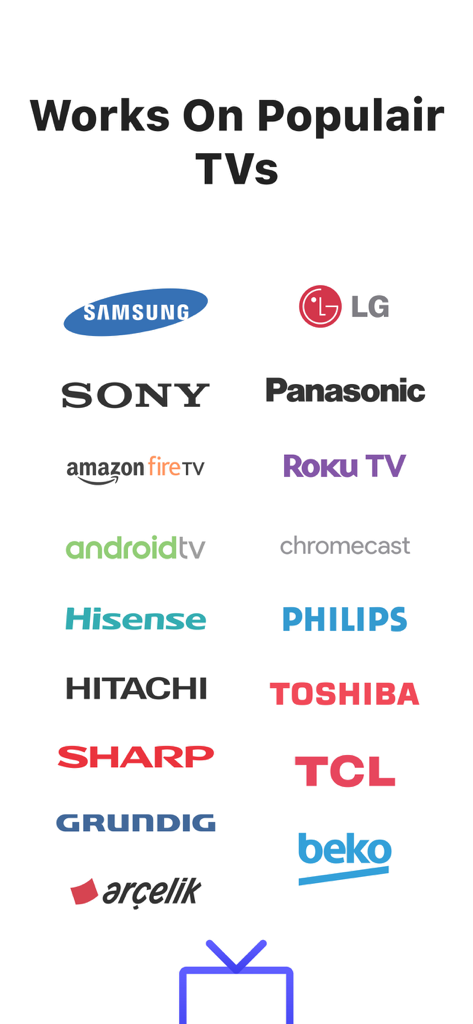
Samsung LG Sony 및 Roku TV를 포함한 MirrorMeister 화면 미러링 앱에서 지원하는 인기 TV 브랜드 로고

Samsung LG Sony 및 Roku TV를 포함한 MirrorMeister 화면 미러링 앱에서 지원하는 인기 TV 브랜드 로고

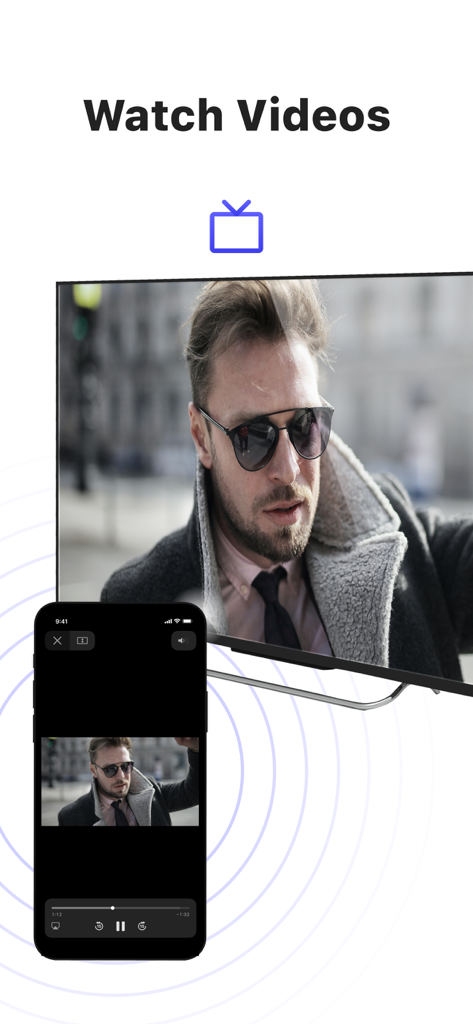
MirrorMeister 앱을 사용하여 iPhone이 남성 비디오를 대형 스마트 TV로 미러링하는 모습

MirrorMeister 앱을 사용하여 iPhone이 남성 비디오를 대형 스마트 TV로 미러링하는 모습

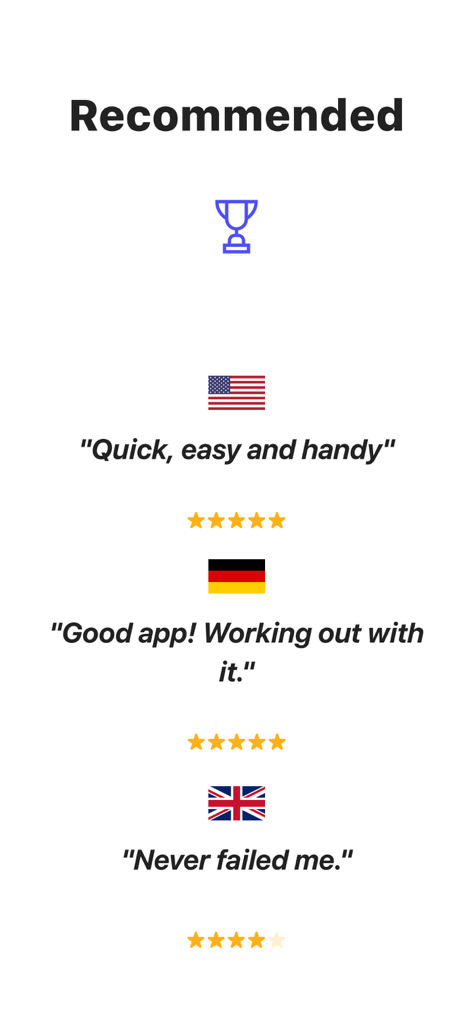
미국, 독일, 영국에서 받은 MirrorMeister 화면 미러링 앱 사용자 리뷰 및 별점

미국, 독일, 영국에서 받은 MirrorMeister 화면 미러링 앱 사용자 리뷰 및 별점

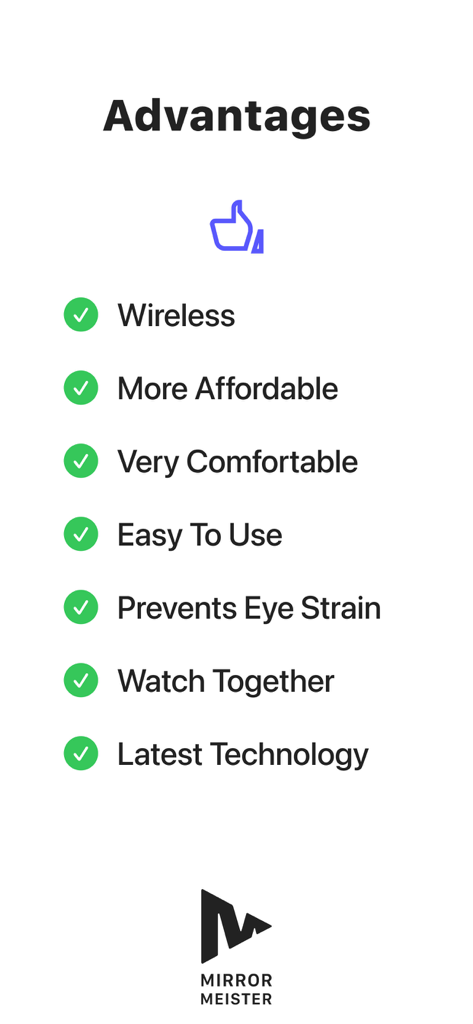
무선 연결 및 눈의 피로 방지를 포함한 MirrorMeister 앱 사용 이점 목록

무선 연결 및 눈의 피로 방지를 포함한 MirrorMeister 앱 사용 이점 목록

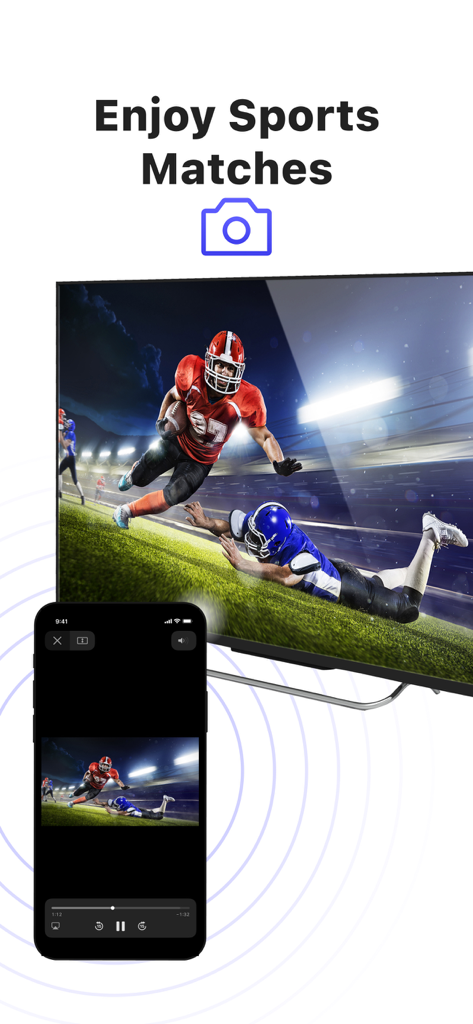
iPhone이 대형 스마트 TV 화면으로 미식축구 경기를 미러링하는 모습

iPhone이 대형 스마트 TV 화면으로 미식축구 경기를 미러링하는 모습

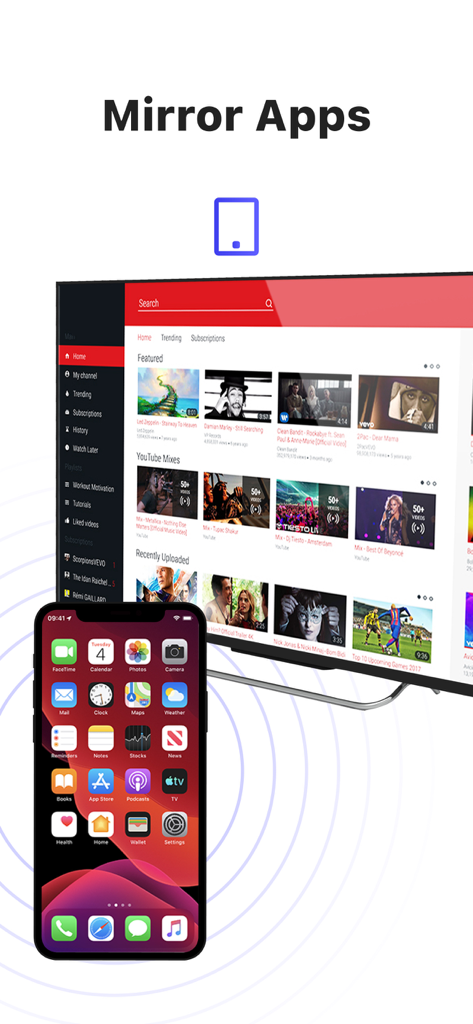
비디오 콘텐츠를 표시하는 대형 스마트 TV로 화면을 무선 미러링하는 iPhone

비디오 콘텐츠를 표시하는 대형 스마트 TV로 화면을 무선 미러링하는 iPhone

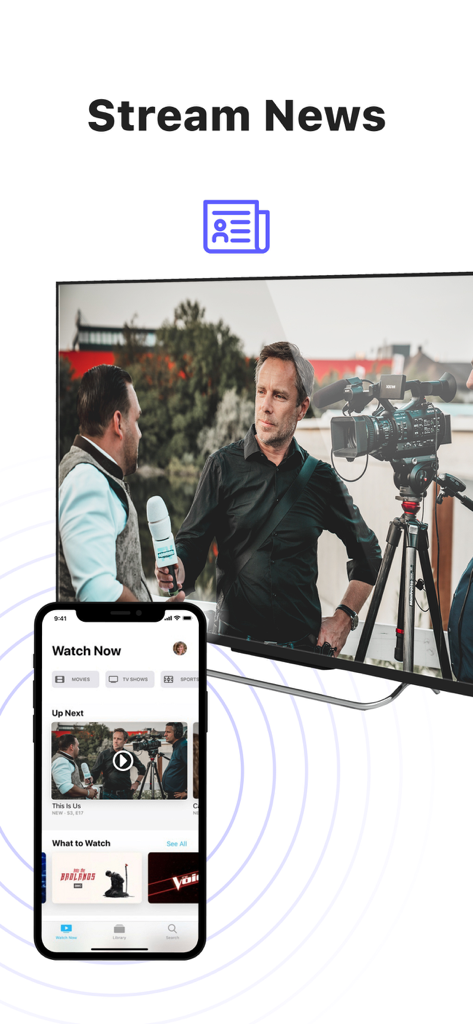
iPhone이 대형 스마트 TV로 뉴스 콘텐츠를 미러링하는 모습

iPhone이 대형 스마트 TV로 뉴스 콘텐츠를 미러링하는 모습

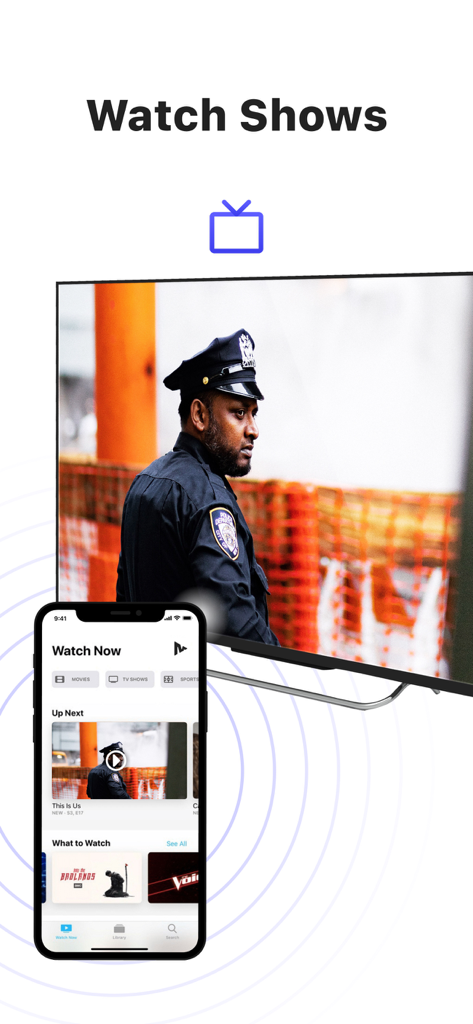
MirrorMeister 앱을 사용하여 iPhone이 TV 쇼를 대형 스마트 TV 화면으로 미러링하는 모습

MirrorMeister 앱을 사용하여 iPhone이 TV 쇼를 대형 스마트 TV 화면으로 미러링하는 모습

콘텐츠를 거대한 스케일로 경험하세요

이 앱을 돋보이게 하는 도구, 2M+ 명의 사용자가 선택.

📺

보편적인 호환성

Apple TV가 없어도 괜찮습니다. 거의 모든 스마트 TV 브랜드(Samsung, LG, Sony, Roku, Hisense 포함)로 iPhone 또는 iPad를 즉시 미러링하세요.

깔끔한 연결

비싼 HDMI 어댑터와 보기 흉한 전선은 잊으세요. 100% 무선 스트리밍 솔루션으로 깔끔하고 미니멀한 거실을 즐기세요.

👨‍👩‍👧‍👦

함께하는 순간에 완벽

휴가 사진, 홈 비디오, 소셜 미디어 트렌드를 큰 화면에서 공유하여 가족과 친구들을 함께 모으고 디지털 눈의 피로를 줄이세요.

전 세계 사용자들에게 사랑받는 앱

Trusted by 2M+ 명이 이 앱을 사랑합니다.

"

"MirrorMeister는 가족 모임에 필수품입니다! 이제 케이블을 찾을 필요 없이 iPhone에서 바로 Samsung TV로 딸의 축구 하이라이트를 보여줄 수 있습니다. 설정이 직관적이었고, 방 안의 모든 사람들과 추억을 공유하기에 사진 품질도 훌륭합니다."

Sarah Miller
"

"YouTube에서 피트니스 강사를 따라 하는 사람으로서 이 앱 덕분에 목(말 그대로)을 구할 수 있었습니다. 운동을 큰 화면으로 전송하는 것이 큰 차이를 만듭니다. 또한 네이티브 TV 앱이 없는 웹 콘텐츠를 미러링하는 데 사용합니다. 빠르고 안정적이며 사용하기 매우 쉽습니다."

James Peterson

리뷰 분석

사용자 리뷰 인사이트.

감정 점수

29%
부정적

요약

This mobile app receives overwhelmingly negative feedback, primarily due to poor reliability and a perceived high cost for features often available for free. Users frequently report significant connectivity issues, including frequent disconnections, TVs not being found, and problems after updates, alongside a specific bug on iOS 26 requiring a connection code. Performance concerns are widespread, with numerous complaints about lag, choppy video, blurry quality, and audio synchronization issues. While a small number of users found the app to work perfectly, the majority are frustrated with a subscription model that demands payment even after trials, with some reporting re-payment demands for previously purchased Pro versions.

주요 테마

Pricing & Subscription Model(20)
Connectivity & Disconnections(14)
Performance Issues(13)
Positive Functionality(9)
Compatibility & Device Specific Bugs(8)
Audio Problems(5)

앱 소개

에 대해 알아야 할 모든 것 MirrorMeister Screen Mirroring.

설명

There's no need to use tiny screens, annoying HDMI cables or expensive hardware. Prevent eyestrain, save money and get rid of those unsightly & unsafe cables. Discover MirrorMeister today! Easily connect your TV to your iOS devices with MirrorMeister's revolutionary app. Totally wireless smartcast of course! Enjoy movies, sport, photos, news and all apps on the big screen and make your life more comfortable. MirrorMeister is a screen mirroring app that allows you to play the media that’s playing on your phone/ tablet to your smart tv. - Mirror your phone/ tablet to your smart TV. - No ugly, clumsy & unsafe cables! - One app for popular TV brands (Samsung, Sony, LG, Panasonic, Hisense, etc.) - Watch movies. - Stream sports. - Screen mirroring cast to tv. - Binge-watch series. - Watch breaking news. - Show photos to loved-ones and impress friends & family. - Cast YouTube, Facebook, TikTok, Instagram to TV. MirrorMeister supports: 1. iPhone & iPad 2. Smart TV: Samsung, Roku TV, Sony, LG, Panasonic, Philips, Grundig, Arçelik, Beko, Hisense, TCL, Toshiba, Sharp, Hitachi, Skyworth, Changhong, and any other TV using Android TV operational system. 3. Streaming devices: Roku Streaming Player, Chromecast, Amazon FireTV, Xiaomi Mi Box. Screen Mirroring Advantages: * Larger screen: * Better viewing experience * Share content with others * No additional hardware required * No compatibility issues * Improved battery life: * Easy setup * Smartview * Streaming content * Use as a second display * High-quality video and audio INSTRUCTIONS: 1. Make sure that your iPhone or iPad is connected to the same local network as your TV. Don't use multiple VLANs or subnets. 2. Launch the MirrorMeister app. 3. When you open MirrorMeister for the first time, a simple setup process will guide you step by step on how to connect the mirror app to your TV. 4. To enable sound while screen mirroring, turn down the sound of your iPhone or iPad and turn ON the sound of your TV. Don’t forget to switch OFF the mute button on the side of your iPhone so sound is enabled. PRIVACY: Even though there are notifications about Screen Recording, we don’t record your screen into files and we don’t send any content to a server. We only temporarily store data in memory, before it is streamed to the TV. Upon streaming, the content is removed from memory. Limitations and known issues: DRM Some apps don't allow screen mirroring. For instance, iTunes, Netflix, Disney or Apple TV: when you start screen mirroring one of those apps on your iPhone or iPad, the TV screen will turn black. This is a choice that this company made, there is nothing that MirrorMeister can do about it. Gaming Please note that our screen mirroring app is not suitable for high-intensity gaming on a Smart TV because of some delay (latency). The delay is normally between 1 and 3 seconds. Support If you need any assistance using the mirroring app, please contact us via email or Facebook Messenger. Our support staff is available 24/7 to help you. UNLIMITED ACCESS PRO SUBSCRIPTION You need a subscription for unlimited access to all features without advertising and interruptions. Payment will be charged to iTunes Account at confirmation of purchase. Subscription automatically renews unless auto-renew is turned off at least 24-hours before the end of the current period. The account will be charged for renewal within 24-hours before the end of the current period and identify the cost of the renewal. Subscriptions may be managed by the user and auto-renewal may be turned off by going to the user's Account Settings after purchase. Any unused portion of a free trial period, if offered, will be forfeited when the user purchases a subscription to that publication, where applicable. - Terms of use: https://www.mirrormeister.com/terms-of-use/ - Privacy policy: https://www.mirrormeister.com/privacy-policy-meisterapps/

최신 버전

2.2.10

크기

127.6 MB

출시일

2020년 10월 14일

더 큰 그림을 볼 준비가 되셨나요?

케이블을 포기한 2백만 명 이상의 사용자와 함께하세요. 지금 MirrorMeister를 다운로드하여 몇 초 안에 모든 스마트 TV에서 좋아하는 동영상, 앱, 추억을 즐기세요.

다운로드: App Store
FAQ

자주 묻는 질문

에 대해 알아야 할 모든 것 MirrorMeister Screen Mirroring

MirrorMeister란 무엇인가요?

MirrorMeister는 iPhone 및 iPad와 같은 iOS 기기를 스마트 TV에 무선으로 연결해주는 화면 미러링 앱입니다. 이를 통해 기기의 미디어 및 앱을 더 큰 화면에 표시할 수 있습니다.

MirrorMeister는 어떤 TV 브랜드를 지원하나요?

MirrorMeister는 Samsung, Sony, LG, Panasonic, Hisense, Philips, TCL, Toshiba, Sharp, Hitachi 등 다양한 인기 TV 브랜드와 Android TV OS를 사용하는 모든 TV를 지원합니다. Roku TV도 지원합니다.

MirrorMeister로 Netflix와 같은 스트리밍 앱의 콘텐츠를 미러링할 수 있나요?

아니요, MirrorMeister는 Netflix, iTunes, Disney, Apple TV와 같은 앱의 콘텐츠 미러링을 지원하지 않습니다. 이러한 앱은 디지털 권리 관리(DRM)를 사용하므로 화면 미러링이 차단되어 TV에 검은 화면이 표시됩니다.

MirrorMeister는 게임에 적합한가요?

아니요, MirrorMeister는 스마트 TV에서 고강도 게임에는 적합하지 않습니다. 일반적인 1~3초의 지연(latency)이 있어 게임 경험에 영향을 미칩니다.

TV에서 MirrorMeister를 설정하는 방법은 무엇인가요?

MirrorMeister를 설정하려면 iOS 기기와 TV가 동일한 로컬 네트워크에 있는지 확인하세요. 앱을 실행하면 간단한 설정 과정이 TV에 미러링 앱을 연결하는 단계를 안내해 드립니다.

MirrorMeister가 제 화면 녹화 데이터를 수집하나요?

아니요, MirrorMeister는 화면을 파일로 녹화하거나 서버로 콘텐츠를 보내지 않습니다. TV로 스트리밍하기 전에 메모리에 데이터를 일시적으로 저장한 후 메모리에서 콘텐츠를 삭제합니다.

MirrorMeister를 사용하려면 구독이 필요한가요?

예, 광고 및 중단 없이 MirrorMeister의 모든 기능에 대한 전체 액세스를 위해서는 UNLIMITED ACCESS PRO SUBSCRIPTION이 필요합니다. 결제는 iTunes 계정으로 청구됩니다.

MirrorMeister는 어떤 스트리밍 기기를 지원하나요?

MirrorMeister는 직접 스마트 TV 연결 외에도 Roku Streaming Player, Chromecast, Amazon FireTV, Xiaomi Mi Box와 같은 스트리밍 기기를 지원합니다.

MirrorMeister로 라이브 스포츠를 시청할 수 있나요?

예, MirrorMeister를 사용하면 iOS 기기에서 라이브 스포츠, 영화, TV 쇼, 속보 등을 스마트 TV로 스트리밍하여 더 나은 시청 경험을 즐길 수 있습니다.

화면 미러링을 위해 MirrorMeister를 사용하려면 케이블이 필요한가요?

아니요, MirrorMeister는 완전한 무선 화면 미러링을 제공합니다. HDMI 케이블이나 기타 물리적 연결이 필요 없으므로 편리하게 케이블 없는 경험을 제공합니다.