
AnyDesk Remote Desktop




Experience seamless remote control with banking-standard encryption and lightning-fast speeds. Whether you are providing professional IT support or working from home, stay connected to your devices anytime, anywhere.
Publisher
Category
UtilitiesDownloads
20M+User Rating
Total Ratings
224K+Locales
28Discover the interface used by 20M+ users.
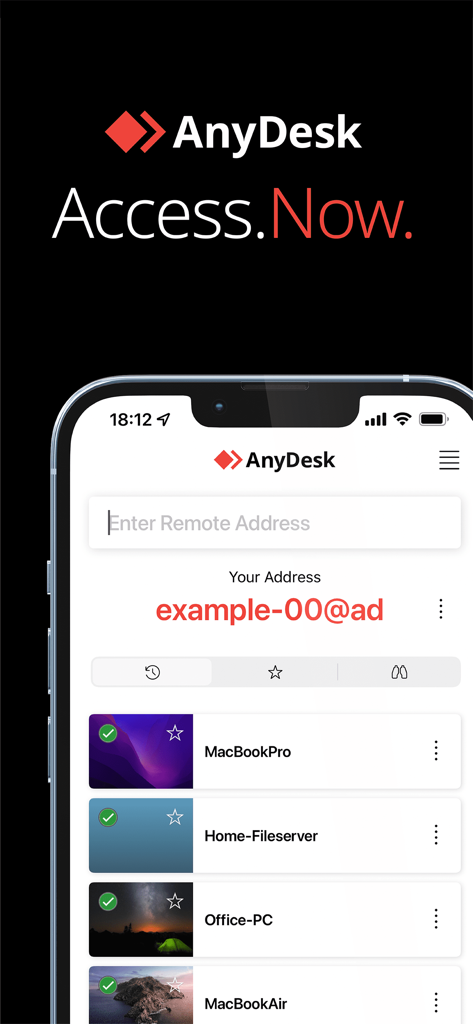
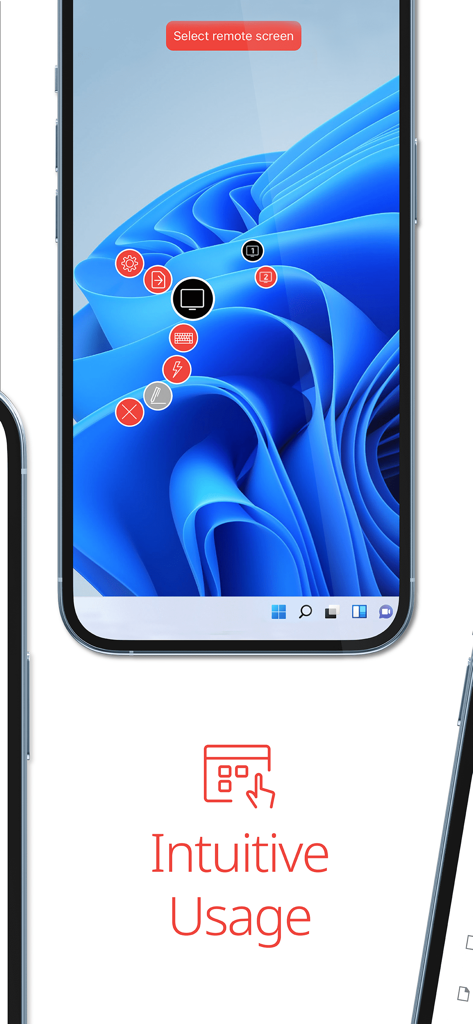
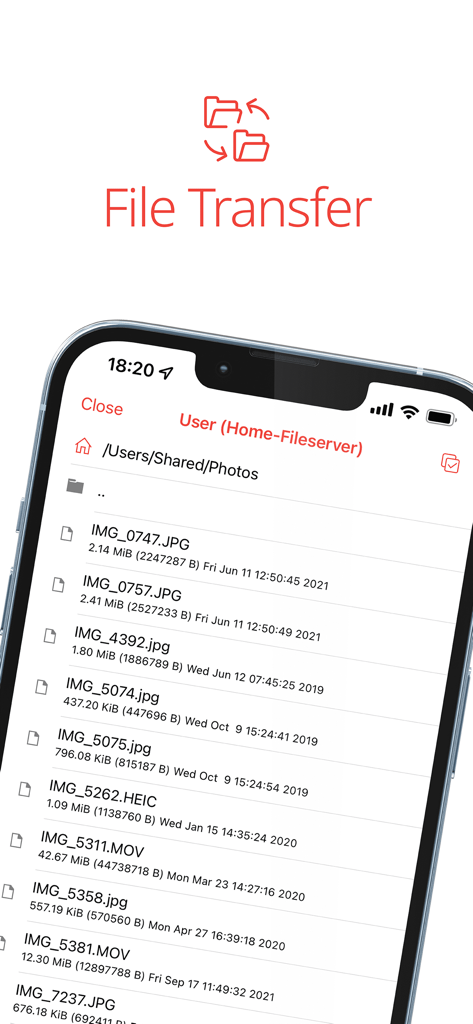
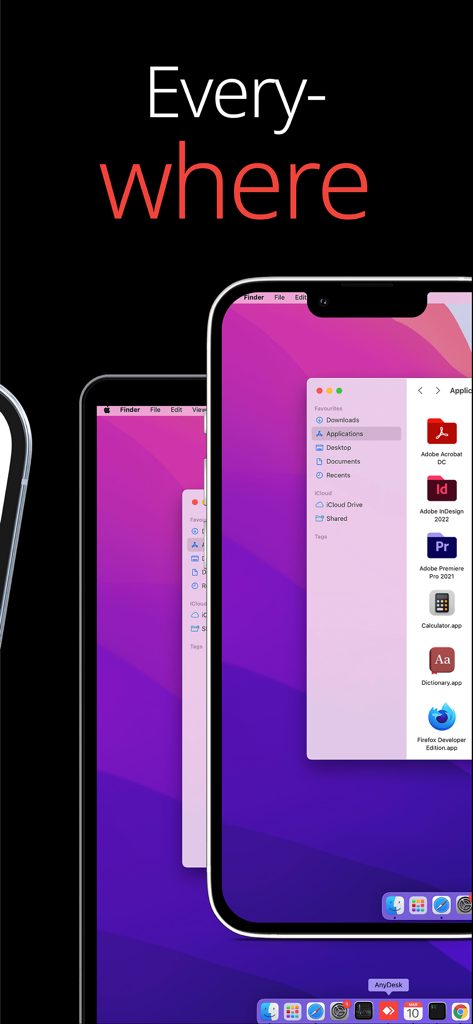
The tools that make this app stand out, trusted by 20M+ users.
Experience zero lag with high frame rates and low latency, perfect for demanding tasks like video editing or coding.
Protect your workspace with banking-standard TLS 1.2 encryption and secure RSA 2048 asymmetric key exchange.
Turn your iPhone or iPad into a powerful workstation and control any PC or server with simple, ad-free navigation.
Trusted by 20M+ people who love this app.
"As an IT professional, I've tried every remote desktop tool available. AnyDesk is hands down the fastest and most reliable. The latency is practically non-existent, which is crucial when I'm troubleshooting servers from my phone. The banking-standard encryption gives both me and my clients total peace of mind. It is a complete game-changer for my daily workflow."
"I use AnyDesk to remote into my heavy-duty workstation from my iPad while working at a coffee shop. The frame rates are so high that I can actually review my video edits without any lag. It is incredibly easy to set up, and the fact that it is ad-free makes the experience feel truly professional. It has given me so much freedom to work from anywhere."
Insights from user reviews.
Sentiment Score
Summary
Users express mixed feelings about the AnyDesk app, frequently praising its general utility and remote control capabilities while highlighting significant issues. A prominent concern is performance, with multiple reports of lagging, slow connections, and frozen screens, particularly after updates like iOS 26.1 and version 8.0.0, and specifically on devices like the iPhone 14. Connectivity problems, including frequent disconnections and difficulty establishing connections, are also common, alongside complaints about missing or tiny virtual keyboards for mobile use. A serious recurring issue is the app being misused for scams and fraud, with several users reporting attempts to steal personal and financial information through screen sharing.
Common Themes
Everything you need to know about AnyDesk Remote Desktop.
Description
Latest Version
8.0.0
Size
45.0 MB
First Released
Jan 26, 2017
Join over 20M+ users who trust AnyDesk for banking-standard security and zero-latency performance. Whether you're providing IT support or working from home, get started for free and take your workspace with you.
Everything you need to know about AnyDesk Remote Desktop
Yes, AnyDesk is ad-free and free for personal use. It connects remote devices securely for individuals, IT professionals, and students.
AnyDesk Remote Desktop is powerful remote assistance software. It enables secure and reliable remote access between devices, connecting users whether they are nearby or globally.
To initiate a connection with AnyDesk, install and launch the app on both devices. Enter the AnyDesk-ID from the remote device, then confirm the access request to establish control.
Yes, AnyDesk Remote Desktop supports file transfer. Users can access and manage files on remote devices, as evidenced by the file browsing interface during a session.
Yes, AnyDesk provides banking-standard encryption to ensure secure and reliable remote access. This protects data during connections for both IT professionals and private users.
AnyDesk offers outstanding performance with high frame rates and low latency. It provides a smooth remote experience, suitable for various users including IT support and students.
Yes, AnyDesk connects to various remote devices. It supports cross-platform access, allowing users to control computers like MacBooks, home fileservers, and office PCs.
AnyDesk utilizes banking-standard encryption. This security measure ensures that all remote connections are protected and reliable, safeguarding user data during access sessions.
Apps with similar features and user experience

Shanghai best oray information s&t co.,ltd

Guangzhou NetEase Computer System Co.Ltd

AWERAY PTE. LTD.

TeamViewer Germany GmbH

Hainan Youqu Technology Co., Ltd.

ZULER TECHNOLOGY PTE. LTD.

Termius Corporation

RealVNC Limited

GoTo Group, Inc.
