
TeamViewer Remote Control



Experience the freedom of secure, high-performance remote access. Manage files, provide instant support, and control your office PC from anywhere with industry-grade 256-bit encryption.
Publisher
Category
ProductivityDownloads
21M+User Rating
Total Ratings
318K+Locales
28Discover the interface used by 21M+ users.

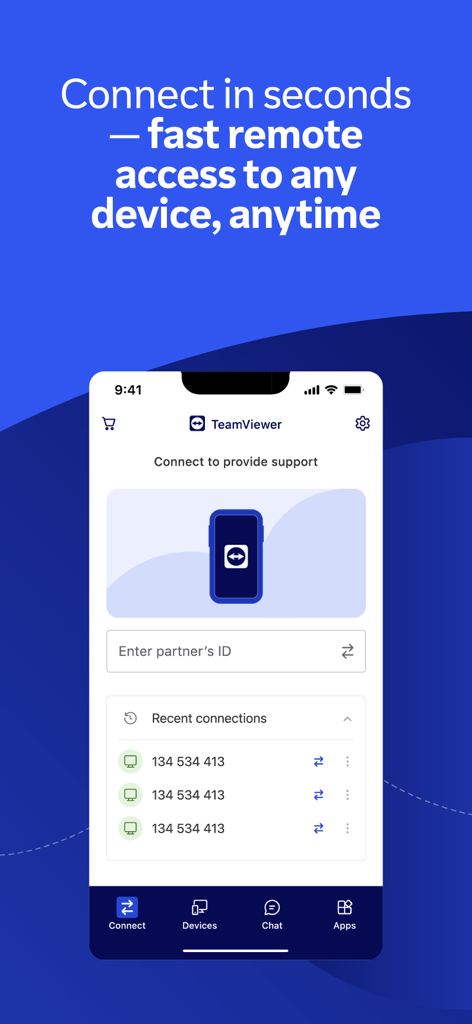
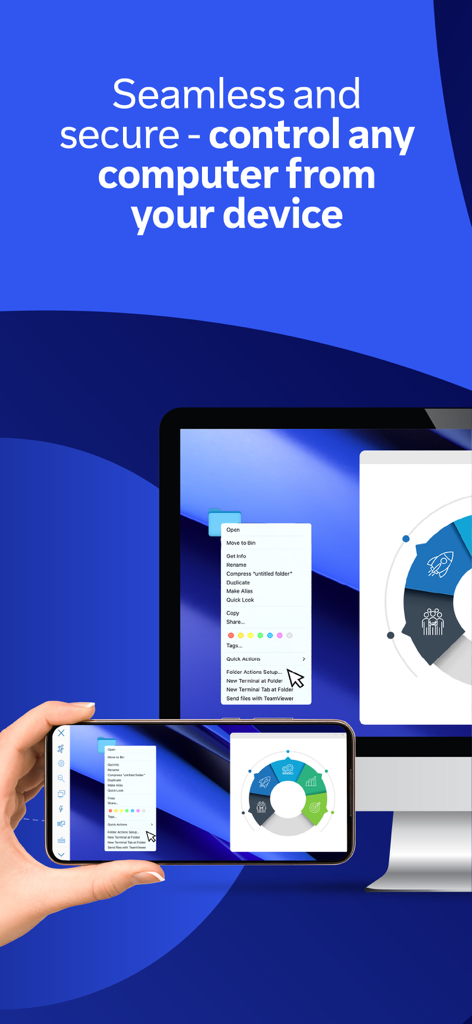
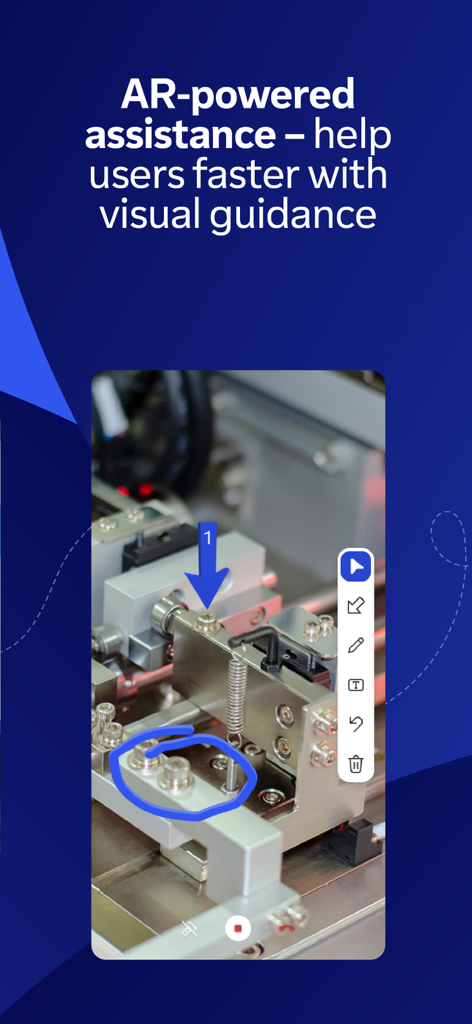
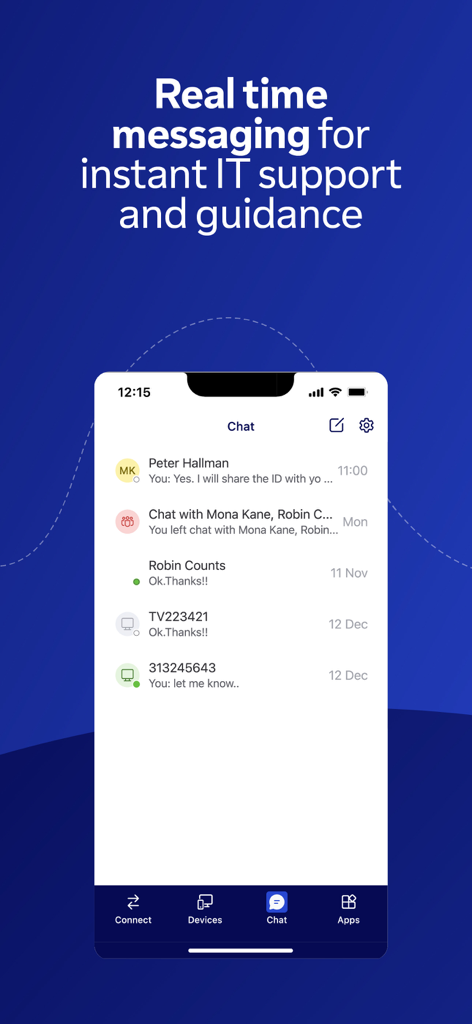
The tools that make this app stand out, trusted by 21M+ users.
Access your PC, Mac, or Linux desktop with intuitive touch gestures and HD video transmission, giving you full control as if you were sitting right in front of your desk.
Operate with total peace of mind thanks to 256-bit AES encryption and secure authentication, ensuring your sensitive corporate data stays protected across all connections.
Resolve physical issues remotely using Assist AR to place 3D markers in the real world, allowing you to guide field technicians or family members through complex repairs.
Trusted by 21M+ people who love this app.
"TeamViewer is an absolute lifesaver for my IT workflow. Whether I am at a coffee shop or on the train, I can securely access our servers and resolve issues in minutes. The 256-bit encryption gives me the peace of mind I need when handling sensitive company data on the go."
"The Assist AR feature is a total game-changer for my field service team. I can place 3D markers in their environment to guide them through complex repairs in real-time. It has significantly reduced our travel costs and improved our response times across all our locations."
Everything you need to know about TeamViewer Remote Control.
Description
Latest Version
15.73.1
Size
107.9 MB
First Released
Oct 2, 2013
Experience the freedom of secure, high-performance remote access. Download TeamViewer now and turn your iPhone or iPad into a powerful mobile workstation.
Everything you need to know about TeamViewer Remote Control
To connect, install the TeamViewer Remote Control app on your iPhone or iPad and the TeamViewer QuickSupport app on the target device. Open both, enter the ID or Session code from QuickSupport, then connect.
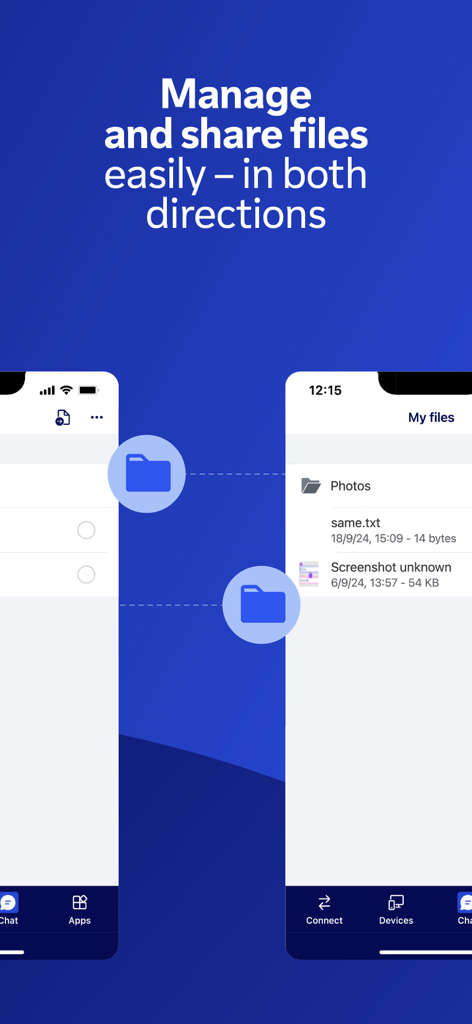
Yes, the TeamViewer Remote Control app allows users to easily share and transfer files between devices in both directions. This feature is integral for managing remote systems.
Yes, the TeamViewer Remote Control app includes Assist AR calls for live, visual support. It enables users to guide others by placing 3D markers in their environment.
Yes, the TeamViewer Remote Control app provides industry-grade security with 256-bit AES encryption. It offers secure remote access as if you were physically present.
Key features include full remote control, screen sharing, real-time chat, two-way file transfer, multi-monitor support, Wake-On-LAN, and AR-powered assistance, all secured with 256-bit AES encryption.
Yes, the TeamViewer Remote Control app allows real-time chat. Users can chat during a session for questions, updates, or guidance, enhancing instant IT support.
The TeamViewer Remote Control app provides instant support or management for unattended devices such as servers, digital signage, Point of Sale systems, and virtual machines from your iPhone or iPad.
Yes, the TeamViewer Remote Control app offers multi-monitor support. This feature allows users to efficiently manage and control remote systems with multiple displays.
To allow remote access to your iPhone or iPad, you must download the separate TeamViewer QuickSupport app on that device. The TeamViewer Remote Control app is for controlling other devices.
Yes, TeamViewer subscriptions purchased from the app automatically renew within 24 hours before the end of the current period, unless auto-renewal is turned off in iTunes account settings.
Apps with similar features and user experience

Shanghai best oray information s&t co.,ltd

Guangzhou NetEase Computer System Co.Ltd

AWERAY PTE. LTD.

AnyDesk Software GmbH

Hainan Youqu Technology Co., Ltd.

ZULER TECHNOLOGY PTE. LTD.

Termius Corporation

RealVNC Limited

GoTo Group, Inc.