Authenticator App+

Authenticator App+

Download on App Store
Spark by MWM logo
Logo of Authenticator App+

Authenticator App+: The Ultimate Multi-Factor Security for Your Apple Ecosystem

Protect your digital identity with encrypted iCloud backups, Face ID security, and seamless 2FA sync across your iPhone, Mac, and Apple Watch.

Publisher

Rocket Apps GmbH

Category

Productivity

Downloads

6M+

User Rating

4.8/5

Total Ratings

23K+

Locales

13

Security at a Glance

Discover the interface used by 6M+ users.
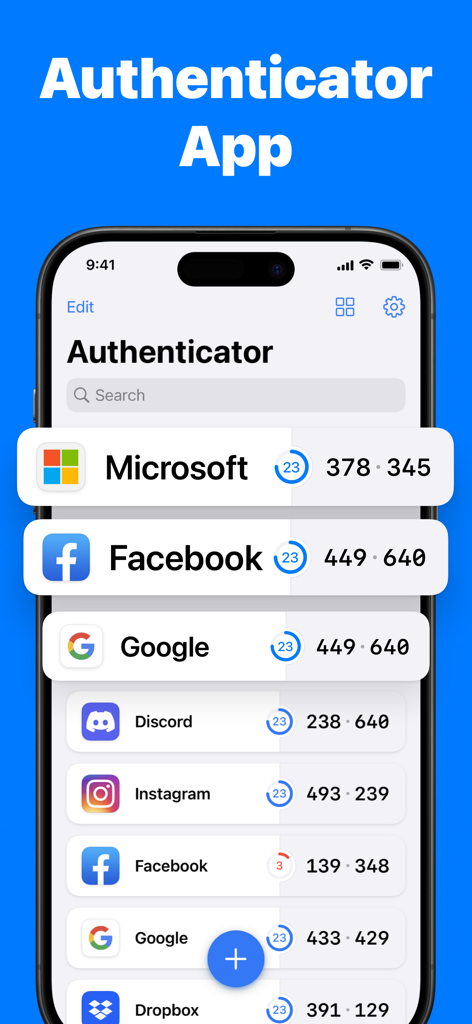
Interface of Authenticator App plus showing security codes for Microsoft and Facebook

Interface of Authenticator App plus showing security codes for Microsoft and Facebook

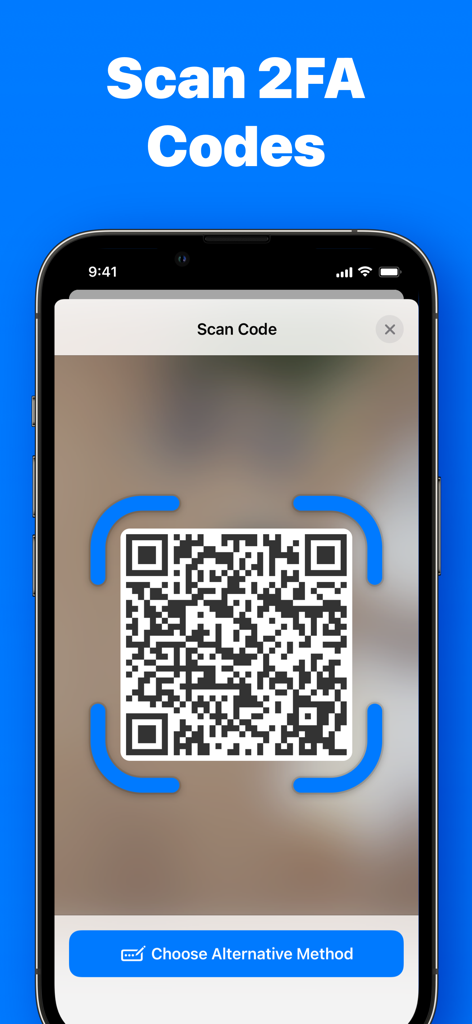
Smartphone screen displaying the QR code scanning feature for 2FA security codes in Authenticator App+

Smartphone screen displaying the QR code scanning feature for 2FA security codes in Authenticator App+

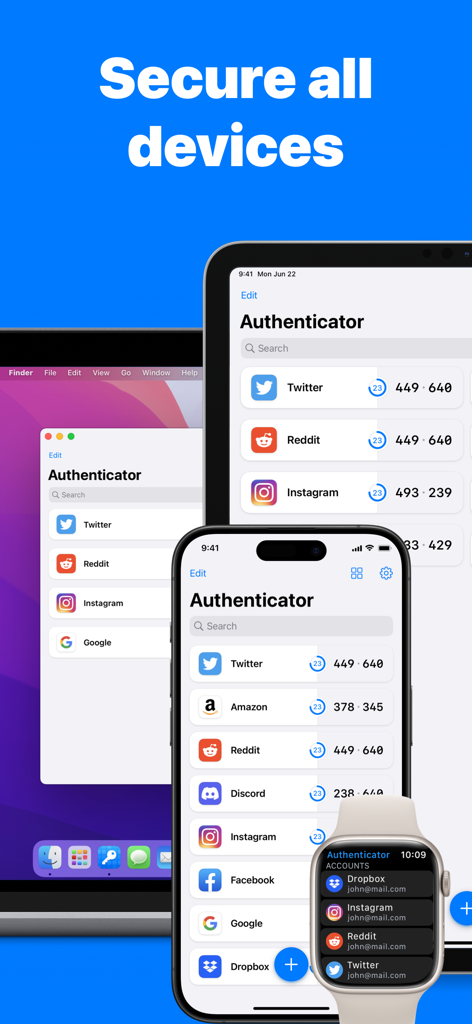
Authenticator App interface displayed on iPhone iPad Mac and Apple Watch

Authenticator App interface displayed on iPhone iPad Mac and Apple Watch

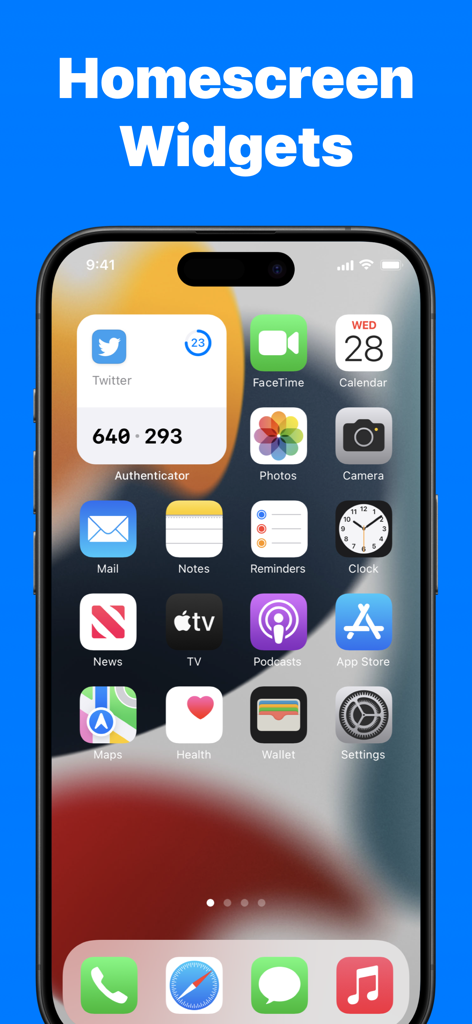
iPhone home screen displaying a 2FA code through the Authenticator App plus widget

iPhone home screen displaying a 2FA code through the Authenticator App plus widget

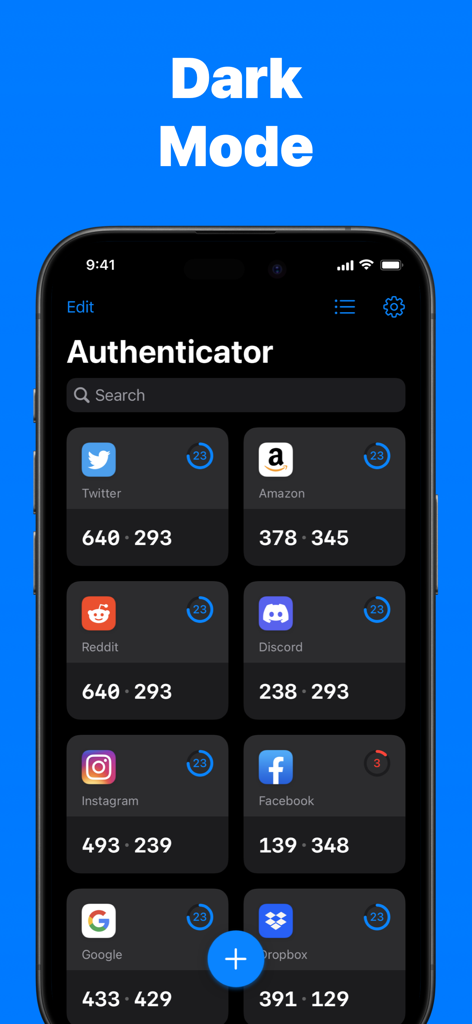
The Authenticator App dashboard showing 2FA codes for various accounts like Twitter, Amazon, and Reddit in dark mode.

The Authenticator App dashboard showing 2FA codes for various accounts like Twitter, Amazon, and Reddit in dark mode.

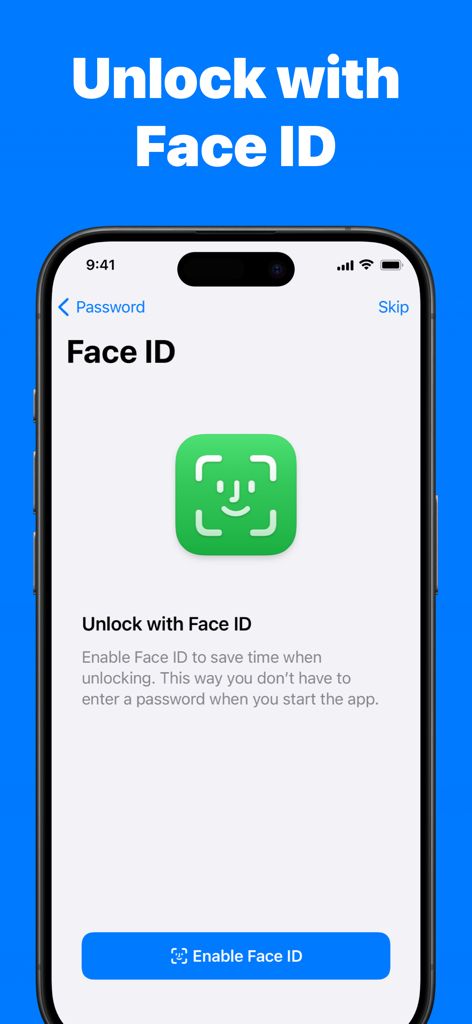
Smartphone screen showing the Face ID unlock feature for the Authenticator App

Smartphone screen showing the Face ID unlock feature for the Authenticator App

Uncompromising Security Made Simple

The tools that make this app stand out, trusted by 6M+ users.

🔒

Vault-Grade Privacy

Your security is our priority. Every token is secured with end-to-end encryption and protected by Face ID, ensuring that only you can access your most sensitive account codes.

☁️

Seamless iCloud Sync

Eliminate the fear of being locked out. Automatically backup and sync your codes across your iPhone, iPad, Mac, and Apple Watch for effortless recovery on any device.

Frictionless Instant Access

Security shouldn't slow you down. Use Home Screen widgets and Apple Watch complications to get your codes in a flash without even opening the app.

Loved by users worldwide

Trusted by 6M+ people who love this app.

"

"As a remote developer, I need my 2FA codes across all my devices. Authenticator App+ makes it incredibly easy to sync everything from my iPhone to my Mac and Watch. The Face ID unlock is lightning fast, making my login workflow seamless."

David S.
"

"I finally found an authenticator that doesn't make me nervous about losing my phone. The encrypted iCloud backup is a lifesaver. I use it for my Coinbase and social accounts. It's simple, secure, and the widgets are a game changer for quick access."

Sarah M.

About the app

Everything you need to know about Authenticator App+.

Description

Authenticator App helps you to secure all your online accounts. Use Authenticator App to scan, generate and save 2FA & MFA codes for popular services including Facebook, Microsoft, Instagram, Google, Amazon, Coinbase, Authy, Roblox and many more. • Store and generate secure two-factor and multi-factor (2FA & MFA) authentication tokens • Scan QR Codes or enter codes manually • End-to-end encryption for all stored codes • Unlock with Face ID & Touch ID • Encrypted Backup to iCloud • Easily restore codes when you switch or lose devices • Securely Sync codes across all your Apple devices • Works on iPhone, iPad, Mac and Apple Watch • Homescreen Widgets for quick access • Works offline. No internet connection required. • Import existing tokens • Full support for time-based one-time password (TOTP) • Supports popular services including Microsoft, Facebook, Instagram, Google, Amazon, Coinbase, Roblox and thousands of other services SUPPORT Our goal is to build the best apps in the world. You can help us by reporting bugs and requesting features via Email: help@rocketapps.com TERMS & PRIVACY https://rocketapps.com/privacy.html https://rocketapps.com/terms.html SUBSCRIPTION TERMS: The App offers an auto-renewing monthly or yearly subscription to provide you with unlimited access to all PRO Features while you maintain an active subscription. Payment will be charged to the credit card connected to your iTunes Account when you confirm the initial subscription purchase. Subscriptions automatically renew unless auto-renew is turned off at least 24-hours before the end of the current subscription period. Your account will be charged for renewal within 24-hours prior to the end of the current period, and the cost of the renewal will be identified. You may manage your subscription and auto-renewal may be turned off by going to your Account Settings after the purchase. Any unused portion of a free trial period, if offered, will be forfeited when you purchase a subscription, where applicable.

Latest Version

3.1.1

Size

144.9 MB

First Released

May 10, 2022

Secure Your Digital Identity in Seconds

Join over 6 million users who trust Authenticator App+ for seamless, encrypted protection across all your Apple devices. Download now and experience true peace of mind.

Download on App Store
FAQ

Frequently Asked Questions

Everything you need to know about Authenticator App+

What is Authenticator App+?

Authenticator App+ secures online accounts by scanning, generating, and saving two-factor and multi-factor (2FA & MFA) authentication codes. It supports popular services like Google, Facebook, and Microsoft.

Which services does Authenticator App+ support?

Authenticator App+ supports popular services such as Microsoft, Facebook, Instagram, Google, Amazon, Coinbase, Authy, and Roblox. It provides full support for time-based one-time passwords (TOTP).

Does Authenticator App+ work offline?

Yes, Authenticator App+ works offline. It does not require an internet connection to generate and use your authentication codes.

Can I sync my 2FA codes across multiple Apple devices with Authenticator App+?

Yes, Authenticator App+ securely syncs your 2FA codes across all your Apple devices. It works on iPhone, iPad, Mac, and Apple Watch.

How does Authenticator App+ secure my codes?

Authenticator App+ uses end-to-end encryption for all stored codes. It also offers unlock options with Face ID and Touch ID for enhanced security.

Does Authenticator App+ offer homescreen widgets?

Yes, Authenticator App+ offers homescreen widgets for quick access to your authentication codes directly from your device's home screen.

How do I add new authentication codes to Authenticator App+?

You can add new authentication codes to Authenticator App+ by scanning QR codes or by manually entering the codes.

Does Authenticator App+ support Face ID for unlocking?

Yes, Authenticator App+ supports unlocking with Face ID. This feature saves time by not requiring a password when you start the app.

What is required to use the PRO Features of Authenticator App+?

To access all PRO Features in Authenticator App+, you need an active auto-renewing monthly or yearly subscription. Payment is charged to your iTunes Account.

Can I restore my codes if I switch or lose devices?

Yes, Authenticator App+ allows you to easily restore your codes if you switch or lose devices. It provides encrypted backup to iCloud.

Does Authenticator App+ offer a dark mode interface?

Yes, Authenticator App+ offers a dark mode interface. This provides an alternative visual theme for the application.