
authenticator . app



Stop worrying about account lockouts. Securely generate, sync, and backup your 2FA codes with military-grade encryption across iPhone, iPad, and Mac—even offline.
Publisher
Category
BusinessDownloads
527K+User Rating
Total Ratings
11K+Locales
30Discover the interface used by 527K+ users.
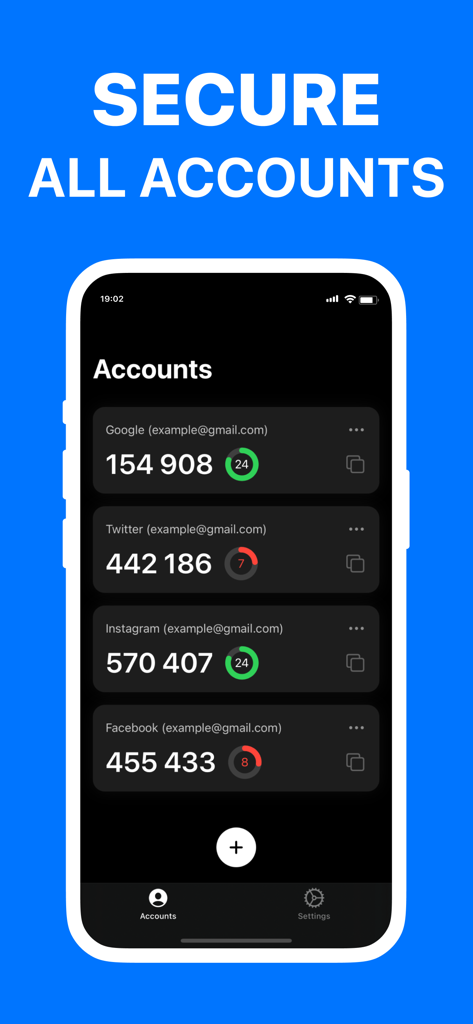
The tools that make this app stand out, trusted by 527K+ users.
Access your security tokens instantly across iPhone, iPad, and Mac. Your protection moves with you, ensuring a frictionless login experience for work and personal apps.
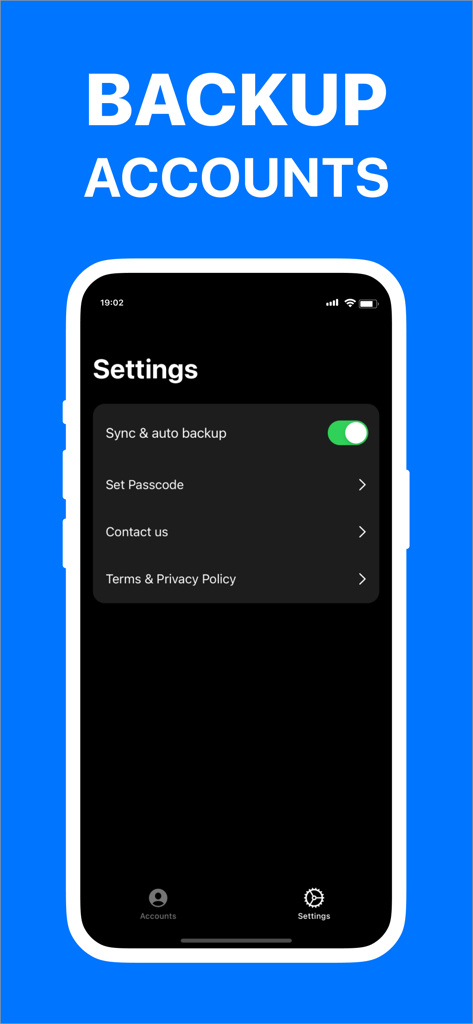
Eliminate the fear of losing access. Your tokens are protected with military-grade encryption and backed up to iCloud for effortless recovery on any new device.
Generate secure MFA codes without an internet connection. Everything is processed locally on your device, keeping your data strictly private and accessible anywhere.
Trusted by 527K+ people who love this app.
"As a consultant managing dozens of client accounts, this app is a lifesaver. The sync between my Mac and iPhone is seamless—I never have to dig for my phone while I am working at my desk. It is much more intuitive and reliable than the big-brand alternatives I used to use."
"I am constantly on the move and digital security is my top priority. Knowing that my 2FA codes are encrypted and backed up to iCloud gives me total peace of mind if I ever lose my device. Plus, the fact that it works perfectly offline is essential for my international travels."
Everything you need to know about authenticator . app.
Description
Latest Version
1.3
Size
1.8 MB
First Released
Mar 4, 2023
Join over 527,000 professionals who trust our encrypted, offline-first solution for seamless 2FA protection and effortless iCloud recovery.
Everything you need to know about authenticator . app
Authenticator . app helps secure online accounts by scanning, generating, and saving two-factor (2FA) and multi-factor (MFA) authentication codes for various popular services.
Yes, authenticator . app stores and generates secure two-factor (2FA) and multi-factor (MFA) authentication tokens. This feature enhances the security of your online accounts.
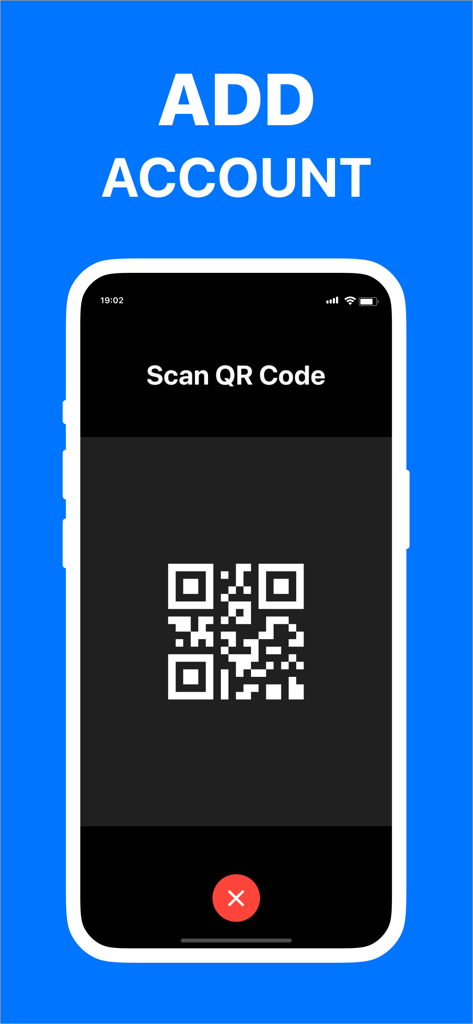
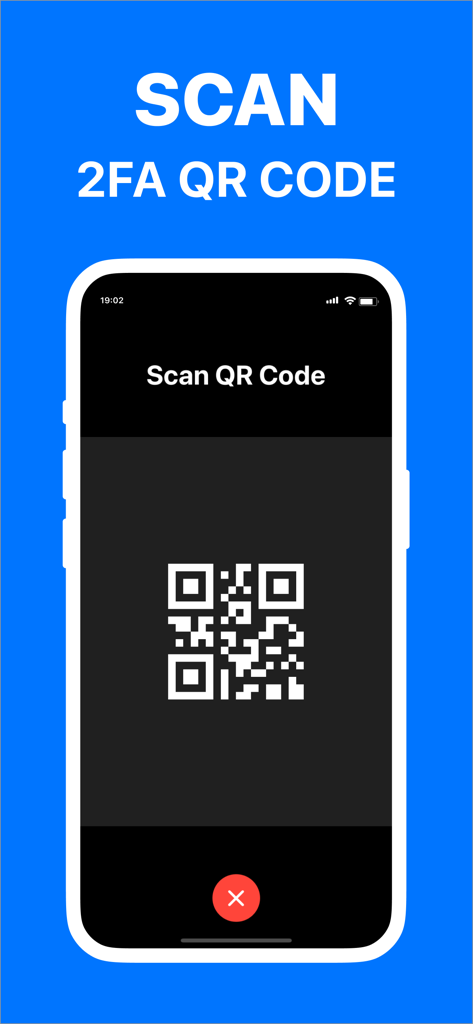
Users add new accounts to authenticator . app by scanning a QR Code or by entering the authentication codes manually. The app displays a "Scan QR Code" interface.
Yes, authenticator . app offers an encrypted backup to iCloud. This secure encrypted backup allows users to easily restore their codes if they lose or switch devices.
Yes, authenticator . app securely syncs authentication codes across all your Apple devices. It works on iPhone, iPad, and Mac, providing consistent access to your tokens.
No, authenticator . app works offline. An internet connection is not required for the app to generate and display authentication codes, ensuring continuous access.
Yes, all data stored in authenticator . app is always encrypted. This encryption applies even when data is stored in iCloud, ensuring privacy and data security.
Authenticator . app secures popular online services such as Facebook, Microsoft, Instagram, Google, and Amazon. It generates and manages 2FA and MFA codes for these platforms.
Apps with similar features and user experience

Google LLC
Duo Security LLC
Rocket Apps GmbH

APPLY DIJITAL HIZMETLER TICARET LIMITED SIRKETI

Thales DIS (Singapore) Pte Ltd

Tatra banka, a.s.

Brilliant App Limited

XSOFT GLOBAL LIMITED

UNIVERSE DIJITAL HIZMETLER LIMITED SIRKETI