Contacts Sync Pro

Contacts Sync Pro

Download on App Store
Spark by MWM logo
Logo of Contacts Sync Pro

Contacts Sync Pro: The Ultimate Bridge Between Google, Outlook, and iPhone

Join 10,000,000+ professionals who trust the #1 sync utility to keep contacts, labels, and groups perfectly organized across every ecosystem automatically.

Download on App Store

Publisher

Playa Apps

Category

Productivity

Downloads

264K+

User Rating

4.6/5

Total Ratings

2K+

Locales

11

Precision in Action

Discover the interface used by 264K+ users.
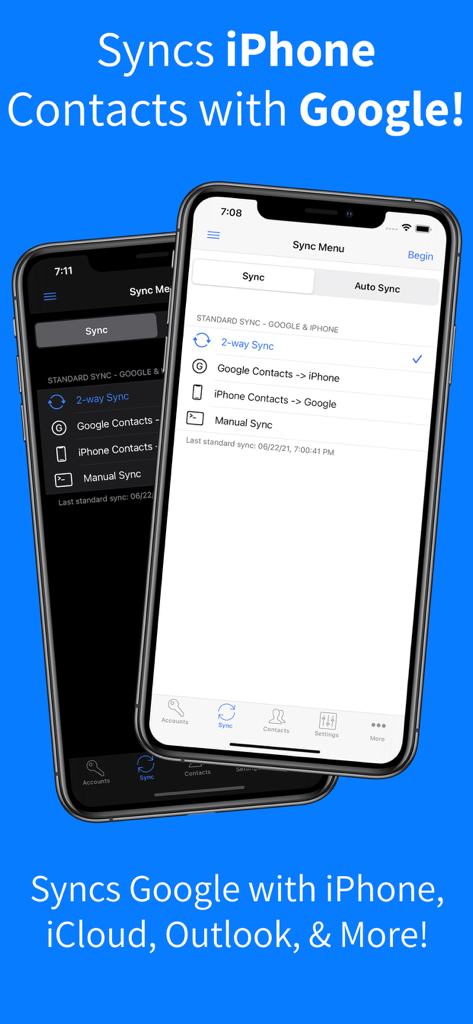
Contacts Sync Pro app interface for syncing iPhone contacts with Google

Contacts Sync Pro app interface for syncing iPhone contacts with Google

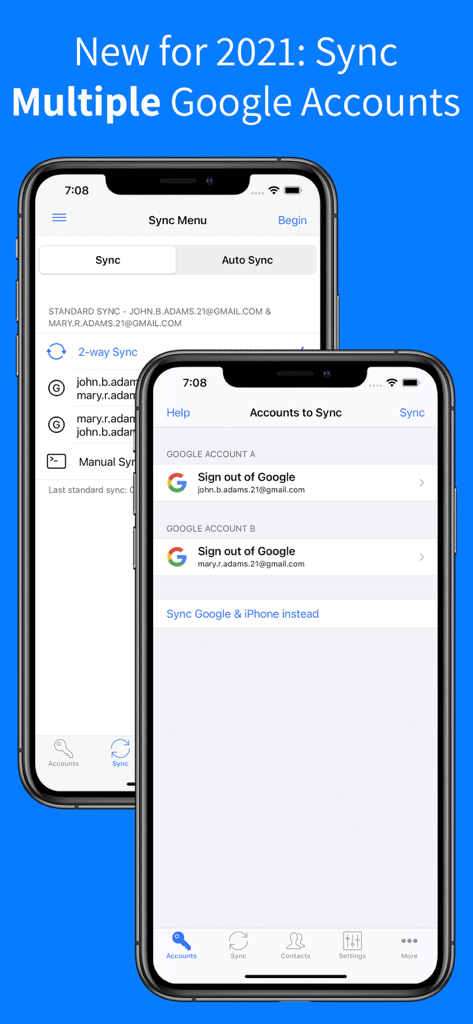
Interface for syncing multiple Google accounts in Contacts Sync Pro app

Interface for syncing multiple Google accounts in Contacts Sync Pro app

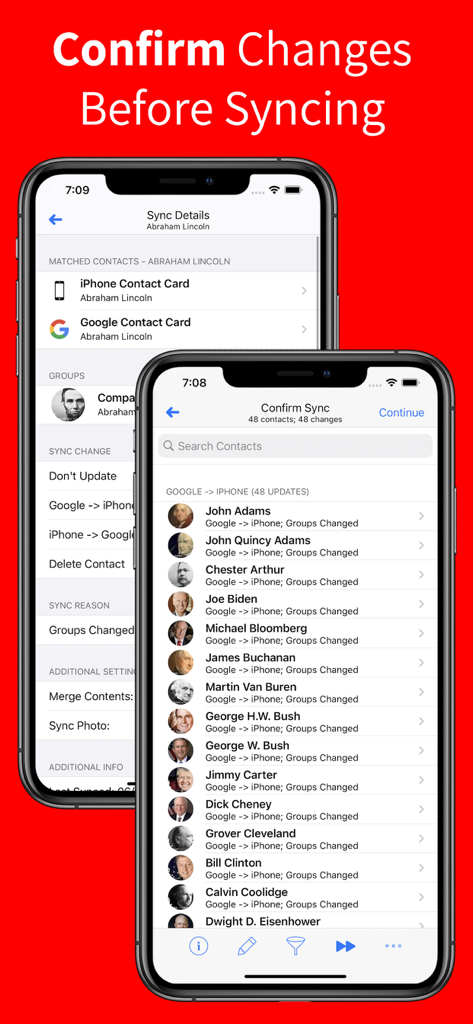
Confirm sync screen showing contact updates from Google to iPhone in Contacts Sync Pro.

Confirm sync screen showing contact updates from Google to iPhone in Contacts Sync Pro.

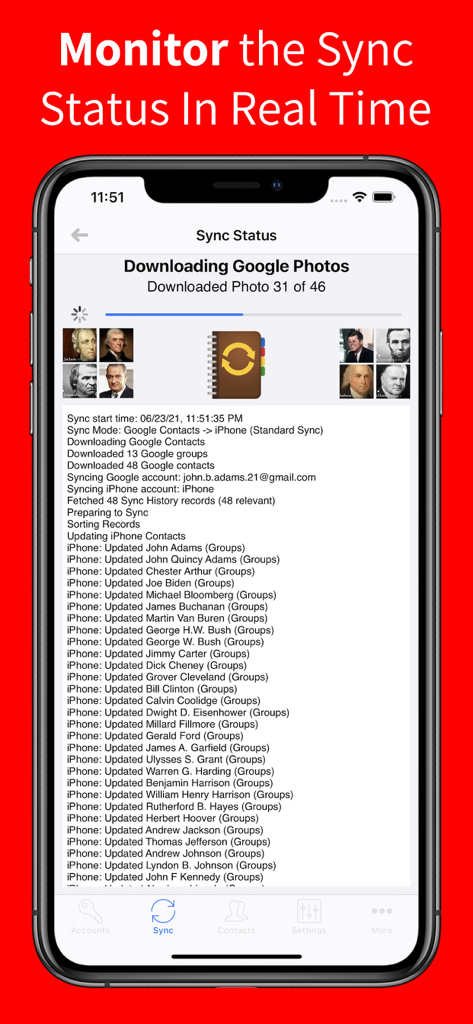
Real-time sync status screen showing contact update progress on iPhone

Real-time sync status screen showing contact update progress on iPhone

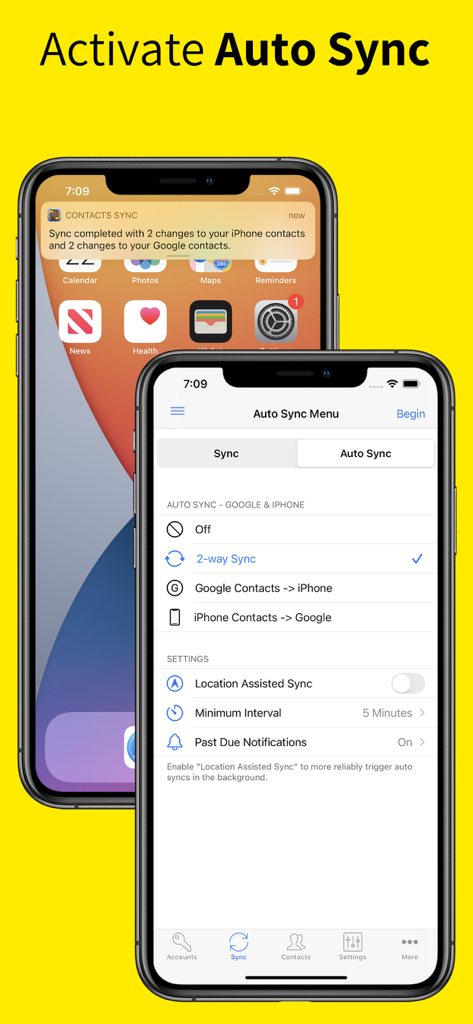
Interface of Contacts Sync Pro showing auto sync settings for two-way contact synchronization between Google and iPhone

Interface of Contacts Sync Pro showing auto sync settings for two-way contact synchronization between Google and iPhone

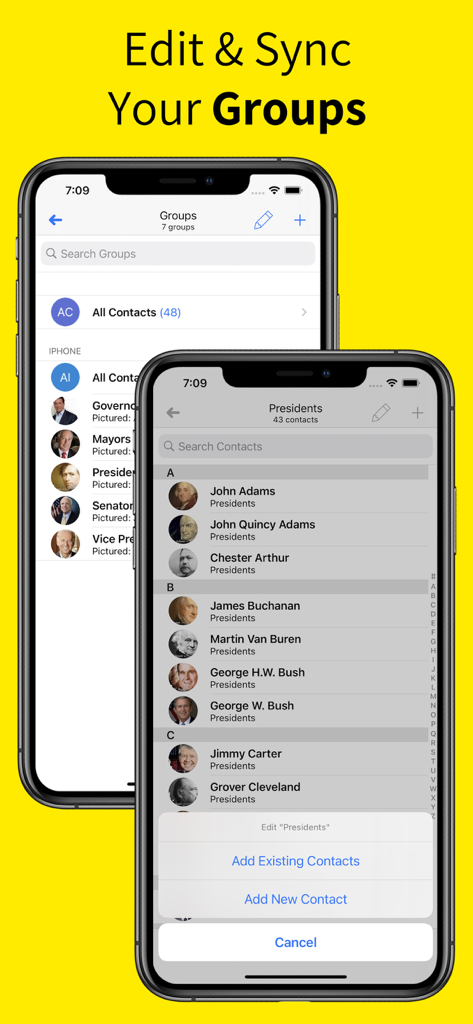
Interface of Contacts Sync Pro app showing how to edit and sync contact groups on an iPhone

Interface of Contacts Sync Pro app showing how to edit and sync contact groups on an iPhone

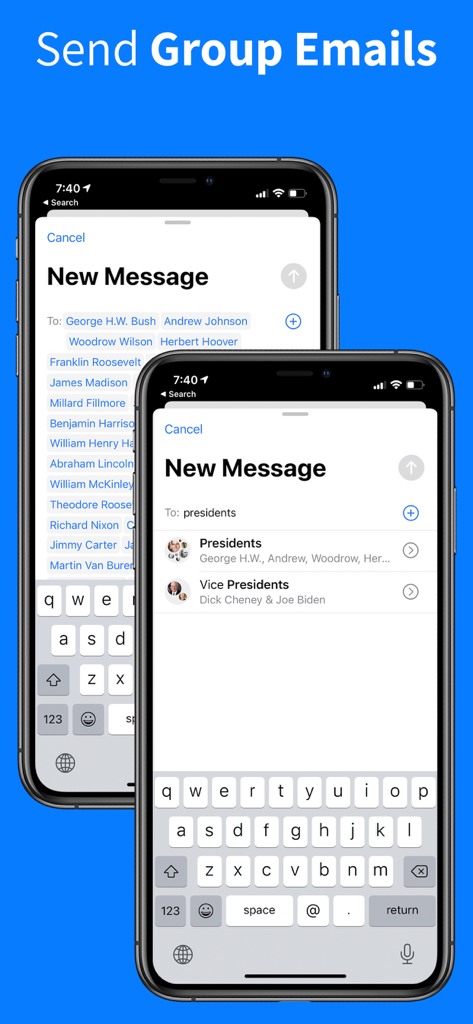
Interface of Contacts Sync Pro app showing group email functionality on iPhone

Interface of Contacts Sync Pro app showing group email functionality on iPhone

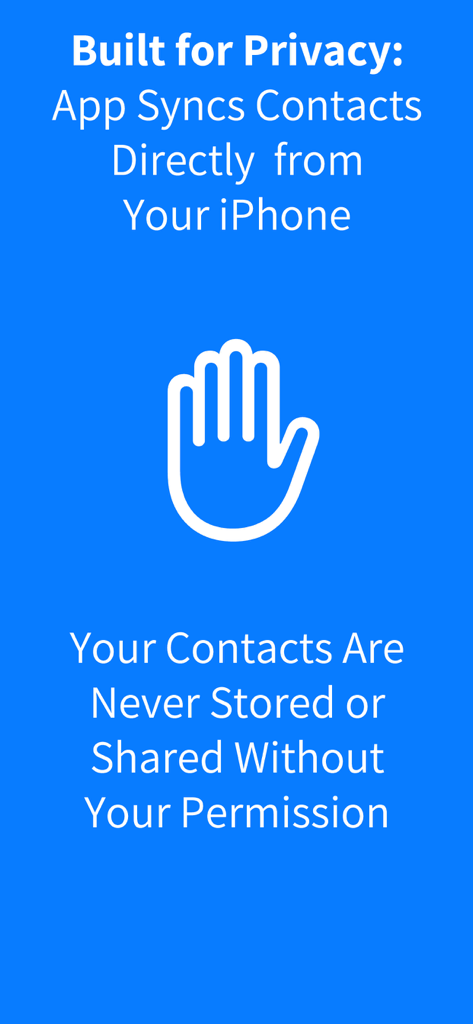
Contacts Sync Pro privacy information highlighting contact security and user permission

Contacts Sync Pro privacy information highlighting contact security and user permission

Master Your Network with Seamless Integration

The tools that make this app stand out, trusted by 264K+ users.

🔄

True 2-Way Synchronization

Stop the manual back-and-forth. Any update made on your iPhone, Google, or Outlook accounts mirrors instantly across all devices for perfect data integrity.

🏷️

Intelligent Group Mapping

Keep your organization intact. Your Google Labels and Outlook Categories sync directly to iPhone Groups, making professional group messaging and emailing effortless.

Automatic Background Sync

Experience ultimate productivity with a 'set it and forget it' solution. The app works 24/7 to sync changes and eliminate duplicates without you ever lifting a finger.

Loved by users worldwide

Trusted by 264K+ people who love this app.

"

"Managing over 2,000 contacts between Outlook for work and my personal iCloud was a constant struggle until I found this app. It handles the 2-way sync perfectly, and I love that it keeps all my professional categories organized. It truly is a 'set it and forget it' solution that saves me hours every month."

David L., Portfolio Manager
"

"The ability to sync my Google Labels directly to my iPhone contact groups is a total lifesaver for my client outreach. No more manual sorting! The duplicate cleanup feature also helped me merge years of messy data in seconds. It is easily the most reliable sync tool I have ever used."

Elena G., Real Estate Consultant

About the app

Everything you need to know about Contacts Sync Pro.

Description

••• SYNC GOOGLE, ICLOUD, & OUTLOOK! ••• #1 SYNC APP FOR 14+ YEARS! ••• TRUSTED BY 10,000,000+ USERS! With Contacts Sync Pro, you can quickly & easily sync your Google or Outlook contacts with iPhone, giving you access to your contacts wherever you go. This app distinguishes itself with its reliability, ease of use, speed, and with a true "2-way sync" that merges changes made to either account. This is the #1 app for syncing contacts both in terms of downloads & reviews. Also of significance, this app syncs your Google labels or Outlook categories with your iPhone lists. For instance, you may have organized your Google contacts into groups such as "friends," "family," and "coworkers." After a sync, your iPhone and Google groups will match. With your groups configured on iPhone, you can easily send group emails or group messages. SYNC THE FOLLOWING ACCOUNTS: • Sync Google with iPhone • Sync Outlook with iPhone • Sync 2 Google accounts SYNC ANY IPHONE ACCOUNT: • Choose to sync all of your iPhone contacts, or choose to sync contacts from a specific iPhone account, such as iCloud, a local iPhone address book, Outlook, or a CardDAV account SYNC TYPES: • Choose from one of the following sync types: 2-Way Sync, 1-Way Sync, and Manual Sync • Choose a 2-Way Sync to sync changes in both directions • Choose a 1-Way Sync to transfer changes in one direction only • Choose a Manual Sync to sync specific contacts only SYNCS ALL FIELDS: • Syncs all fields including names, phonetic names, nicknames, email addresses, phone numbers, postal addresses, company names, job titles, departments, birthdays, anniversaries, events, notes, web page addresses, relationships, instant messaging accounts, & social profiles • Syncs contact photos • Syncs custom labels & custom fields INITIAL SYNC: • During the initial sync, the contents of matching contacts will be merged CONFIRM CHANGES BEFORE SYNCING: • Review each change before the sync actually begins AUTOMATIC SYNC: • Automatically syncs contacts in the background 24/7 APPLY FILTERS INCLUDING GROUP FILTER: • Apply the group filter, new contact filter, and more! DUPLICATE CONTACTS: • Eliminate duplicate contacts in Google directly from the app, and then sync to remove the same duplicates from iPhone

Latest Version

10.4.1

Size

32.4 MB

First Released

Aug 22, 2013

Join 10 Million Professionals Who Trust the #1 Sync Tool

Stop wasting time on manual entries. Put your contacts on autopilot with the most reliable 2-way sync for Google, Outlook, and iCloud.

Download on App Store