
Microsoft Authenticator




Protect your work and personal accounts with one-tap MFA, passwordless sign-ins, and secure autofill. Simplify your digital life with the security you trust.
Publisher
Category
ProductivityDownloads
-User Rating
Total Ratings
-Locales
42Discover the interface used by users.
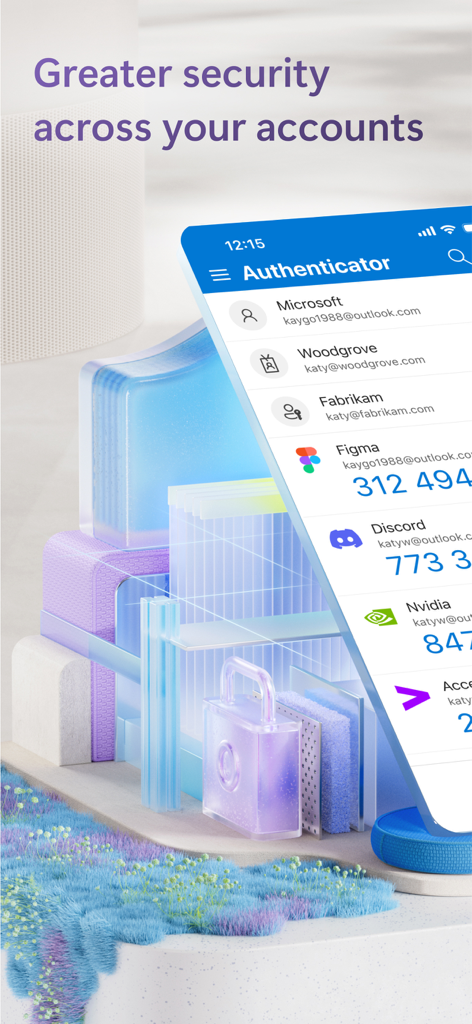
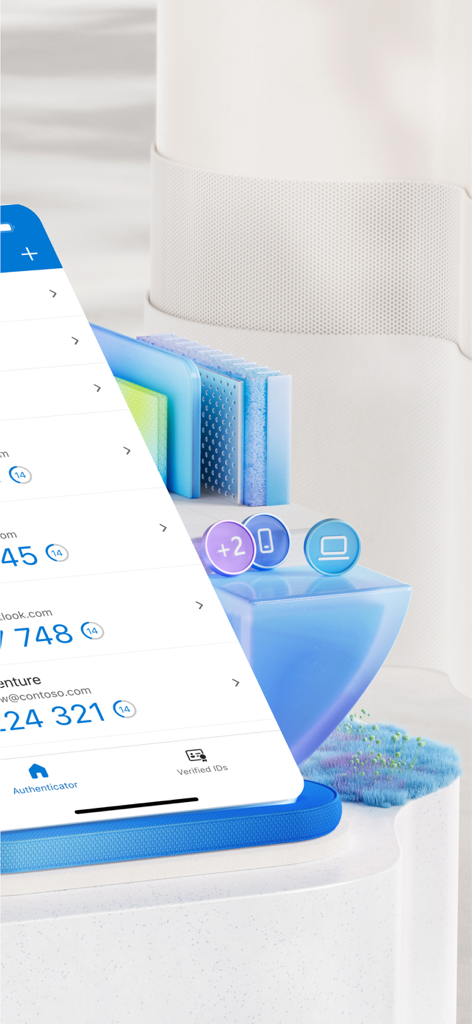
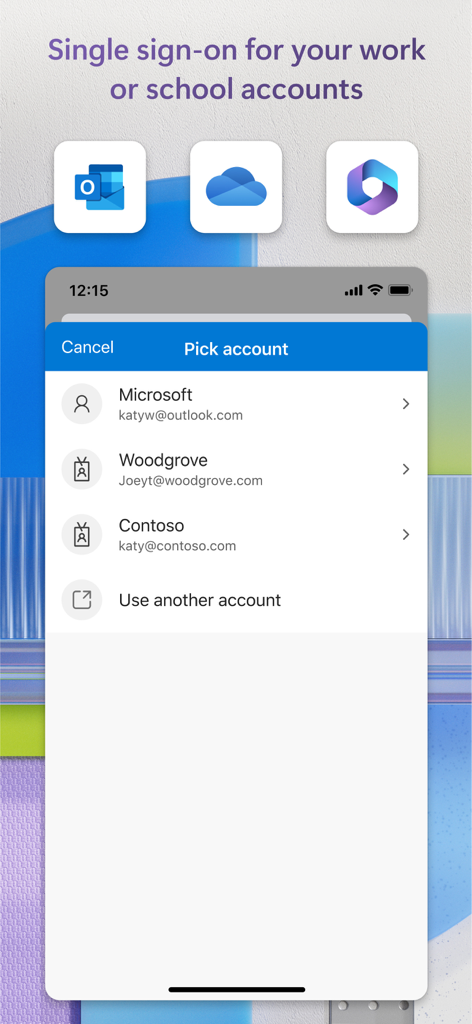
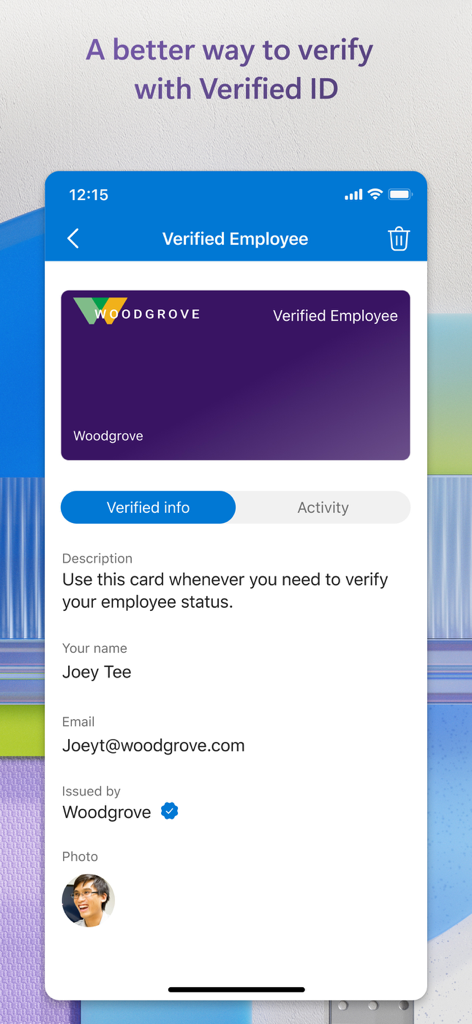
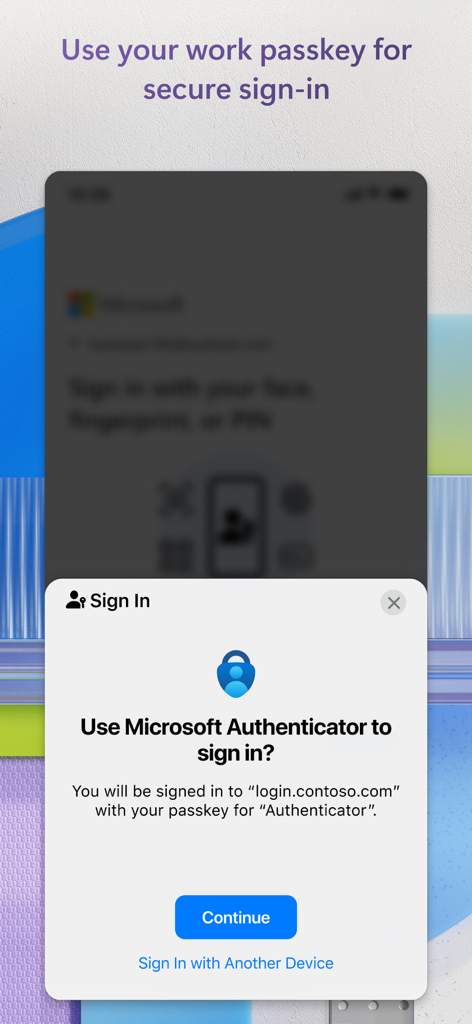
The tools that make this app stand out, trusted by users.
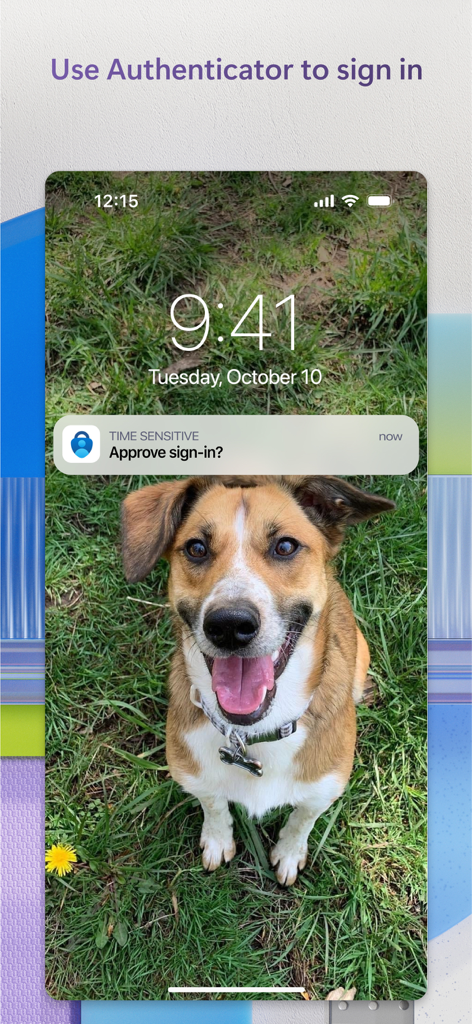
Skip the manual codes. Authenticate instantly with a simple push notification using your fingerprint or FaceID.
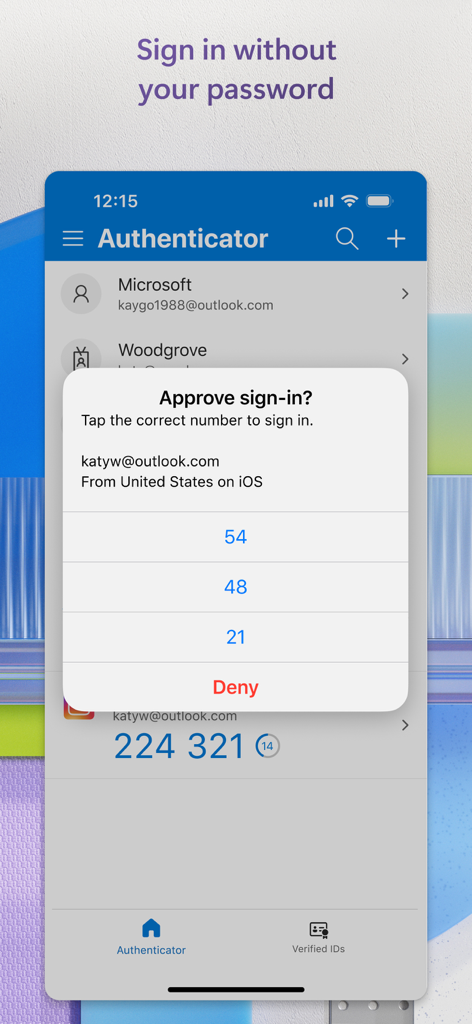
Experience the future of security by using your smartphone as your primary digital key—no more forgotten passwords.
Instantly sync and fill your credentials across all your mobile apps and browsers with enterprise-grade encryption.
Trusted by people who love this app.
"As a project manager constantly switching between work and personal accounts, this app is a lifesaver. The push notifications for one-tap approval save me so much time compared to typing in codes. It is the most seamless way to keep my data secure without adding friction to my workday."
"I originally downloaded this for my university portal, but I have started using it for everything. The password autofill is incredibly reliable, and I love the peace of mind knowing my accounts are protected by FaceID. It has simplified my digital life significantly."
Insights from user reviews.
Sentiment Score
Summary
The Microsoft Authenticator app receives overwhelmingly negative feedback, primarily due to significant usability issues. Users frequently encounter frustrating login loops, where the app requires verification from itself, and experience substantial difficulties when transferring accounts to new devices or recovering lost data, often leading to being locked out of essential services like Teams and email. A recurring complaint highlights the absence of robust account backup/restore and password export capabilities. However, some users commend the app for its general functionality, security, and occasional seamless migration during iPhone upgrades.
Common Themes
Everything you need to know about Microsoft Authenticator.
Description
Latest Version
6.8.40
Size
139.6 MB
First Released
May 30, 2015
Join millions of professionals and students simplifying their digital life with passwordless sign-ins and secure autofill for all your personal and work accounts.
Everything you need to know about Microsoft Authenticator
Microsoft Authenticator provides easy, secure sign-ins for online accounts using multi-factor authentication, passwordless options, or password autofill. It also offers account management for Microsoft personal, work, or school accounts.
Yes, Microsoft Authenticator provides multi-factor authentication (MFA). It offers a second layer of security by requiring approval of a notification or entry of a one-time password (OTP) generated by the app after entering your password.
Multi-factor authentication in Microsoft Authenticator works by sending a notification for approval or generating a time-based one-time password (OTP). Users either approve the notification or enter the OTP, which has a 30-second timer.
Yes, Microsoft Authenticator supports adding multiple accounts, including non-Microsoft accounts. Examples include Facebook, Amazon, Dropbox, Google, LinkedIn, and GitHub.
Yes, Microsoft Authenticator enables passwordless sign-in for Microsoft accounts. Users enter their username, then approve a notification on their phone using fingerprint, Face ID, or PIN for verification.
Passwordless sign-in with Microsoft Authenticator requires entering a username for a Microsoft account. The app sends a notification to the phone, which the user approves using fingerprint, Face ID, or PIN for a second layer of security.
Yes, Microsoft Authenticator can autofill passwords. Users sign in to the Passwords tab with their personal Microsoft account to sync passwords, including those from Microsoft Edge, and can set it as the default autofill provider.
Yes, password autofill in Microsoft Authenticator is secure. Passwords are protected with multi-factor authentication, requiring fingerprint, Face ID, or PIN verification to access and autofill them on mobile devices.
Yes, Microsoft Authenticator allows users to import passwords. It supports importing passwords from Google Chrome and other password managers.
Microsoft Authenticator supports work or school accounts by allowing device registration for organizational resources. It provides cert-based authentication, ensuring seamless and secure access to Microsoft apps and services without needing separate logins.
No, the Microsoft Authenticator app does not drain battery or require a network connection for its one-time password (OTP) feature. The OTP codes are time-based and function offline.
Apps with similar features and user experience

Google LLC

Duo Security LLC

APPLY DIJITAL HIZMETLER TICARET LIMITED SIRKETI

Mustafa Uz

Thales DIS (Singapore) Pte Ltd

Tatra banka, a.s.

Brilliant App Limited

UNIVERSE DIJITAL HIZMETLER LIMITED SIRKETI

XSOFT GLOBAL LIMITED
