
Documents - Create & Edit


Empowering agile professionals to edit Word documents and convert to PDF with desktop-level precision. Create, format, and share your work instantly, wherever your business takes you.
Publisher
Category
ProductivityDownloads
425K+User Rating
Total Ratings
3K+Locales
22Discover the interface used by 425K+ users.
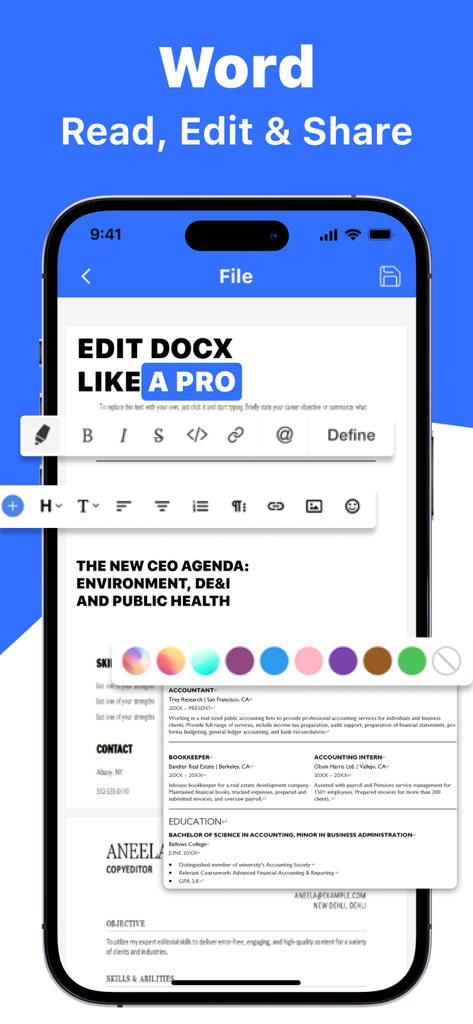
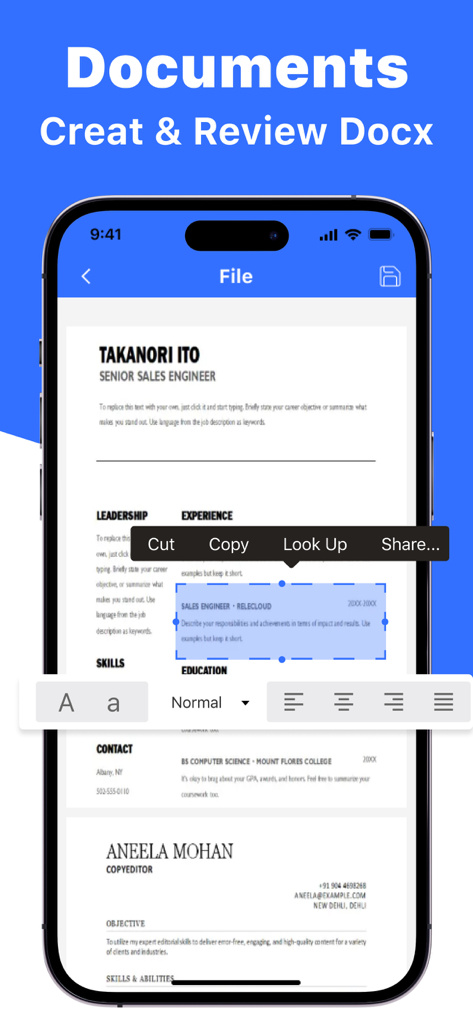
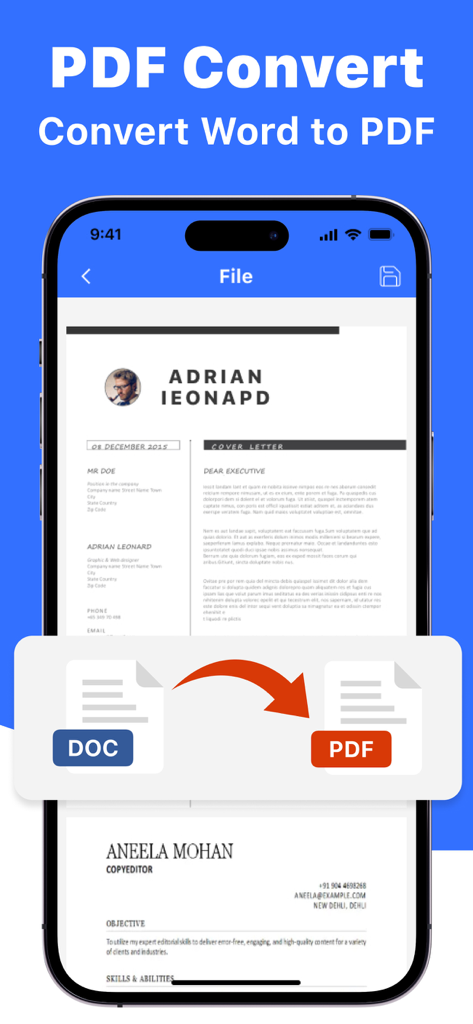
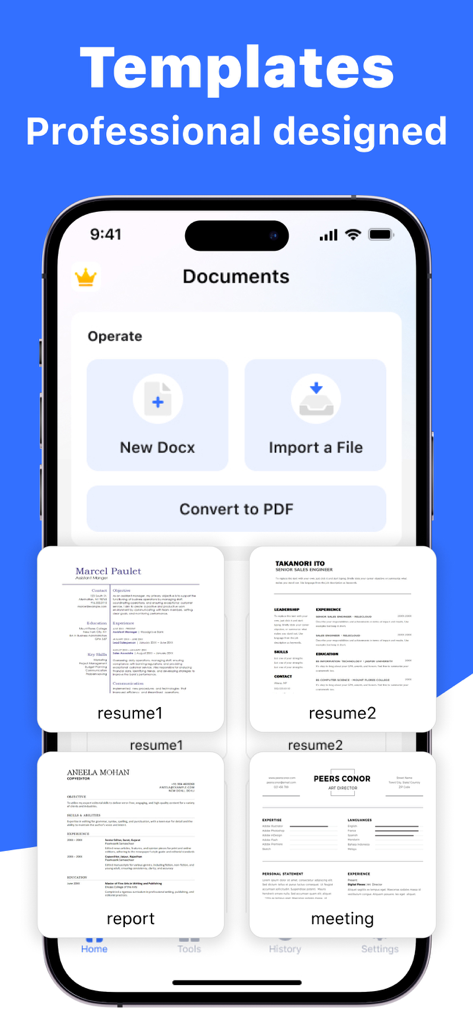
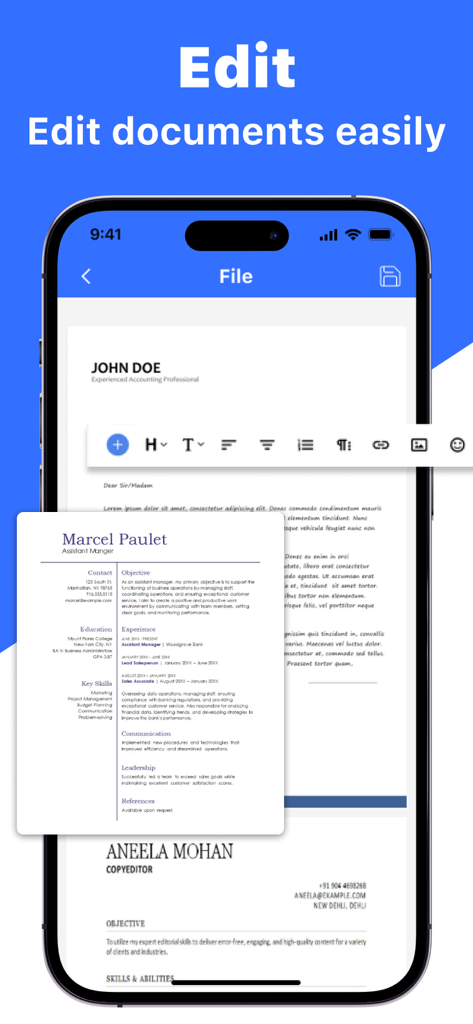
The tools that make this app stand out, trusted by 425K+ users.
Edit Word documents with the same accuracy as your desktop. Modify text, tables, and layouts seamlessly while you are on the move.
Transform Word docs or images into professional PDFs instantly. Maintain formatting integrity and share via email or iCloud in seconds.
Save time with ready-made professional templates and stay organized with a powerful file management system built for your iPhone.
Trusted by 425K+ people who love this app.
"As a real estate agent constantly in the field, this app is a game-changer. I can edit contracts and convert them to professional PDFs right from my iPhone between showings. It is much faster and more intuitive than any other mobile office suite I have used."
"The formatting precision is what sets this apart. I use my commute to polish business proposals, and the templates save me hours of work. The seamless iCloud integration ensures my files are always synced and ready for my next meeting."
Insights from user reviews.
Sentiment Score
Summary
This mobile app generally receives overwhelmingly negative feedback, predominantly concerning its payment model and associated issues. Users frequently report unexpected charges, unauthorized transactions, and misleading pricing, such as being charged significantly more than advertised, leading to a strong sense of deception. Furthermore, many complain about the inability to cancel subscriptions or obtain refunds, alongside technical problems like slow performance, data loss, and an outdated user interface. While a few users briefly describe the app as "good" or "cool" in general terms, these positive remarks are heavily overshadowed by widespread frustration over financial transparency and app functionality.
Common Themes
Everything you need to know about Documents - Create & Edit.
Description
Latest Version
2.1
Size
33.7 MB
First Released
Jun 24, 2024
Join 425,000+ professionals who trust Documents to edit, convert, and share on the go. Start your 3-day free trial and master your workflow from anywhere.
Everything you need to know about Documents - Create & Edit
Documents - Create & Edit is a mobile application designed for editing, viewing, and creating documents. It allows users to modify existing Word files, generate new ones, and convert various formats to PDF directly on their phone.
Yes, Documents - Create & Edit allows seamless editing of existing Word documents directly on a mobile device. Users modify text, formatting, and tables with precision. Changes save and export in Word format.
Users create new Word documents from scratch within Documents - Create & Edit. The app provides options to add headings, paragraphs, and lists to customize content. Users save, rename, and organize new creations for easy access.
Yes, Documents - Create & Edit supports file format conversion. It converts Word documents and images to PDF, maintaining formatting integrity. Users share converted files via email, messaging apps, or iCloud.
Yes, Documents - Create & Edit offers various professional templates for users to print. The app also allows adding documents to favorites for viewing and editing anytime.
Documents - Create & Edit offers auto-renewable subscriptions. A weekly subscription costs $6.99, a monthly subscription is $12.99, and a yearly subscription is $39.99.
Yes, Documents - Create & Edit offers a 3-Day free trial with its yearly subscription option. Payment is charged to the iTunes Account after confirmation of purchase.
Users manage their Documents - Create & Edit subscription and turn off auto-renewal through their iTunes Account Settings. This must occur at least 24 hours before the current period ends.
Apps with similar features and user experience

ChuXin Tec Co., Ltd.

亚敏 陈

晶晶 姜

根根 黄

Stefl und Taschauer OG

华 杨

卓臻 李

Akikazu Yoshikawa

孟达 李