OpenDocument Reader - view ODT

OpenDocument Reader - view ODT

Download on App Store
Spark by MWM logo
Logo of OpenDocument Reader - view ODT
OpenDocument Reader: Your Mobile Bridge for LibreOffice and OpenOffice

The ultimate companion for ODF files. Effortlessly view, edit, and search your ODT, ODS, and ODP documents on the go with full offline support and no monthly subscriptions.

Publisher

Stefl und Taschauer OG

Category

Productivity

Downloads

1M+

User Rating

4.5/5

Total Ratings

5K+

Locales

16

Productivity Unlocked

Discover the interface used by 1M+ users.
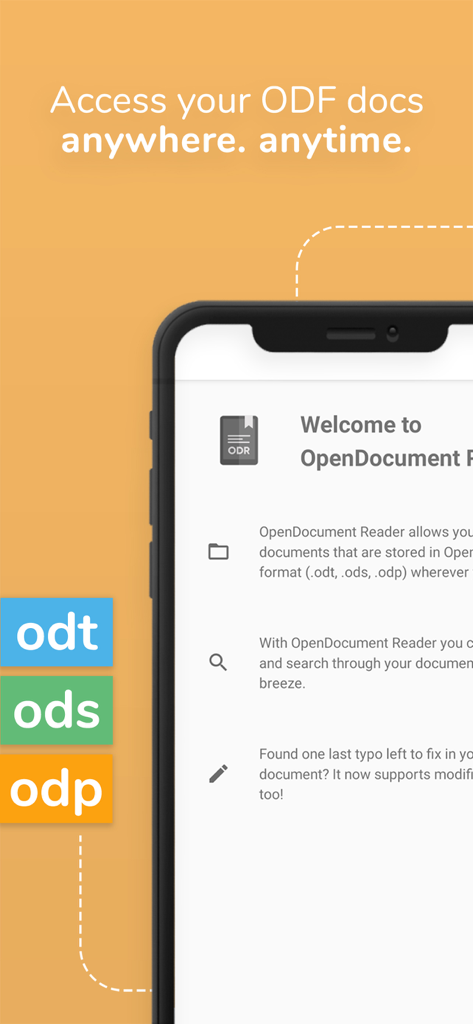
OpenDocument Reader mobile app interface showing ODT ODS and ODP file format support on an iPhone

OpenDocument Reader mobile app interface showing ODT ODS and ODP file format support on an iPhone

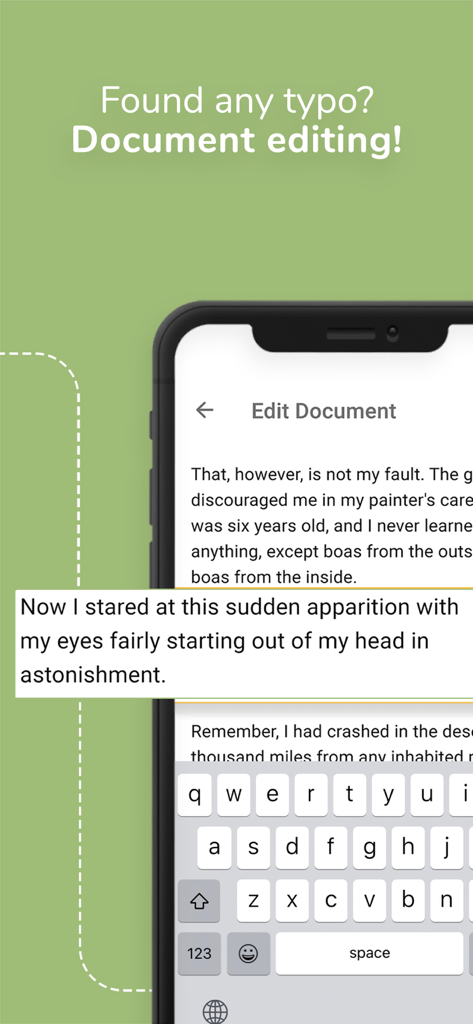
Smartphone screen showing the document editing interface of the OpenDocument Reader app.

Smartphone screen showing the document editing interface of the OpenDocument Reader app.

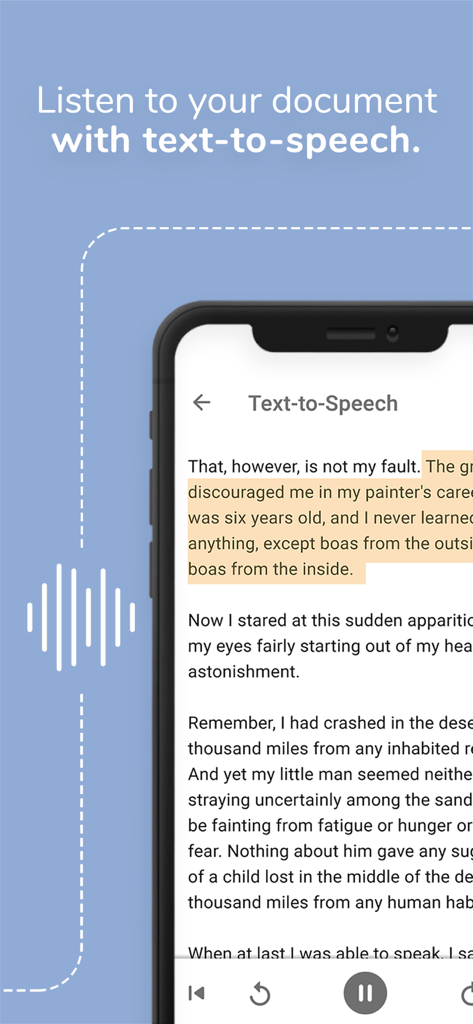
Smartphone displaying the text-to-speech feature in the OpenDocument Reader app used to listen to documents.

Smartphone displaying the text-to-speech feature in the OpenDocument Reader app used to listen to documents.

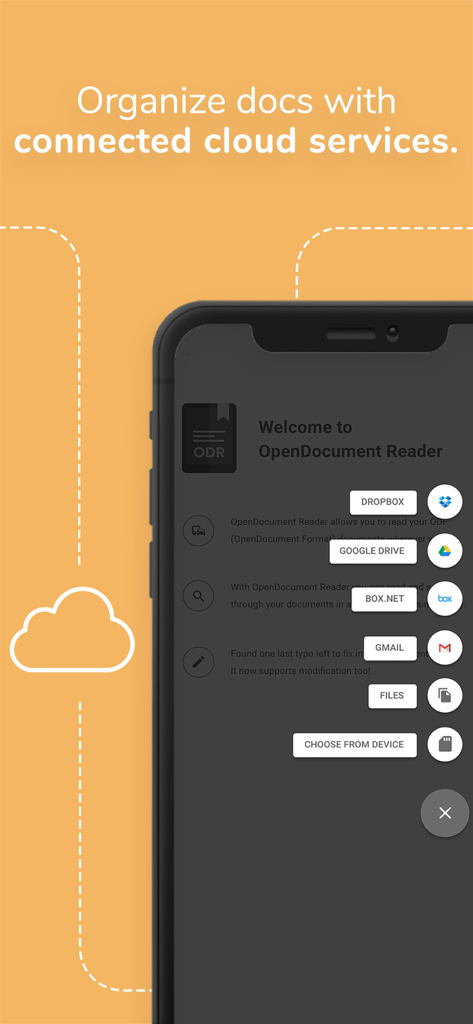
Screenshot of OpenDocument Reader app showing integrated cloud services like Dropbox and Google Drive for document organization

Screenshot of OpenDocument Reader app showing integrated cloud services like Dropbox and Google Drive for document organization

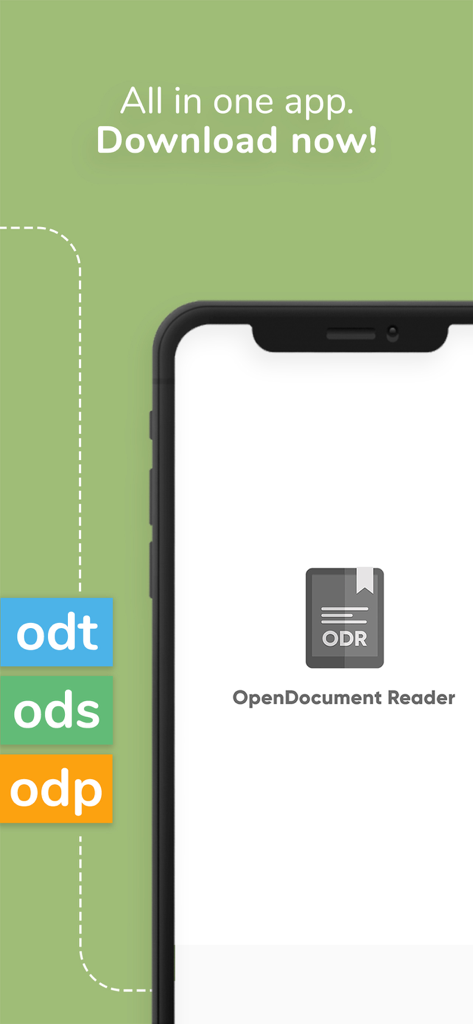
OpenDocument Reader app interface showing support for ODT ODS and ODP file formats

OpenDocument Reader app interface showing support for ODT ODS and ODP file formats

Empowering Your Open-Source Workflow

The tools that make this app stand out, trusted by 1M+ users.

✏️

Precision Quick Edits

Spotted a typo before a presentation? Update ODT and ODS files instantly on the go, ensuring your work is always polished and professional.

📂

Universal Cloud Integration

Effortlessly open files from Google Drive, iCloud, or Dropbox. A single, powerful hub for ODF, Microsoft Office, and PDF formats.

✈️

Full Offline Reliability

Work anywhere from the subway to the sky. Access and read your documents without an internet connection, keeping your data private and accessible.

Loved by users worldwide

Trusted by 1M+ people who love this app.

"

"As a university student using LibreOffice to avoid expensive subscriptions, this app is an absolute lifesaver. I can review my ODT lecture notes on the bus and fix minor typos right before a presentation. It handles complex formatting perfectly where other apps fail."

Alex Rivera
"

"I frequently work with open-source formats in my freelance projects, and this reader is the most reliable tool in my kit. The integration with Nextcloud and the ability to view PSD and ODT files in one place makes my mobile workflow incredibly efficient."

Sarah Jenkins

About the app

Everything you need to know about OpenDocument Reader - view ODT.

Description

View and modify documents created using LibreOffice or OpenOffice on the go using the Document Reader & Document Editor! The file reader & document editor allows you to open files like ODF (Open Document Format) documents created using LibreOffice or OpenOffice wherever you are. In the bus on your way to school wanting to look at your notes before the big exam? No problem! With the Document Reader you can open files wherever you like and read & search through your documents to go in a clean and simple way. Is there just one last typo left to fix in your document before sending it out to colleagues? The File Editor supports modification of documents now! Fast, simple and well integrated. You can open files from ODF (ODT, ODS & many more) that you have created with Libre Office or OpenOffice also from within other apps. Supported apps include GMail, Google Drive, iCloud, OneDrive, Nextcloud, Box.net, Dropbox and lots of others! Or use our integrated file explorer instead to open files on your device. - open files with ODF: ODT (writer), ODS (calc), ODP and ODG without a hassle - basic editing of documents with the file editor to fix typos, add sentences, etc - securely open password-protected documents - search for keywords in your ODT (writer), ODS (calc) or ODG and highlight them - print documents if your device is connected to a printer - read your documents in fullscreen to avoid distractions - select and copy text out of your documents - enjoy your documents even without internet connectivity - fully offline capable In addition to that, OpenDocument Reader aims to support various other file formats as well as possible: - Portable Document Format (PDF) - Archives: ZIP - Images: JPG, JPEG, GIF, PNG, WEBP, TIFF, BMP, SVG, etc - Videos: MP4, WEBM, etc - Audio: MP3, OGG, etc - Text files: CSV, TXT, HTML, RTF - Microsoft Office (OOXML): Word (DOC, DOCX), Excel (XLS, XLSX), PowerPoint (PPT, PPTX) - Apple iWork: Pages, Numbers, Keynote - Libre Office and Open Office OpenDocument Format: ODF* (ODT, ODS, ODP, ODG) - PostScript (EPS) - AutoCAD (DXF) - Photoshop (PSD) This app is open source. We are not affiliated with OpenOffice, LibreOffice or similar. Made in Austria. Ads are shown in order to support the development of this app. They are free to remove temporarily via the in-app menu. We highly appreciate all kinds of feedback via email. * ODF (Open Document Format) is the format used by office suites like Open Office and Libre Office. Text documents (Writer, ODT), as well as spreadsheets (Calc, ODS) and also presentations (Impress, ODP) are supported, including support for complex formatting and embedded images. Graphs are no problem either. If you want to secure your data you can even open password-protected documents. Other applications that are using this format are LibreOffice, OpenOffice, NeoOffice, StarOffice, Go-oo, IBM Workplace, IBM Lotus Symphony, ChinaOffice, AndrOpen Office, Co-Create Office, EuroOffice, KaiOffice, Jambo OpenOffice, MagyarOffice, MultiMedia Office, MYOffice, NextOffice, OfficeOne, OfficeTLE, OOo4Kids, OpenOfficePL, OpenOfficeT7, OxOffice, OxygenOffice, Pladao Office, PlusOffice, RedOffice, RomanianOffice, SunShine Office, ThizOffice, UP Office, White Label Office, WPS Office Storm, Libre Office, Collabora Office and 602Office.

Latest Version

1.35

Size

14.6 MB

First Released

May 9, 2020

Take Your Open-Source Workflow Mobile

Join over 1 million users who trust OpenDocument Reader for seamless viewing and quick edits. Experience total file freedom on your iPhone or iPad—no subscriptions required.

Download on App Store
FAQ

Frequently Asked Questions

Everything you need to know about OpenDocument Reader - view ODT

What is OpenDocument Reader - view ODT?

OpenDocument Reader - view ODT is a mobile application for viewing and modifying documents created with LibreOffice or OpenOffice. It supports ODF formats like ODT, ODS, and ODP, and allows basic editing, keyword searching, and printing.

Can I edit documents with OpenDocument Reader?

Yes, the OpenDocument Reader app supports basic editing of documents. Users can fix typos and add sentences, making modifications fast, simple, and well integrated within the app.

What file formats does OpenDocument Reader support?

OpenDocument Reader supports a wide range of file formats, including ODF (ODT, ODS, ODP, ODG), PDF, Microsoft Office (DOCX, XLSX, PPTX), Apple iWork, images, videos, audio, and text files.

Can OpenDocument Reader open password-protected documents?

Yes, OpenDocument Reader can securely open password-protected documents. This feature is available for ODF files, ensuring users can access their secured data.

Does OpenDocument Reader support cloud services?

Yes, OpenDocument Reader supports opening files from various cloud services. These include GMail, Google Drive, iCloud, OneDrive, Nextcloud, Box.net, and Dropbox, alongside an integrated file explorer.

Can OpenDocument Reader read documents aloud?

Yes, OpenDocument Reader provides a text-to-speech feature. Users can listen to their documents, enhancing accessibility and allowing consumption of content in an audio format.

Is OpenDocument Reader available offline?

Yes, OpenDocument Reader is fully offline capable. Users can enjoy their documents even without internet connectivity, providing access anytime, anywhere.

Does OpenDocument Reader show ads?

Yes, ads are shown in OpenDocument Reader to support its development. These advertisements can be removed temporarily via an in-app menu.

Can I search for keywords within documents in OpenDocument Reader?

Yes, OpenDocument Reader allows users to search for keywords within their ODT (writer), ODS (calc), or ODG documents. The app also highlights the search results for easy viewing.