
DWG FastView-CAD Viewer&Editor



Empowering 100 million professionals to view, edit, and measure blueprints anywhere—with full AutoCAD compatibility and no registration required.
Publisher
Category
ProductivityDownloads
29M+User Rating
Total Ratings
61K+Locales
23Discover the interface used by 29M+ users.
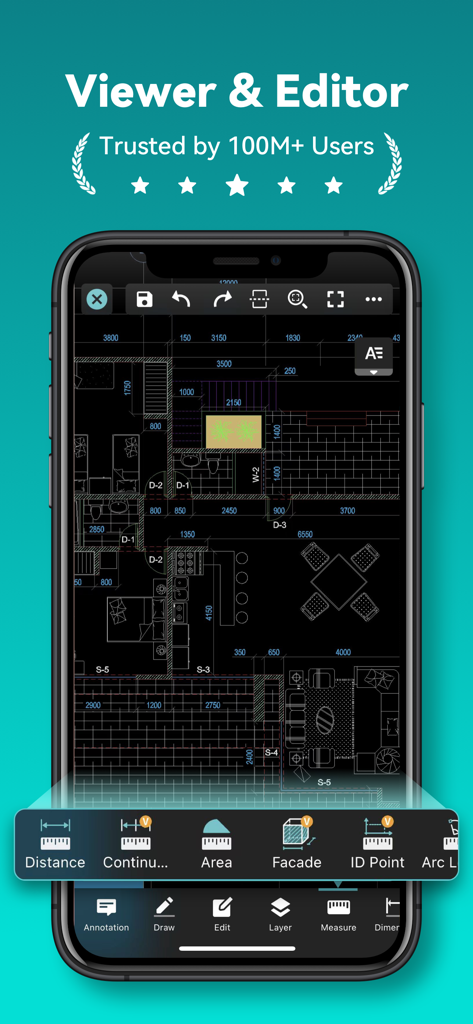
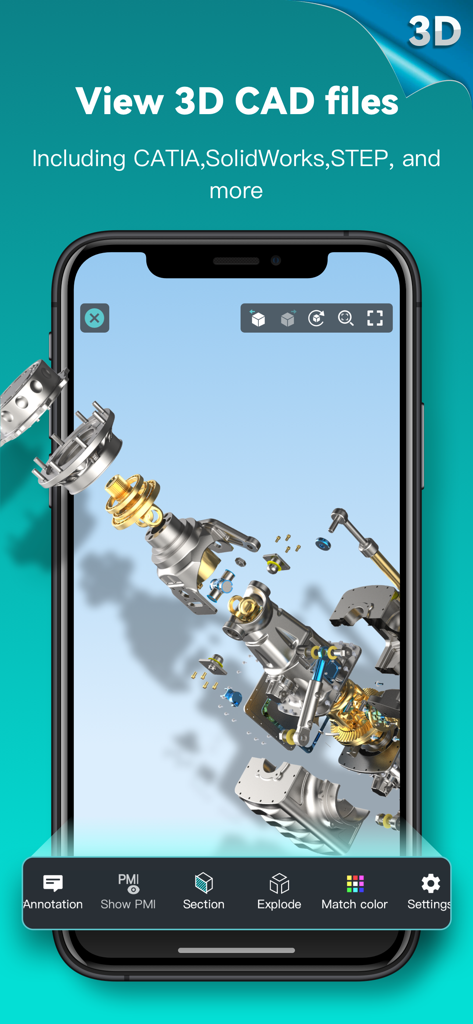
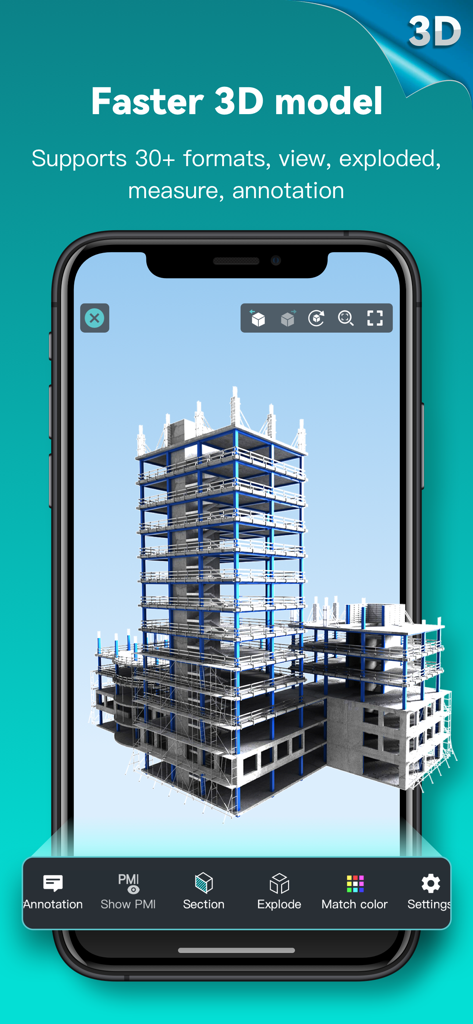
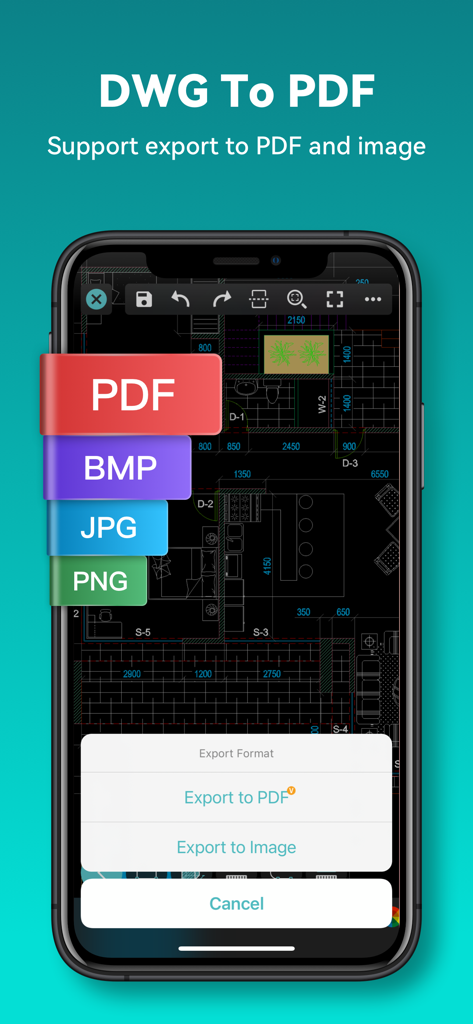
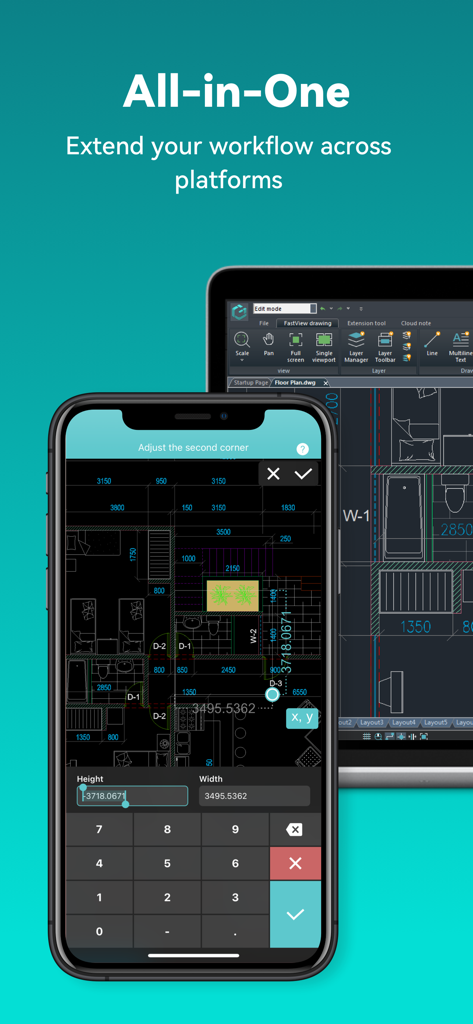
The tools that make this app stand out, trusted by 29M+ users.
Open 40+ formats including DWG, Revit, and Solidworks. Work seamlessly with AutoCAD-compatible files wherever the job takes you.
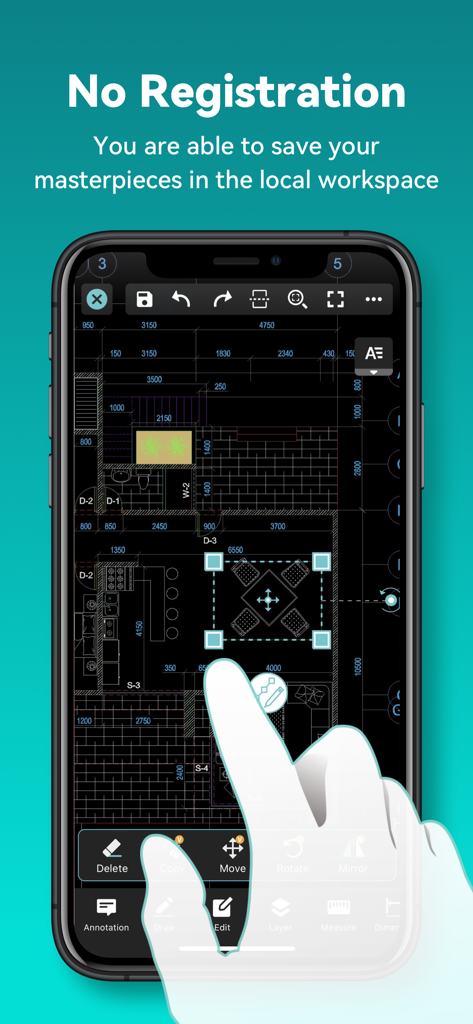
Jump straight into your work with no registration required. View and edit drawings on-site, even in remote areas with zero connectivity.
Utilize advanced measuring tools, coordinate systems, and magnification for high-accuracy annotations that eliminate costly on-site errors.
Trusted by 29M+ people who love this app.
"DWG FastView has completely changed how I manage project sites. I can open massive CAD files instantly without an internet connection, which is a game-changer for remote inspections. The ability to annotate and export to PDF directly from the field keeps our projects moving faster than ever."
"The 3D modeling and Revit support on this app are incredible. Being able to rotate and section complex designs during client meetings creates a professional impression that helps close deals. It's the most reliable mobile CAD tool I've found for precision work on my iPad."
Everything you need to know about DWG FastView-CAD Viewer&Editor.
Description
Latest Version
5.18.0
Size
369.6 MB
First Released
Aug 18, 2011
Ditch the heavy blueprints and take your entire project to the field. Join 100M+ experts using the most reliable CAD viewer and editor for real work on the go.
Everything you need to know about DWG FastView-CAD Viewer&Editor
DWG FastView is a cross-platform CAD software fully compatible with AutoCAD (DWG, DXF). It allows users to view, edit, measure, and dimension CAD drawings, and supports over 40 formats of 3D designs.
No, registration is not required to use DWG FastView. Users can download and immediately use the app without needing to create an account.
DWG FastView supports over 40 3D design software models including BIM, Revit, Solidworks, NX, CATIA, Inventor, SolidEdge, ACIS, and Pro/E, with file types such as .rvt, .sldprt, .stp, and .step.
Yes, DWG FastView supports exporting CAD drawings to PDF, BMP, JPG, and PNG formats. Users can also convert PDF files back to DWG format within the app.
Yes, DWG FastView allows users to save their work in a local workspace for offline access. Drawings can also be opened, viewed, and edited from cloud services when an internet connection is available.
DWG FastView offers auto-renewing subscriptions, billed either monthly or annually. Payment is charged to the user's iTunes/App Store account upon confirmation of purchase.
Users can cancel their auto-renewing subscription by turning off the feature in their iTunes/App Store account settings. This must be done at least 24 hours before the current subscription period ends to avoid being billed.
DWG FastView offers 3D model assembly part preview, scaling, rotation, sectioning, and explosion. It also includes 3D measurement, annotation, PMI display/hiding, color matching, and multiple views.
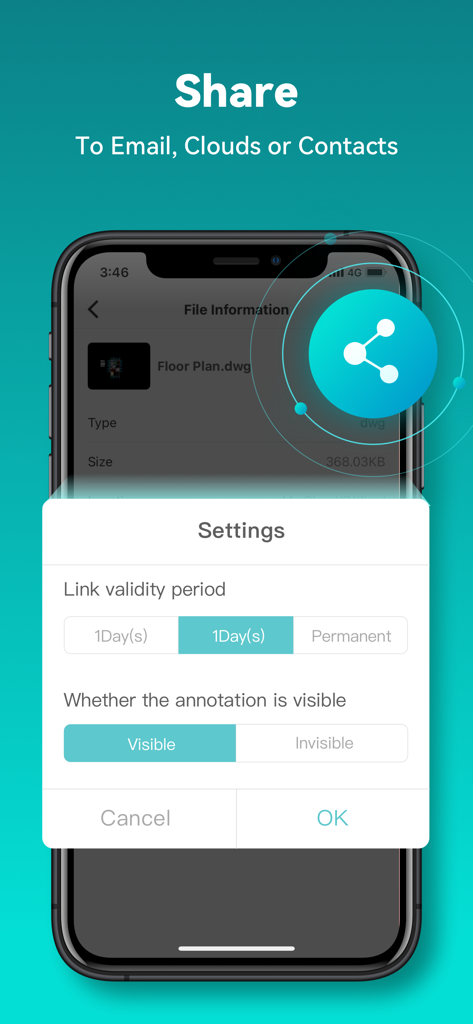
Yes, DWG FastView can open, view, edit, and share drawings from various cloud services including Dropbox, OneDrive, Google Drive, Box, and WebDAV, provided there is an internet connection.
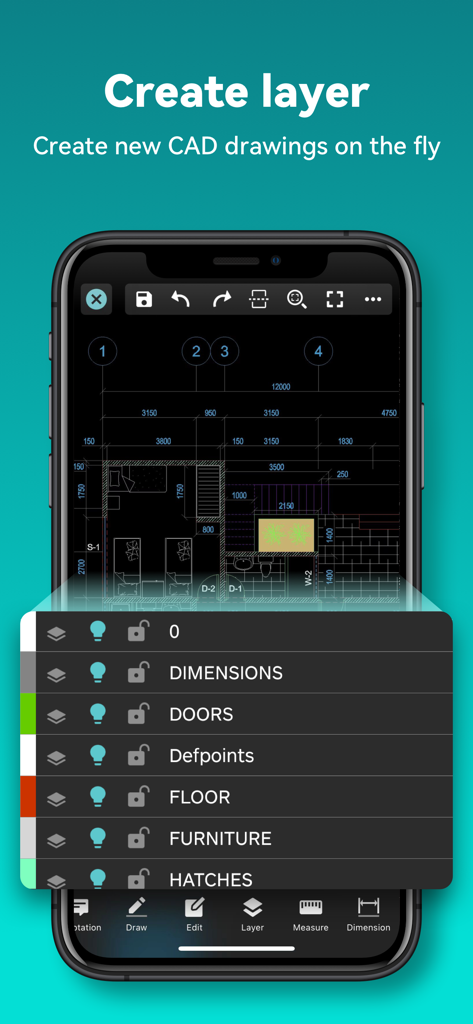
Yes, DWG FastView allows users to create new layers within CAD drawings. This functionality is part of its comprehensive tools for real CAD work on mobile devices.
Apps with similar features and user experience

Shapr 3D Zartkoruen Mukodo Reszvenytarsasag

Shanghai Tantian Network Technology Co.,Ltd.

存旺 姜

ZWCAD Software Co.,Ltd.

嘉欣 朱

Giles Goddard

镇源 余

Autodesk

Beijing Honghu Yuntu Technology Co., Ltd.

