
Fax from iPhone - Send Docs



Skip the office trip and handle high-stakes paperwork from anywhere. Scan, sign, and send secure documents in seconds with instant delivery proof for total peace of mind.
Publisher
Category
BusinessDownloads
198K+User Rating
Total Ratings
4K+Locales
4Discover the interface used by 198K+ users.
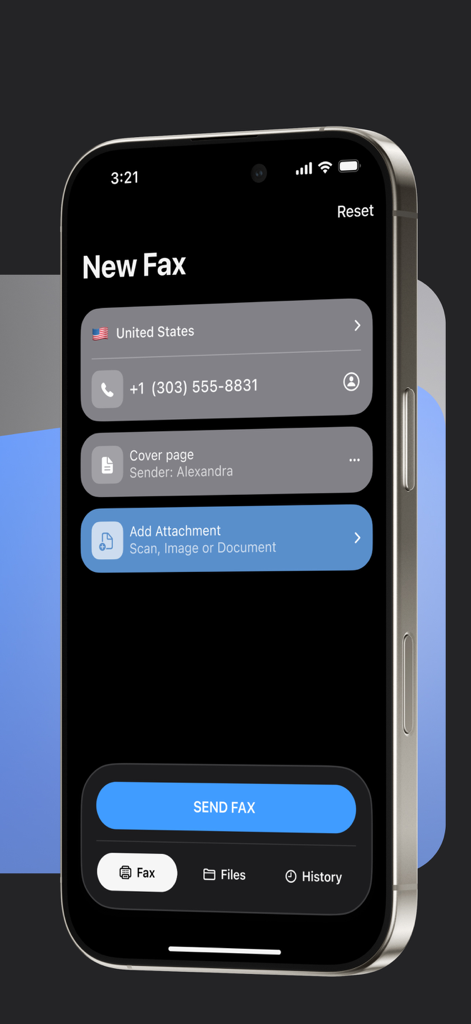
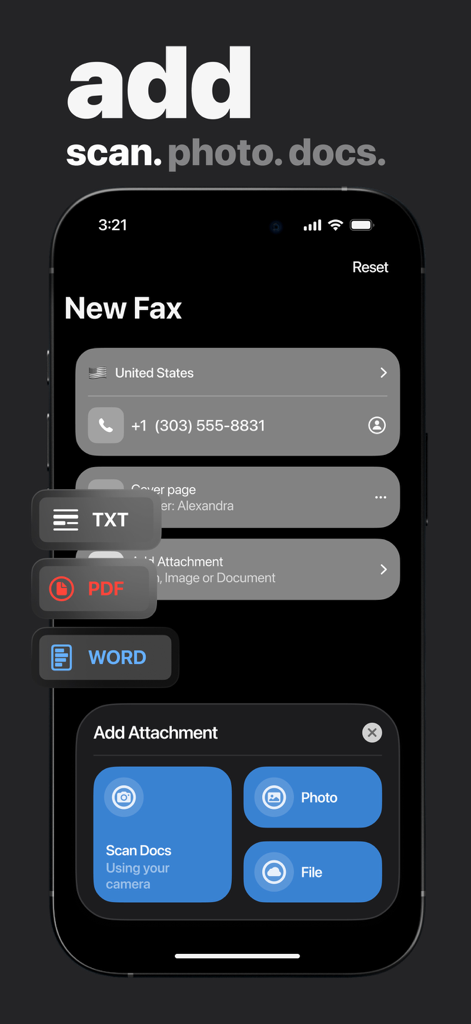
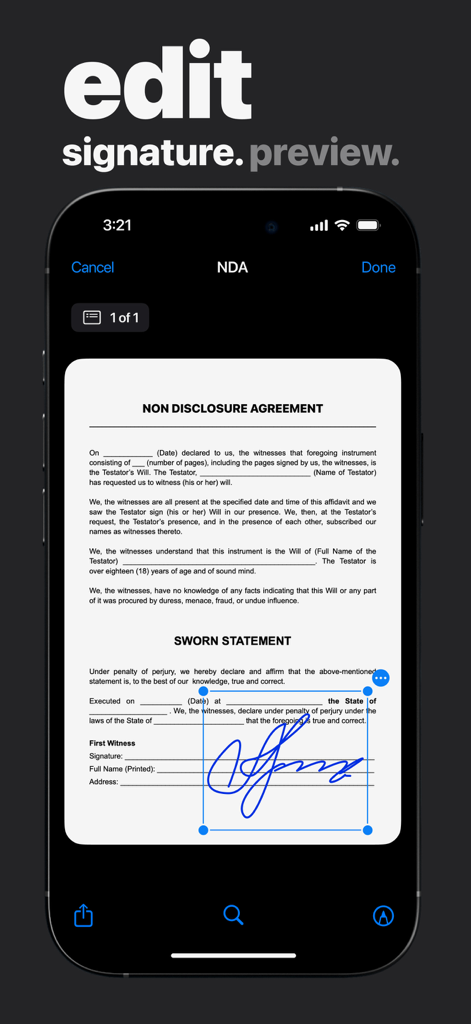
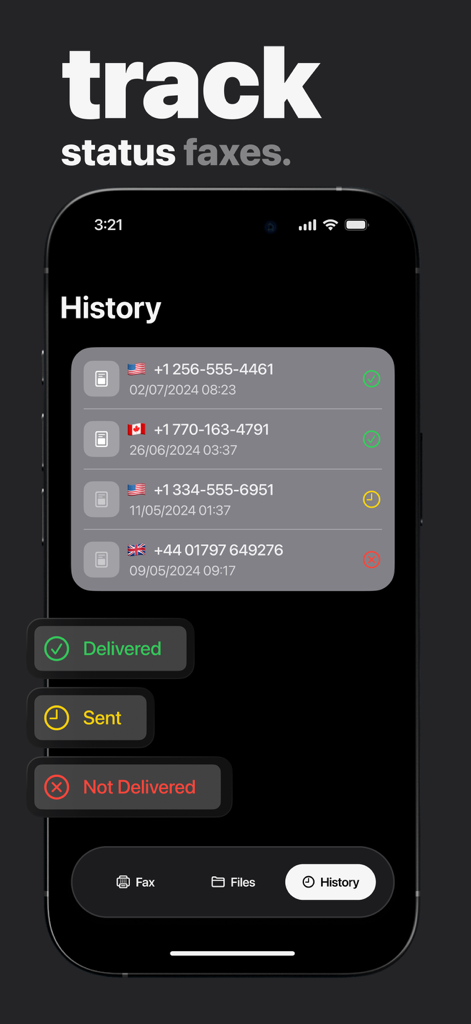
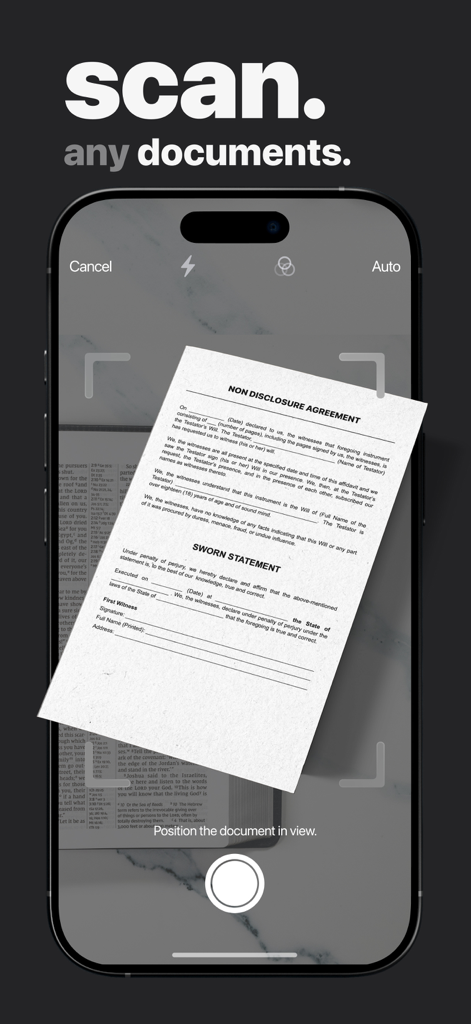
The tools that make this app stand out, trusted by 198K+ users.
Transform physical contracts or medical forms into professional-grade digital faxes instantly using your iPhone's camera.
Gain peace of mind with real-time notifications and detailed delivery receipts that serve as legal proof of transmission.
Close deals faster by signing documents digitally within the app—no printing, signing, or scanning required.
Trusted by 198K+ people who love this app.
"As a real estate agent always on the move, this app is a absolute lifesaver. I can sign contracts right on my screen and fax them to the bank instantly without having to hunt down a FedEx office. The delivery confirmation gives me and my clients total peace of mind during closing."
"I needed to send sensitive medical records to my insurance provider and didn't want to risk standard email. mFax made it so easy to scan and send the documents right from my living room. It is secure, incredibly fast, and much more convenient than finding a physical fax machine."
Everything you need to know about Fax from iPhone - Send Docs.
Description
Latest Version
1.1.11
Size
14.0 MB
First Released
Aug 15, 2024
Join 198,000+ professionals sending secure, legally-binding faxes in seconds. Download mFax and handle your critical paperwork from anywhere, 24/7.
Everything you need to know about Fax from iPhone - Send Docs
Fax from iPhone - Send Docs, also known as mFax App, transforms your iPhone into a versatile faxing tool. It uses advanced Internet Protocol (IP) technology to send fax documents directly over the internet from your device.
Fax from iPhone - Send Docs enables faxing directly from your iPhone using advanced Internet Protocol (IP) technology. Users can send documents in a few quick steps, eliminating the need for traditional fax machines and landlines.
Yes, Fax from iPhone - Send Docs supports 24/7 faxing. Users can send faxes from their iPhone whenever needed, without any time restrictions, providing constant availability.
Yes, Fax from iPhone - Send Docs provides proof of fax delivery. The app sends confirmation for every fax transmitted from your iPhone, ensuring peace of mind and accountability.
Fax from iPhone - Send Docs supports multiple file formats for faxing. These include PDF, DOC, JPG, PNG, TIFF, and HTML, providing broad compatibility for various document types.
Yes, Fax from iPhone - Send Docs includes a quick document scanner. This feature allows users to capture and edit documents swiftly for faxing directly from their iPhone.
Fax from iPhone - Send Docs allows users to add electronic signatures to documents. This feature ensures authenticity and security for faxes sent directly from your iPhone.
Yes, Fax from iPhone - Send Docs ensures unparalleled security. The app keeps your faxes secure and accessible whenever needed, utilizing secure transmission methods.
Yes, Fax from iPhone - Send Docs provides a comprehensive fax history. This feature allows users to track every fax they send, helping them stay organized.
Subscriptions for Fax from iPhone - Send Docs automatically renew unless auto-renew is turned off at least 24 hours before the end of the current period. Payment is charged to your iTunes Account.
Yes, mFax App is HIPAA compliant. This ensures the secure handling of sensitive health information when sending faxes through the application, meeting strict regulatory standards.
Apps with similar features and user experience

Trendest Insight SRL

Municorn Limited

BP Mobile LLC

Caprinix LLC

Extracomm Inc

Paul Rydell

7270356 Canada Inc

Vahagn Gevorgyan

The Grizzly Labs