
Filmora HD-Video Editor&Maker




Harness the power of desktop editing on your iPad and iPhone. From AI-driven beat detection to advanced keyframing and cloud sync across your Apple devices, turn your imagination into high-impact 4K stories for social media and beyond.
Publisher
Category
Photo & VideoDownloads
1M+User Rating
Total Ratings
3K+Locales
20Discover the interface used by 1M+ users.
The tools that make this app stand out, trusted by 1M+ users.
Save hours of manual work with Speech-to-Text and Beat Detection that syncs your cuts perfectly to the rhythm of your soundtrack.
Master high-end techniques like Speed Ramping, Masking, and Keyframing with an intuitive interface optimized for iPad and iPhone.
Bridge the gap between your mobile devices and Mac. Start your project on the road and finish your masterpiece at home with Cloud Sync.
Trusted by 1M+ people who love this app.
"Filmora HD has completely transformed my travel vlogging workflow. The iPad gesture controls are so intuitive, and being able to sync my projects to the cloud and finish them on my Mac is a total game-changer for my channel."
"I've tried every mobile editor out there, but nothing matches the precision of Filmora HD. The advanced tools like Speed Ramping and Masking allow me to create professional-grade social ads right from my iPhone while on the go."
Insights from user reviews.
Sentiment Score
Summary
This mobile app generally receives overwhelmingly negative feedback, with many users expressing extreme dissatisfaction and labeling it "terrible" or a "scam." A major point of contention revolves around its high cost and pervasive paywalls, forcing users to pay for essential features like watermark removal and high-resolution export, alongside expensive AI credits and unexpected charges. Users frequently report significant performance and stability issues, including frequent freezing, crashing during editing and export, and lag, which often appear or worsen after purchasing a subscription. While some users acknowledge its rich editing functions and potential for a pleasant editing experience, these positives are largely eclipsed by widespread complaints about bugs, costly and ineffective AI features, and unresponsive customer support.
Common Themes
Everything you need to know about Filmora HD-Video Editor&Maker.
Description
Latest Version
14.3.27
Size
380.8 MB
First Released
Jun 30, 2020
Join the creator economy and transform your videos with AI-powered tools and cinematic effects. Start your journey with Filmora today.
Everything you need to know about Filmora HD-Video Editor&Maker
Filmora is an easy yet powerful video editor that enables users to create video stories from clips, photos, and music. It includes advanced features, music, stickers, filters, effects, and transitions.
Yes, Filmora allows users to quickly make vlogs and share them on platforms like YouTube, TikTok, Facebook, and Instagram. It also supports creating project presentation videos.
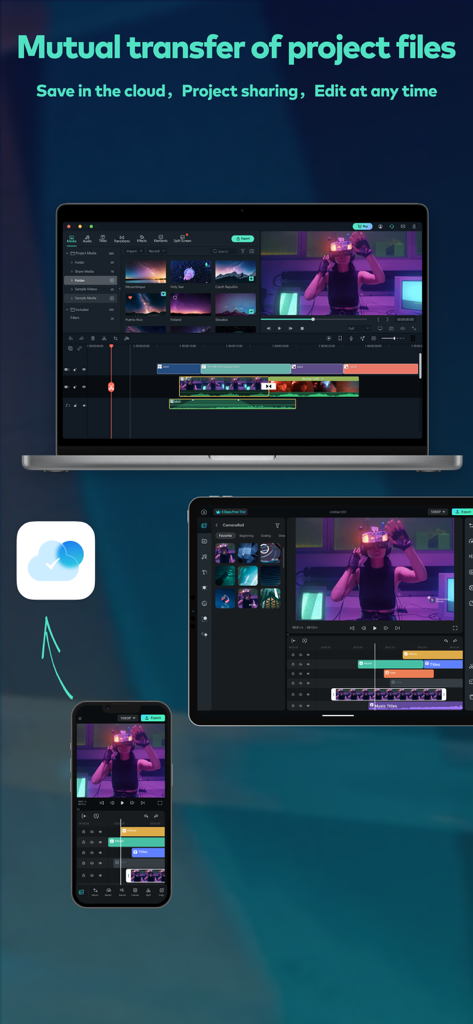
Yes, Filmora supports mutual transfer of project files. Users can save projects in the cloud to edit videos anytime and anywhere, continuing projects across devices like iPad/iPhone and Mac.
Filmora offers advanced features such as Mask, Speech To Text (STT), Speed Ramping (Curve Speed), Keyframe animation, Picture-in-Picture (PIP), and 4K export.
Yes, Filmora includes features for audio editing like beat detection, splitting audio clips, and volume controls. It also offers a music library, sound effects, and voice-over options.
Yes, Filmora allows users to add and personalize text on videos or photos. It also provides a variety of fun stickers for creative expression.
Filmora offers various visual effects including brightness and temperature adjustments, customizable filters, overlays, and cool transitions to enhance video appearance.
A Filmora Unlimited subscription provides access to all features, paid editing materials like exclusive filters and effects, and 4K video export. It also automatically removes the watermark from videos.
Filmora offers subscription options including Monthly, Annually, or a One-time Purchase. Subscriptions automatically renew unless auto-renewal is turned off at least 24 hours prior.
Yes, Filmora supports 4K video export. This feature is included with the Filmora Unlimited subscription, enabling high-quality sharing of created videos.
Wondershare developed Filmora HD-Video Editor&Maker. Wondershare is a global leader in application software development, serving millions of users across over 150 countries.
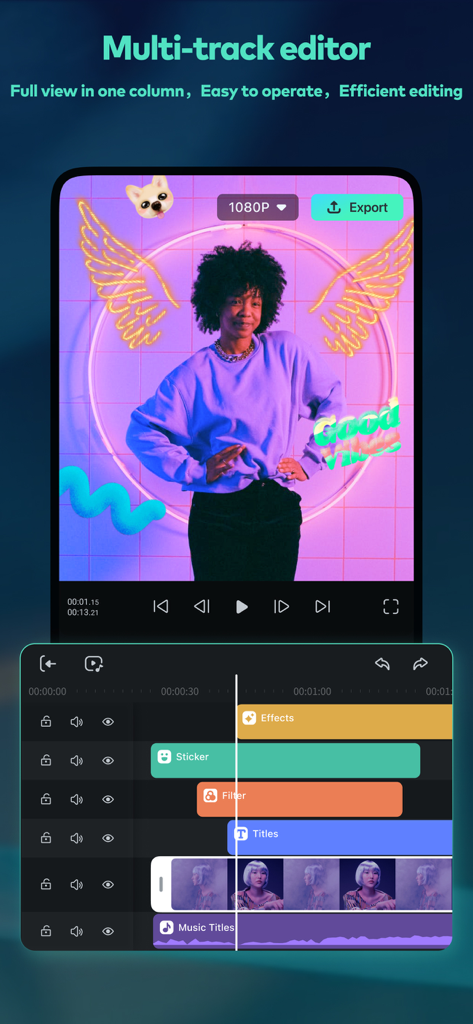
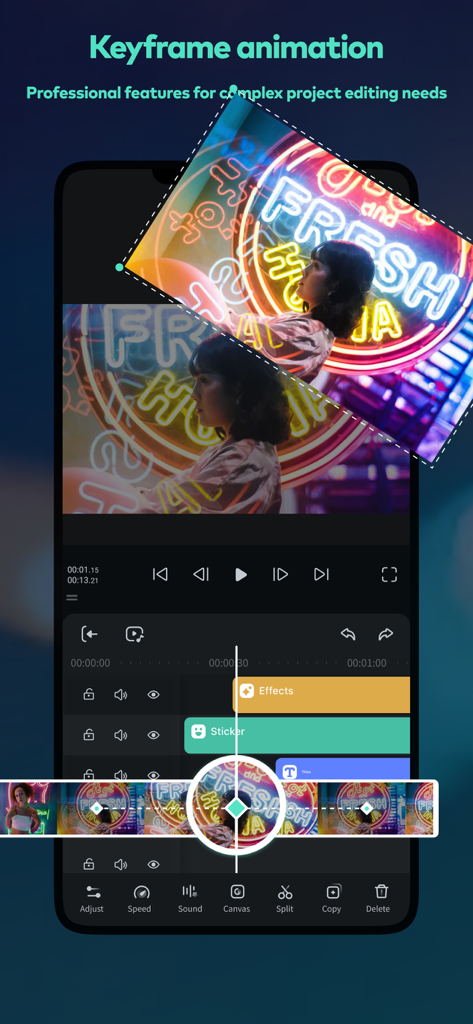
Yes, Filmora HD-Video Editor&Maker features a multi-track editor. This allows for easy operation and efficient editing with a full view in one column, as depicted in the interface.
Yes, Filmora supports the mutual transfer of project files. Users can save projects in the cloud, enabling project sharing and editing at any time across different devices.
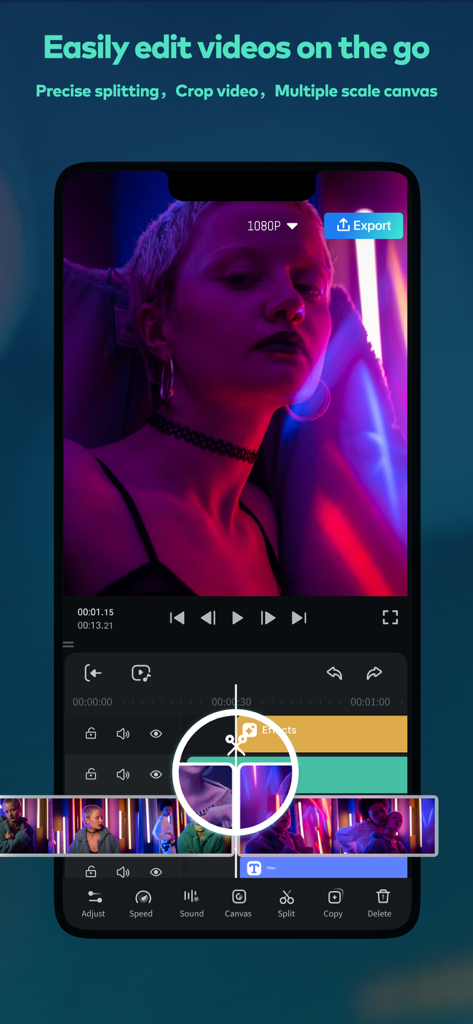
Filmora enables users to easily edit videos on the go with precise splitting, video cropping, and multiple scale canvas options, providing flexible mobile editing capabilities.
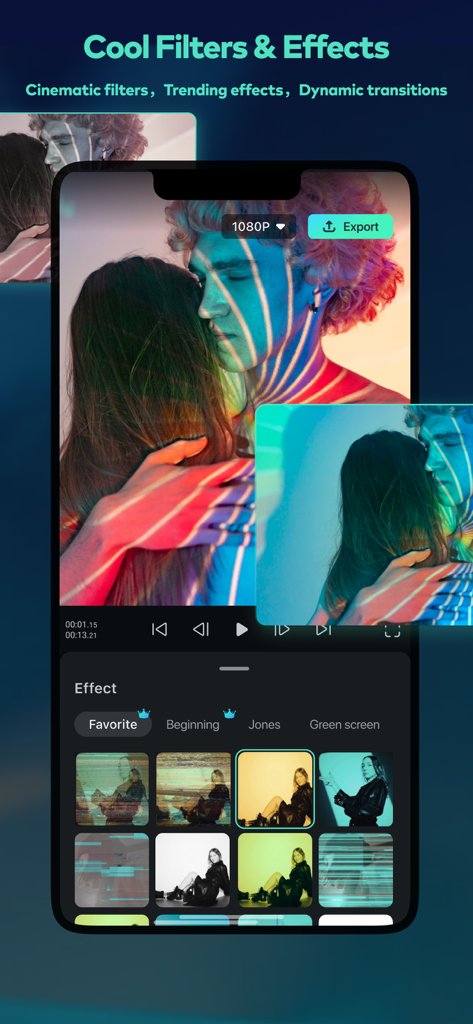
Yes, Filmora offers a range of cool filters and effects, including cinematic filters, trending effects, and dynamic transitions to enhance video aesthetics.
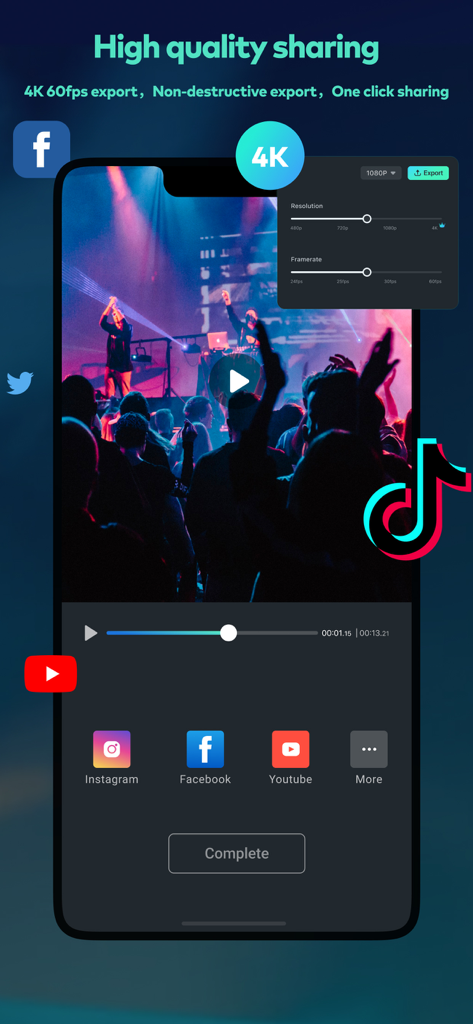
Filmora supports high-quality sharing, including 4K 60fps export and non-destructive export. It also offers one-click sharing to platforms like Instagram, Facebook, YouTube, and TikTok.
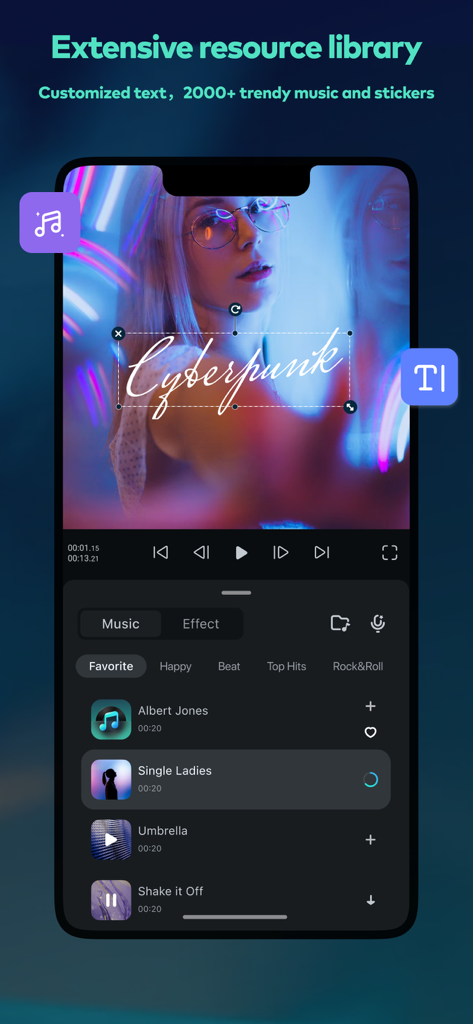
Yes, Filmora provides an extensive resource library. It includes options for customized text and over 2000 trendy music tracks and stickers for creative video enhancement.
Yes, Filmora supports keyframe animation. This professional feature is designed for complex project editing needs, enabling precise control over video elements and effects.
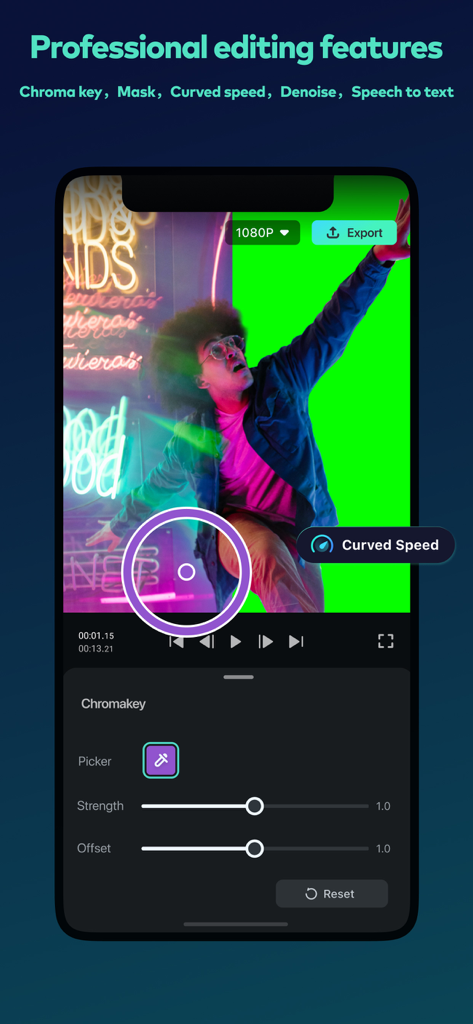
Yes, Filmora provides professional editing features, including Chroma key, Mask, Curved speed, Denoise, and Speech to text. The Chroma key tool is visible in the interface.
Apps with similar features and user experience

Instagram, Inc.

vimosoft

SHANTANU PTE. LTD.

Shanghai Bilibili Animation Co.,Ltd

Shanghai Jian Ji Software Technology Co., Ltd

Jajijujejo Inc.

ImgBase, Inc.

Onelight Apps CY Ltd

Changsha Fugui Bamboo Network Technology Co., Ltd.


