
HeyStar-AI Photo Editor


From unblurring shaky shots to restoring vintage family photos, bring your memories back to life with instant AI magic. No editing skills required.
Publisher
Category
UtilitiesDownloads
213K+User Rating
Total Ratings
300Locales
2Discover the interface used by 213K+ users.


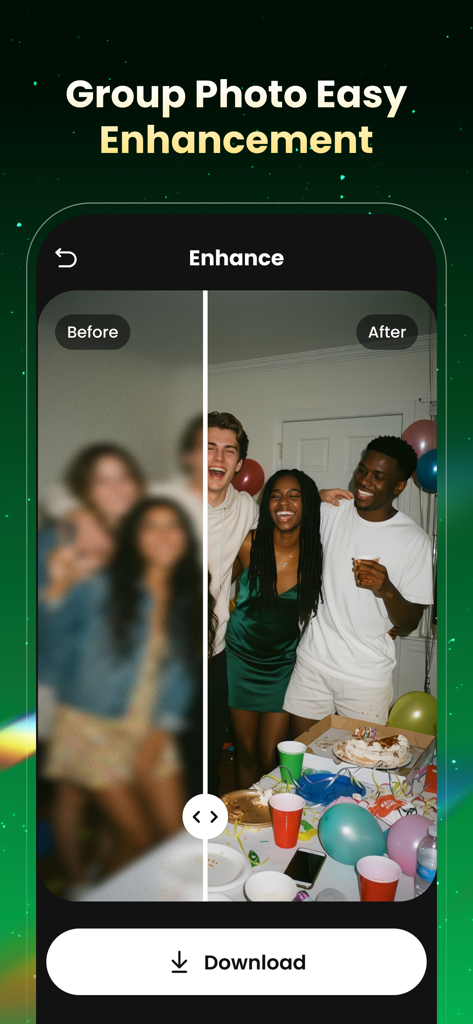
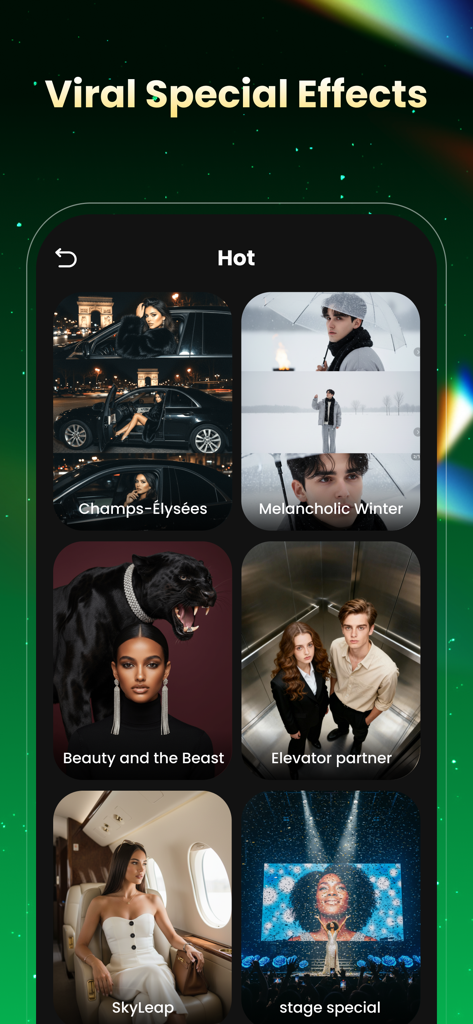
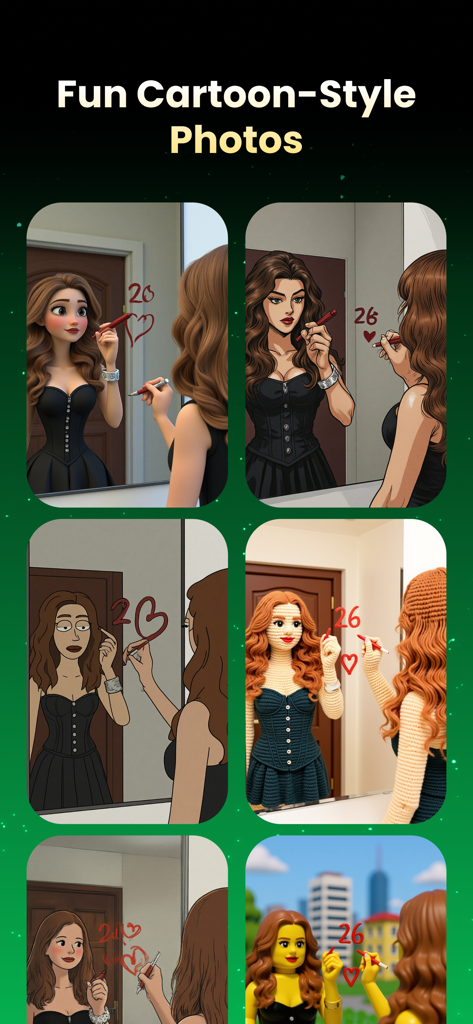
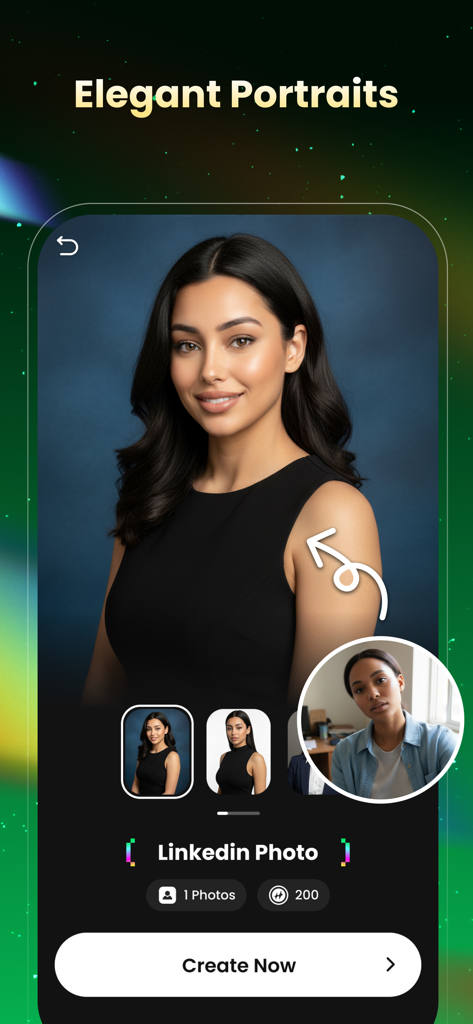
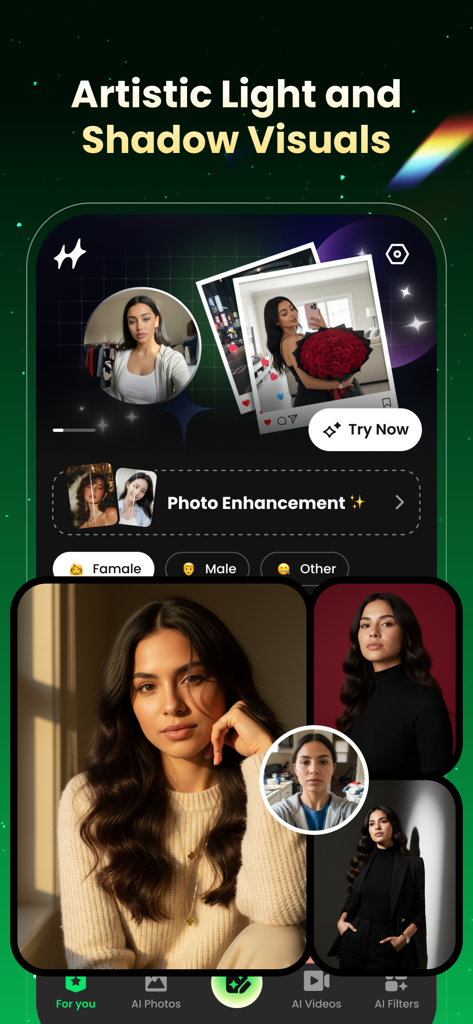
The tools that make this app stand out, trusted by 213K+ users.
Instantly turn blurry, shaky, or pixelated photos into sharp HD masterpieces with one tap.
Effortlessly erase unwanted people, crowds, or distractions to keep the focus where it belongs.
Colorize vintage photos or jump on the latest viral TikTok and Instagram effects daily.
Trusted by 213K+ people who love this app.
"HeyStar is a total game-changer for my social media. I had a bunch of blurry shots from a concert that I thought were useless, but the AI Deblur made them look like they were taken on a professional camera. The trending video effects also help my TikToks stand out without me having to spend hours editing."
"I originally downloaded this to fix some old, grainy photos of my parents from the 80s, and the AI Restore results moved us all to tears. Now I use it daily to erase photobombers from our family vacation pictures. It is incredibly intuitive and delivers on its promise of studio-grade results in seconds."
Everything you need to know about HeyStar-AI Photo Editor.
Description
Latest Version
1.4.0
Size
76.6 MB
First Released
Oct 29, 2025
Join over 213,000 creators and families who use HeyStar to bring their memories to life. Download now and experience studio-grade AI in just one tap.
Everything you need to know about HeyStar-AI Photo Editor
Hey Star is an AI-powered photo enhancer that revives photos. It provides studio-grade results in seconds, improving quality, fixing lighting, deblurring, restoring, and erasing unwanted objects without complex editors.
HeyStar-AI Photo Editor offers AI Enhance, AI Deblur, AI Restore, and AI Erase. It also includes trending AI video effects, cartoon-style photos, elegant portraits, and artistic light/shadow visuals, delivering comprehensive editing capabilities.
Yes, HeyStar-AI Photo Editor features AI Deblur. This function transforms pixelated, shaky, or out-of-focus shots into sharp HD images. It effectively resolves blur issues from various causes.
Yes, Hey Star includes an AI Restore feature. This capability colorizes black-and-white photos and revives old family photos, bringing them back to life with enhanced quality and detail.
Yes, HeyStar-AI Photo Editor provides an AI Erase feature. This function seamlessly removes unwanted objects or people from photos, ensuring a clean and polished final image as described in its core features.
Yes, HeyStar-AI Photo Editor boasts a zero learning curve for pro-level edits. Its clean and intuitive user interface makes it accessible and easy for everyone to use, regardless of prior experience.
HeyStar-AI Photo Editor offers weekly and annual subscription periods for premium feature access. These subscriptions provide unlimited use and auto-renew unless explicitly cancelled, as detailed in the purchase terms.
You manage your Hey Star subscription and turn off auto-renewal in your account settings after purchase. Auto-renew must be disabled at least 24 hours before the current period ends to prevent renewal charges.
HeyStar-AI Photo Editor may offer a free trial. If a free trial is provided, any unused portion of it will be forfeited upon purchasing a subscription to premium features.
Hey Star's trending AI video effects are compatible with TikTok, X, Instagram, and Facebook. New filters and templates are added daily, ensuring users stay current on social media trends.
HeyStar-AI Photo Editor effectively enhances various photo types, including selfies, portraits, landscapes, and old albums. It is versatile enough for diverse personal and historical photographic collections.
Top-ranked apps in the same category

Google LLC

Google LLC

China Mobile Online Services Co., Ltd.

Google LLC

Servicos e Informacoes do Brasil

DEEP FLOW SOFTWARE SERVICES - FZCO

Servicos e Informacoes do Brasil

CHINA TELECOM Corporation Ltd.

Microsoft Corporation