
iLovePDF - PDF Editor & Scan



Scan, convert, edit, and e-sign documents in seconds. Join millions of professionals and students who use our top-rated tools to boost productivity anywhere, anytime.
Publisher
Category
ProductivityDownloads
11M+User Rating
Total Ratings
652K+Locales
25Discover the interface used by 11M+ users.
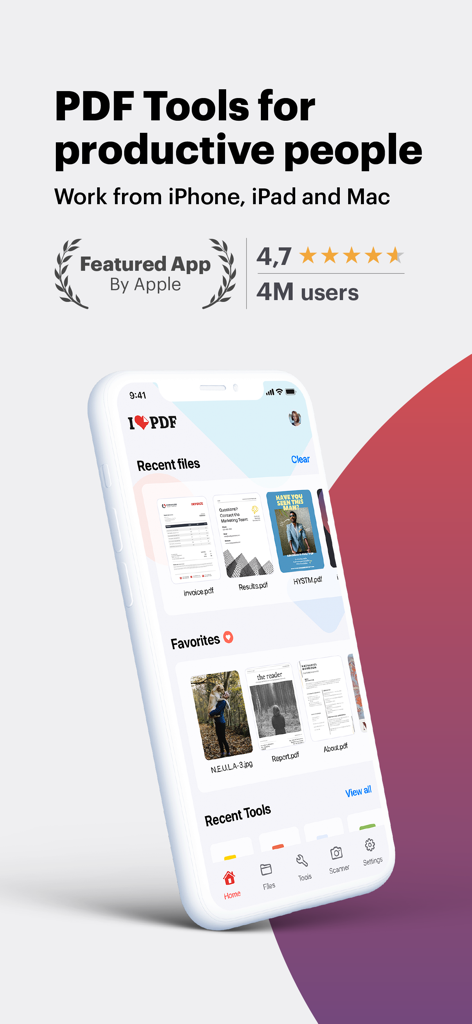
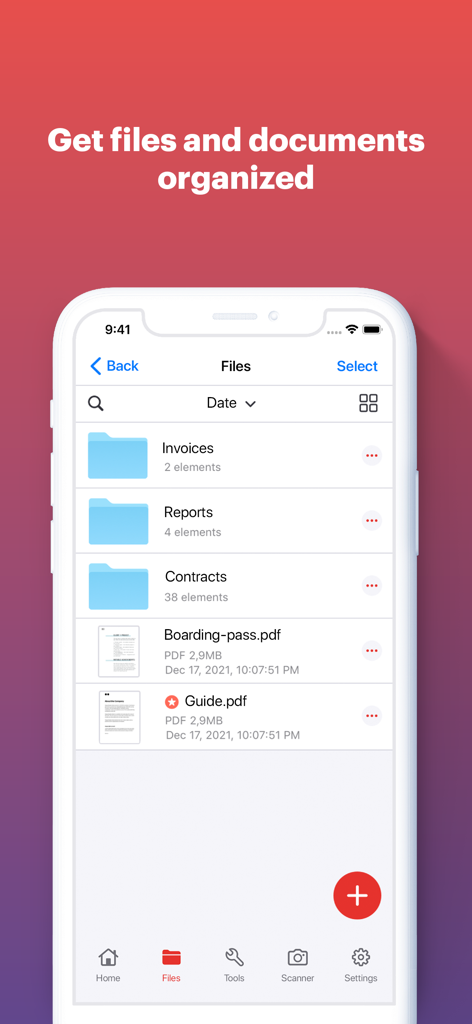
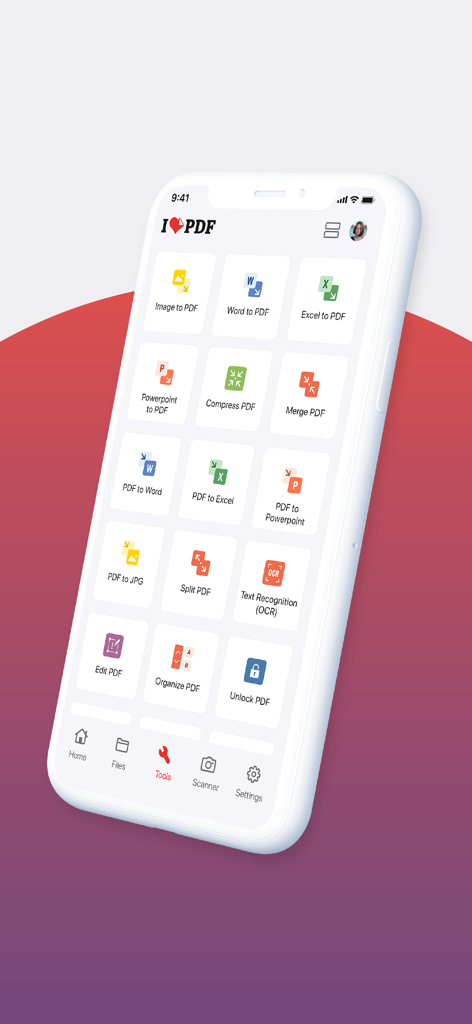
The tools that make this app stand out, trusted by 11M+ users.
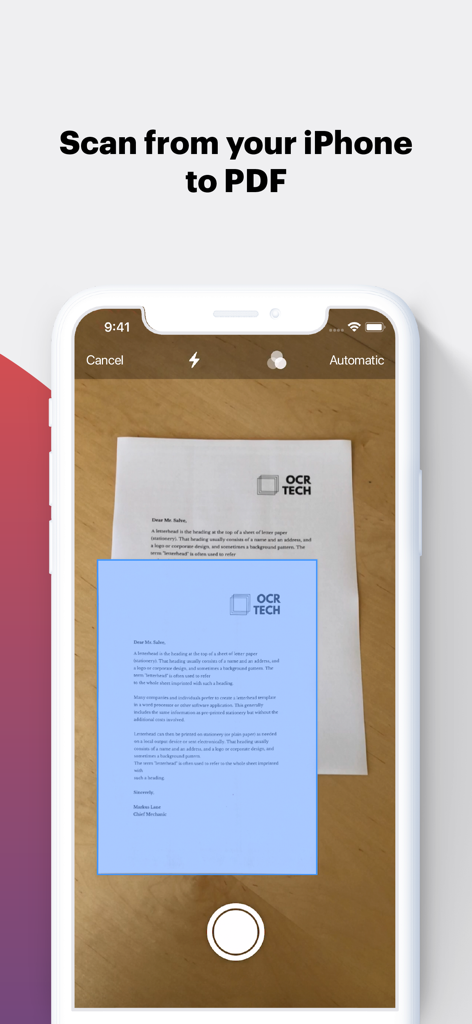
Ditch the bulky hardware. Turn your phone into a powerful scanner with OCR to instantly digitize and extract text from receipts, notes, and contracts.
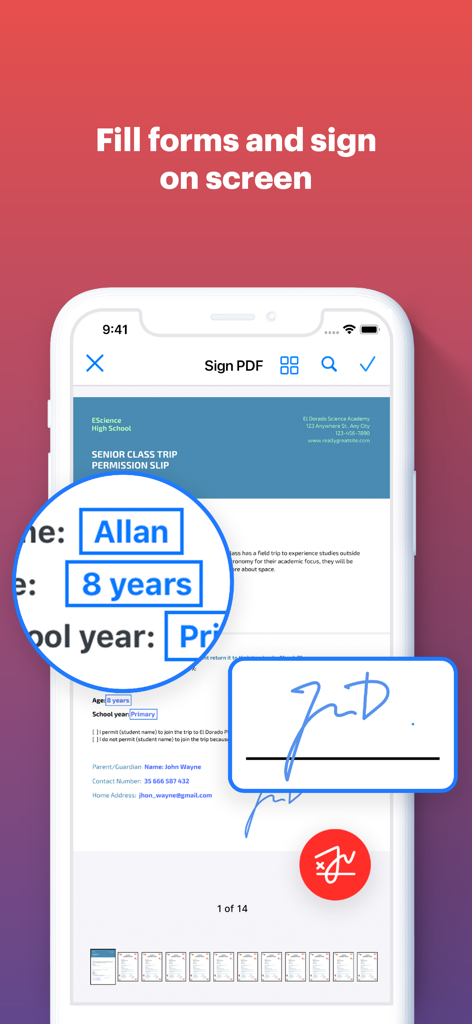
Close deals faster by signing documents and filling out forms with your finger. No printing, scanning, or mailing required for your high-stakes tasks.
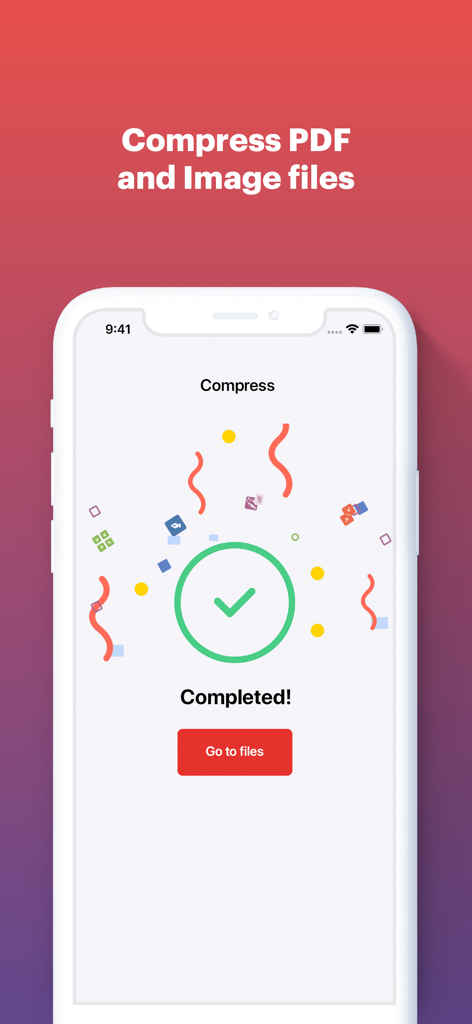
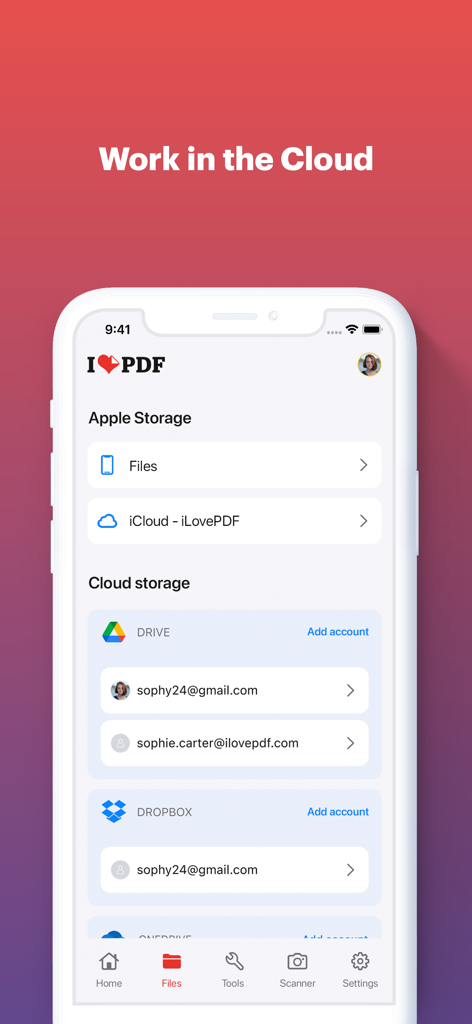
Seamlessly connect to Google Drive and Dropbox. Merge, compress, and convert files directly from the cloud and sync your progress across all your devices.
Trusted by 11M+ people who love this app.
"As a freelance consultant, I'm always on the move. iLovePDF has been a game-changer for my workflow. I can scan contracts, add a professional watermark, and e-sign documents directly from my phone while waiting for a flight. It’s basically a portable office that saves me hours of desktop work every week."
"Being a grad student means dealing with hundreds of research papers. The OCR feature is incredibly accurate for digitizing my library notes, and the merge tool is perfect for compiling my final submissions. It integrates perfectly with my Google Drive, making it the most essential productivity app on my iPad."
Everything you need to know about iLovePDF - PDF Editor & Scan.
Description
Latest Version
3.13.0
Size
277.1 MB
First Released
Sep 20, 2017
Get the all-in-one PDF toolkit to scan, sign, and convert documents in seconds—wherever your work takes you.
Everything you need to know about iLovePDF - PDF Editor & Scan
iLovePDF - PDF Editor & Scan is an application for reading, converting, annotating, and signing PDFs on iPhone and iPad. It includes a document scanner, PDF converter, editor, and tools for optimizing and organizing documents.
Yes, iLovePDF - PDF Editor & Scan includes a phone scanner for iPhone and iPad. Users can snap photos of documents and save them as single or multipage PDFs, featuring Text Recognition (OCR).
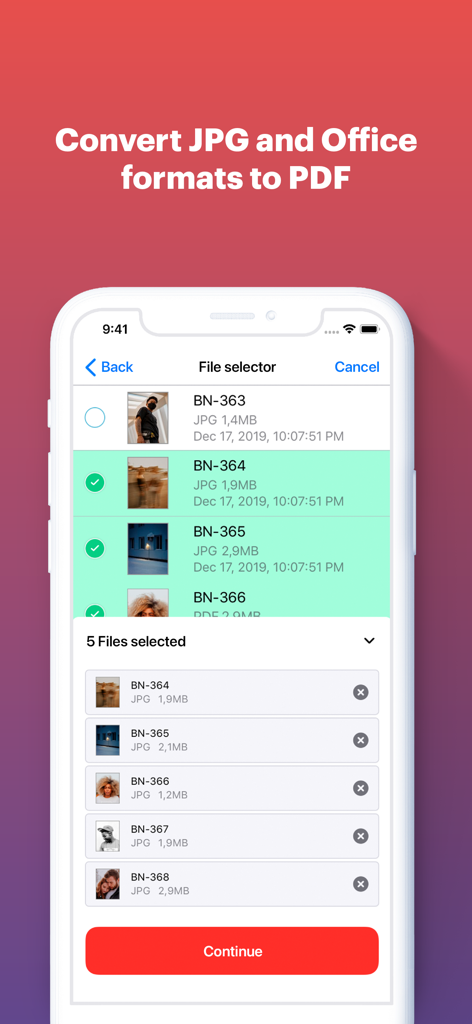
Yes, iLovePDF - PDF Editor & Scan converts various file types to PDF. It supports JPG to PDF, MS Office documents to PDF, and can turn PDFs into editable Office formats like Word, Excel, and PowerPoint.
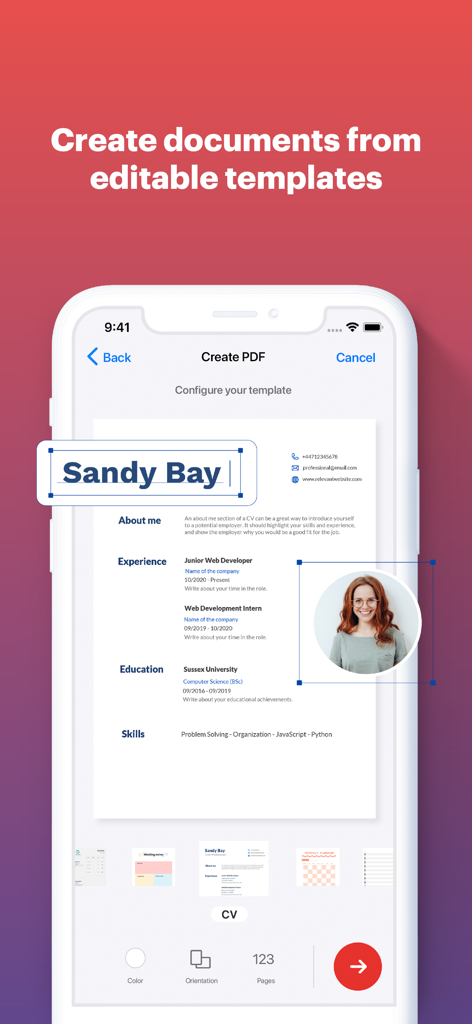
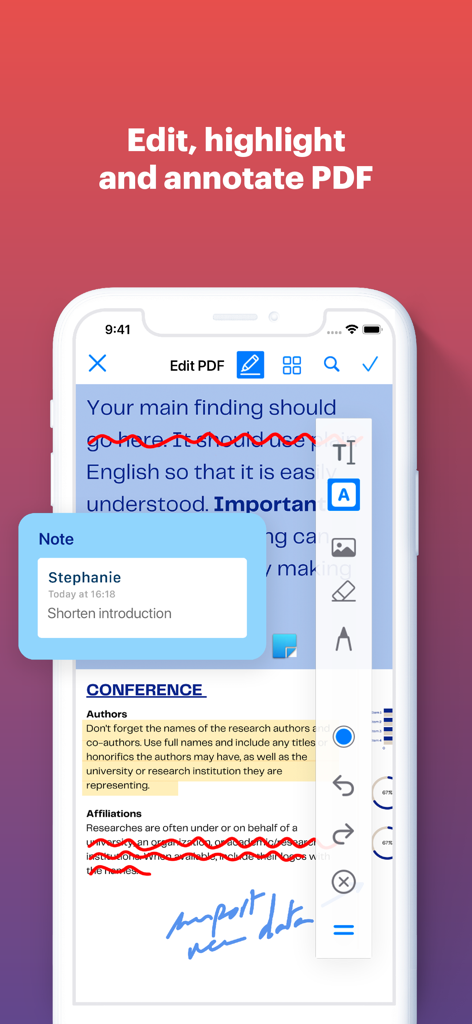
iLovePDF - PDF Editor & Scan provides comprehensive editing features. Users can annotate, highlight text, add notes, draw, insert images, fill and sign forms, and view/modify PDF files.
iLovePDF - PDF Editor & Scan offers tools to organize and optimize documents. These include compressing, merging, splitting, rotating PDFs, adding page numbers, watermarking, and password protection.
Yes, iLovePDF - PDF Editor & Scan connects to Google Drive and Dropbox accounts. Users can select and share documents directly from these cloud services.
Users access iLovePDF Premium features through an auto-renewable subscription. Both annual and monthly subscription options are available for purchase via an iTunes account.
Yes, users can manage and discontinue their iLovePDF Premium subscriptions. This is done through Account Settings after purchase, as specified in the app's billing policy.
Yes, iLovePDF - PDF Editor & Scan features Text Recognition (OCR). This allows users to turn any scanned text or image into a PDF with high accuracy.
iLovePDF - PDF Editor & Scan supports iPhone and iPad devices. It provides document management, editing, and scanning functionalities optimized for these iOS platforms.
Apps with similar features and user experience

Balzo srl

NEXT K.U.M. LTD

INTSIG Information Co., Ltd

Adobe Inc.

KINGSOFT OFFICE SOFTWARE CORPORATION LIMITED

The Grizzly Labs

Microsoft Corporation

INDY MOBILE APP COMPANY LIMITED

Lufick
