
CamScanner - PDF Scanner App



Trusted by over 300 million professionals and students to scan, convert, and sign documents on the go. Turn any paper into a high-quality PDF with advanced OCR technology and secure cloud sharing.
Publisher
Category
ProductivityDownloads
229M+User Rating
Total Ratings
12M+Locales
58Discover the interface used by 229M+ users.
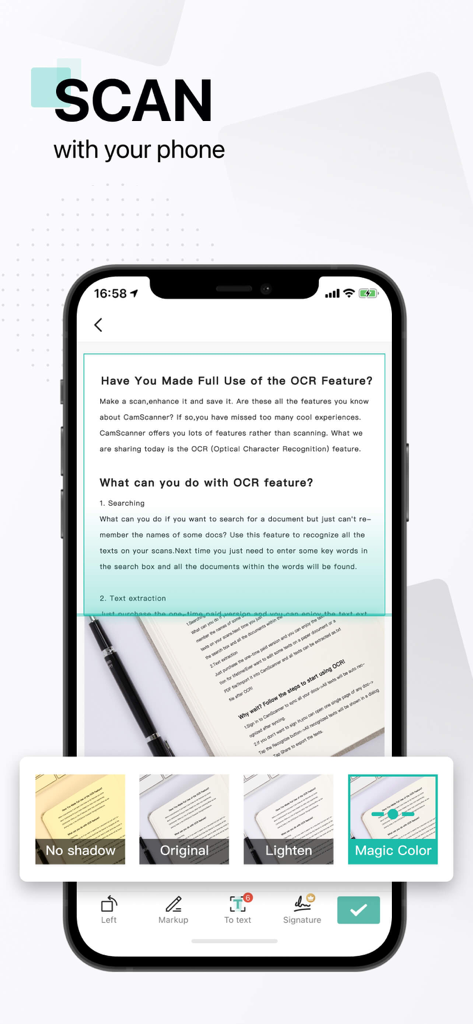
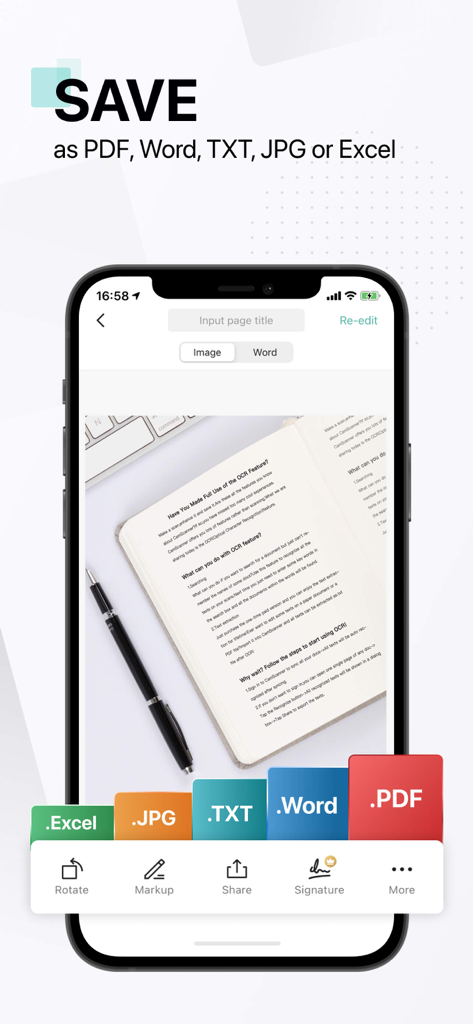
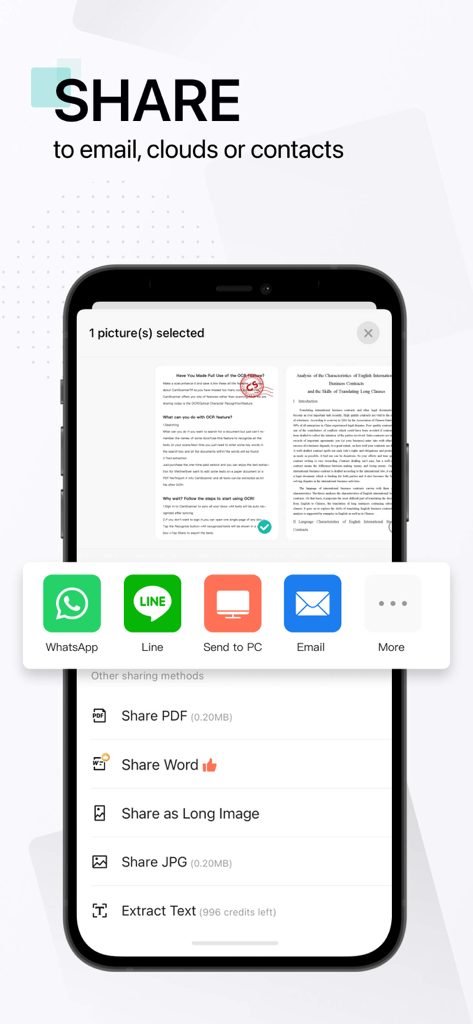
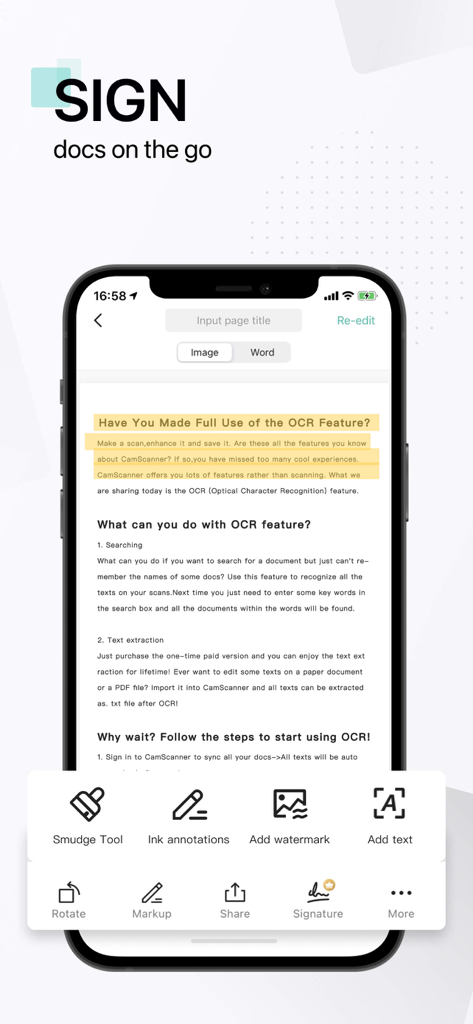
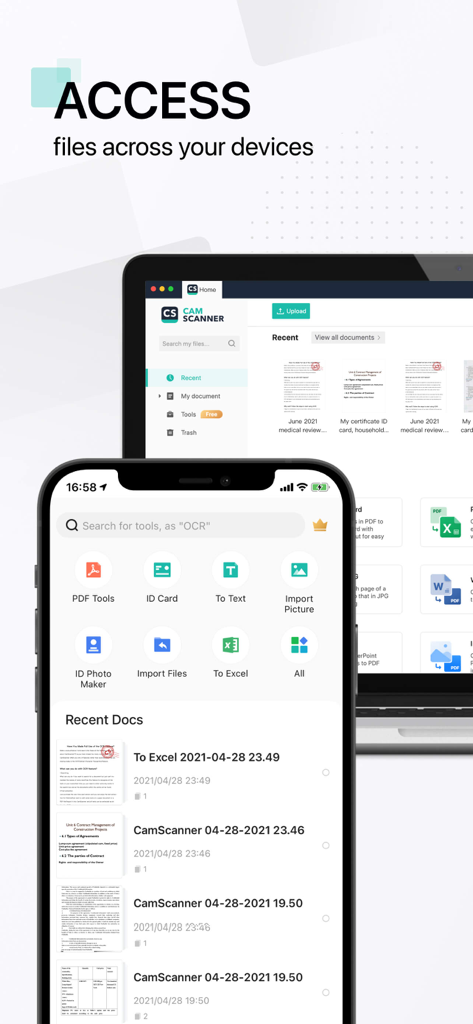
The tools that make this app stand out, trusted by 229M+ users.
Automatically remove backgrounds and enhance text quality for crystal-clear PDFs that look better than the original.
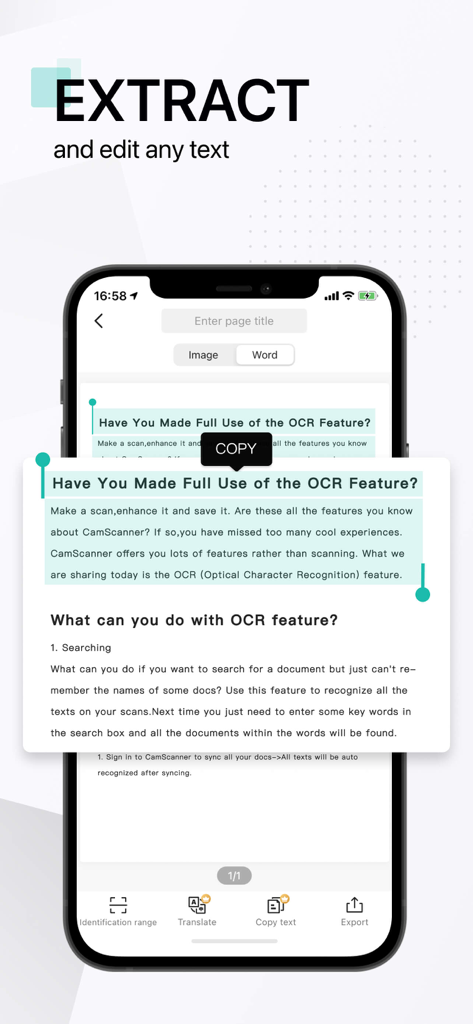
Instantly turn images into editable Word or TXT files. Search through your scans in seconds to find exactly what you need.
Add legal e-signatures, password-protect sensitive files, and sync instantly with Google Drive, Dropbox, or OneDrive.
Trusted by 229M+ people who love this app.
"As a realtor always on the move, CamScanner is a total game-changer for my workflow. I can scan multi-page contracts right at the property, add my e-signature, and email them to clients in seconds. The clarity and noise removal filters make every document look like it came from a high-end office scanner rather than just my phone camera. It truly is an office in my pocket."
"This app is an absolute essential for my graduate studies. The OCR feature is incredibly accurate, allowing me to convert physical library book pages into editable TXT files for my research thesis. I love how it automatically syncs with my Google Drive, keeping all my study notes organized and accessible across all my devices. It has saved me countless hours of manual typing."
Everything you need to know about CamScanner - PDF Scanner App.
Description
Latest Version
7.10.0
Size
340.7 MB
First Released
Aug 28, 2010
Join over 300 million professionals and students who trust CamScanner to digitize, sign, and share documents in seconds. Download for free today and start scanning like a pro.
Everything you need to know about CamScanner - PDF Scanner App
CamScanner is an all-in-one mobile scanner app that converts your device into a portable scanner. It automatically recognizes text (OCR), allows scanning, saving, and sharing documents in formats like PDF, JPG, Word, or TXT.
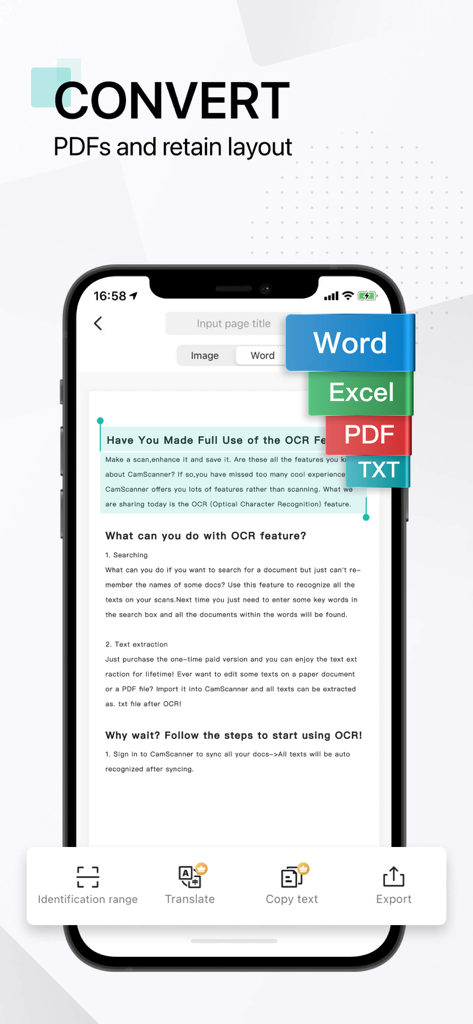
CamScanner supports saving and sharing documents in various formats, including PDF, JPG, Word, TXT, Excel, XLS, XLSM, XLSX, CVS, PPT, PPTM, and PPTX.
Yes, CamScanner includes OCR (Optical Character Recognition) functionality. This feature automatically recognizes text from scanned documents, enabling text extraction and searchability.
You can share documents from CamScanner via email with attachments, send document links, or upload to cloud services like Dropbox, Google Drive, Evernote, and OneDrive. Sharing options also include WhatsApp, iMessage, and Microsoft Teams.
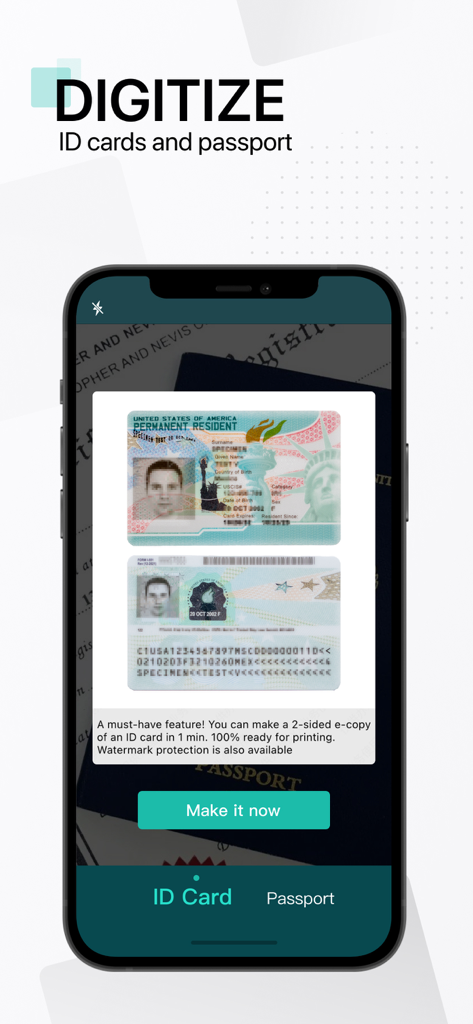
Yes, CamScanner features a specific scanning mode designed for fast and convenient scans of ID documents, including ID cards and passports. It supports creating 2-sided copies.
CamScanner offers a free download and allows instant scanning. However, unlimited access to all app features requires a paid membership subscription, billed weekly, monthly, quarterly, or annually.
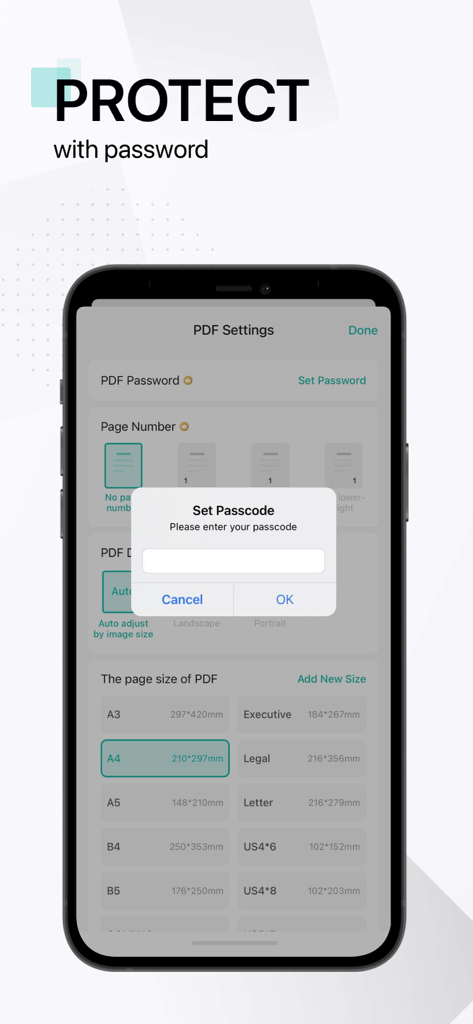
CamScanner allows users to protect confidential scans by locking folders and files with passwords. Documents are safely stored directly on your mobile devices, ensuring no third-party intervention.
Yes, CamScanner allows users to create and add their own e-signatures directly onto documents. This feature is part of its innovative PDF scanner capabilities, enabling convenient document signing.
Yes, CamScanner provides document editing features. You can edit scans with filters, remove noise, manage files with folders, and use drag & drop to reorder documents.
The Privacy Policy for CamScanner is available on their website. You can find it by visiting the link: https://www.camscanner.com/app/privacy?language=en-us.
Yes, CamScanner functions as a PDF Converter. It enables users to create PDFs from websites and convert documents in various formats (like Word, Excel, TXT, PPT) into PDF files.
Apps with similar features and user experience

Balzo srl

NEXT K.U.M. LTD

Adobe Inc.

KINGSOFT OFFICE SOFTWARE CORPORATION LIMITED

ILOVEPDF S.L.

The Grizzly Labs

Microsoft Corporation

INDY MOBILE APP COMPANY LIMITED

Lufick


