
Microsoft Lens: PDF Scanner




Instantly transform whiteboards, receipts, and handwritten notes into editable digital files. Seamlessly integrate with Microsoft 365 to capture, organize, and share your best work from anywhere.
Publisher
Category
ProductivityDownloads
26M+User Rating
Total Ratings
1M+Locales
33Discover the interface used by 26M+ users.
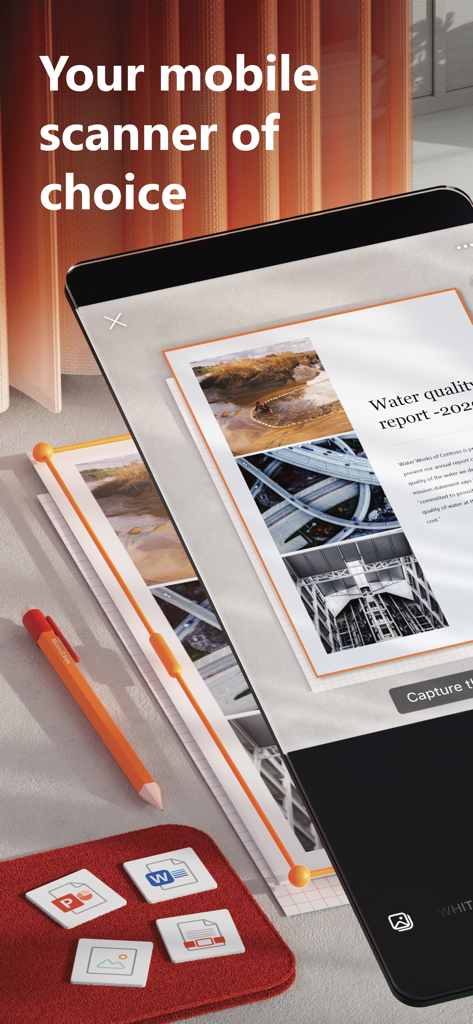
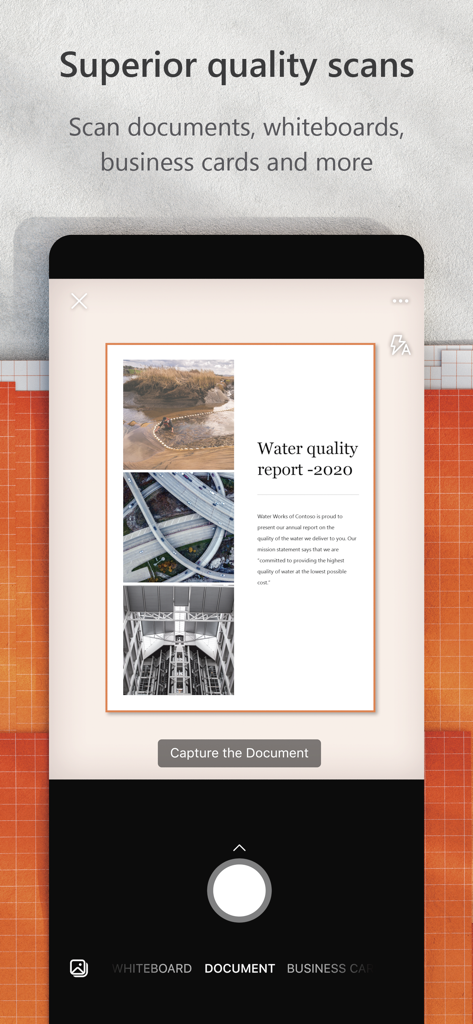
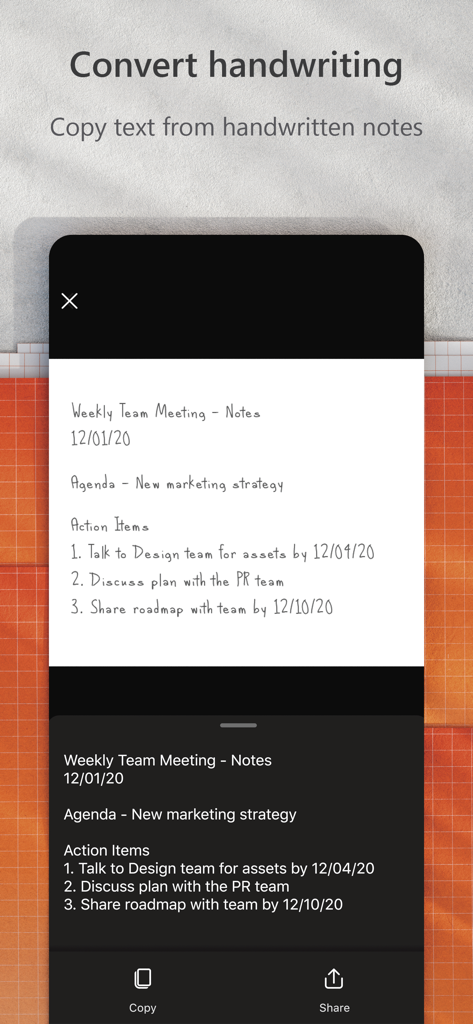
The tools that make this app stand out, trusted by 26M+ users.
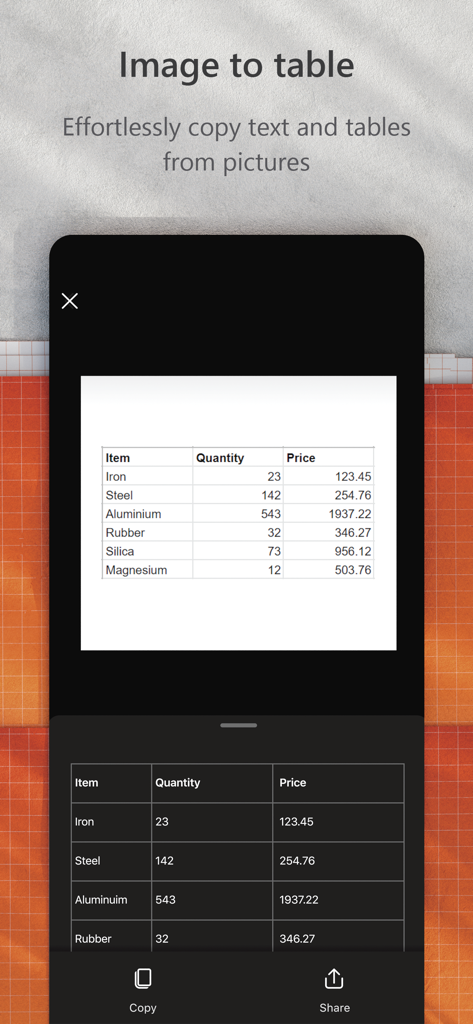
Extract text from printed documents or handwritten notes and turn them into editable Word or Excel files without typing a single word.
Connect directly with the tools you use. Export scans to OneDrive or OneNote to keep your professional and academic life perfectly synced.
Digitize brainstorming sessions instantly. Advanced algorithms remove glare and shadows so your team's best ideas are never lost.
Trusted by 26M+ people who love this app.
"Microsoft Lens has completely transformed how I handle meeting notes. I just snap a photo of the whiteboard and it instantly converts it into a clean, readable PDF that I share with my team on OneDrive. It saves me hours of retyping every week!"
"This app is a lifesaver for my studies. I scan all my lecture handouts and the OCR is incredibly accurate—I can even search through my handwritten notes later in OneNote. It is the perfect tool for staying organized during a busy semester."
Everything you need to know about Microsoft Lens: PDF Scanner.
Description
Latest Version
2.106.1
Size
76.1 MB
First Released
Apr 2, 2015
Bridge the gap between your desk and your digital workspace. Join over 26 million users and transform your phone into a high-powered scanner today.
Everything you need to know about Microsoft Lens: PDF Scanner
Microsoft Lens is a mobile scanner application that trims, enhances, and makes pictures of whiteboards and documents readable. It converts images into various file formats like PDF, Word, and PowerPoint.
Yes, Microsoft Lens can convert scanned images into PDF files. It also supports conversion to Word, PowerPoint, and Excel formats.
Microsoft Lens scans various documents, including notes, receipts, whiteboards, blackboards, classroom handouts, and business cards. It digitizes both printed and handwritten text.
Yes, Microsoft Lens digitizes handwritten text, allowing users to edit it later. This feature currently works with English language only.
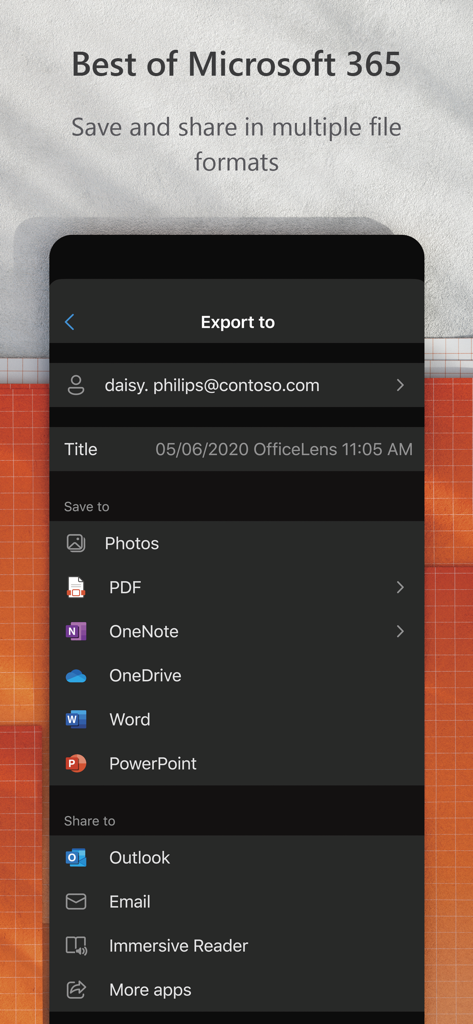
Users can save scanned documents from Microsoft Lens to OneNote, OneDrive, or their local device. Files can be stored as PDF, Image, Word, or PowerPoint.
Yes, Microsoft Lens allows users to import images that are already present on their device directly from the Gallery, in addition to live scanning.
Microsoft Lens integrates seamlessly with Microsoft services like OneNote and OneDrive for saving. It also offers sharing options via Outlook, Email, and Immersive Reader, leveraging the Microsoft 365 ecosystem.
Yes, Microsoft Lens can effortlessly copy text and tables from pictures. This feature converts visual data into an editable table format.
Apps with similar features and user experience

Balzo srl

NEXT K.U.M. LTD

INTSIG Information Co., Ltd

Adobe Inc.

KINGSOFT OFFICE SOFTWARE CORPORATION LIMITED

ILOVEPDF S.L.

The Grizzly Labs

INDY MOBILE APP COMPANY LIMITED

Lufick
