
LG TV Remote Control Smart TVs


Stop searching for lost remotes or dealing with dead batteries. Turn your iPhone into a powerful, seamless controller for your LG webOS TV with instant navigation and fast keyboard typing.
Publisher
Category
UtilitiesDownloads
183K+User Rating
Total Ratings
700Locales
13Discover the interface used by 183K+ users.
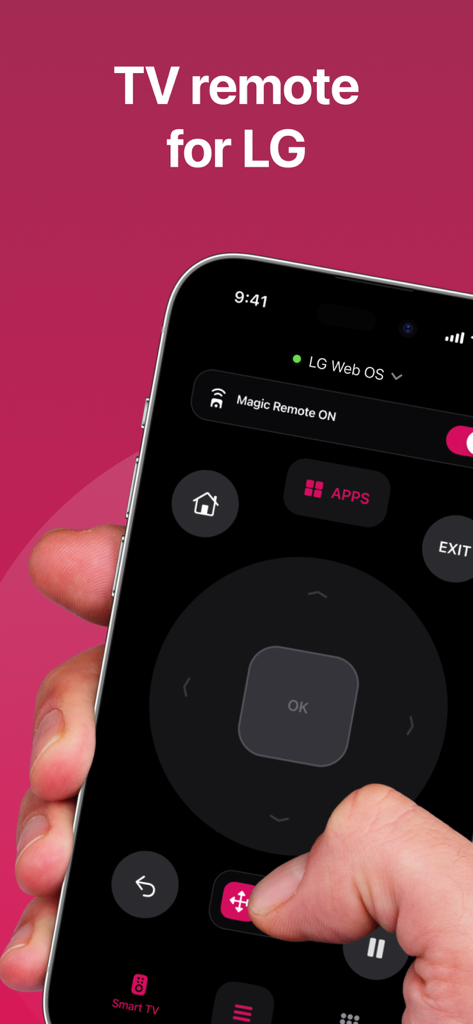
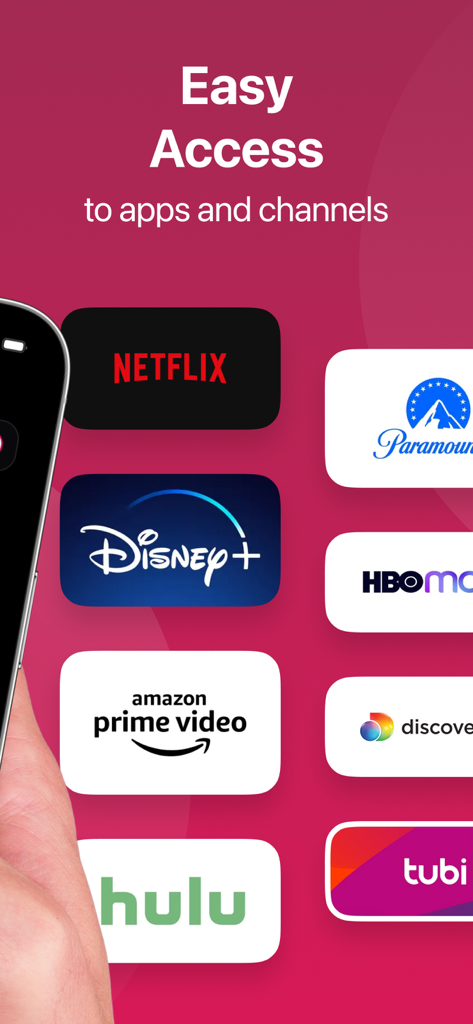
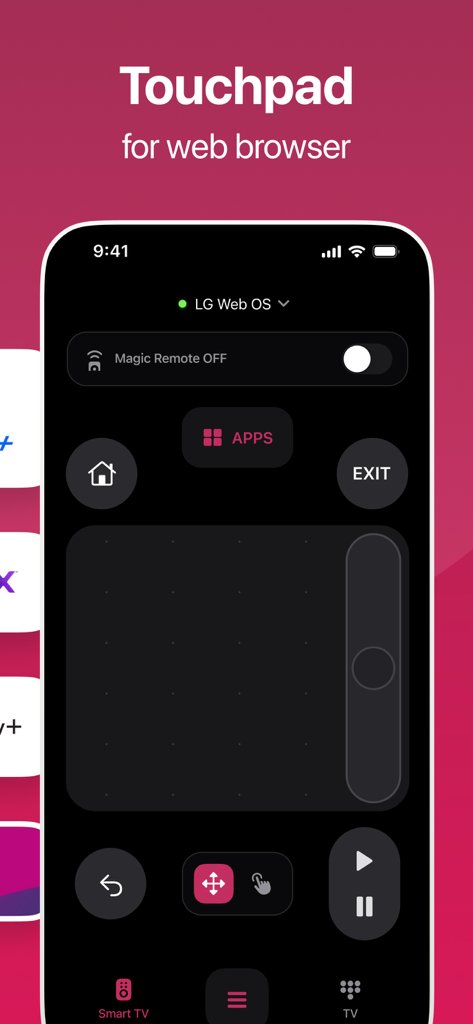
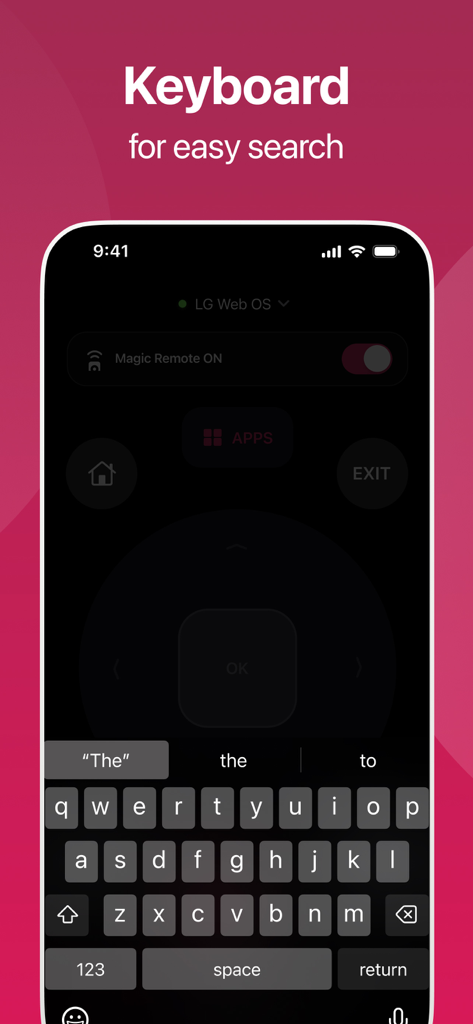
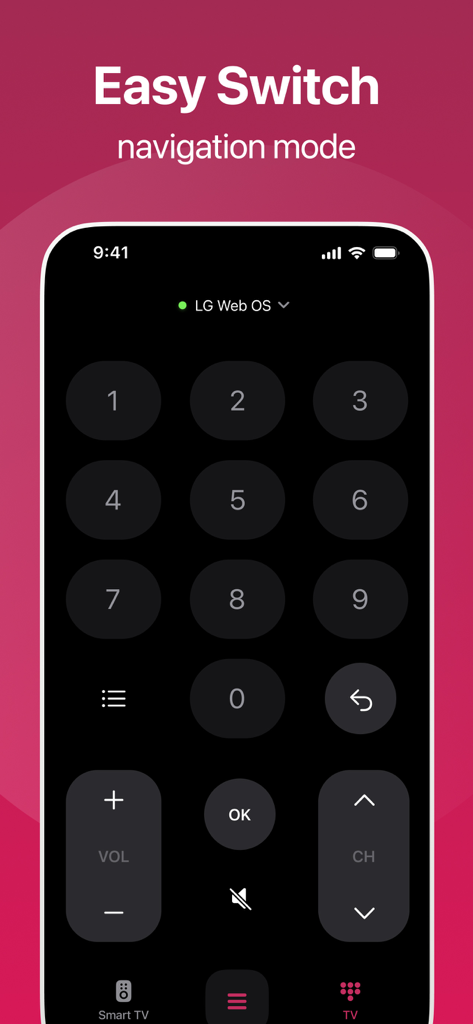
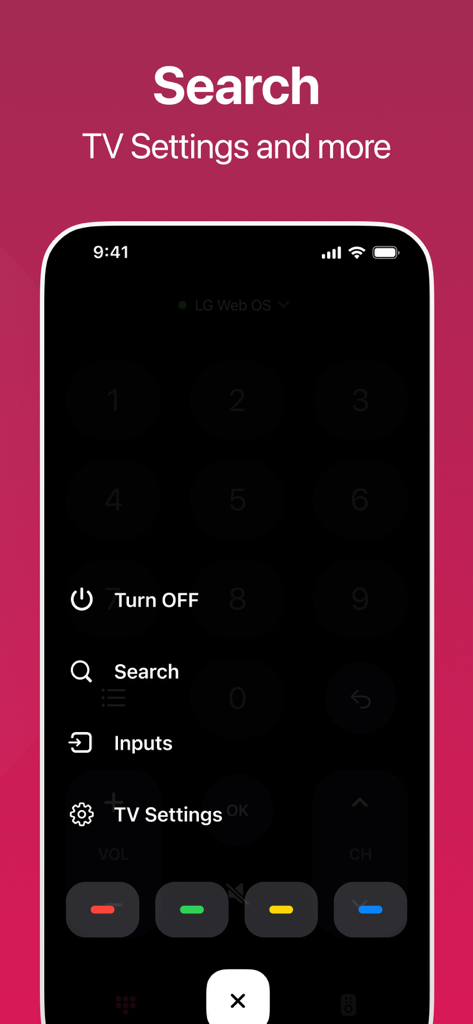
The tools that make this app stand out, trusted by 183K+ users.
Stop struggling with clunky on-screen keyboards. Use your iPhone's native keypad to search for movies, shows, and apps in seconds.
Forget complex setups. Our app automatically syncs with your LG webOS TV over your home network for a seamless, zero-lag experience.
A streamlined, intuitive interface that puts power, volume, and channel controls right where your thumb naturally rests.
Trusted by 183K+ people who love this app.
"Absolute lifesaver! I always have my iPhone on me, so not having to hunt for the physical remote under the couch is great. The best part is the keyboard integration—typing search terms for Netflix is so much faster than using a directional pad."
"Finally, a remote app that actually connects to my LG TV without any hassle. It is more responsive than the original hardware, and it has become the primary way my family controls the TV. Highly recommended for any smart home setup."
Insights from user reviews.
Sentiment Score
Summary
This app receives overwhelmingly negative feedback, primarily due to its unexpected and expensive subscription model. Many users express frustration over being charged monthly or annually without clear consent, with several calling it a "scam" or "money trap." The app's core functionality is largely inaccessible without payment, leading to complaints that it "doesn't work" or is a "dummy" app for free users. Users also frequently report significant difficulty in canceling subscriptions and obtaining refunds, with some reviews mistakenly leaving higher ratings while still requesting cancellations.
Common Themes
Everything you need to know about LG TV Remote Control Smart TVs.
Description
Latest Version
1.7.1
Size
52.7 MB
First Released
Sep 27, 2023
Join over 183,000 users who have ditched the couch-cushion hunt. Download now for the ultimate LG Smart TV control right from your iPhone.
Everything you need to know about LG TV Remote Control Smart TVs
The LG TV Remote Control Smart TVs app transforms your mobile device into a remote for your TV. It offers seamless control and quick access to essential functions like volume, channels, and power.
The LG TV Remote Control Smart TVs app is compatible with LG TVs. It is specifically designed for seamless connection and smooth control with LG Web OS enabled televisions.
Yes, the LG TV Remote Control Smart TVs app provides easy access to streaming applications and channels. Users can directly launch services like Netflix, Disney+, and Amazon Prime Video.
Yes, the LG TV Remote Control Smart TVs app includes a touchpad feature. This touchpad allows for navigation and browsing, optimized for web browser use on the connected television.
Yes, the LG TV Remote Control Smart TVs app offers yearly, 6-month, and monthly subscription plans. Payment processes through the iTunes Account at the time of purchase.
The subscription for the LG TV Remote Control Smart TVs app automatically renews. Users must turn off auto-renew at least 24-hours before the current period ends to prevent renewal charges.
Yes, the LG TV Remote Control Smart TVs app offers a keyboard feature. This keyboard simplifies text input for easy searching and navigation within your television's interface.
Yes, the LG TV Remote Control Smart TVs app provides options to access TV settings. It also includes functions for searching, managing inputs, and turning off the television.
Apps with similar features and user experience

Glimpse LLC.

Red Paket sp. z o.o.

nadi digital indonesia, pt

Thorley Industries LLC

Electro Cirkel Retail BV

Pol Nadal Serra

Jonathan Reed

YONGXING JIN
Tinybyte Apps LLC