
RoByte: Remote for Roku TV App


Stop hunting for lost remotes. Effortlessly control your TV with a full keyboard for instant searching, touchpad navigation, and seamless volume control.
Publisher
Category
UtilitiesDownloads
9M+User Rating
Total Ratings
279K+Locales
1Discover the interface used by 9M+ users.
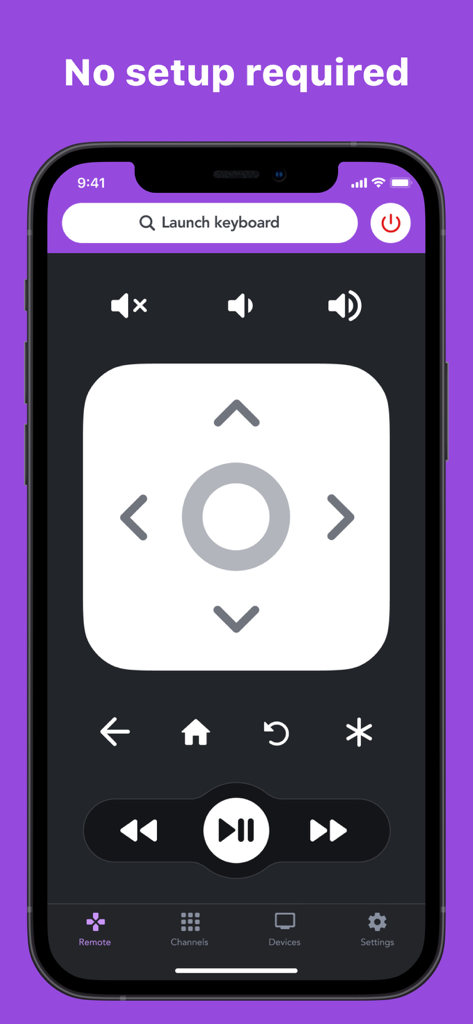
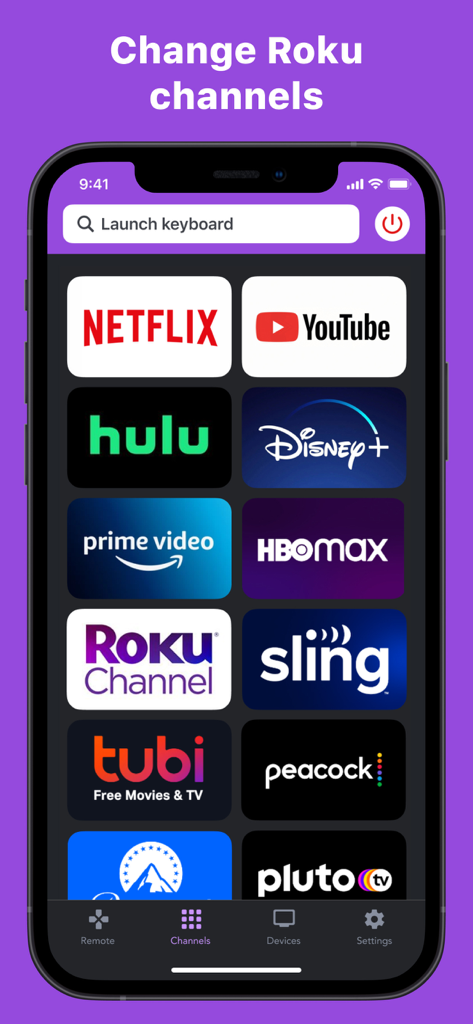
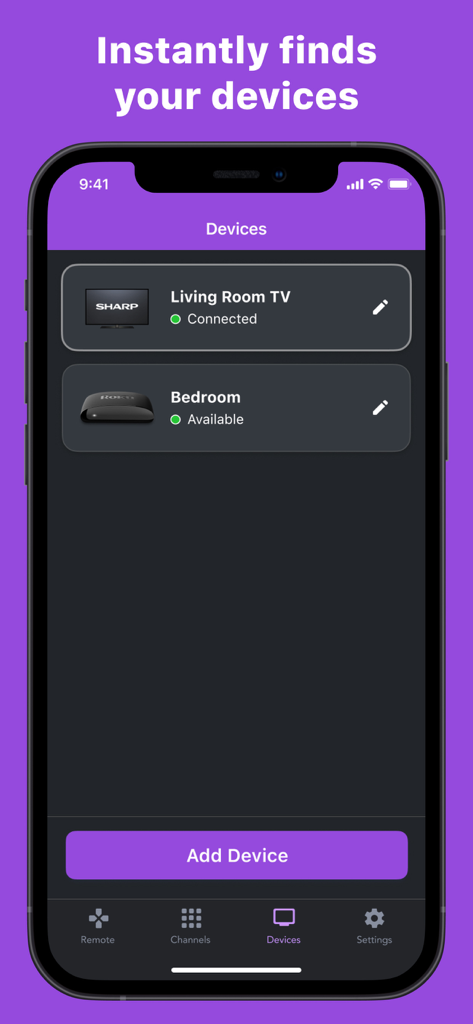
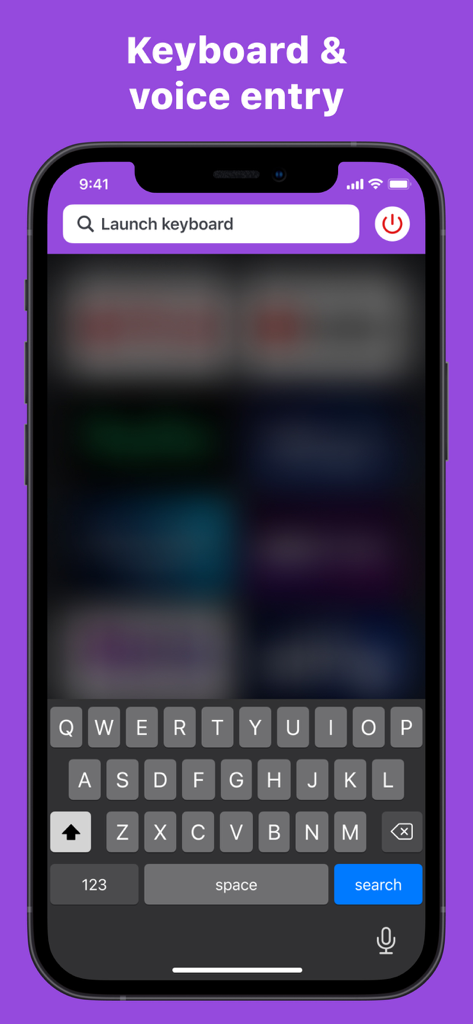
The tools that make this app stand out, trusted by 9M+ users.
Stop clicking through the alphabet. Use your iPhone keyboard to search for movies or log into apps in seconds.
Instantly connect and switch between all the Roku devices in your home with one simple tap.
Navigate your TV with smooth, fluid gestures. Control your entertainment without ever looking down at your phone.
Trusted by 9M+ people who love this app.
"Between my two toddlers, our Roku remote is constantly disappearing. RoByte has been a total lifesaver! It found our TV instantly, and being able to type movie titles on my phone keyboard instead of clicking through an on-screen alphabet is such a game-changer. I honestly prefer it over the original remote now."
"I have three different Roku TVs in my house, and RoByte lets me control them all seamlessly from my iPhone. The touchpad is incredibly responsive, and the premium volume control feature works flawlessly. It is so much more convenient than digging through couch cushions for a plastic remote every night."
Everything you need to know about RoByte: Remote for Roku TV App.
Description
Latest Version
2.2.13
Size
19.8 MB
First Released
Apr 11, 2016
Join over 9 million users who have replaced lost remotes and tedious typing with the ultimate mobile command center for every TV in your home.
Everything you need to know about RoByte: Remote for Roku TV App
RoByte automatically scans your network to find your Roku device. Both your Roku and your iPhone/iPad must be connected to the same Wi-Fi network for RoByte to connect successfully.
Yes, the RoByte app can pair with multiple Roku players. It instantly finds your devices, allowing you to manage different Roku units from one app.
Yes, RoByte includes a keyboard for quick text entry, useful for channels like Netflix or Hulu. This feature is part of RoByte Premium.
RoByte Free provides basic Roku remote control, including play/pause, fast forward, rewind functions, and the ability to pair with multiple Roku devices.
RoByte Premium features include a channel switcher, volume control, keyboard and voice search, and a touchpad for enhanced navigation.
To enable control, go to Settings -> System -> Advanced System Settings -> Control by mobile apps on your Roku TV, then select "Enabled." This allows RoByte to communicate with your Roku device.
Yes, the RoByte app allows you to easily change channels with one tap. This Channel Switcher feature is available with RoByte Premium.
No, RoByte does not require complex setup. It automatically scans your network to find your Roku, making the connection process easy and straightforward.
Connection issues typically occur if the Roku and your mobile device are not on the same Wi-Fi network. Reinstalling RoByte or checking your Roku's Wi-Fi connection often resolves such problems.
Apps with similar features and user experience

Glimpse LLC.

Red Paket sp. z o.o.

nadi digital indonesia, pt

Aleh Piashkou

Thorley Industries LLC

Electro Cirkel Retail BV

Pol Nadal Serra

Jonathan Reed

YONGXING JIN