
Logitech Mevo Go


Transform your mobile device into a wireless camera, remote microphone, or screencast source to elevate your production value and create stunning multi-angle streams effortlessly.
Publisher
Category
UtilitiesDownloads
4K+User Rating
Total Ratings
0Locales
12Discover the interface used by 4K+ users.
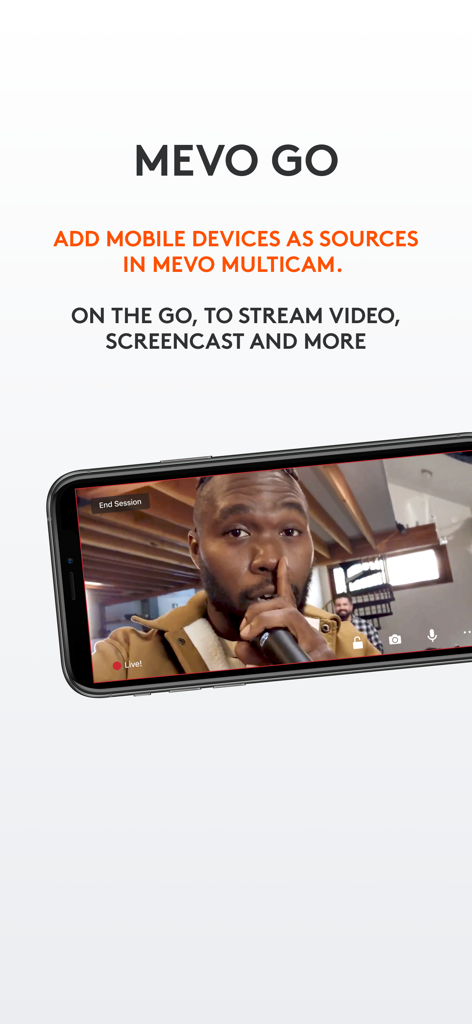
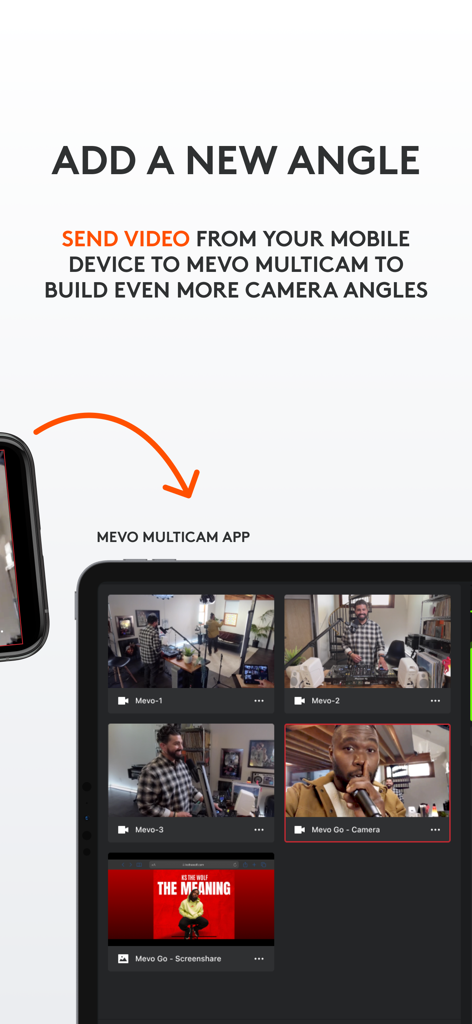
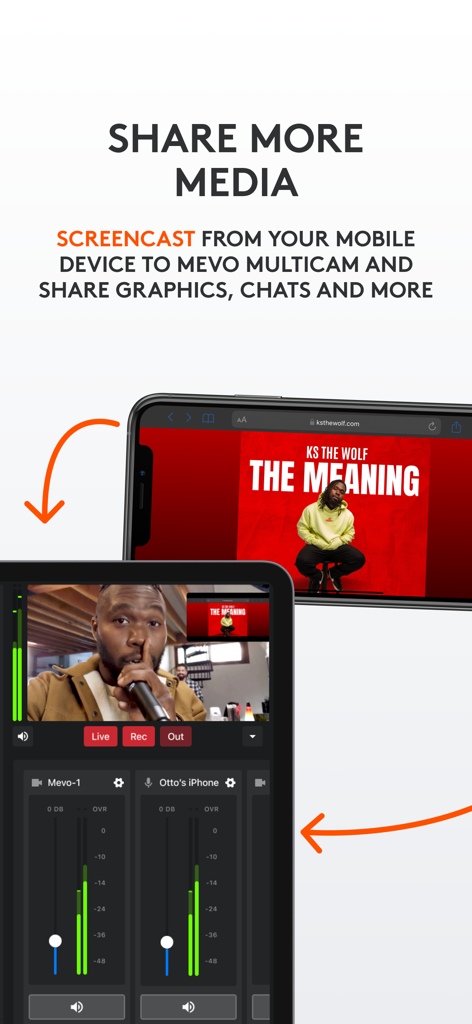
The tools that make this app stand out, trusted by 4K+ users.
Add new perspectives to your broadcast by using your mobile devices as secondary camera angles, perfect for sports, worship, or unboxing videos.
Share your mobile screen instantly to show off presentations, live chats, or gameplay directly within your Mevo Multicam production.
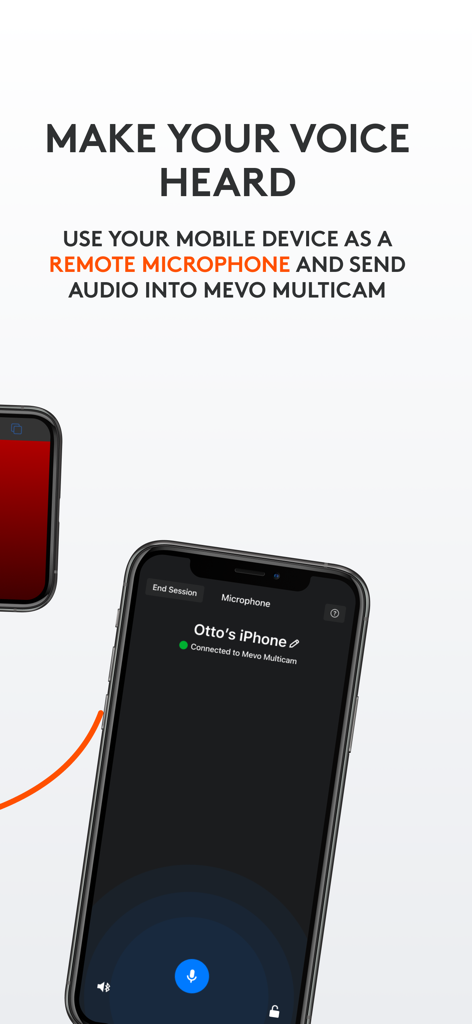
Capture high-quality sound from anywhere in the room by using your smartphone as a dedicated remote microphone for your stream.
Trusted by 4K+ people who love this app.
"As a solo tech reviewer, I always struggled with getting that perfect secondary overhead shot without buying a whole new rig. Mevo Go turned my spare iPhone into a high-definition wireless camera in seconds. It’s the ultimate hack for increasing production value on a budget."
"We use this for our local high school football streams. Being able to use our coaches' phones as extra camera angles and remote microphones has been a total game-changer. It’s incredibly stable, and the screencasting feature makes sharing live stats seamless."
Everything you need to know about Logitech Mevo Go.
Description
Latest Version
2.3.2
Size
30.0 MB
First Released
Jun 24, 2019
Download Mevo Go today and transform the devices you already own into professional multicam angles. Join thousands of creators leveling up their broadcast value for free.
Top-ranked apps in the same category

Google LLC

Google LLC

China Mobile Online Services Co., Ltd.

Google LLC

Servicos e Informacoes do Brasil

DEEP FLOW SOFTWARE SERVICES - FZCO

Servicos e Informacoes do Brasil

CHINA TELECOM Corporation Ltd.

Microsoft Corporation

