Luna Display

Luna Display

Download on App Store
Spark by MWM logo
Logo of Luna Display

Luna Display: The Professional-Grade Wireless Second Screen

Transform your iPad or Mac into a high-performance second monitor with 16ms latency and stunning visual fidelity. Engineered for creatives and power users who demand a lag-free, wireless workspace on Mac or PC.

Publisher

Astro HQ LLC

Category

Productivity

Downloads

176K+

User Rating

4.8/5

Total Ratings

8K+

Locales

4

Performance You Can See

Discover the interface used by 176K+ users.
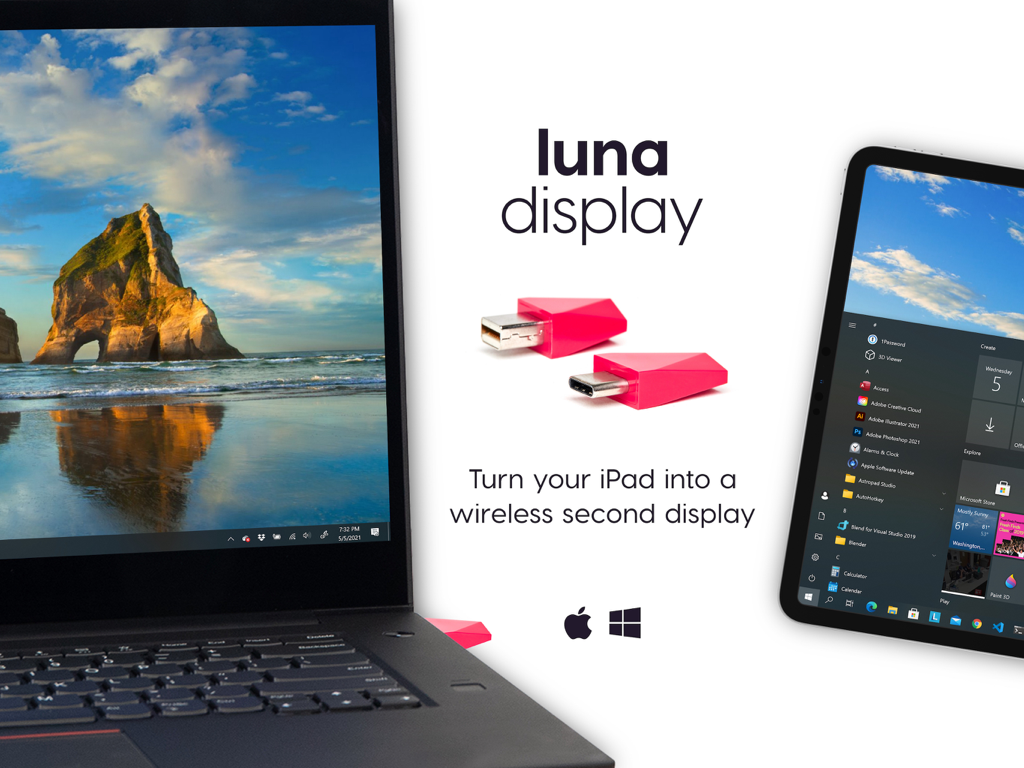
Luna Display hardware dongles showing an iPad being used as a wireless second display for a laptop

Luna Display hardware dongles showing an iPad being used as a wireless second display for a laptop

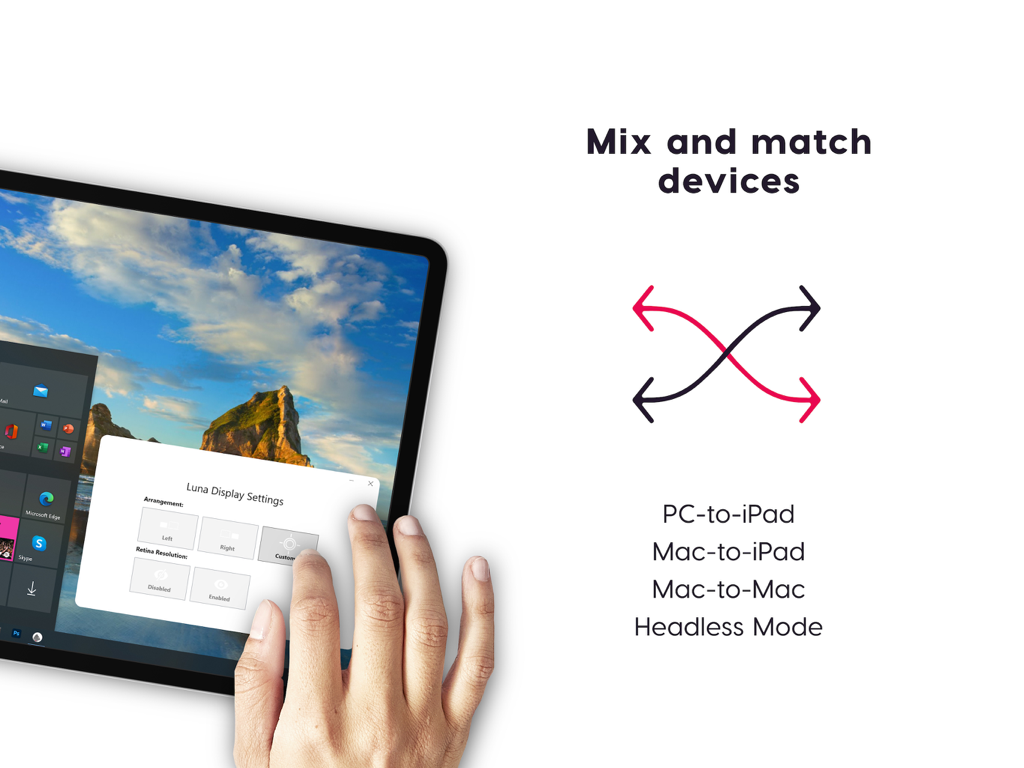
An iPad used as a second monitor for a PC showing Luna Display settings and various connection modes like PC to iPad and Mac to Mac.

An iPad used as a second monitor for a PC showing Luna Display settings and various connection modes like PC to iPad and Mac to Mac.

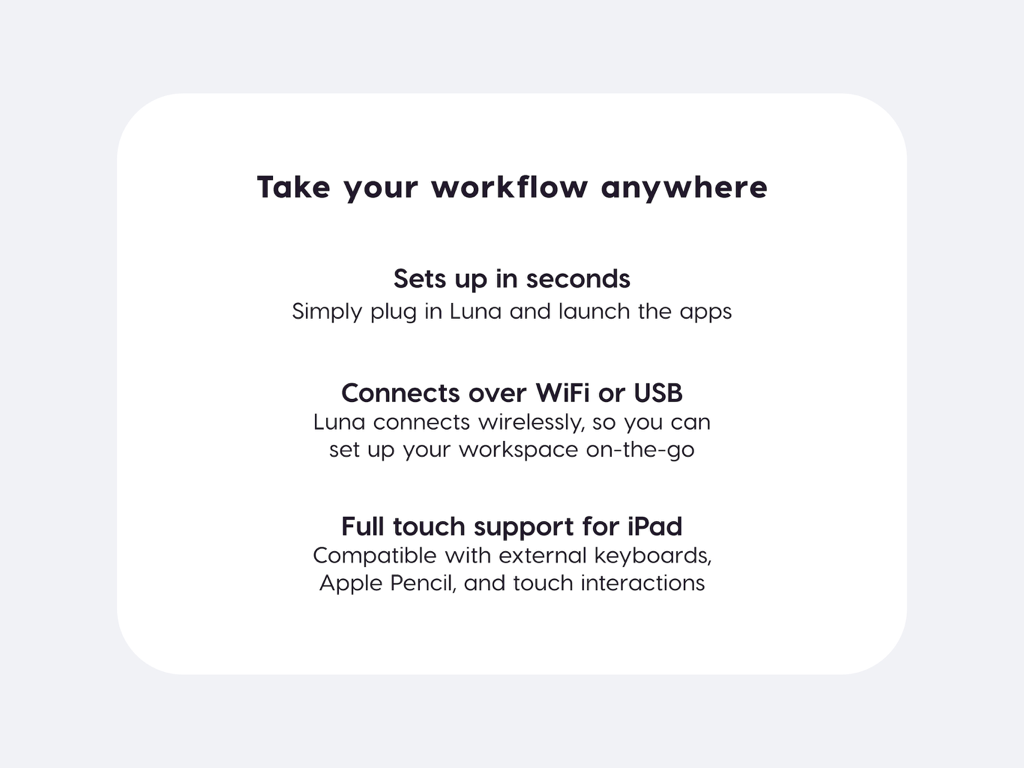
Luna Display app feature list highlighting easy setup wireless connectivity and iPad touch support

Luna Display app feature list highlighting easy setup wireless connectivity and iPad touch support

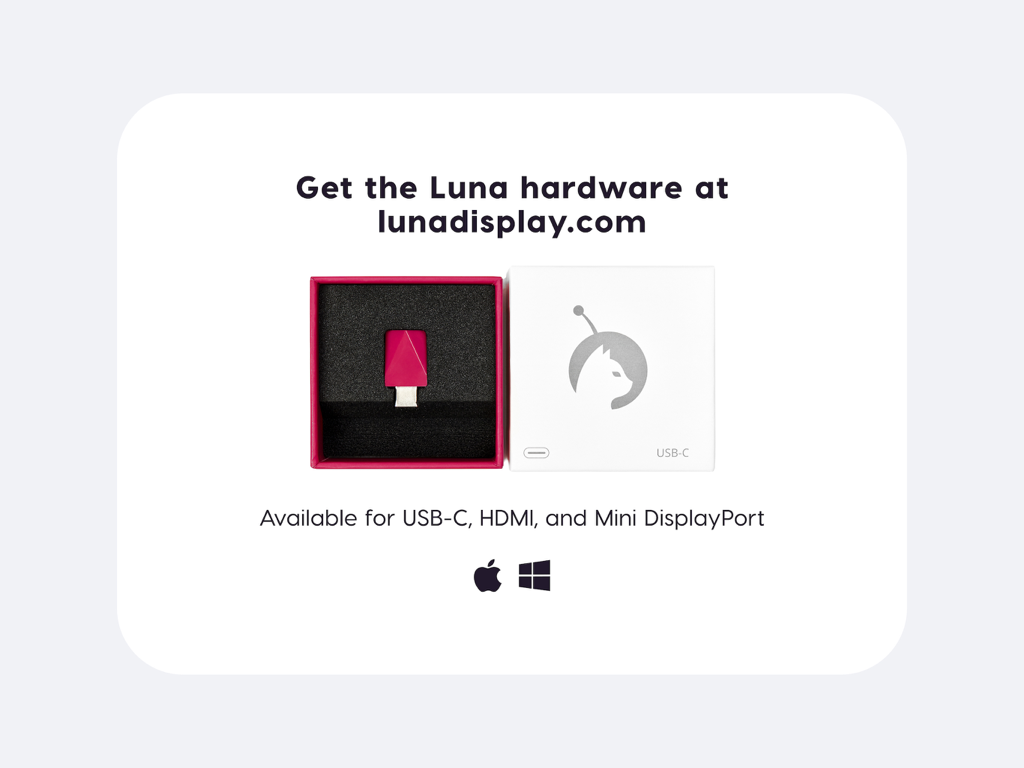
Luna Display USB-C hardware dongle in its original packaging with Apple and Windows compatibility icons

Luna Display USB-C hardware dongle in its original packaging with Apple and Windows compatibility icons

Supercharge Your Productivity Anywhere

The tools that make this app stand out, trusted by 176K+ users.

Pro-Grade Low Latency

Experience industry-leading 16ms latency and 60fps visual fidelity, ensuring your workflow stays fluid and responsive without the lag of software-only solutions.

🖥️

Unmatched Versatility

The only solution that connects Mac-to-iPad, PC-to-iPad, and Mac-to-Mac, allowing you to repurpose your existing hardware for the ultimate multi-monitor setup.

🎨

Full Creative Control

Unlock your potential with complete Apple Pencil and gesture support, turning your iPad into a high-performance drawing tablet for your desktop creative suite.

Loved by users worldwide

Trusted by 176K+ people who love this app.

"

"As a professional illustrator, the visual fidelity is everything to me. Luna Display is the only solution I've found that provides a lag-free experience with full Apple Pencil support. It has completely transformed my iPad Pro into a high-end drawing tablet for my Mac, allowing me to work from anywhere without compromising on performance."

Sarah Jenkins, Senior Graphic Designer
"

"The versatility of Luna is unmatched. I frequently switch between my Windows workstation and my MacBook, and being able to use my iPad as a secondary monitor for both is a game-changer. The setup is instant, and the connection is rock-solid even over WiFi. It's the ultimate tool for a clean, mobile desk setup."

Marcus Thorne, Software Engineer

About the app

Everything you need to know about Luna Display.

Description

Turn your iPad into a wireless second display for Mac or PC. Purchase hardware at www.lunadisplay.com — available for USB-C, HDMI, and Mini DisplayPort. MIX AND MATCH DEVICES Luna Display seamlessly extends your computer to another screen. Make the most of your devices with Luna Modes: · PC-to-iPad · Mac-to-iPad · Mac-to-Mac · Headless Mode (for Mac Pro and Mac mini) SETS UP IN SECONDS Simply plug Luna into your computer, launch the Luna apps, and you’re off and running. Hardware is available for purchase at lunadisplay.com. DESIGNED FOR HEAVY-DUTY WORK Luna's hardware ensures compatibility with any desktop app, delivering stunning image quality and low latency performance at 16ms. You get all the reliability of a traditional monitor, with the flexibility of your iPad. CONNECT OVER WIFI OR USB Luna was designed from the very beginning to work wirelessly. Your devices will automatically connect if they’re on the same WiFi network. And if WiFi isn’t available, you can also connect your devices over USB. FULL TOUCH SUPPORT AND GESTURES Luna Display acts as a complete extension to your computer, with full support for: · External keyboards · Apple Pencil · Touch interactions (pinch, pan, zoom, tap) SYSTEM REQUIREMENTS · Primary PC: Microsoft Windows 10 64-bit, Build 1809 or later · Primary Mac: macOS 10.13 (El Capitan) or later · Secondary iPad: iOS 12.1 or later · Secondary Mac: macOS 10.13 (El Capitan) or later FOR ARTISTS: WORKS WITH ASTROPAD Luna fully integrates with our award-winning drawing software Astropad Studio. Luna extends Astropad Studio to create a fully customizable drawing tablet on your iPad. With Luna, your art is no longer limited by the size of your computer display. THE POWER OF OUR LIQUID TECHNOLOGY Using our proprietary LIQUID Technology, Luna Display provides crystal clear image quality, reliable performance, and wireless flexibility. · Uncompromised image quality · Lag-free performance at 60 frames per second · GPU acceleration, so your computer stays fast and optimized · Hand optimized ARM & x86 assembly to maximize battery life · Velocity Control, which analyzes network conditions dozens of times per second PRESS · “Luna’s visual fidelity is frankly stunning” — TechCrunch · “Luna will change your travel workflow” — iMore · “For the first time a wireless solution has impressed us” — Apple Insider GET IN TOUCH · Support: support@astropad.com · Instagram: @astropadco · Twitter: @astropad · Facebook: facebook.com/astropadco

Latest Version

5.3.5

Size

62.2 MB

First Released

Apr 28, 2018

Ready to Build Your Ultimate Portable Studio?

Download the app and pair it with your Luna hardware to experience lag-free, professional-grade performance on your Mac or PC.

Download on App Store