
Mental Canvas Draw



Bridge the gap between 2D illustration and 3D space. Create immersive scenes, infinite canvases, and cinematic flythroughs designed for the modern spatial thinker.
Publisher
Category
Graphics & DesignDownloads
1M+User Rating
Total Ratings
7K+Locales
3Discover the interface used by 1M+ users.
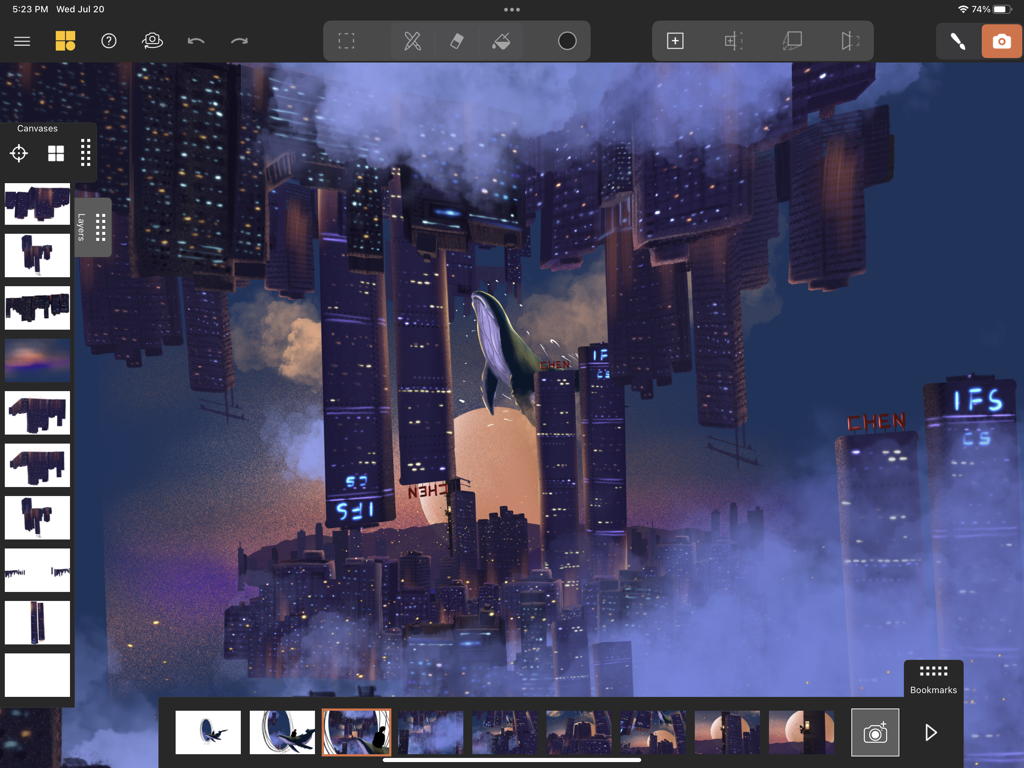
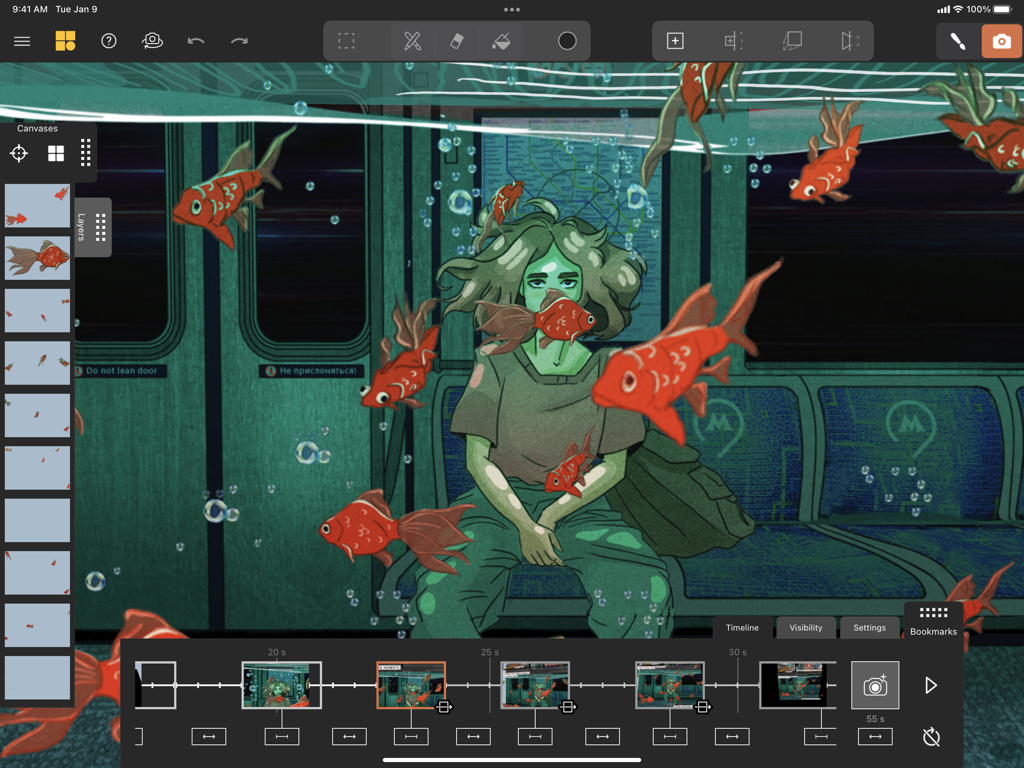
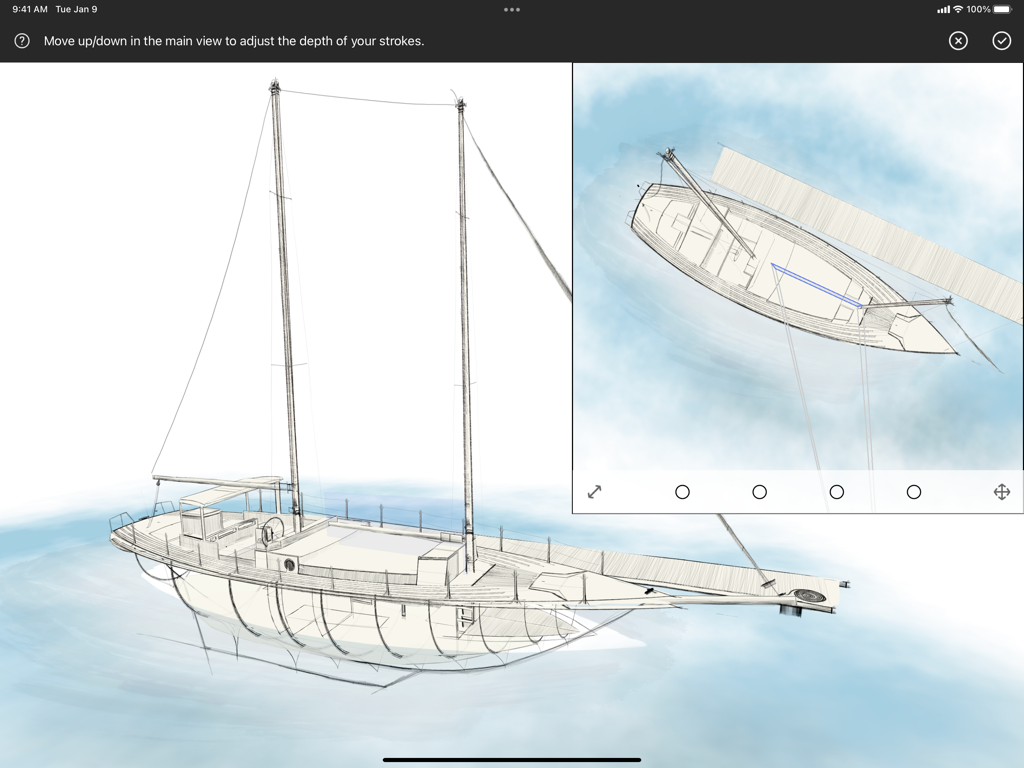
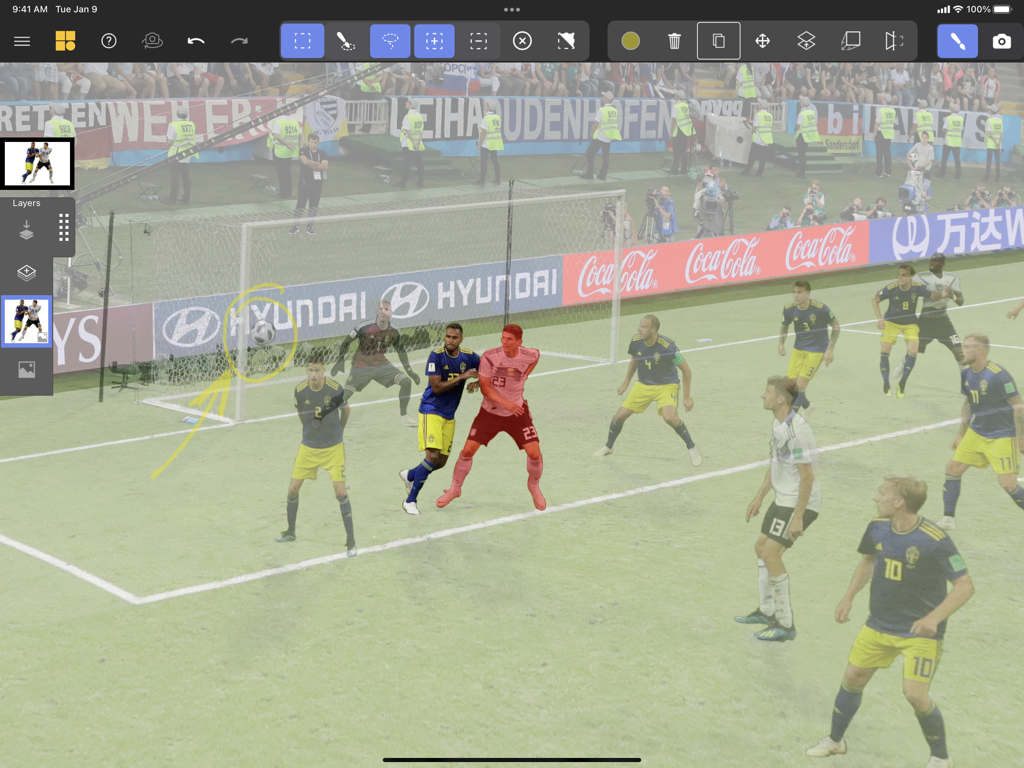
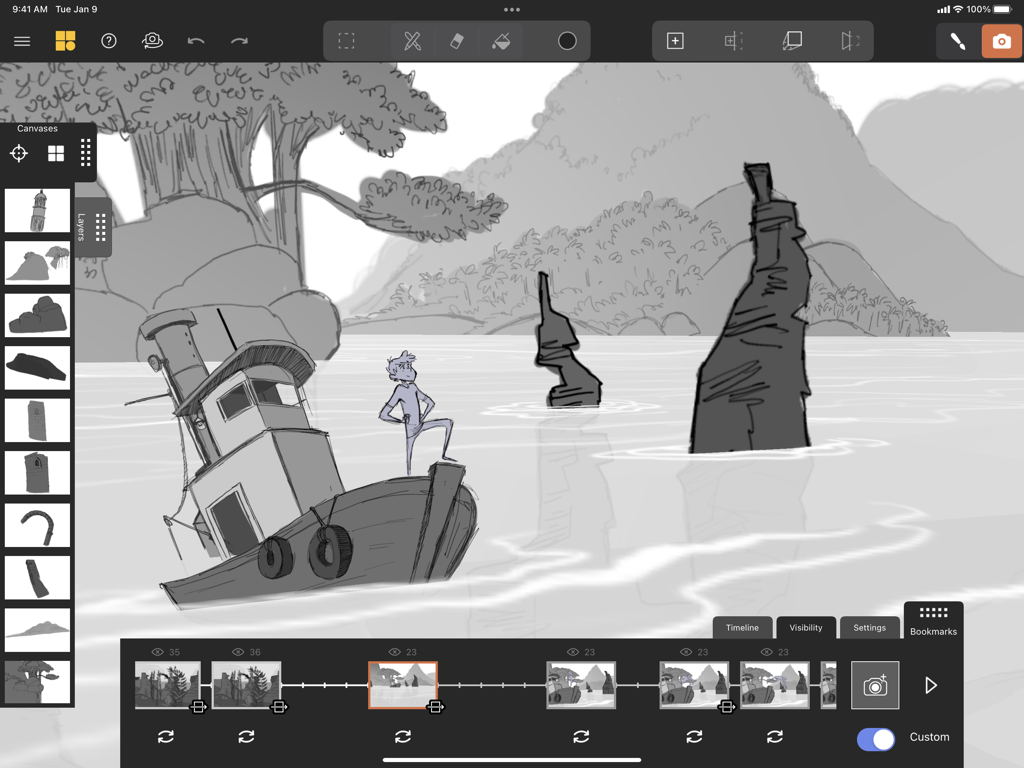
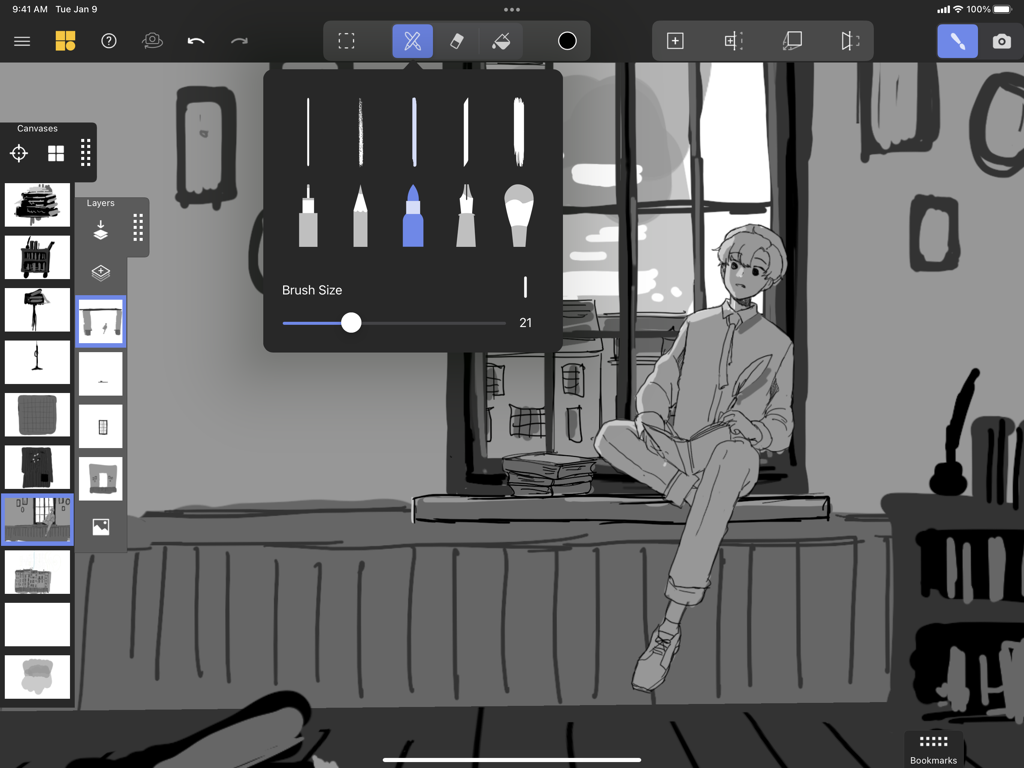
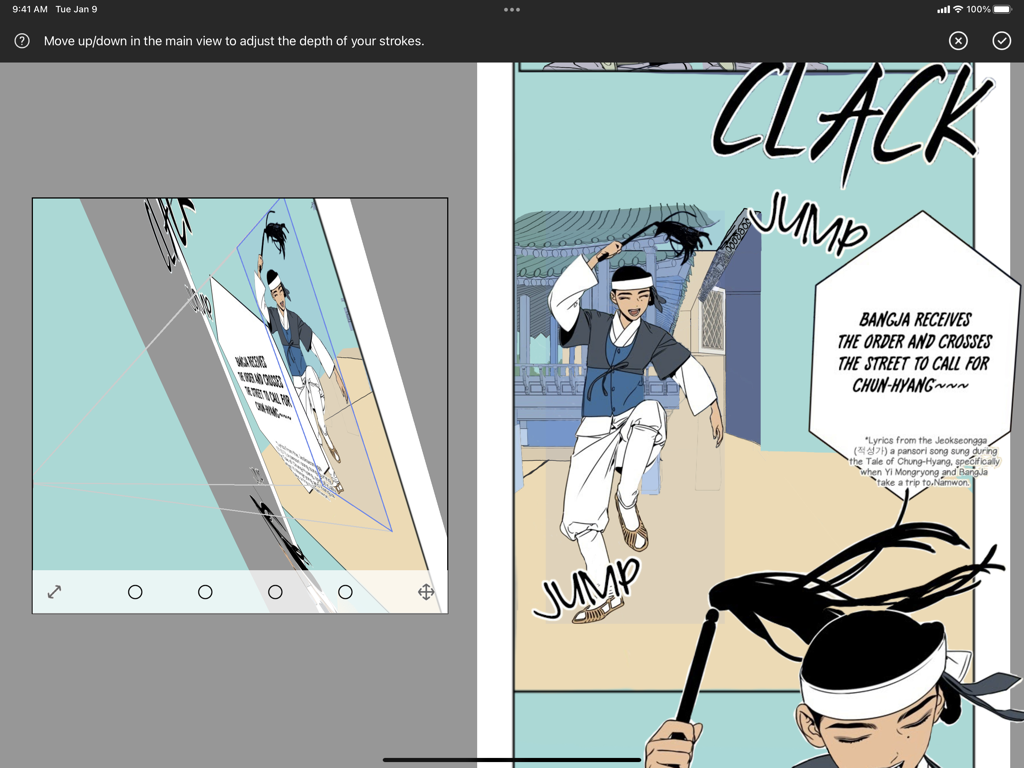
The tools that make this app stand out, trusted by 1M+ users.
Sketch on unlimited canvases arranged in 3D space. Navigate perspectives that are impossible on paper without the technical complexity of traditional CAD software.
Transform your sketches into animated journeys. Create professional-grade 3D walkthroughs to wow your clients or create viral-ready content for social media.
Import your favorite Procreate layers and use advanced projection tools to add depth, turning your existing skills and drawings into a spatial masterpiece.
Trusted by 1M+ people who love this app.
"Mental Canvas Draw has completely transformed my design workflow. As an architecture student, being able to sketch ideas in 2D and then instantly fly through them in 3D has blown my professors away. It is the perfect bridge between traditional sketching and complex CAD software."
"I am obsessed with the infinite canvas and the spatial drawing features! My followers on social media love the animated flythroughs I create. It is so intuitive and far easier than learning traditional 3D modeling, yet the results look incredibly professional and immersive."
Everything you need to know about Mental Canvas Draw.
Description
Latest Version
2.0.34360
Size
38.3 MB
First Released
May 21, 2021
Join over 1 million creators using Mental Canvas Draw to turn flat sketches into immersive spatial experiences. Start your infinite canvas today.
Everything you need to know about Mental Canvas Draw
Mental Canvas Draw is an app for creatives that allows exploration of ideas, communication of concepts, product design, and storytelling through spatial drawing on infinite canvases.
Mental Canvas Draw supports iPad Pro (all except 1st gen), iPad (7th gen or later), iPad Air (3rd gen or later), and iPad Mini (5th gen). Older iPads are not supported.
Yes, Mental Canvas Draw allows users to import JPEGs and PNGs. This enables combining images and drawings seamlessly or creating entirely image-based scenes within the application.
Mental Canvas Draw utilizes layers to organize drawings, group strokes, and adjust opacity. This feature helps artists maintain structure and control over their spatial creations.
Yes, Mental Canvas Draw enables the creation of animated flythroughs by saving bookmark views. Users can customize the animation's timing, transitions, and canvas visibility.
Yes, Mental Canvas Draw is optimized for Apple Pencil and the Apple iPad Pro. This optimization ensures a precise and natural drawing experience for its users.
Users can share Mental Canvas Draw creations as interactive web experiences, export animated flythrough videos with custom aspect ratios, or save high-resolution images of bookmarks.
Yes, Mental Canvas Draw provides templates to help users get started quickly. Alternatively, users have the flexibility to create scenes entirely from scratch.
Mental Canvas Draw offers several brushes with adjustable sizes and a fill tool. Users can select from various brush types and customize their drawing experience, as shown in the UI.
Projection tools in Mental Canvas Draw allow users to place new canvases in a scene, reinterpret existing strokes, and adjust the depth of strokes for dynamic spatial drawing.
Apps with similar features and user experience

Sketchbook, Inc.

ibis inc.

ibis inc.

Evernote Corporation

Adobe Inc.

Lofopi Ltd

MediBang inc.

SKETCHES SRL

CELSYS,Inc.