Tayasui Sketches

Tayasui Sketches

Download on App StoreDownload on Google Play
Spark by MWM logo
Logo of Tayasui Sketches

Tayasui Sketches: The Most Realistic Artist’s Toolbox in Your Pocket

Create stunning illustrations and watercolor paintings with a distraction-free Zen interface and ultra-realistic brushes designed for your creative flow.

Download on App Store

Publisher

SKETCHES SRL

Category

Graphics & Design

Downloads

13M+

User Rating

4.6/5

Total Ratings

374K+

Locales

14

Pure Creative Flow

Discover the interface used by 13M+ users.
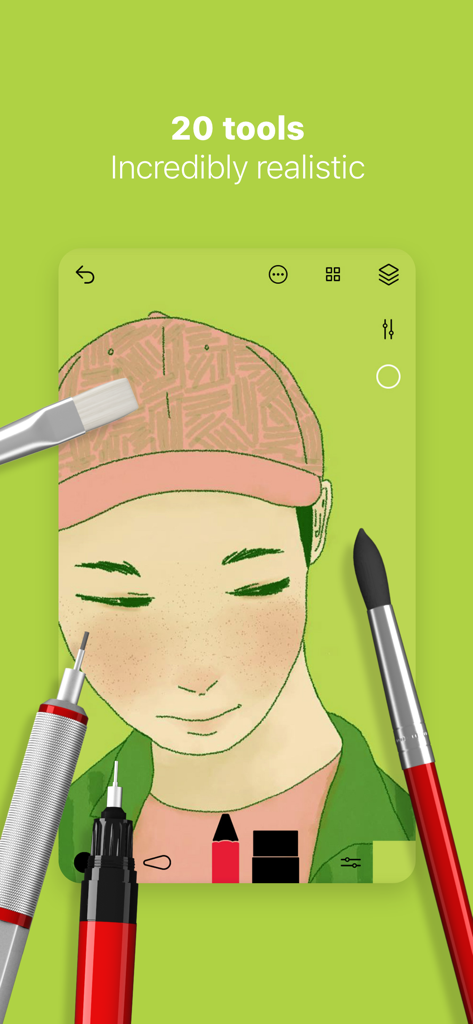
Digital portrait illustration on Tayasui Sketches app featuring realistic brushes and tools

Digital portrait illustration on Tayasui Sketches app featuring realistic brushes and tools

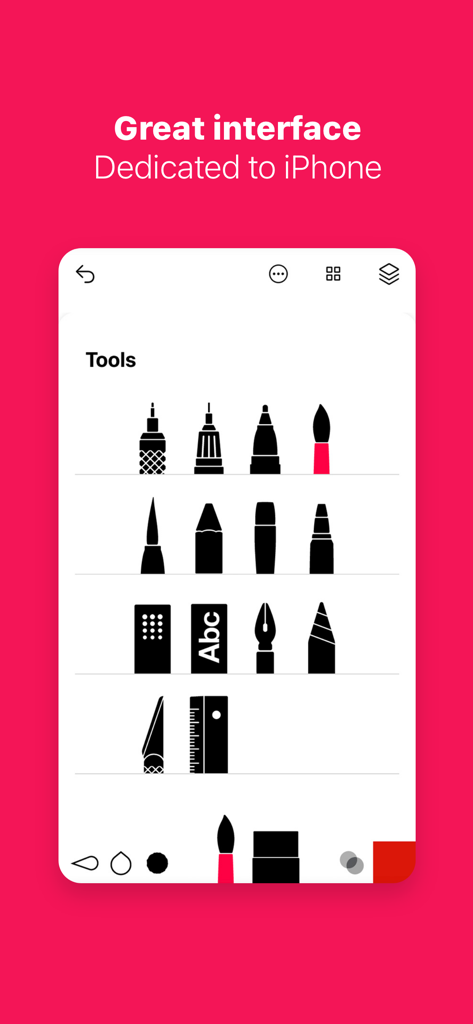
Tayasui Sketches app screenshot showing a minimalist tools menu with realistic brush and pen icons on iPhone

Tayasui Sketches app screenshot showing a minimalist tools menu with realistic brush and pen icons on iPhone

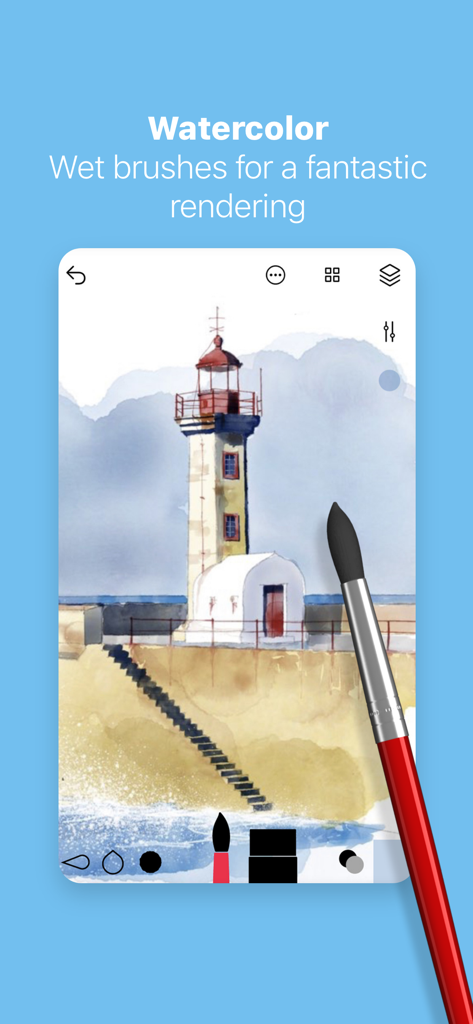
Digital watercolor painting of a lighthouse created with realistic wet brushes in the Tayasui Sketches app

Digital watercolor painting of a lighthouse created with realistic wet brushes in the Tayasui Sketches app

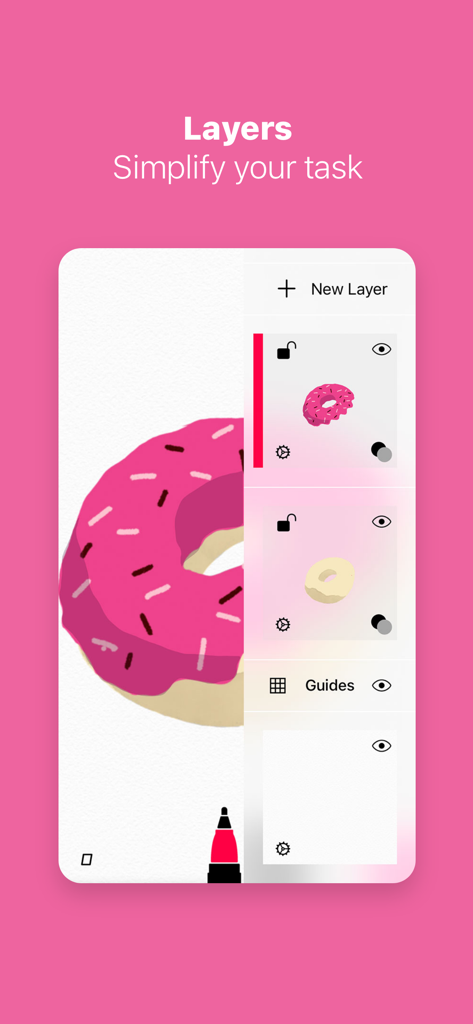
Tayasui Sketches app interface showing the layers management tool with a pink donut illustration

Tayasui Sketches app interface showing the layers management tool with a pink donut illustration

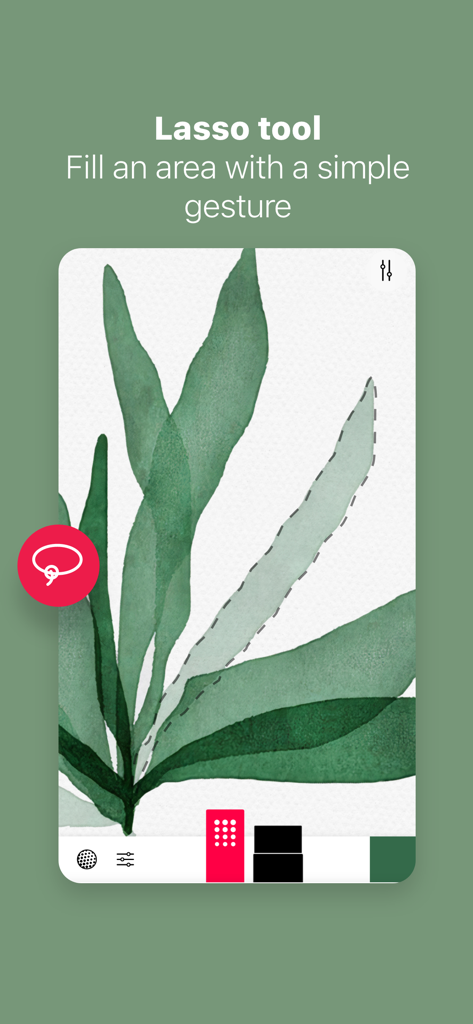
Interface of Tayasui Sketches showing the lasso tool selecting a watercolor leaf illustration.

Interface of Tayasui Sketches showing the lasso tool selecting a watercolor leaf illustration.

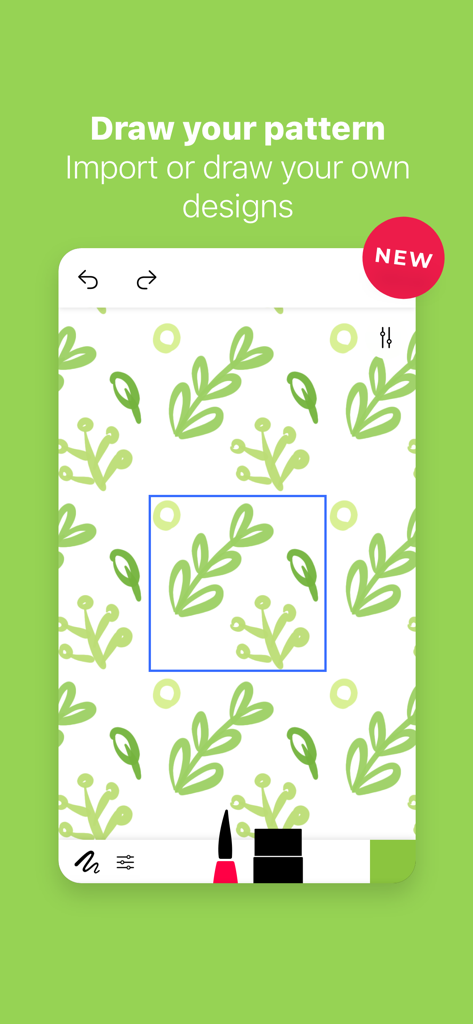
Creating a custom green leaf pattern in Tayasui Sketches

Creating a custom green leaf pattern in Tayasui Sketches

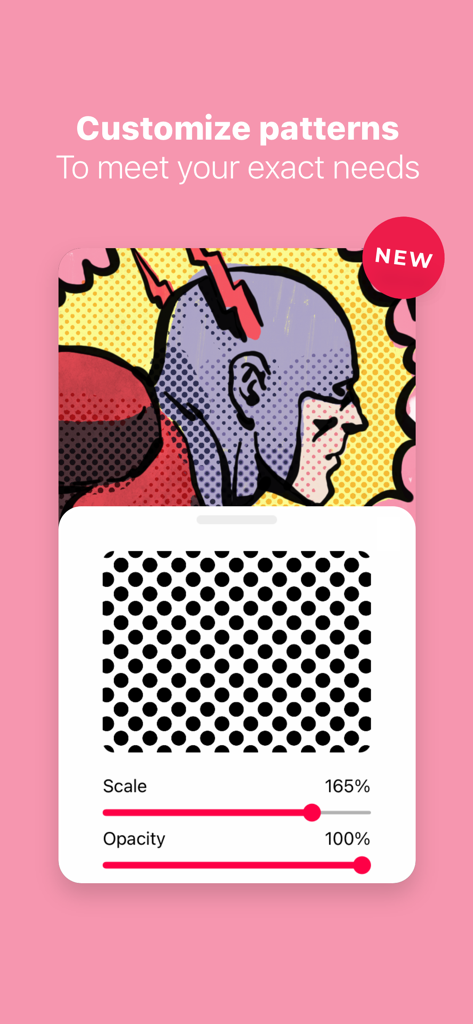
Tayasui Sketches pattern customization tool showing scale and opacity adjustments over a comic style illustration.

Tayasui Sketches pattern customization tool showing scale and opacity adjustments over a comic style illustration.

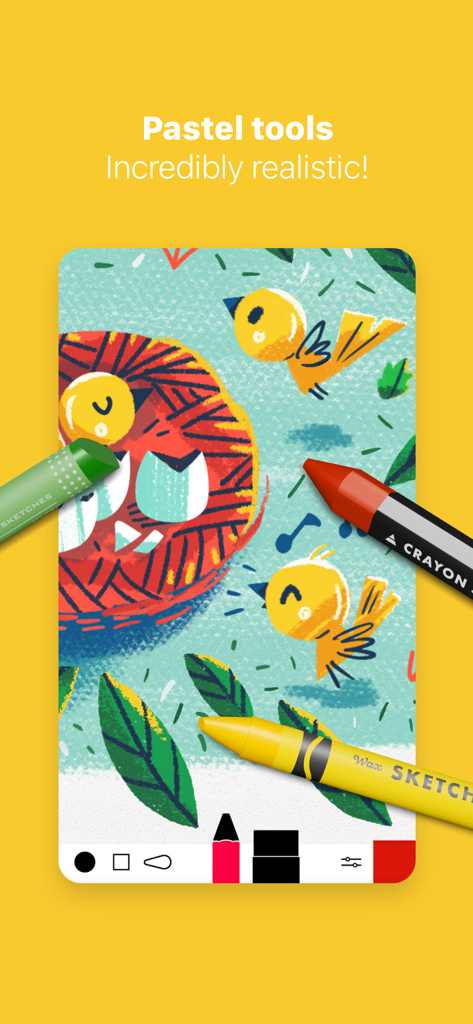
Bird illustration created with realistic digital pastel and crayon tools in Tayasui Sketches

Bird illustration created with realistic digital pastel and crayon tools in Tayasui Sketches

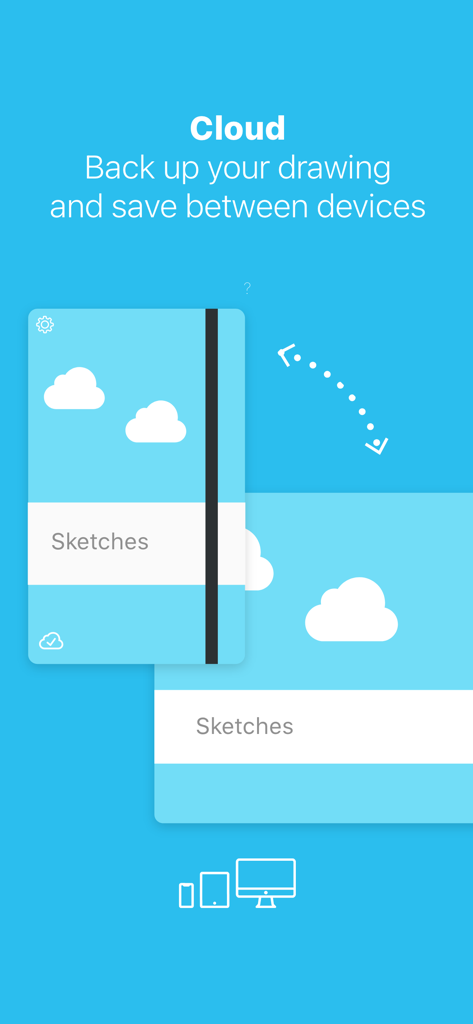
Tayasui Sketches cloud feature showing drawing backup and synchronization between multiple devices

Tayasui Sketches cloud feature showing drawing backup and synchronization between multiple devices

Create Without Distraction

The tools that make this app stand out, trusted by 13M+ users.

🎨

Hyper-Realistic Brushes

From vivid wet watercolors to textured oil pastels, every stroke behaves like real paint on paper with stunning physics.

🧘

Minimalist Zen UI

A distraction-free canvas where tools hide away while you draw, letting you focus entirely on your artistic expression.

🖊️

Professional Workflow

Master your craft with layers, Apple Pencil pressure sensitivity, and seamless PSD exports for your desktop projects.

Loved by users worldwide

Trusted by 13M+ people who love this app.

"

"I have tried every drawing app out there, but Tayasui Sketches is the only one that actually feels like a physical sketchbook. The watercolor tools are stunningly realistic—watching the paint bleed into the digital paper is incredibly satisfying. It is my go-to app for daily digital journaling and finding my creative flow."

Elena S.
"

"As a freelance designer, I need tools that work as fast as I think. Sketches allows me to capture ideas on the subway with my iPhone and refine them on my iPad later. The layered PSD export is essential for my professional workflow, and the Apple Pencil pressure sensitivity is the best I have experienced in any app."

Marcus J.

About the app

Everything you need to know about Tayasui Sketches.

Description

Because beautiful tools make beautiful drawings, we endlessly refined Sketches brushes to create the most realistic drawing tools. Sketches is the most realistic, versatile and user-friendly sketching app designed for a mobile device. This exhaustive artist's toolbox helps users create dazzling sketches, cheerful paintings and smashing illustrations on the go. Sketches includes a Pro Bundle IAP that make it exactly the same as the Paid Sketches Pro App. • Features - Import photos - Over 20 ultra realistic tools - Incredibly realistic watercolor wet brushes - Brush Editor - Color Eyedropper • Layers - Use layers to simplify your task - Export them as separate PNG with transparency - import and export PSD layered files • Cloud Sync - Backup your drawings to the Cloud - Synchronize your drawings between all your devices - Manage sync options folder by folder • Patterns - Import, draw and customise your own patterns. • Folders Easily organize your drawings to personalize folders. • Pressure Stylus support Discover even more realistic brushes while Styluses. Full support for Apple Pencil. • A Unique feeling: Each stroke behaves vividly and truly like a brush on paper, adapting the pressure, angle, and width to your movements. It's an effect you have to see to believe. • A unique UI with a touch of Zen : Tools are hidden away as you create and the bare minimum buttons are shown to make for a very clean canvas. • List of tools - Pen - Rotring - Felt Pen - Pen Brush - Oil Pastel - Watercolor Dry and Wet brushes - Acrylic brush - Airbrush - Area and Filling tool - Patterns - Text - Shapes (iPad only) - Eraser - Cutter - Smudge tool - Ruler Subscribe to access to premium app features; subscription details are the following: • Length: weekly, yearly • Your payment will be charged to your iTunes Account as soon as you confirm your purchase • You can manage your subscriptions and turn off auto-renewal from your Account Settings after the purchase • Your subscription will renew automatically, unless you turn off auto-renew at least 24 hours before the end of the current period • The cost of renewal will be charged to your account in the 24 hours prior to the end of the current period • When canceling a subscription, your subscription will stay active until the end of the period. Auto-renewal will be disabled, but the current subscription will not be refunded • Any unused portion of a free trial period, if offered, will be forfeited when purchasing a subscription Terms of Use: https://www.apple.com/legal/internet-services/itunes/dev/stdeula/

Latest Version

36.5

Size

405.5 MB

First Released

Jun 1, 2013

Ready to Create Your Most Beautiful Art?

Join over 13 million creators and transform your mobile device into a professional, distraction-free studio. Download Sketches today and experience the Zen of ultra-realistic drawing.

Download on App StoreDownload on Google Play
FAQ

Frequently Asked Questions

Everything you need to know about Tayasui Sketches

What is Tayasui Sketches?

Tayasui Sketches is a realistic, versatile, and user-friendly sketching app for mobile devices. It offers an artist's toolbox for creating dazzling sketches, cheerful paintings, and smashing illustrations.

How many drawing tools are included in Tayasui Sketches?

Tayasui Sketches includes over 20 ultra-realistic drawing tools. These encompass various pens, brushes, pastels, airbrush, and specialized tools like the Area and Filling tool.

Does Tayasui Sketches offer a Pro Bundle?

Yes, Tayasui Sketches offers a Pro Bundle In-App Purchase (IAP). This IAP provides the same features as the Paid Sketches Pro App.

Can users work with layers in Tayasui Sketches?

Yes, Tayasui Sketches supports layers. Users simplify tasks with layers, export them as separate PNGs with transparency, and import/export PSD layered files.

Does Tayasui Sketches support cloud synchronization?

Yes, Tayasui Sketches provides Cloud Sync. Users back up drawings to the Cloud, synchronize them between all devices, and manage sync options folder by folder.

Does Tayasui Sketches support pressure-sensitive styluses like Apple Pencil?

Yes, Tayasui Sketches offers full support for Apple Pencil and other pressure styluses. This enables more realistic brushes and dynamic stroke behavior.

How do I manage my Tayasui Sketches subscription?

Users manage Tayasui Sketches subscriptions and turn off auto-renewal from their iTunes Account Settings after purchase. Auto-renewal must be disabled at least 24 hours before the current period ends.

Do Tayasui Sketches subscriptions auto-renew?

Yes, Tayasui Sketches subscriptions automatically renew. Users must turn off auto-renewal at least 24 hours before the current period ends to avoid charges.

Can I create custom patterns in Tayasui Sketches?

Yes, Tayasui Sketches allows users to import, draw, and customize their own patterns. Users can adjust pattern scale and opacity to meet specific needs.

What file types does Tayasui Sketches support for layers?

Tayasui Sketches supports importing and exporting PSD layered files. Users also export individual layers as separate PNG files with transparency.