MikroTik

MikroTik

Download on App Store
Spark by MWM logo
Logo of MikroTik

MikroTik: Professional RouterOS Management in Your Pocket

Deploy, monitor, and troubleshoot your network anywhere. The ultimate mobile toolkit for network engineers and power users to manage RouterBOARD devices without a laptop.

Publisher

Mikrotikls SIA

Category

Utilities

Downloads

213K+

User Rating

3.1/5

Total Ratings

200

Locales

3

Network Mastery, Visualized

Discover the interface used by 213K+ users.
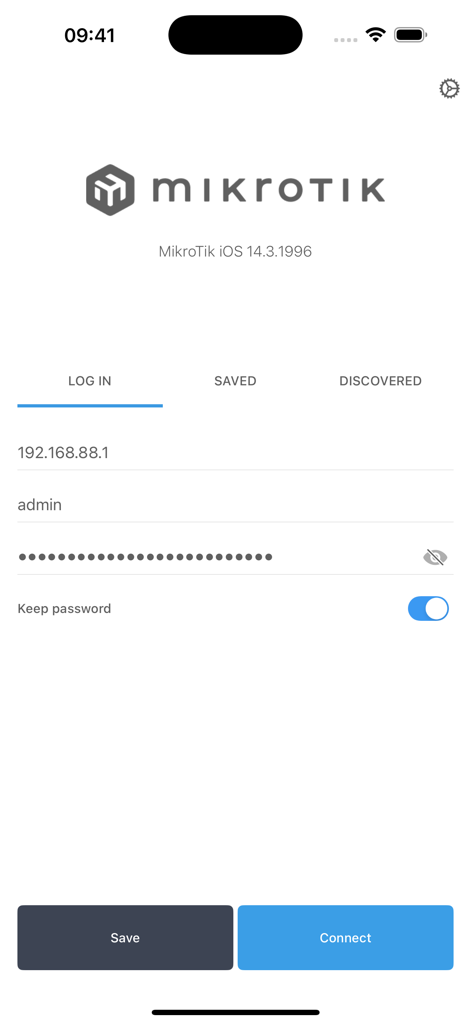
MikroTik mobile app login screen with fields for IP address username and password

MikroTik mobile app login screen with fields for IP address username and password

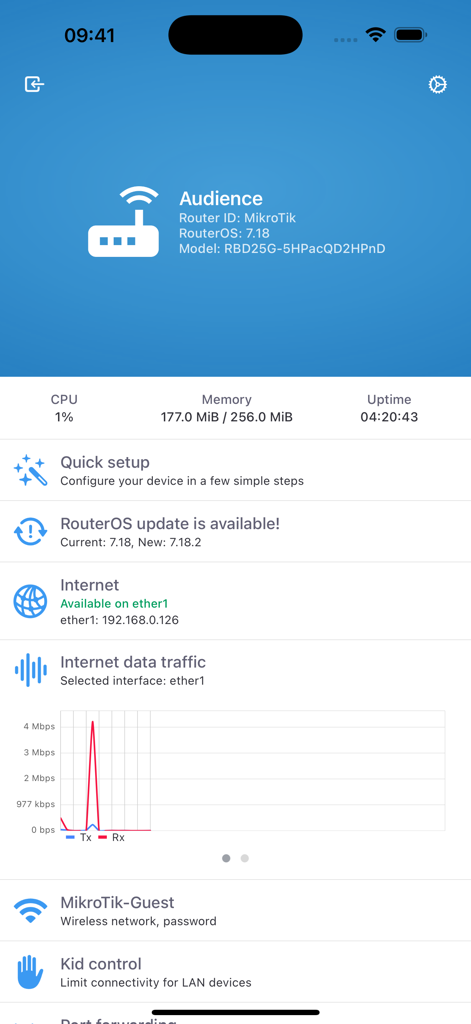
MikroTik mobile dashboard displaying router system stats and real-time internet traffic graph

MikroTik mobile dashboard displaying router system stats and real-time internet traffic graph

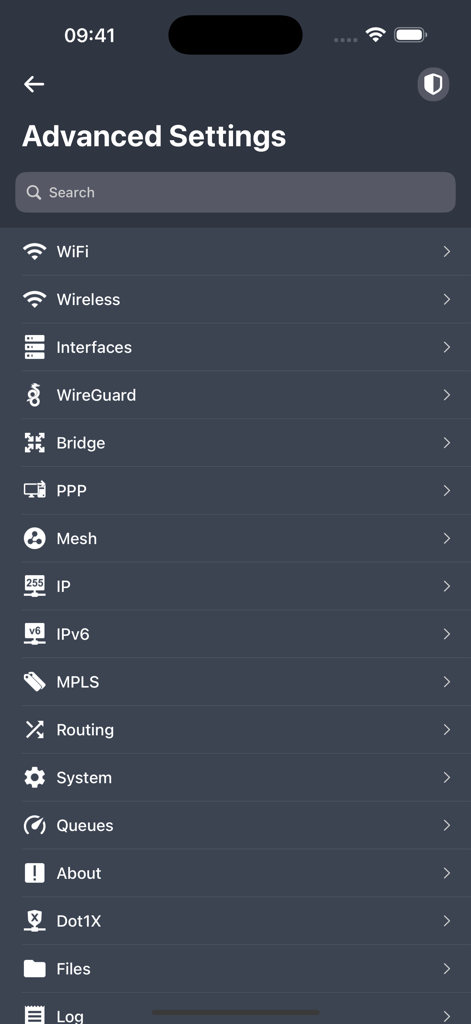
Advanced settings menu in the MikroTik app showing networking configuration options like WiFi IP and Routing

Advanced settings menu in the MikroTik app showing networking configuration options like WiFi IP and Routing

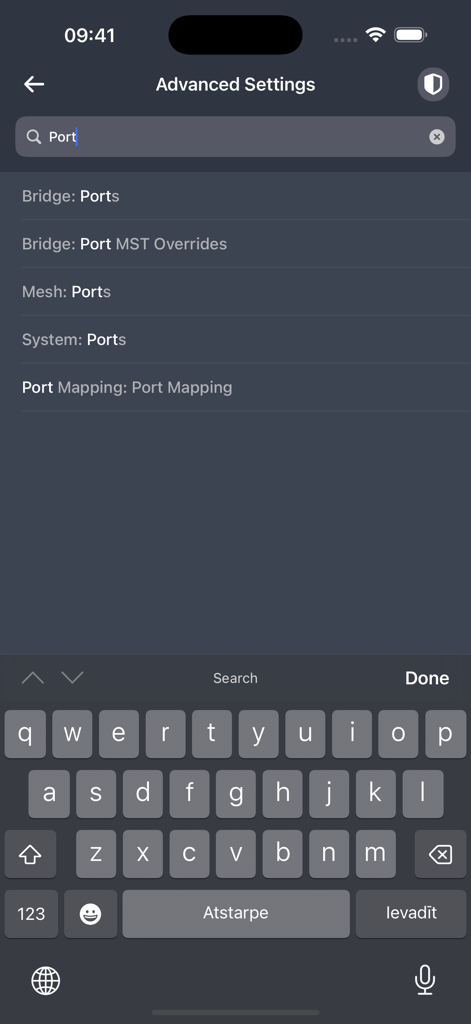
Searching for port configurations within the advanced settings menu of the MikroTik mobile app

Searching for port configurations within the advanced settings menu of the MikroTik mobile app

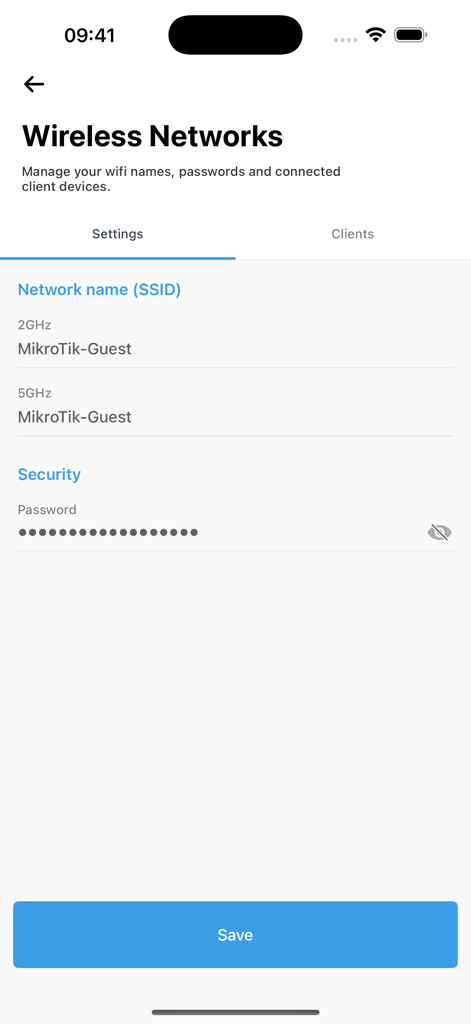
MikroTik app interface showing wireless network SSID and security password settings

MikroTik app interface showing wireless network SSID and security password settings

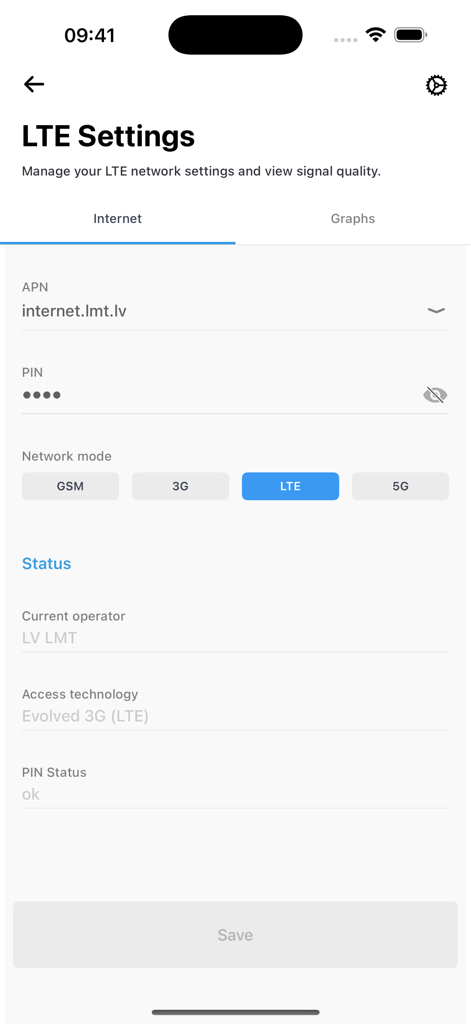
Smartphone interface of MikroTik app showing LTE network settings and connection status

Smartphone interface of MikroTik app showing LTE network settings and connection status

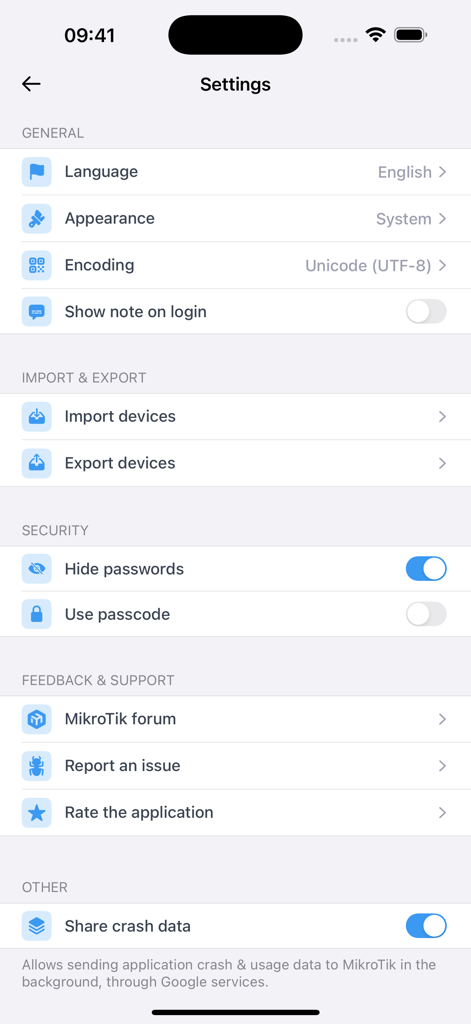
MikroTik app settings interface showing security and general configuration options

MikroTik app settings interface showing security and general configuration options

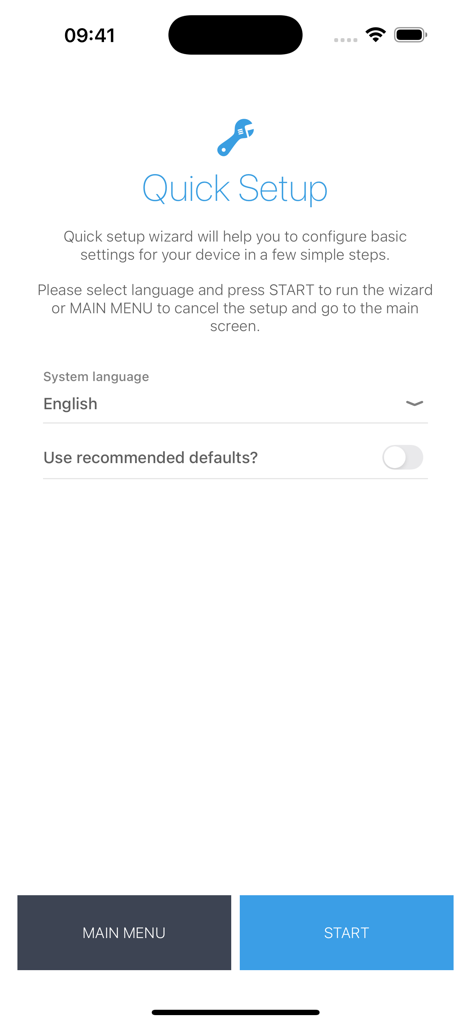
MikroTik mobile app Quick Setup wizard screen for basic router configuration

MikroTik mobile app Quick Setup wizard screen for basic router configuration

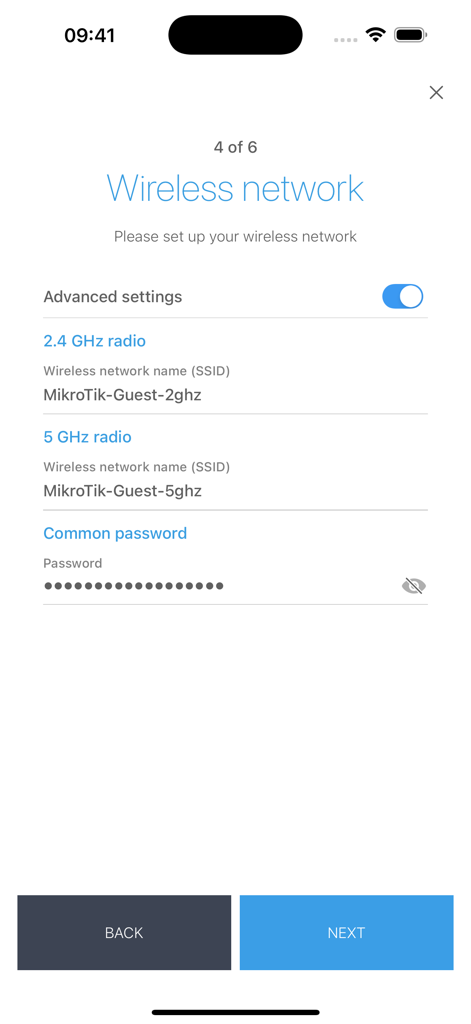
Wireless network configuration screen in the MikroTik app for setting up 2.4 GHz and 5 GHz SSIDs and passwords

Wireless network configuration screen in the MikroTik app for setting up 2.4 GHz and 5 GHz SSIDs and passwords

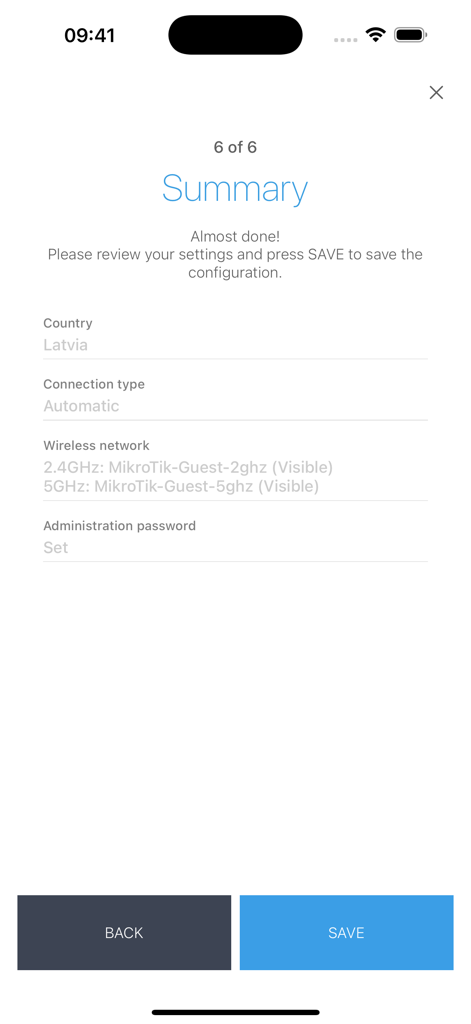
MikroTik app router configuration summary screen

MikroTik app router configuration summary screen

Professional Network Control, Mobilized

The tools that make this app stand out, trusted by 213K+ users.

Rapid Field Deployment

Provision access points and apply initial QuickSet configurations in seconds. The perfect tool for installers working on ladders or in tight server closets.

📊

Real-Time Traffic Analysis

Monitor live bandwidth usage and interface statistics with high-precision graphs to identify and resolve network bottlenecks as they happen.

🛠️

Granular RouterOS Management

Access advanced routing, firewall rules, and wireless settings. Manage your RouterBOARD or CCR devices with the precision your professional infrastructure requires.

Loved by users worldwide

Trusted by 213K+ people who love this app.

"

"As a field technician for a rural WISP, this app is an absolute game-changer. I can finally configure access points and monitor signal strengths from the top of a ladder without having to balance a laptop. It is the ultimate Swiss Army knife for RouterOS deployments."

Marcus Thorne, Network Operations Lead
"

"I love the granular control this app provides for my home lab. Being able to check live traffic graphs and tweak firewall rules from my phone while away from my desk gives me total peace of mind. It is surprisingly powerful for a mobile utility."

David Chen, Systems Architect

About the app

Everything you need to know about MikroTik.

Description

MikroTik RouterOS is the operating system of RouterBOARD and CCR devices. RouterOS provides all the core features for your network - routing, firewall, bandwidth management, wireless access point, backhaul link, hotspot gateway and more. Use the MikroTik smartphone app to configure your router in the field, or to apply the most basic initial settings for your MikroTik home access point. Requirements: RouterOS v6 or newer. Discussion forum: https://forum.mikrotik.com

Latest Version

1.2.19

Size

37.4 MB

First Released

Mar 7, 2019

Take Full Control of Your Network Anywhere

Provision, monitor, and troubleshoot your RouterOS devices without needing a laptop. Download the essential tool for every MikroTik professional today.

Download on App Store