
Mouse Easy



The ultimate companion for your iPad and desktop setup. Seamlessly control your Mac or PC with precision gestures and gyroscope motion—completely free and 100% ad-free.
Publisher
Category
UtilitiesDownloads
6K+User Rating
Total Ratings
0Locales
1Discover the interface used by 6K+ users.
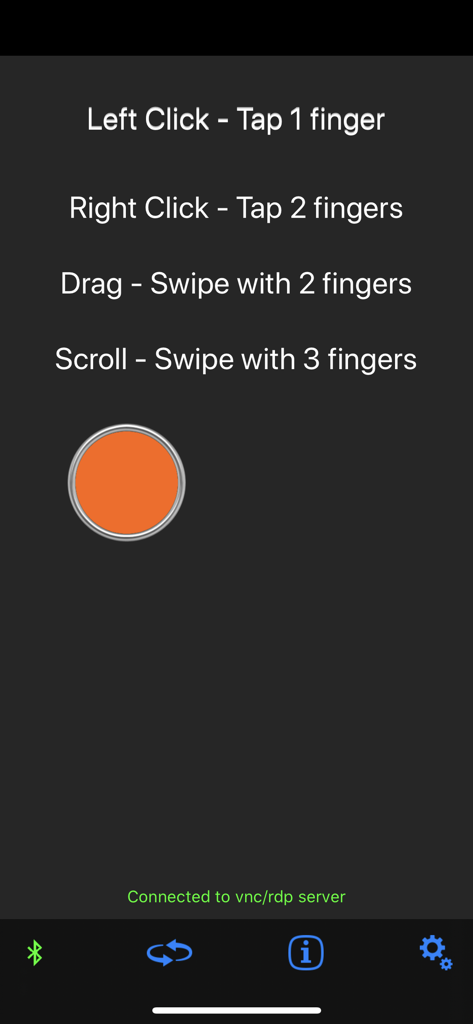
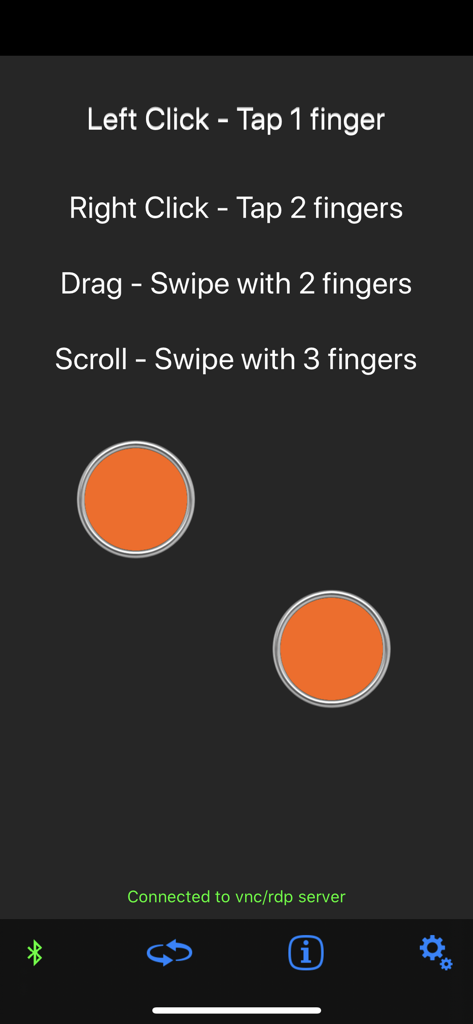
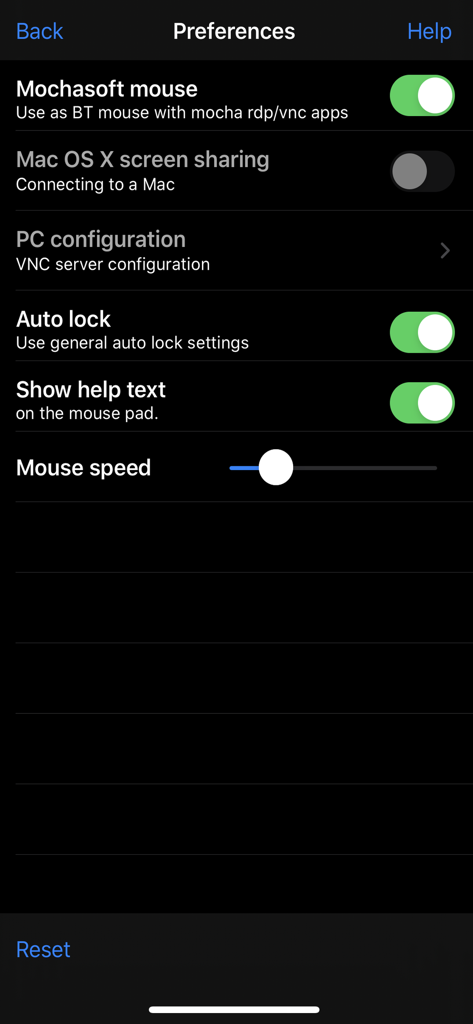
The tools that make this app stand out, trusted by 6K+ users.
Bridge the productivity gap by using your iPhone as a dedicated trackpad alongside your external keyboard for a true desktop experience.
Connect instantly via Apple Screen Sharing. Enjoy a secure and seamless experience without installing any third-party software on your workstation.
Leverage the built-in gyroscope for air-mouse control, making it the ideal tool for professional presentations or home theater management.
Trusted by 6K+ people who love this app.
"As a digital nomad who works entirely from an iPad with an external keyboard, Mouse Easy is the missing piece of my setup. It turns my iPhone into a highly responsive trackpad without requiring any extra software on my Mac. The zero-ad experience is a breath of fresh air for such a powerful utility."
"I use Mouse Easy to control my Mac Mini media center from the couch. The gyroscope-based motion mouse is incredibly intuitive, and setting it up via the native screen sharing protocol was seamless. It's rare to find a tool this lightweight and reliable that doesn't bombard you with subscriptions."
Everything you need to know about Mouse Easy.
Description
Latest Version
1.2
Size
1.0 MB
First Released
Jul 19, 2017
Join 6,000+ power users who trust Mouse Easy for a minimalist, ad-free setup. Turn your iPhone into the perfect trackpad for your iPad or Mac today—completely free.
Top-ranked apps in the same category

Google LLC

Google LLC

China Mobile Online Services Co., Ltd.

Google LLC

Servicos e Informacoes do Brasil

DEEP FLOW SOFTWARE SERVICES - FZCO

Servicos e Informacoes do Brasil

CHINA TELECOM Corporation Ltd.

Microsoft Corporation