
Nebula Connect(SmartProjector)


Transform your phone into the ultimate remote for your Nebula projector or soundbar with an intuitive touchpad and effortless virtual keyboard.
Publisher
Category
UtilitiesDownloads
617K+User Rating
Total Ratings
900Locales
15Discover the interface used by 617K+ users.
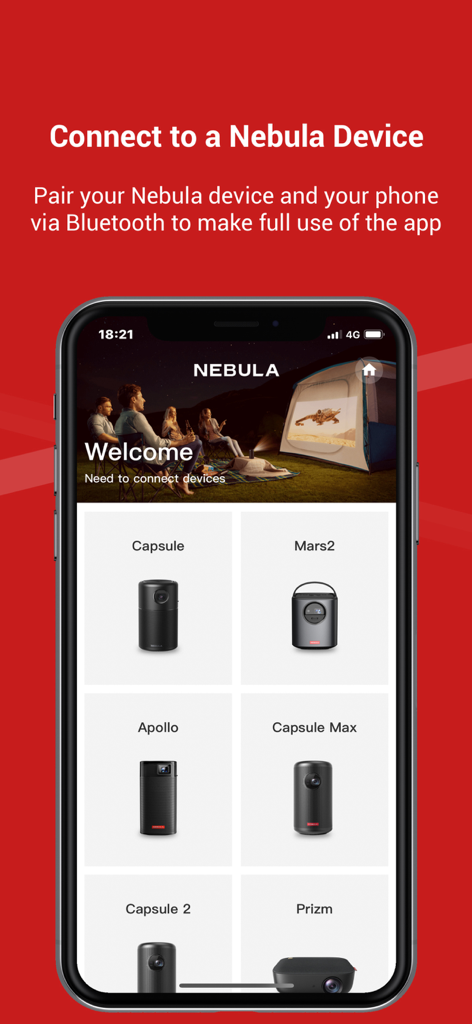
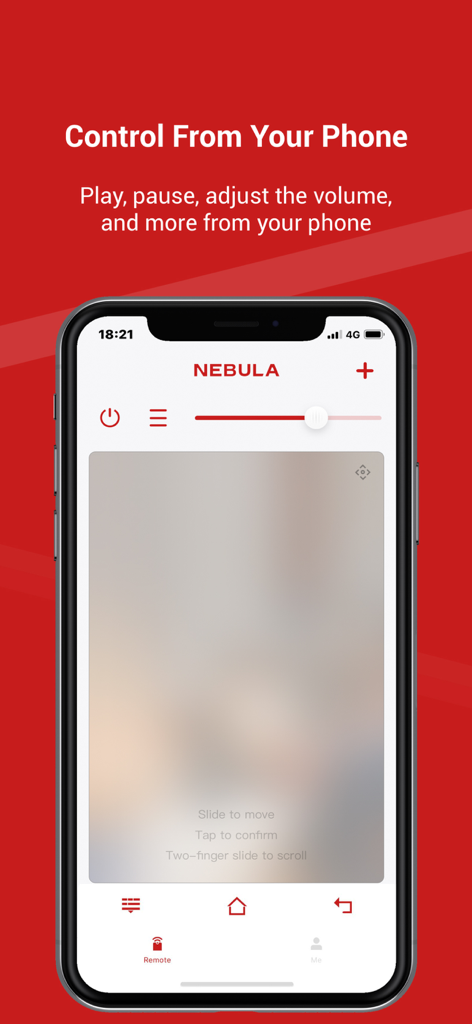
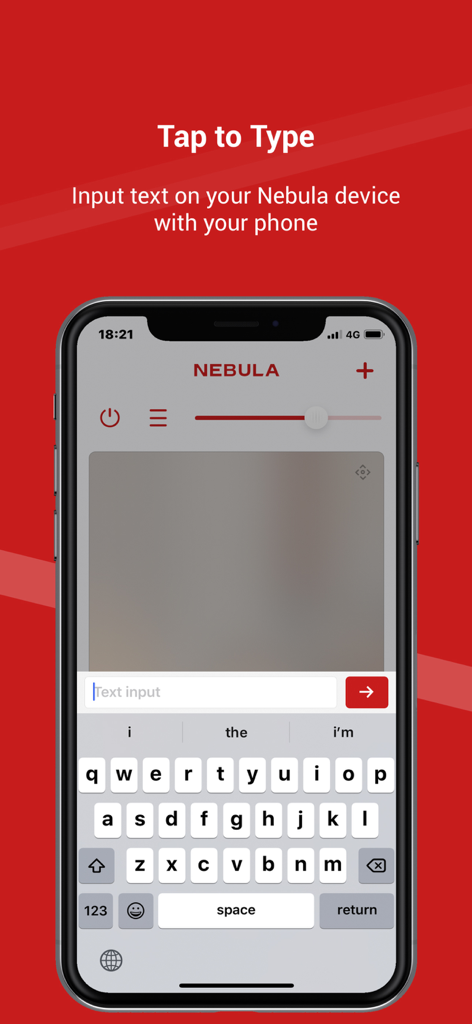
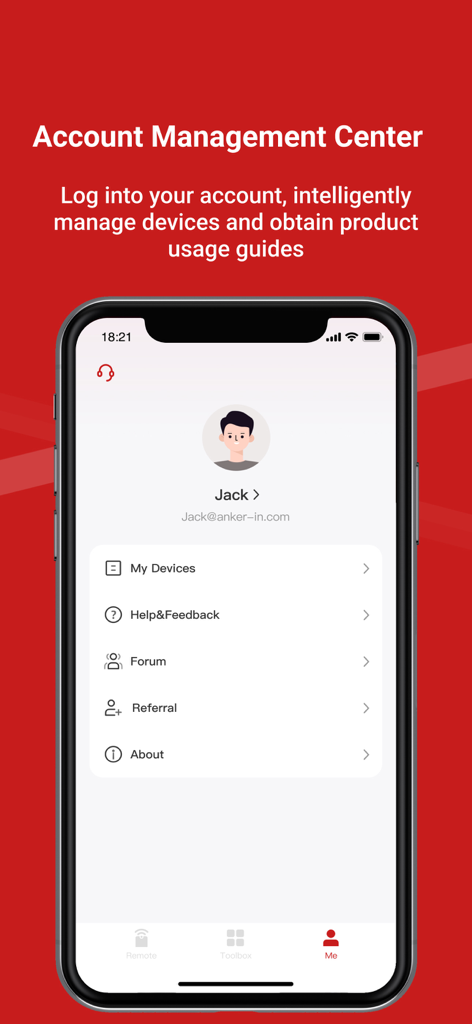
The tools that make this app stand out, trusted by 617K+ users.
Stop struggling with clunky physical remotes. Use your phone to type search queries and passwords in seconds, making movie night setup faster than ever.
Navigate apps and menus with the smoothness of a laptop trackpad. Effortless swiping and clicking give you total control over your entertainment interface.
Your smartphone is always within reach. Access power, volume, and essential function buttons instantly without ever needing to search through couch cushions.
Trusted by 617K+ people who love this app.
"Searching for movies used to be a chore with the physical remote, but the virtual keyboard feature in Nebula Connect has completely changed that. Now I can type in titles and passwords instantly from my phone. It makes my home cinema setup feel truly high-tech and seamless."
"This app is a lifesaver for our backyard movie nights. I never have to worry about losing the remote in the grass because my phone is always with me. The touchpad navigation is super smooth and much more intuitive than clicking buttons on a standard controller."
Everything you need to know about Nebula Connect(SmartProjector).
Description
Latest Version
3.8.2
Size
164.1 MB
First Released
Dec 4, 2017
Stop hunting for the remote. Download Nebula Connect today to enjoy effortless navigation, a virtual keyboard, and seamless control right from your phone.
Apps with similar features and user experience

Glimpse LLC.

Red Paket sp. z o.o.

nadi digital indonesia, pt

Aleh Piashkou

Thorley Industries LLC

Electro Cirkel Retail BV

Pol Nadal Serra

Jonathan Reed

YONGXING JIN