
Notepad: Easy Notes & Memos



Ditch the complexity of feature-heavy apps and return to the joy of simple organization. Capture thoughts, manage daily tasks, and sketch with Apple Pencil in a beautiful, secure notebook that syncs across all your devices.
Publisher
Category
ProductivityDownloads
1M+User Rating
Total Ratings
32K+Locales
32Discover the interface used by 1M+ users.
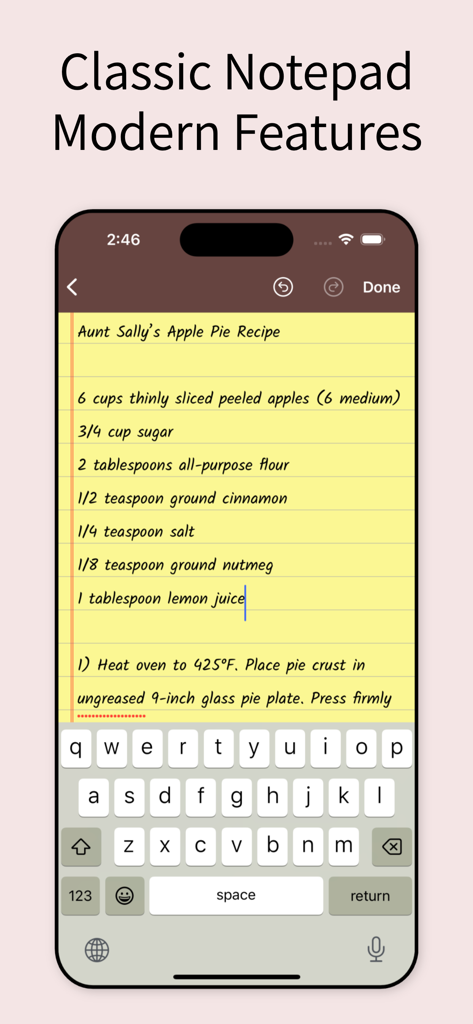
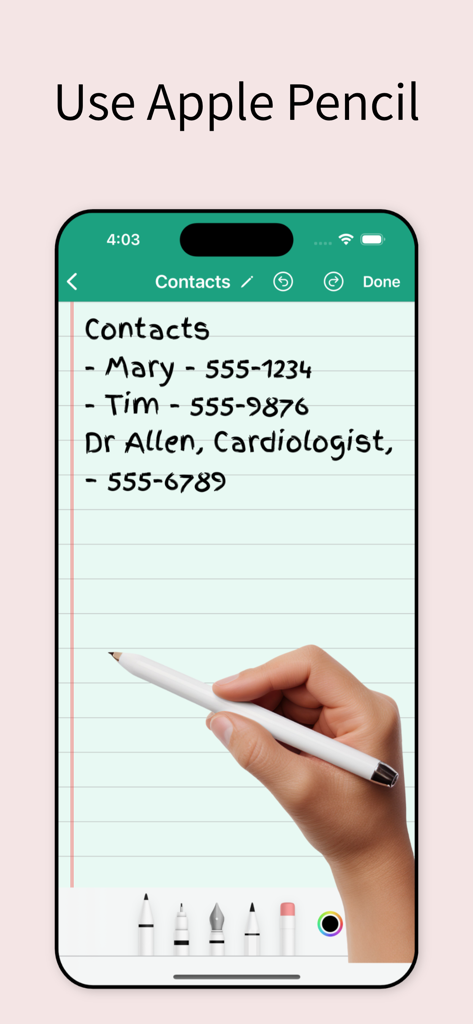
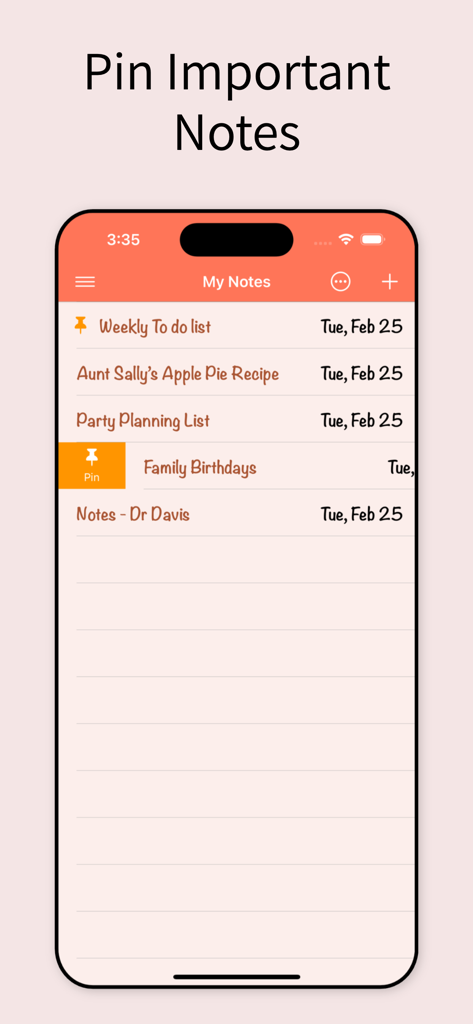
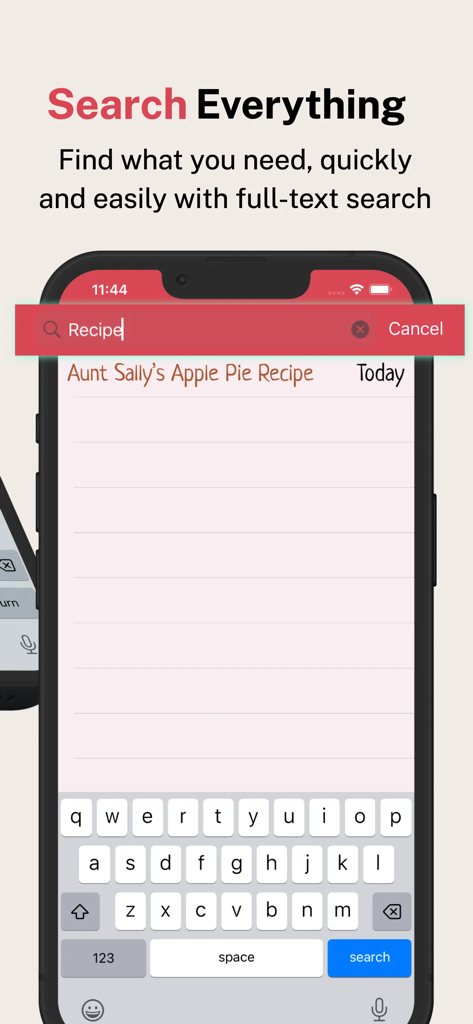
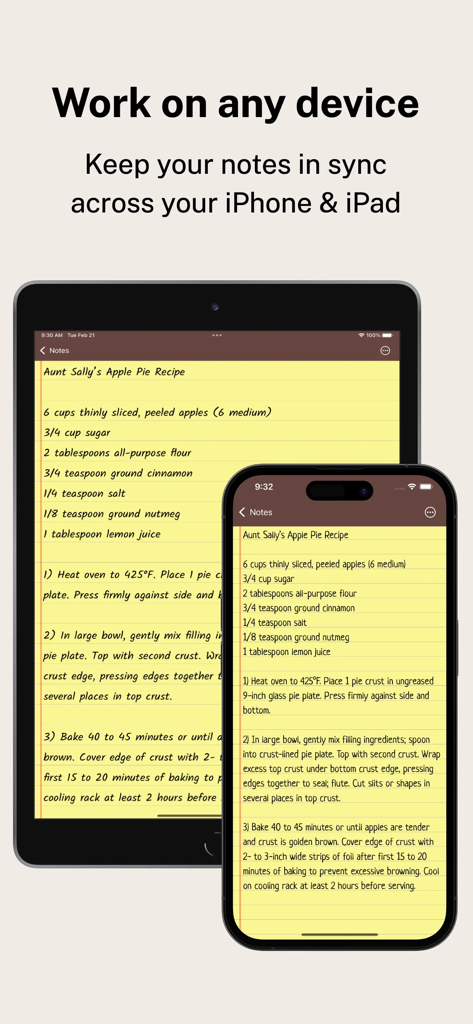
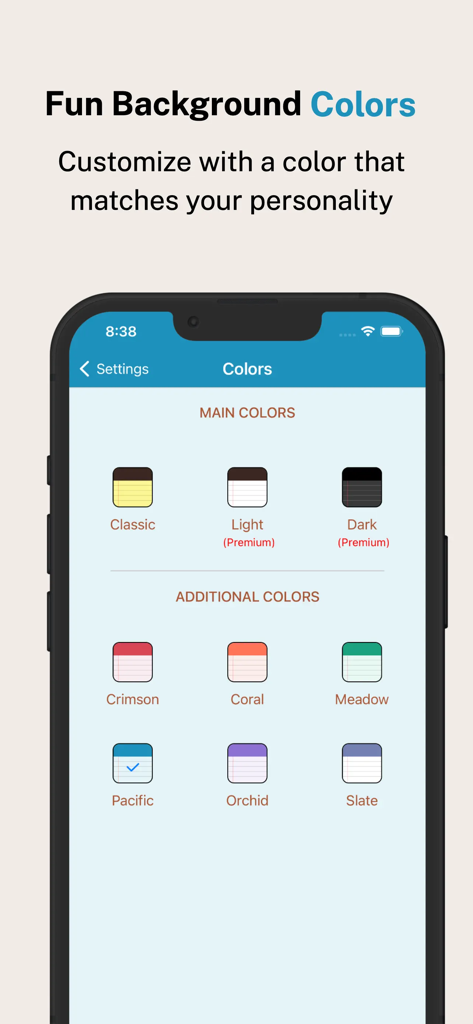
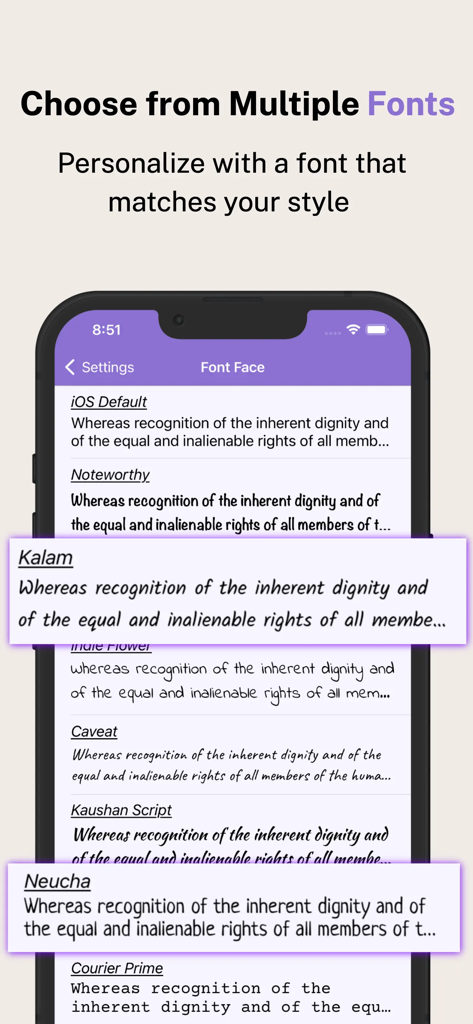
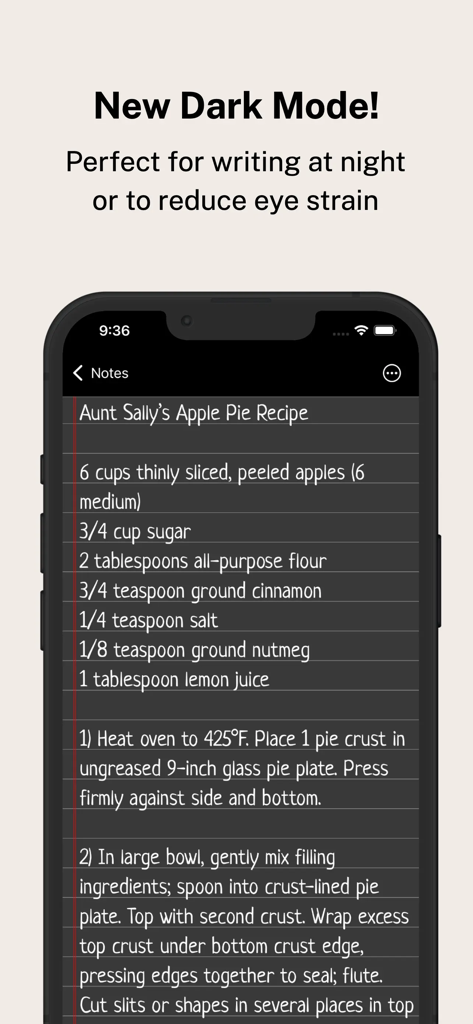
The tools that make this app stand out, trusted by 1M+ users.
Capture ideas with fluid, pressure-sensitive ink that feels like pen on paper. Perfect for students and creatives using the Apple Pencil on iPad.
Avoid the chaos of feature-heavy apps. Use color-coded folders and custom fonts to create a workspace that reflects your personal style.
Protect your private thoughts with FaceID and enjoy seamless iCloud syncing, ensuring your notes are ready on your iPhone the moment you need them.
Trusted by 1M+ people who love this app.
"I've tried every productivity app on the store, but I always come back to this one. The Apple Pencil support is incredibly fluid, making my sketches and meeting notes feel natural. I love being able to color-code my folders—it keeps my creative projects and personal life perfectly separated and visually organized."
"Finally, a notepad app that doesn't require a manual to use! It's the perfect digital replacement for my old paper lists. The interactive checkboxes are so satisfying to tap, and the FaceID lock gives me peace of mind for my private memos. It's fast, reliable, and syncs perfectly between my iPhone and iPad."
Everything you need to know about Notepad: Easy Notes & Memos.
Description
Latest Version
5.3.12
Size
50.1 MB
First Released
Nov 1, 2013
Join 1M+ digital minimalists who have traded clutter for clarity. Download Notepad now and experience the perfect blend of classic simplicity and modern productivity.
Everything you need to know about Notepad: Easy Notes & Memos
Notepad: Easy Notes & Memos is a classic note-taking app designed to organize ideas and tasks. It combines a nostalgic notebook feel with modern features for creating notes, to-do lists, and handwritten content.
Yes, Notepad: Easy Notes & Memos allows creating to-do lists with interactive checkboxes. Users can reorder items by dragging and dropping and check off completed tasks. It is perfect for shopping or project lists.
Yes, Notepad: Easy Notes & Memos supports Apple Pencil for natural handwritten notes, diagrams, and drawings. It offers fluid writing, realistic ink flow, pressure sensitivity, and customizable pens, pencils, and highlighters.
Notepad: Easy Notes & Memos organizes notes into folders and subfolders with a clean, nested structure. Users can assign unique colors to folders, and drag-and-drop to reorder or move multiple notes efficiently.
Yes, Notepad: Easy Notes & Memos allows users to pin important notes to the top of their list. Users can also sort notes by date, a custom order, or alphabetically for easy access.
Yes, Notepad: Easy Notes & Memos provides automatic backups and iCloud sync. This feature ensures notes remain safe and accessible across all your Apple devices, maintaining data consistency.
Users can personalize Notepad: Easy Notes & Memos with unique app icons, custom colors, and stylish fonts. It also offers a sleek dark mode for comfortable night use.
Yes, Notepad: Easy Notes & Memos includes advanced search tools with text highlighting. This allows users to quickly find exactly what they are looking for within their notes.
Yes, Notepad: Easy Notes & Memos allows users to lock their notes using FaceID or TouchID. This feature provides enhanced privacy and security for personal or sensitive information.
Premium features in Notepad: Easy Notes & Memos include an ad-free experience, exclusive themes, and advanced sorting options. These provide power users with enhanced functionality and customization.
Apps with similar features and user experience

Hangzhou Tensorart Technology Co., Ltd

MAXEYE US INC.

WonderApps AB

Soysauce Lab

User Camp Inc.

Kairoos Solutions S.L.

ZIIKR Pte. Ltd.

Kairoos Solutions S.L.

伟典 苏