Paintwork - Infinite Notebook

Paintwork - Infinite Notebook

Download on App Store
Spark by MWM logo
Logo of Paintwork - Infinite Notebook
Paintwork - Infinite Notebook: Your Ultimate Digital Canvas for Creative Thinking

Master your notes and sketches with Apple Pencil precision. From aesthetic study guides to professional mind maps, bring your ideas to life on a workspace without limits.

Publisher

伟典 苏

Category

Productivity

Downloads

8M+

User Rating

4.7/5

Total Ratings

172K+

Locales

20

Your Ideas, Visualized

Discover the interface used by 8M+ users.
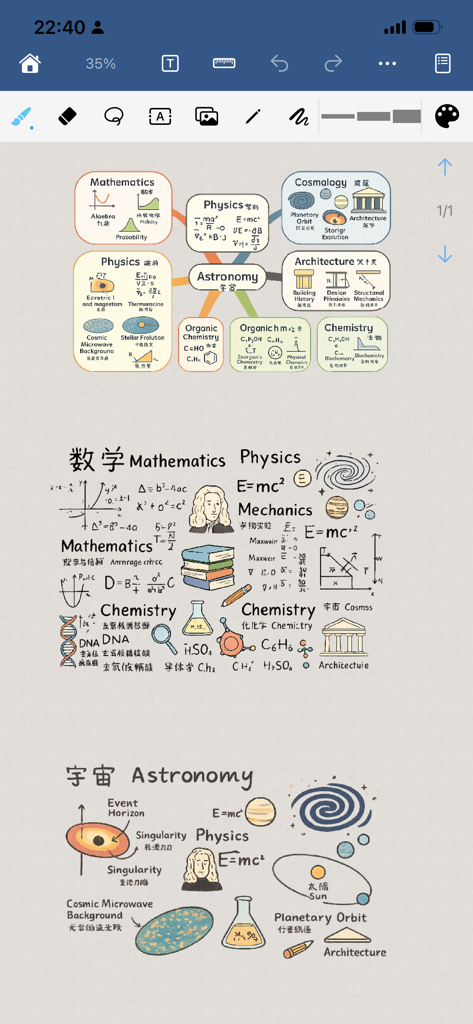
Handwritten science mind maps and study notes with diagrams on a digital canvas

Handwritten science mind maps and study notes with diagrams on a digital canvas

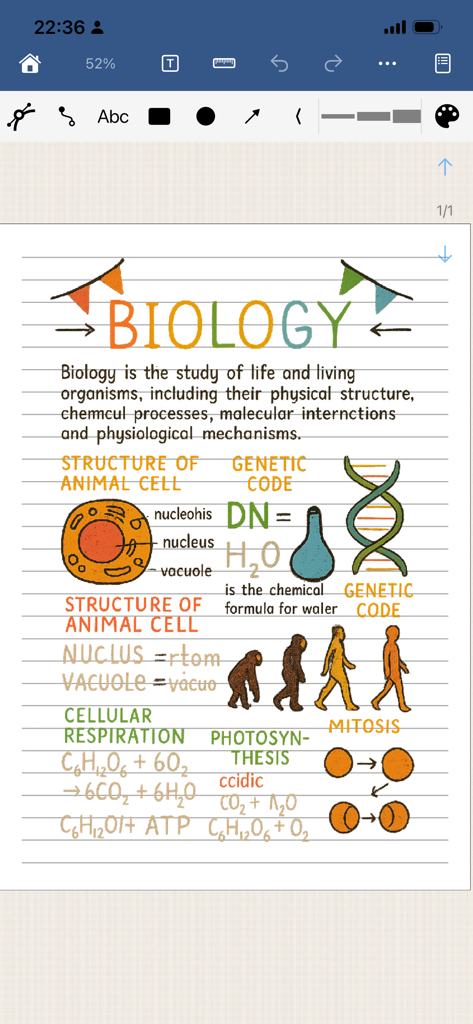
Digital biology study notes with colorful diagrams of cells and DNA in the Paintwork app

Digital biology study notes with colorful diagrams of cells and DNA in the Paintwork app

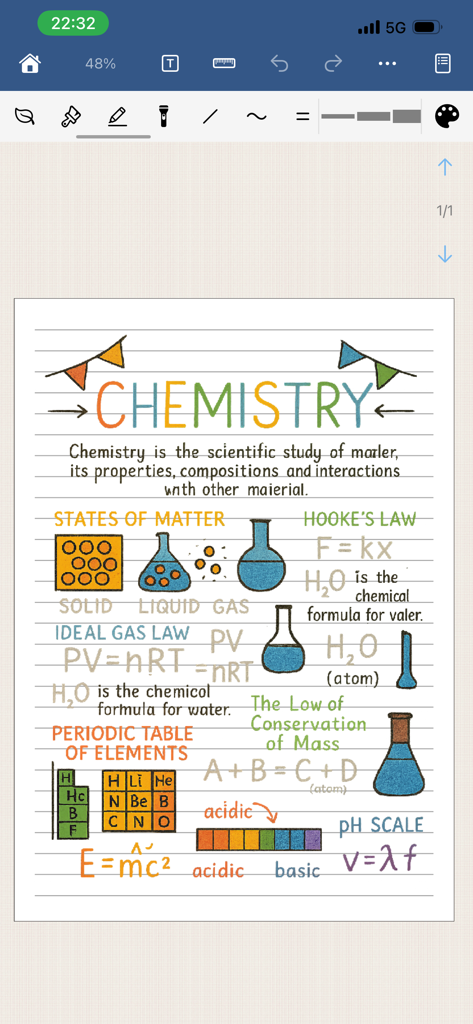
A digital notebook page showing colorful handwritten chemistry notes, diagrams of lab equipment, and scientific formulas.

A digital notebook page showing colorful handwritten chemistry notes, diagrams of lab equipment, and scientific formulas.

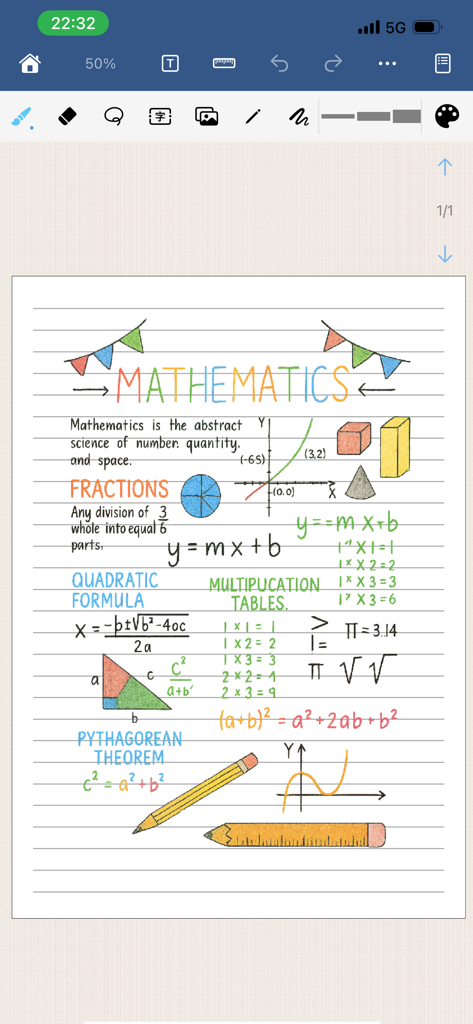
Colorful handwritten mathematics notes with diagrams on a digital lined page in the Paintwork app

Colorful handwritten mathematics notes with diagrams on a digital lined page in the Paintwork app

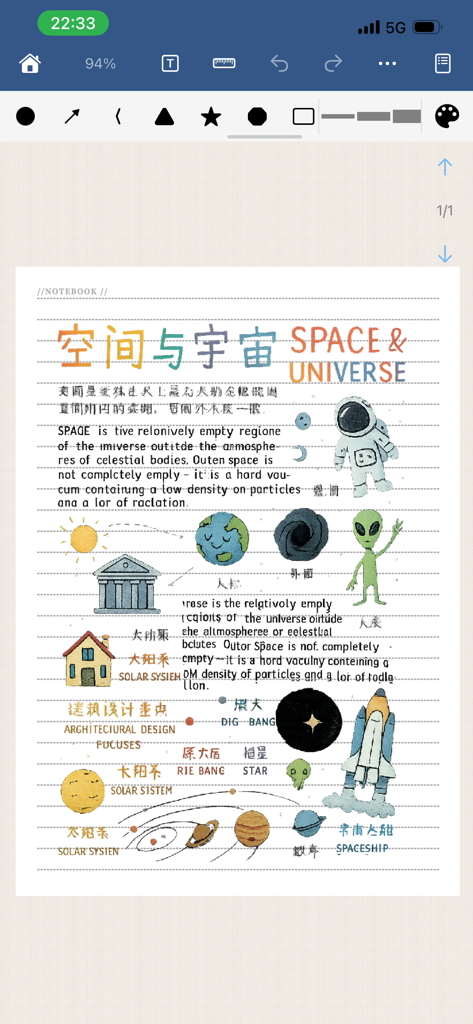
A digital notebook page with hand-drawn illustrations of an astronaut, planets, and a spaceship with text about the universe

A digital notebook page with hand-drawn illustrations of an astronaut, planets, and a spaceship with text about the universe

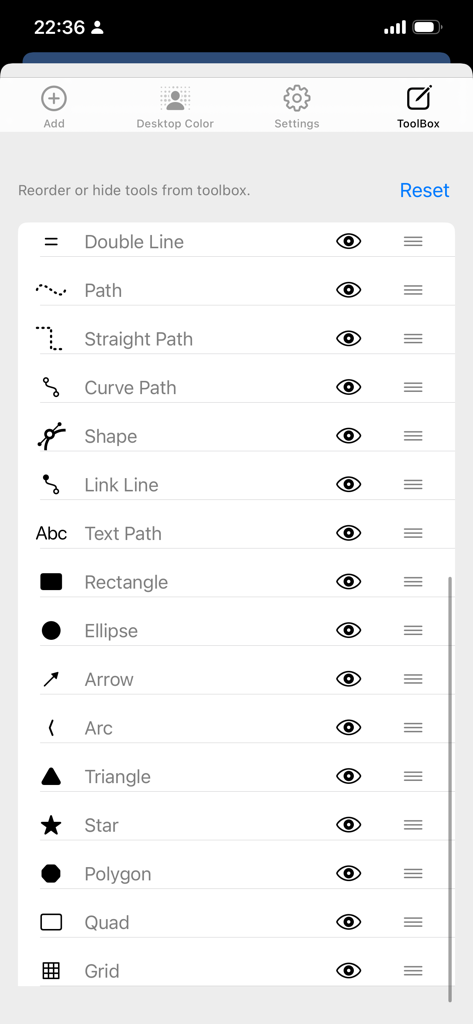
Toolbox settings in Paintwork app for reordering and hiding vector drawing tools

Toolbox settings in Paintwork app for reordering and hiding vector drawing tools

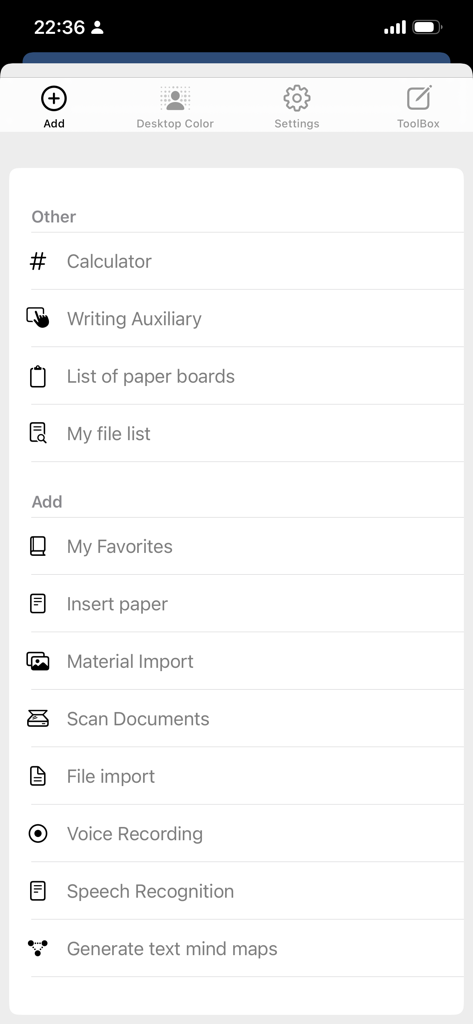
Productivity tools menu in Paintwork app showcasing scanner and voice recording options

Productivity tools menu in Paintwork app showcasing scanner and voice recording options

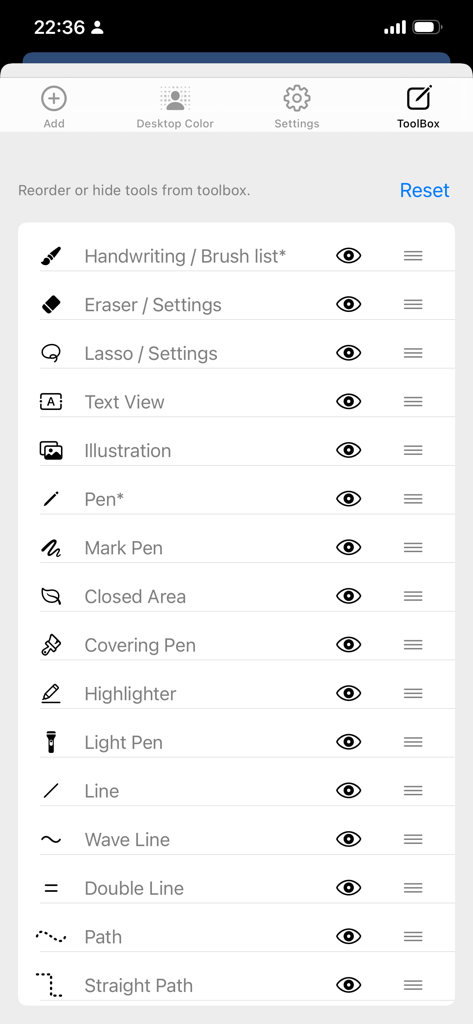
Paintwork app toolbox settings screen showing a list of customizable drawing tools

Paintwork app toolbox settings screen showing a list of customizable drawing tools

Master Your Ideas Without Limits

The tools that make this app stand out, trusted by 8M+ users.

♾️

Infinite Creative Canvas

Ditch the paper margins. Use an endless workspace with vector precision for mind maps and sketches that never lose quality.

🎨

Stunning Aesthetic Notes

Express yourself with hundreds of customizable brushes. Create notes that look like art with full Apple Pencil optimization.

🪄

All-in-One Power Tools

Scan documents, recognize text with OCR, and export to PDF instantly. Manage your entire workflow without switching apps.

Loved by users worldwide

Trusted by 8M+ people who love this app.

"

"As a medical student, I live on my iPad. Paintwork's infinite canvas is a game-changer for mapping out complex biological systems without the constraints of traditional pages. The Apple Pencil pressure sensitivity feels natural, and being able to export my sketches as high-quality PDFs for my study group makes my workflow seamless."

Chloe R., Medical Student
"

"This is the ultimate tool for visual thinkers. I use it for everything from wireframing UI designs with the vector tools to running my project meetings. Having a built-in scanner and OCR means I can digitize paper notes instantly. It has effectively replaced three other apps in my productivity stack."

Mark T., Creative Director

About the app

Everything you need to know about Paintwork - Infinite Notebook.

Description

Paintwork is a simple and powerful software for handwritten notebooks, diaries, and hand drawn images. It includes functions such as: brush list (hundreds of brush effects, customizable brush thickness, color, transparency, dynamic strength weights, etc.), eraser list (each brush effect can be used as an eraser), Vector graphics tools (including lasso, vector eraser, vector pen, annotation pen, highlighter, wavy pen, double line pen, text box, illustration, dashed line, horizontal and vertical dashed line, curve, closed shape, text pen, rectangle, ellipse, straight line, arrow, triangle, pentagram, polygon, etc.), and also include many related attribute settings, Color list (with a rich color palette and customizable manual configuration of commonly used colors), copy and cut the content of specified areas on the page, import images or materials, as well as a simple calculator, handwriting assistance, and photo scanning of document files. Unlimited writing, ruler, recognition of text, printing of text, filling, and the ability to export PDF files or images. Supports custom background functionality, custom canvas paper, and more. It can be used to write for classroom or book learning notes, handwritten notes for work meetings, hand drawn mind maps, hand drawn account creation, hand made account book making, writing diaries, recording life thoughts, calligraphy practice, handwritten brush and pencil characters, hand drawn artistic characters, and so on. Supports Apple pencil. Can export images or PDFs. If you have any comments or feedback, please feel free to contact us. Contact email: pw_team@163.com If you like our application, please give us a good review. Thank you.

Latest Version

17.2.0

Size

196.6 MB

First Released

Nov 25, 2015

Your Ideas Aren't Limited by Pages. Your Notebook Shouldn't Be Either.

Join 8 million students and creators worldwide who have upgraded to a borderless digital canvas. Download Paintwork today and start your journey with the most powerful notebook for Apple Pencil.

Download on App Store