
Notepad - Simple Notes & Memo



Experience the ultimate distraction-free note-taking tool. Organize your day with instant lock-screen widgets and total peace of mind—your data stays private on your device, never in the cloud.
Publisher
Category
BusinessDownloads
4M+User Rating
Total Ratings
277K+Locales
35Discover the interface used by 4M+ users.
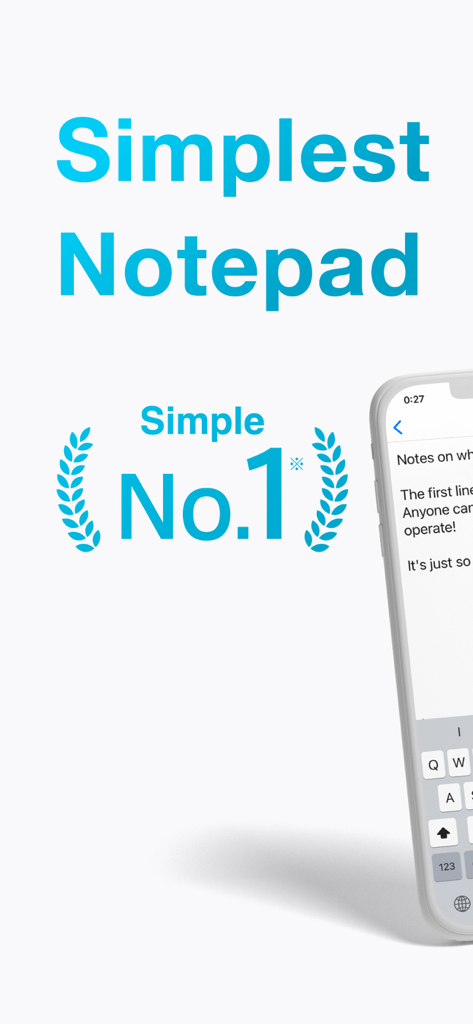
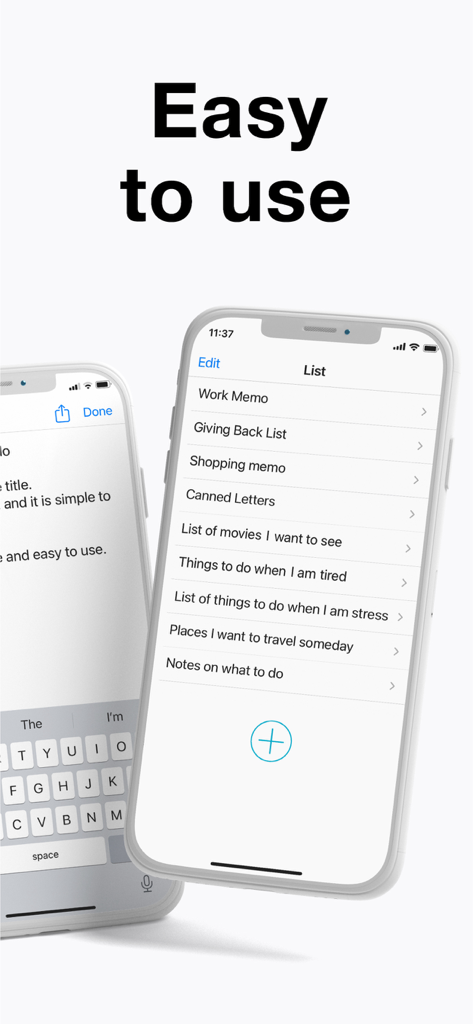
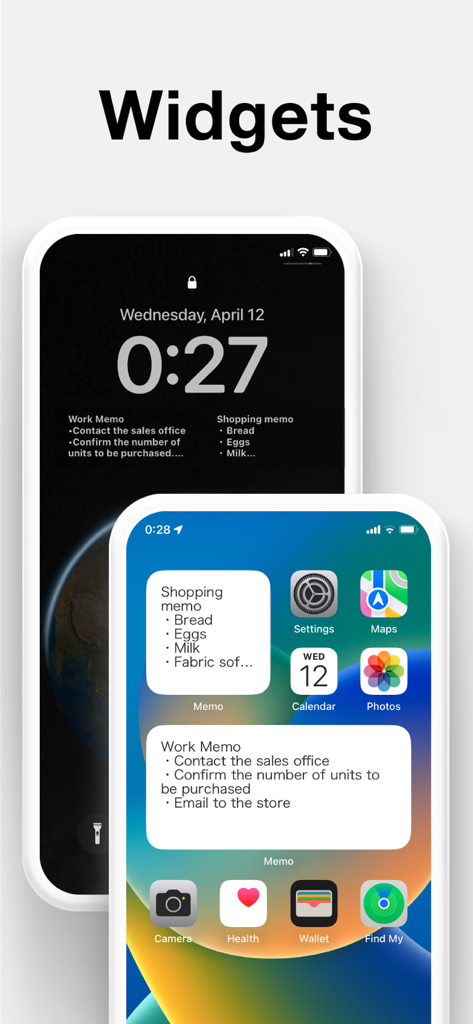
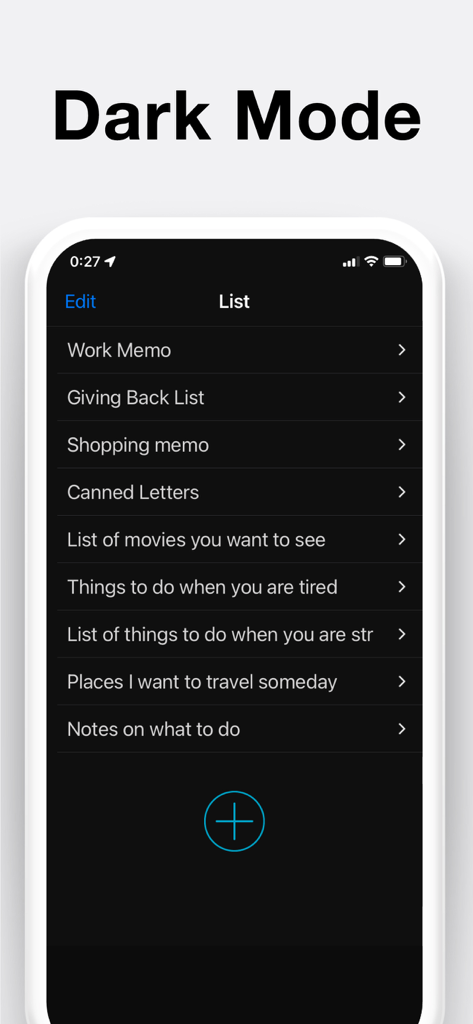
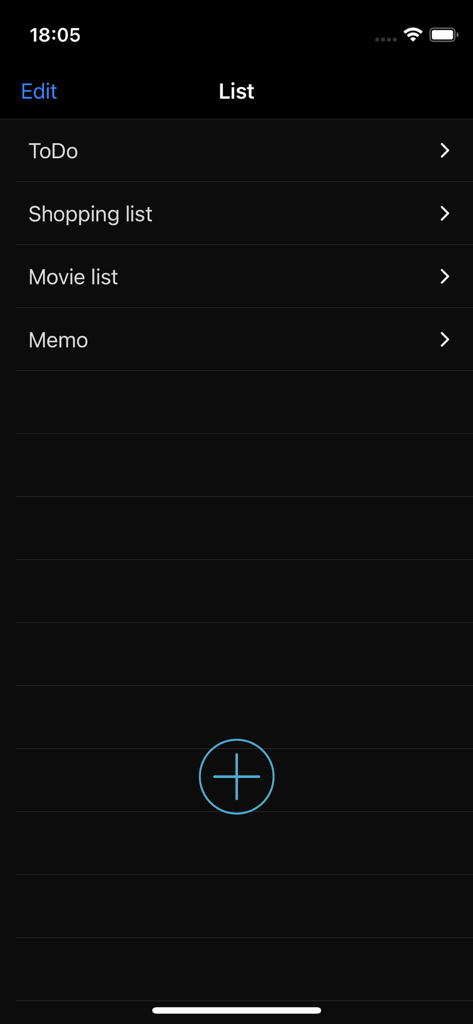
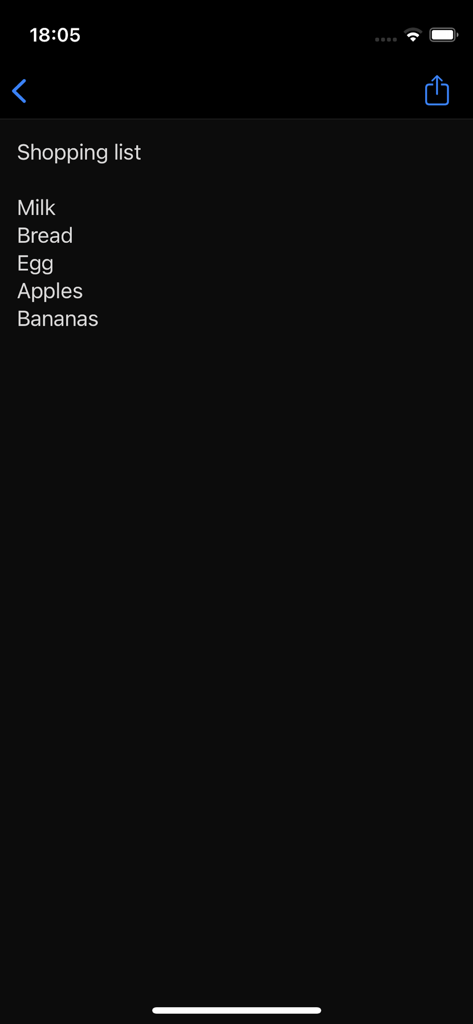
The tools that make this app stand out, trusted by 4M+ users.
No logins, no loading screens, and no friction. Just open and type to capture meeting minutes, grocery lists, or sudden inspirations immediately.
Stay organized without even unlocking your iPhone. Use Lock Screen and Home Screen widgets to keep your most important tasks front and center.
Your data stays on your device. We never collect or send your notes to external servers, providing the psychological safety and privacy you deserve.
Trusted by 4M+ people who love this app.
"As someone who is always juggling grocery lists and household chores, this app is a lifesaver. The lock screen widget is a game-changer—I can check my list at the store without even unlocking my phone. I love that it stays simple and doesn't overwhelm me with features I don't need."
"I finally found a notes app that respects my privacy. Knowing my data never leaves my device is exactly why I chose this over others. It's lightning-fast for drafting meeting minutes, and the dark mode looks great. It’s the perfect digital version of a physical notepad."
Everything you need to know about Notepad - Simple Notes & Memo.
Description
Latest Version
4.0.2
Size
49.7 MB
First Released
Jul 14, 2015
The private, widget-ready notepad designed for your busy life. No sign-ups, no cloud tracking—just instant notes right on your lock screen.
Everything you need to know about Notepad - Simple Notes & Memo
Yes, you can delete notes in Notepad - Simple Notes & Memo. Swipe left on a note to reveal the Delete button. Alternatively, tap the Edit button, then tap the red symbol next to the note to access the Delete button.
Yes, users can reorder notes in Notepad - Simple Notes & Memo. Tap and hold the note to move it, then drag it up or down. Users can also tap the Edit button and pinch the tab on the right of the note to move it.
To set up a Lock Screen widget for Notepad - Simple Notes & Memo on iOS 16, update your device to iOS 16 or later. Touch and hold the Lock Screen, tap Customize, select Lock Screen, tap Add Widgets, select this app, then choose the desired widget.
To add a Home Screen widget for Notepad - Simple Notes & Memo, tap and hold an empty area on your Home Screen, then tap the [+] button. Select the Notepad widget, choose from three sizes, and tap Add. You can add multiple widgets.
Yes, users can change note colors in Notepad - Simple Notes & Memo. Swipe right on the note to select from six different colors. This feature helps to brighten up your notes.
To select a specific note to display in a Notepad - Simple Notes & Memo Home Screen widget, tap and hold the widget. Then, choose the desired note from "Edit Widget" - "Notes" in the options that appear.
Yes, user data is secure in Notepad - Simple Notes & Memo. The app never collects or sends any text entered by the user to external servers or sources. All user data is stored exclusively within the app itself.
Yes, the Notepad - Simple Notes & Memo app is free to use. It generates revenue through advertising and offers in-app purchases.
Yes, the Notepad - Simple Notes & Memo app supports dark mode. This feature is listed among its core functionalities to enhance user experience.
Yes, Notepad - Simple Notes & Memo includes an automatic note saving feature. This ensures that your notes are saved consistently without requiring manual intervention from the user.
Yes, the Notepad - Simple Notes & Memo app includes a word count feature. This allows users to track the length of their notes and written drafts.
Apps with similar features and user experience

Notion Labs, Incorporated

Hangzhou Free Notes Technology Co., Ltd

unorderly GmbH

Google LLC

Appest Limited

Noteful Technologies Ltd

Doist Inc.

Inner Grow Limited

monday.com Ltd.


