Photo Lock: Hide Photos Videos

Photo Lock: Hide Photos Videos

Download on App Store
Spark by MWM logo
Logo of Photo Lock: Hide Photos Videos
Photo Lock: Hide Photos Videos – Your Ultimate Private Media Vault

Stop worrying when you hand over your phone. Secure your sensitive photos and videos with Face ID protection, decoy galleries, and customizable app icons for total discretion.

Download on App Store

Publisher

AlgoTwist Ltd

Category

Utilities

Downloads

33K+

User Rating

4.6/5

Total Ratings

3K+

Locales

15

Take a Peek Inside

Discover the interface used by 33K+ users.
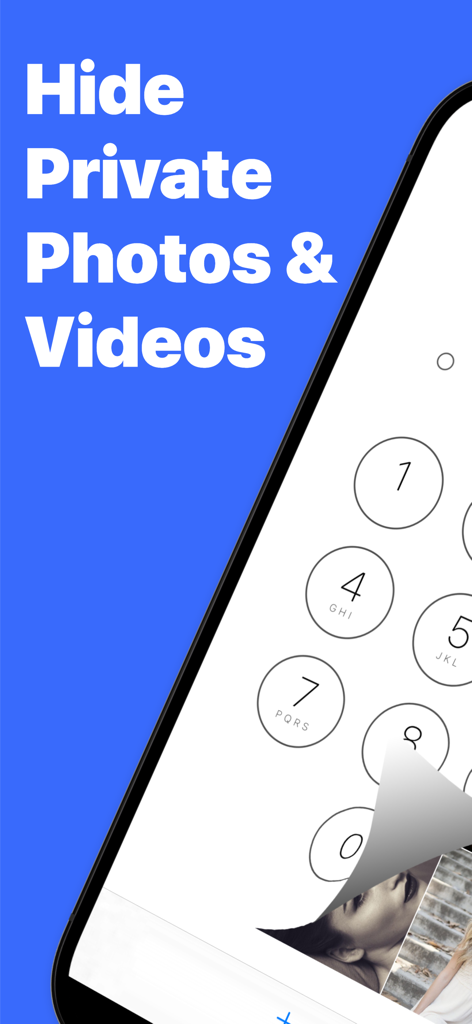
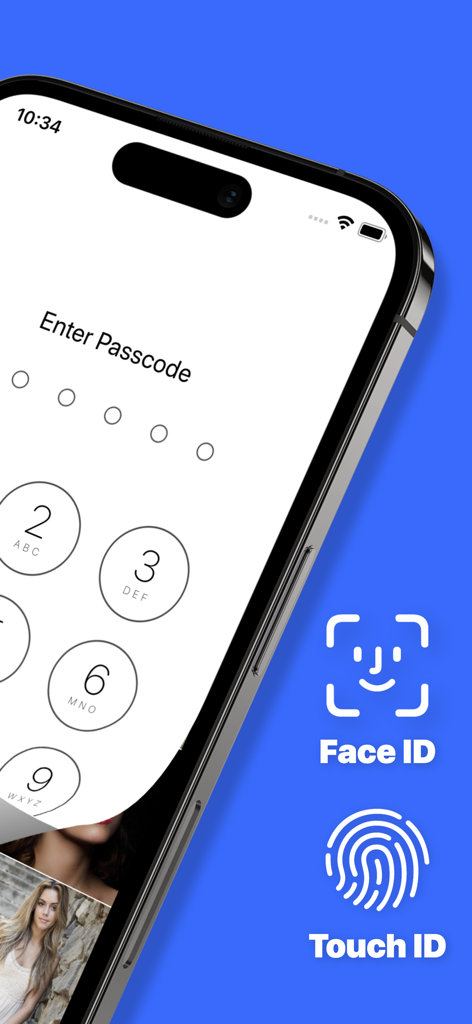
Smartphone screen showing a passcode lock protecting hidden private photos and videos

Smartphone screen showing a passcode lock protecting hidden private photos and videos

Security screen of Photo Lock app showing numeric passcode entry with Face ID and Touch ID options

Security screen of Photo Lock app showing numeric passcode entry with Face ID and Touch ID options

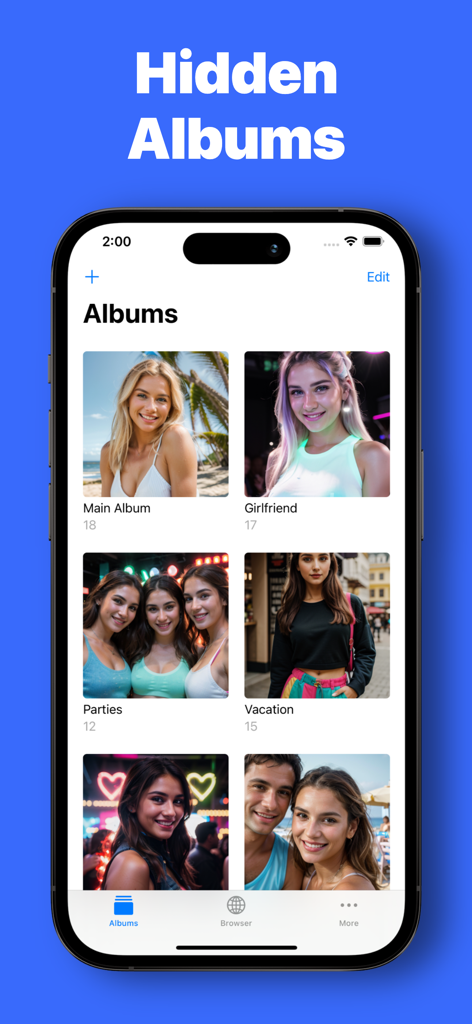
A screenshot of the Photo Lock app showing a grid of categorized hidden albums like girlfriend and vacation on an iPhone

A screenshot of the Photo Lock app showing a grid of categorized hidden albums like girlfriend and vacation on an iPhone

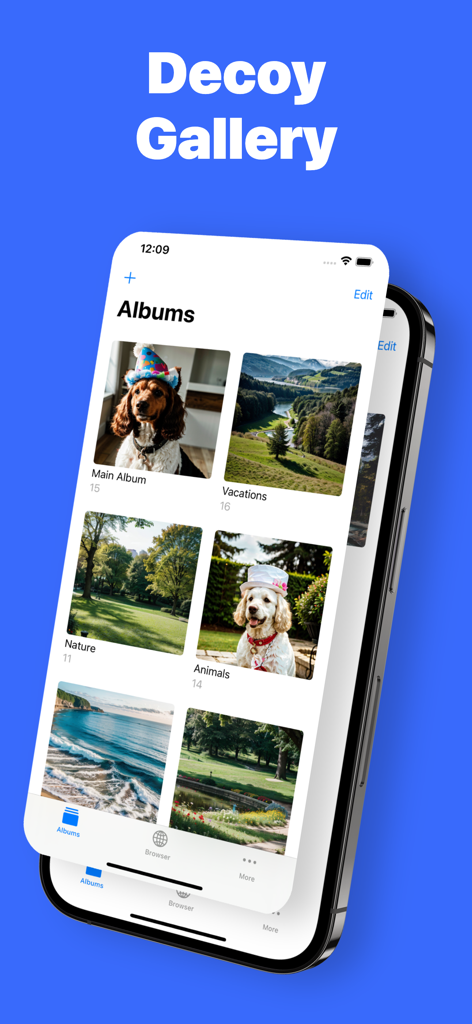
Interface of the Decoy Gallery feature in the Photo Lock app showing fake albums of dogs and vacations

Interface of the Decoy Gallery feature in the Photo Lock app showing fake albums of dogs and vacations

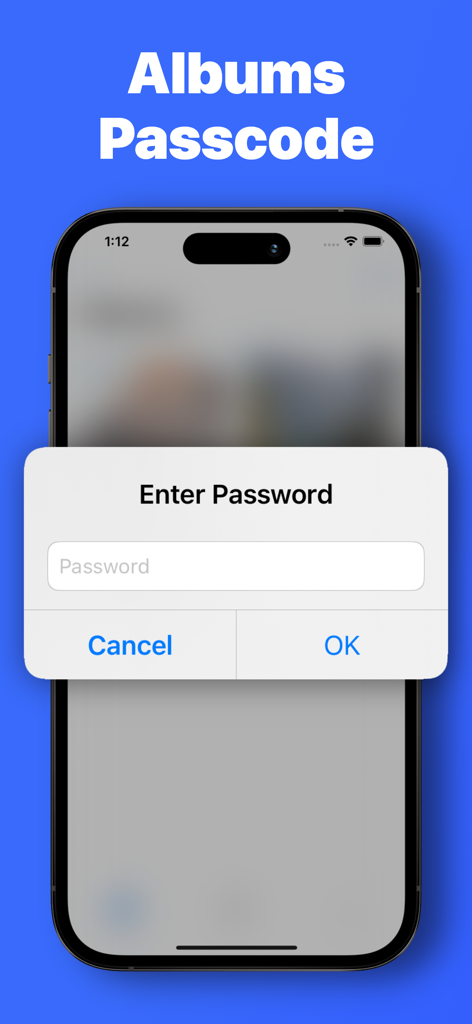
Password entry prompt for locked photo albums on iPhone

Password entry prompt for locked photo albums on iPhone

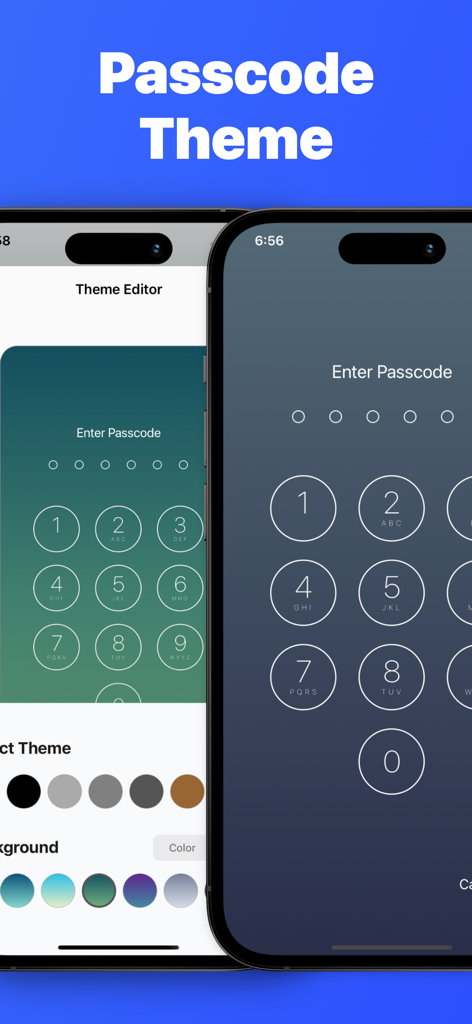
Passcode theme customization interface in the Photo Lock app showing different colors and background options for the lock screen.

Passcode theme customization interface in the Photo Lock app showing different colors and background options for the lock screen.

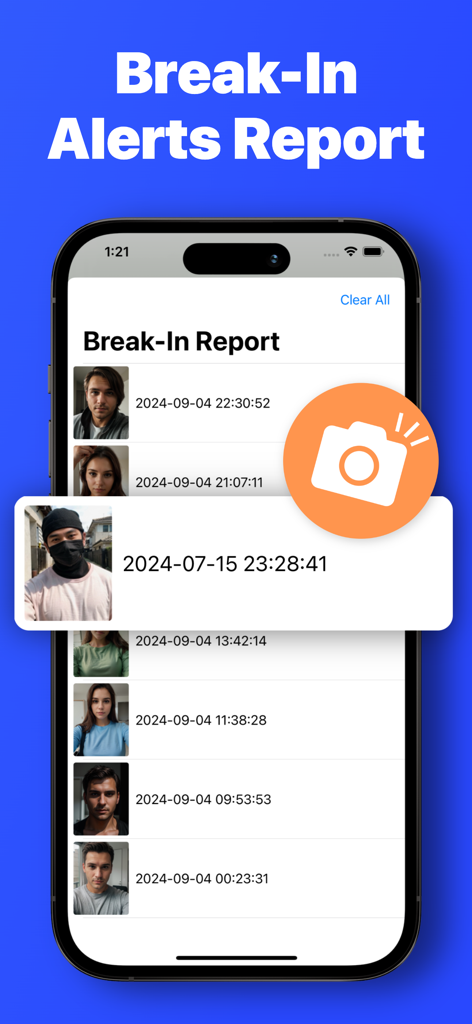
Screenshot of the break in alerts report feature in the Photo Lock app showing photos and timestamps of unauthorized access attempts

Screenshot of the break in alerts report feature in the Photo Lock app showing photos and timestamps of unauthorized access attempts

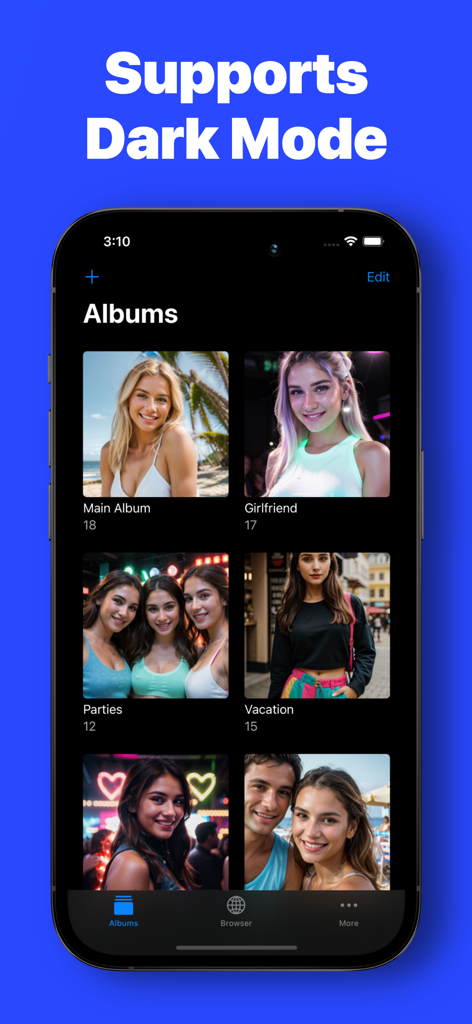
Photo Lock app interface showing multiple photo albums in Dark Mode on an iPhone

Photo Lock app interface showing multiple photo albums in Dark Mode on an iPhone

Your Privacy, Upgraded

The tools that make this app stand out, trusted by 33K+ users.

🤫

Stealth Mode & Camouflage

Disguise your app icon and set up a decoy gallery to prevent awkward moments when sharing your phone with friends or family.

🆔

Seamless Biometric Security

Enjoy lightning-fast access with Face ID or Touch ID integration, keeping your memories locked behind professional-grade protection.

🕶️

Integrated Private Browsing

Download media directly to your secure albums through a private browser, leaving zero trace in your standard photo library or iCloud.

Loved by users worldwide

Trusted by 33K+ people who love this app.

"

"The 'swipe anxiety' is real, but this app completely fixed it for me. I love that I can hand my phone to my kids or friends without worrying. The break-in alerts are a great touch—I actually caught my sister trying to snoop! It’s intuitive and looks just like the native Photos app."

Jordan M.
"

"Finally, a privacy app that doesn't look like it's from 2010. The UI is sleek, Dark Mode is perfect, and the private browser is a game-changer for downloading content directly into my locked albums. Being able to disguise the app icon is the ultimate peace of mind for my privacy."

Sarah L.

About the app

Everything you need to know about Photo Lock: Hide Photos Videos.

Description

Keep Your Photos and Videos Private with Photo Lock Worried about others accessing your personal photos and videos? Photo Lock ensures your memories stay safe and private with an easy-to-use interface. Features: Organize with Ease • User-Friendly Design: Enjoy a simple and intuitive interface similar to the native Photos app with Dark Mode support. • Multiple Albums: Organize your media by creating multiple albums. • Easy Import & Capture: Import photos and videos from your Photo Library or take new ones directly within the app. Enhanced Security • Secure Access: Lock your gallery with a passcode or pattern and enjoy quick access with Face ID or Touch ID. • Private Browser: Download images directly to your private albums without exposing them to your general photo library. • Decoy Gallery: Protect your most sensitive content by hiding it while setting a separate decoy gallery. • Break-In Alerts: Know if someone tries to access your private gallery with the wrong credentials. • Albums Passcode: Add an extra layer of security by setting unique passcodes for specific albums Personalized Experience • Custom App Icons List: Choose from a variety of app icons to disguise Photo Lock. • Passcode Themes: Personalize your passcode screen with customizable themes. • Album Covers: Personalize each album with your own cover photos for a tailored experience. Why Choose Photo Lock? • Simple Setup: Get started quickly with an easy-to-navigate setup process. • Reliable Protection: Keep your private moments safe without complicated settings. • Personalized Experience: Customize your gallery to match your personal style. Protect Your Memories Today Join all of the users who trust Photo Lock to keep their photos and videos secure. Download now and take control of your privacy! Download Photo Lock Now and Secure Your Memories! ************************** Subscriptions & Terms ************************** The usage of the Photo Lock app requires a valid subscription. Free trial automatically converts to a paid subscription unless canceled at least 24-hours before the end of the trial period. Payment will be charged to iTunes Account at confirmation of purchase. All subscriptions automatically renew if it is not cancelled within 24 hours before the end of the current subscription period. Your account will be charged for the next subscription period up to 24 hours prior to the current subscription expiring. It is not possible to cancel an existing in-app subscription. You can disable the automatic renewal function at any time by adjusting your account settings. Any unused portion of a free trial period, if offered, will be forfeited when the user purchases a subscription to that publication, where applicable. Subscriptions may be managed by the user and auto-renewal may be turned off by going to the user's Account Settings after purchase. Privacy Policy and Terms of Use: https://www.algotwist.com/photo-lock/privacy-policy-and-terms-of-use Disclaimer: THE ENTIRE RISK AS TO THE RESULTS AND PERFORMANCE OF THE PRODUCT IS ASSUMED BY YOU. WE BRING TO YOUR ATTENTION THAT THERE MAY BE MALFUNCTIONS THAT CAN CAUSE LOSS OF DATA. YOU ARE SOLELY RESPONSIBLE FOR BACKING UP THE DATA STORED IN THE APP. WE SHALL NOT HAVE ANY LIABILITY TO YOU OR ANY OTHER PERSON OR ENTITY FOR ANY INDIRECT, INCIDENTAL, SPECIAL, OR CONSEQUENTIAL DAMAGES WHATSOEVER, INCLUDING, BUT NOT LIMITED TO, LOSS OF REVENUE OR PROFIT, LOST OR DAMAGED DATA OR OTHER COMMERCIAL OR ECONOMIC LOSS, EVEN IF WE HAVE BEEN ADVISED OF THE POSSIBILITY OF SUCH DAMAGES, OR THEY ARE FORESEEABLE. WE ARE ALSO NOT RESPONSIBLE FOR CLAIMS BY A THIRD PARTY. IN ADDITION, THE APP IS ALSO PROTECTED BY THE USUAL "LICENSED APPLICATION END USER LICENSE AGREEMENT" OF THE APP STORE.

Latest Version

1.13.4

Size

36.3 MB

First Released

Dec 27, 2019

Secure Your Private Moments Today

Join 33,000+ users who trust Photo Lock for ultimate privacy. Download now to eliminate 'swipe-anxiety' and keep your sensitive media hidden behind a sleek, secure vault.

Download on App Store