Send to TV • Cast photo video

Send to TV • Cast photo video

Download on App Store
Spark by MWM logo
Logo of Send to TV • Cast photo video
Send to TV • Cast photo video: Your iPhone’s Content on Any Smart TV, Instantly

Experience the ultimate plug-and-play solution to mirror your screen and cast photos or web videos. Bridge the gap between your iOS devices and any Smart TV—no cables or complex setup required.

Download on App Store

Publisher

Denk Alexandru

Category

Utilities

Downloads

29K+

User Rating

4.1/5

Total Ratings

300

Locales

1

The Big Picture

Discover the interface used by 29K+ users.
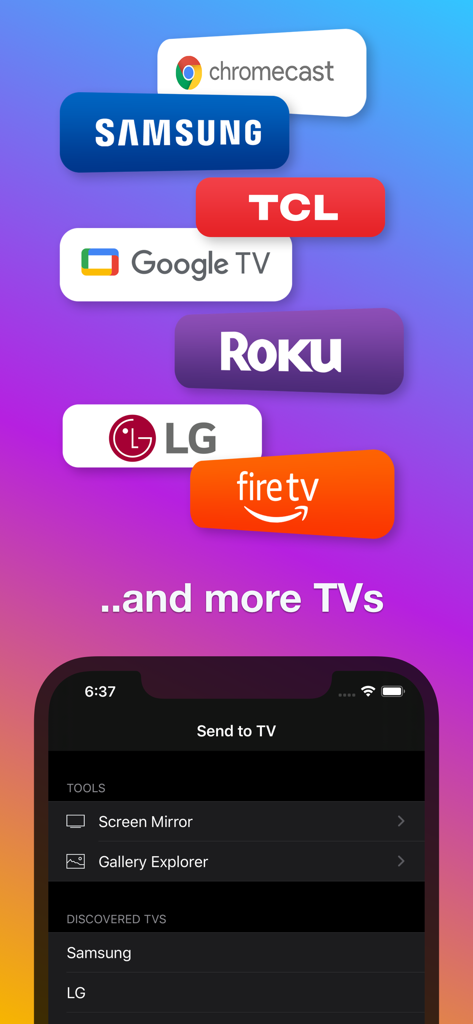
Send to TV app interface showing compatibility with Samsung LG Roku and Chromecast for screen mirroring

Send to TV app interface showing compatibility with Samsung LG Roku and Chromecast for screen mirroring

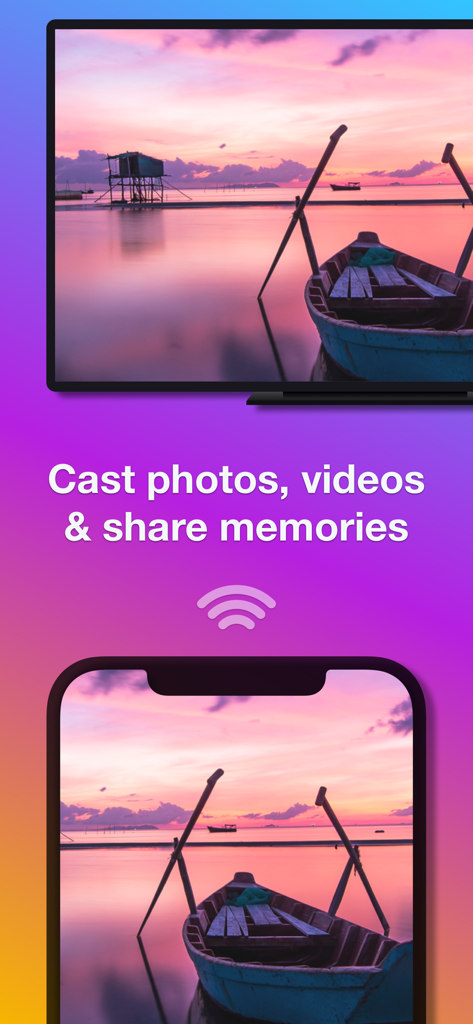
An iPhone casting a sunset landscape photo to a large smart TV screen wirelessly

An iPhone casting a sunset landscape photo to a large smart TV screen wirelessly

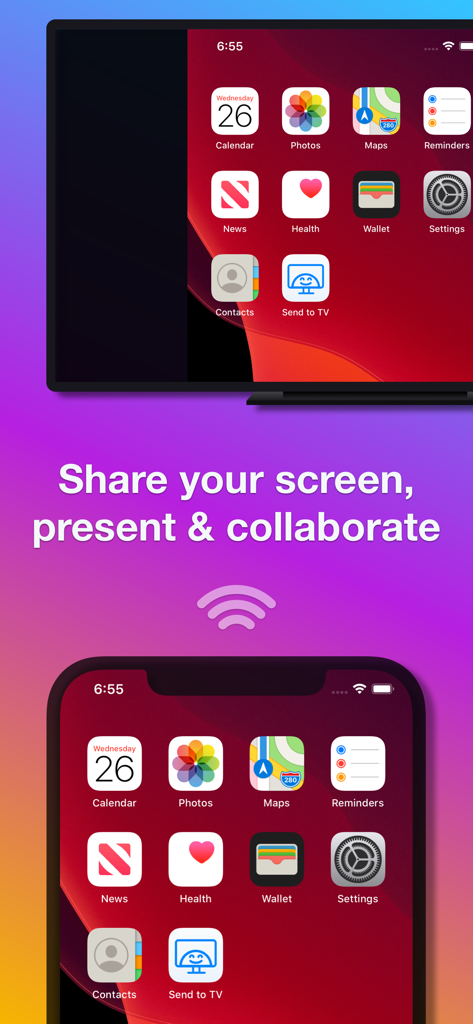
iPhone screen shared to a smart TV for presenting and collaborating

iPhone screen shared to a smart TV for presenting and collaborating

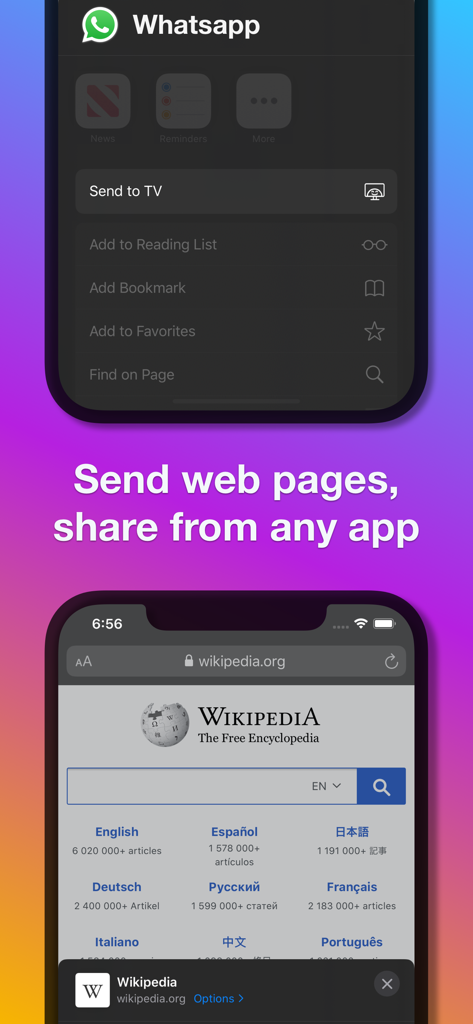
Demonstration of sending web pages and sharing content from apps like WhatsApp to a TV using the Send to TV extension

Demonstration of sending web pages and sharing content from apps like WhatsApp to a TV using the Send to TV extension

Elevate Your Viewing Experience

The tools that make this app stand out, trusted by 29K+ users.

📺

Universal TV Compatibility

Bridge the gap between your iPhone and brands like Samsung, LG, Roku, and Fire TV without needing expensive Apple TV hardware.

🚀

Seamless One-Tap Sharing

Cast media directly from within apps like WhatsApp, Photos, or Dropbox using our integrated iOS extension for instant playback.

📱

Real-Time Screen Mirroring

Share your entire screen for presentations, web browsing, or social media scrolling on the big screen with zero tech friction.

Loved by users worldwide

Trusted by 29K+ people who love this app.

"

"I finally found a way to show my kids' soccer videos on our Samsung TV without needing a bunch of cables! The setup was zero-effort, and I love that I can cast directly from my WhatsApp messages using the share extension. It's become our go-to for family movie nights and slideshows."

Sarah Miller
"

"As someone with an iPhone but a Roku TV, this app is a lifesaver. I use it daily to mirror my screen for quick presentations and to cast web videos that don't have a native cast button. It’s incredibly stable and way faster than other mirroring apps I've tried."

David Lawrence

About the app

Everything you need to know about Send to TV • Cast photo video.

Description

Make your iPhone or iPad compatible with all smart TVs, including Chromecast, Samsung, LG, Sony, Roku, Google TV, Amazon Fire, Panasonic, Hisense, TCL, and many other TV models. Mirror your screen, send photos, video files, and web pages from any app or browser to your smart TV. With Send to TV, you can: • Explore your phone's media gallery (as a slideshow) and enjoy the content on your TV. • Mirror your phone screen to your big TV and share presentations, check documents, navigate the web, and do much more. • Send web pages from Safari, Facebook, Instagram, or any other web browser to your smart TV. • Send photos and video files to your TV from any app. With this widget (action extension), you can cast videos to your smart TV from apps like Camera, Messenger, Dropbox, iCloud, WhatsApp (actually, from any app that can store, record, or edit video content). • The app can also send media & mirror to other devices that support web browsing or video playback: PCs, Mac computers, tablets, game consoles, other TVs (Sony, Philips, Panasonic, TCL, and more), virtually any platform with a web browser. SUPPORTED SMART TVs All smart TVs are supported: Chromecast, Samsung, LG, Sony, Roku, Google TV, Amazon Fire, Panasonic, Hisense, TCL, and many other TVs or devices and computers with a web browser (for screen mirroring). JUST PLUG AND PLAY No extra cables, absolutely no configuration required - with Send to TV, you can cast web content (web pages) and videos to your smart TV. SUPPORT We read your support emails every day. Write with confidence any question, feedback, or complaint, and you will receive an answer in a very short period of time. We offer two auto-renewing subscription options: • Basic, a 1-month subscription. • Premium, a 12-month subscription. • Lifetime access: one-time payment only. Prices may vary by location. Subscriptions will auto-renew unless canceled. • Payment will be charged to the iTunes Account at confirmation of purchase. • The subscription may be managed by the user, and auto-renewal may be turned off by going to the user’s Account Settings after purchase. • No cancellation of the current subscription is allowed during the active subscription period. • Subscription automatically renews unless auto-renewal is turned off at least 24 hours before the end of the current period. • Your account will be charged for renewal for the amount of your current subscription within 24 hours before the end of the current period. All costs for subscriptions are mentioned above. Privacy Policy https://alexdenk.eu/subscriptions-privacy-policy.html Terms of Use https://alexdenk.eu/subscriptions-terms-of-use.html

Latest Version

3.9.7

Size

59.0 MB

First Released

May 22, 2019

Ready to Experience Your Content on the Big Screen?

Join thousands of users who have ditched the cables. Download now to turn your iPhone into the ultimate universal casting tool and start sharing your favorite moments instantly.

Download on App Store