Simple Notepad -BestNote-

Simple Notepad -BestNote-

Download on App Store
Spark by MWM logo
Logo of Simple Notepad -BestNote-

Simple Notepad -BestNote-: The Smarter Way to Write, Draft, and Secure Your Ideas

Designed for students and professionals who need more than just a blank page. Manage your final notes, brainstorming drafts, and version history in one intuitive, folder-organized workspace.

Publisher

Daikuzono Takuma

Category

Productivity

Downloads

282K+

User Rating

4.5/5

Total Ratings

17K+

Locales

2

A Glimpse Inside

Discover the interface used by 282K+ users.
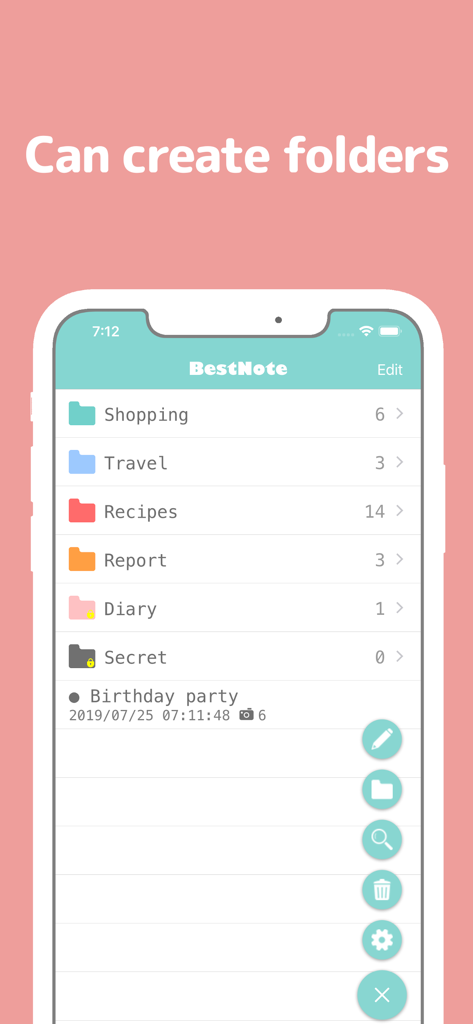
Screenshot of BestNote app displaying a list of categorized folders like Shopping, Travel, and Recipes for note organization.

Screenshot of BestNote app displaying a list of categorized folders like Shopping, Travel, and Recipes for note organization.

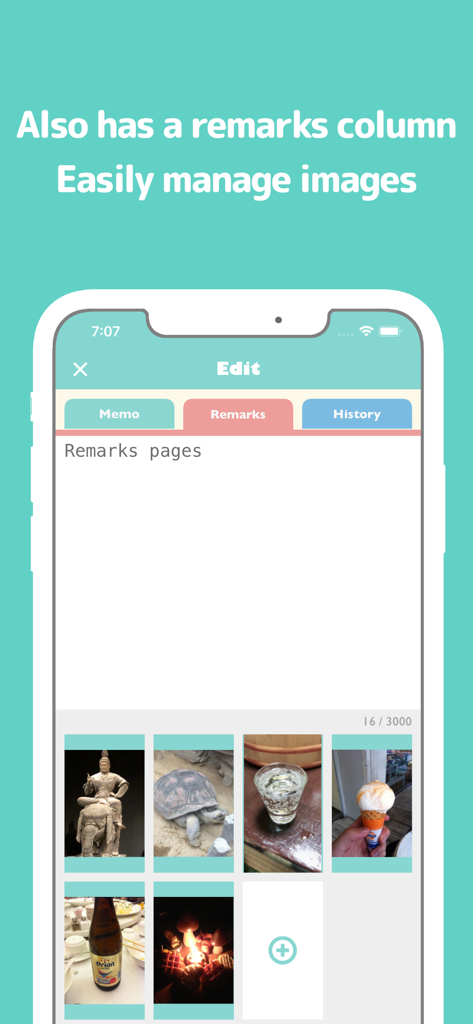
Screenshot of Simple Notepad BestNote app showing the Remarks tab with a text area and a gallery of attached images.

Screenshot of Simple Notepad BestNote app showing the Remarks tab with a text area and a gallery of attached images.

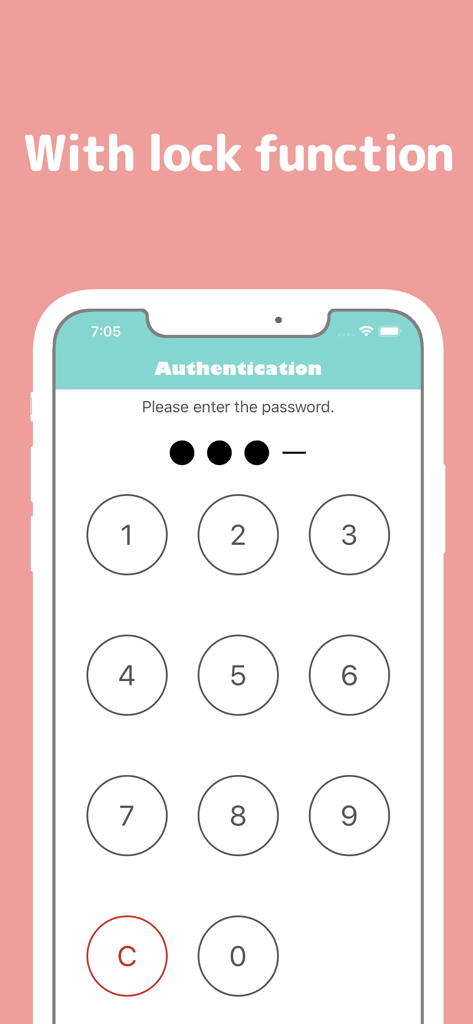
Numeric keypad on the authentication screen for Simple Notepad security lock function

Numeric keypad on the authentication screen for Simple Notepad security lock function

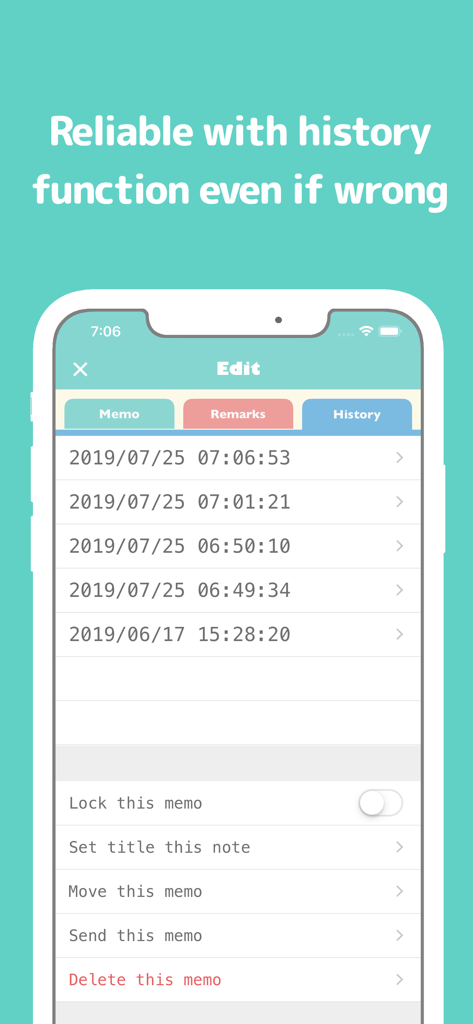
Interface of Simple Notepad showing the history tab with a chronological list of saved note versions for easy recovery.

Interface of Simple Notepad showing the history tab with a chronological list of saved note versions for easy recovery.

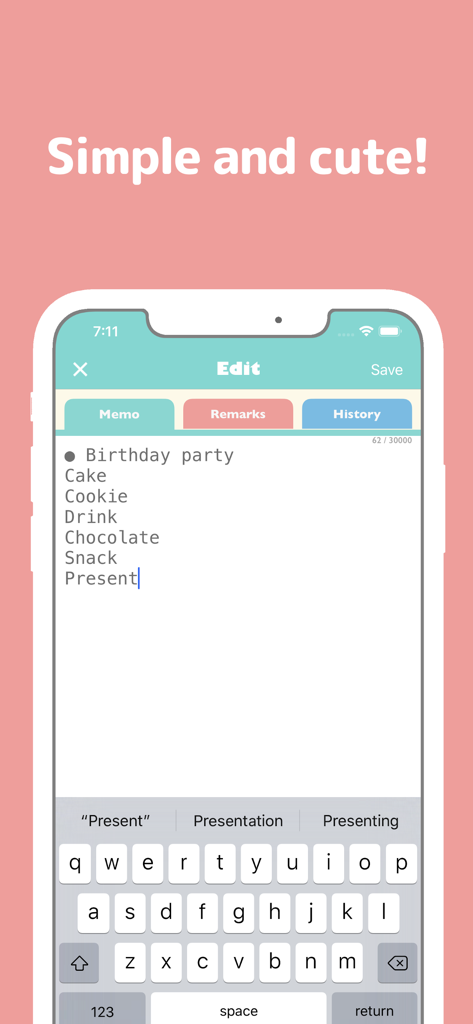
Simple Notepad app interface showing a birthday party checklist in the memo tab.

Simple Notepad app interface showing a birthday party checklist in the memo tab.

A Systematic Workspace for Your Best Ideas

The tools that make this app stand out, trusted by 282K+ users.

📑

Smart Triple-Tab Workflow

Keep your final thoughts in the Memo tab while using the Remarks tab for messy drafts, research links, and reference images.

🕒

Worry-Free Version History

Never lose a breakthrough. Every save is archived in your History tab, allowing you to recover from accidental deletions or edits instantly.

🔒

Secure Folder Organization

Keep your projects private with a dedicated security lock and stay organized using a methodical folder system designed for power users.

Loved by users worldwide

Trusted by 282K+ people who love this app.

"

"As a grad student, BestNote is a lifesaver. The History tab saved my thesis outline after an accidental deletion, and I love keeping my source images in the Remarks tab right next to my notes. It is the perfect balance of simplicity and functionality."

Sarah M., Master's Candidate
"

"I have tried every productivity app out there, but BestNote's three-tab system is exactly how my brain works. I use the Remarks section for brainstorming drafts and the folder system to keep my freelance clients organized. Plus, the passcode lock gives me total peace of mind for my business ideas."

James L., Content Strategist

About the app

Everything you need to know about Simple Notepad -BestNote-.

Description

"BestNote" is a memo pad application aimed at the highest. As a characteristic feature of "BestNote", the memo creation page is divided into three tabs. It is "memo" "remarks" "history". "Memo" tab is the same function as normal memo pad. "Remarks" "History" is a feature of this application's commitment. In the "Remarks" tab, there is another character input field in addition to the memo, so you can use it in various ways, such as writing a simple draft when writing a note or using it as a remarks column. In addition, it is also possible to attach images on the "Remarks" tab, and it is possible to use it beyond the frame of Notepad depending on the ingenuity. Although it is the "history" tab, contents written in the "memo" tab are accumulated in the history as the name does. (It will be written to the history when you press save button on memo page) With this function, it is possible to recover promptly even in unforeseen circumstances such as mistakenly editing important information accidentally. In addition to the security lock password function. Various functions such as folder division function to make memo easier to manage are carried. Please try downloading it once by all means. ・Terms of Use https://eeggs.jp/terms-of-use-en

Latest Version

3.2.9

Size

20.1 MB

First Released

Mar 2, 2017

Ready to organize your thoughts with total peace of mind?

Join over 282,000 students and professionals who trust BestNote for secure, version-controlled, and clutter-free note-taking on iOS.

Download on App Store