
smART sketcher projector


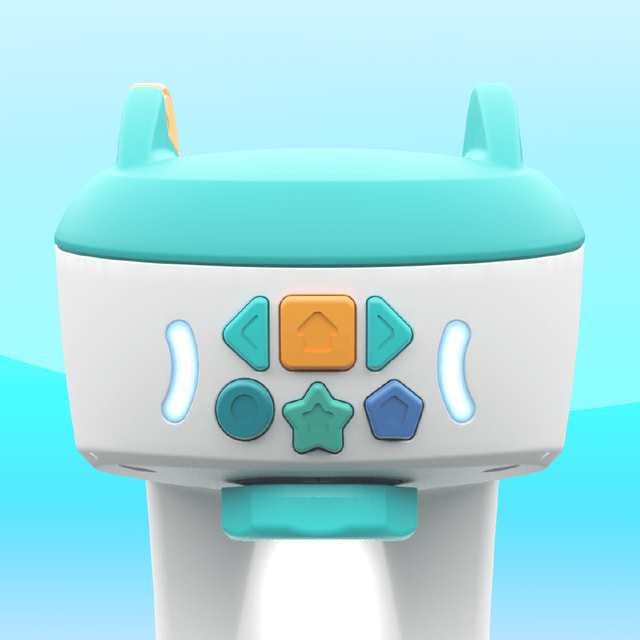
Bridge the gap between digital play and physical skills with the phygital tool that lets your child sketch, draw, and write like a pro using step-by-step projection.
Publisher
Category
EntertainmentDownloads
445K+User Rating
Total Ratings
500Locales
1Discover the interface used by 445K+ users.
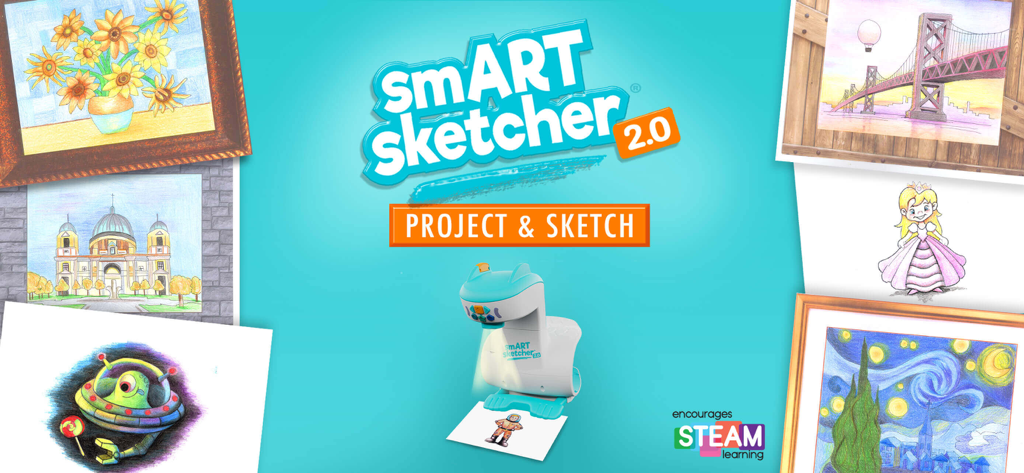
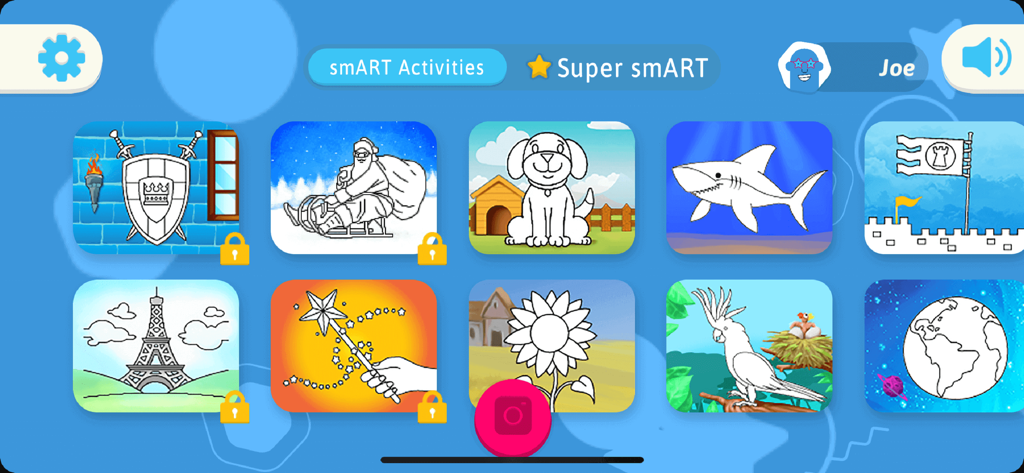
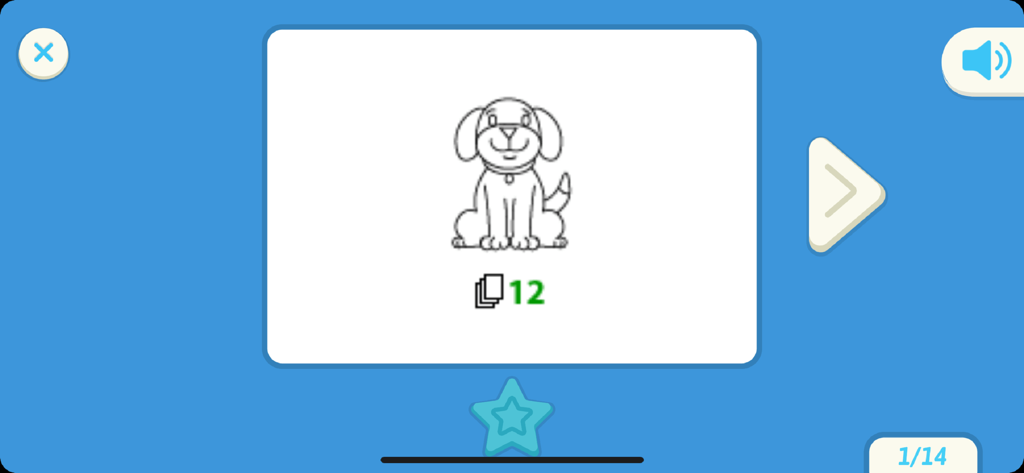
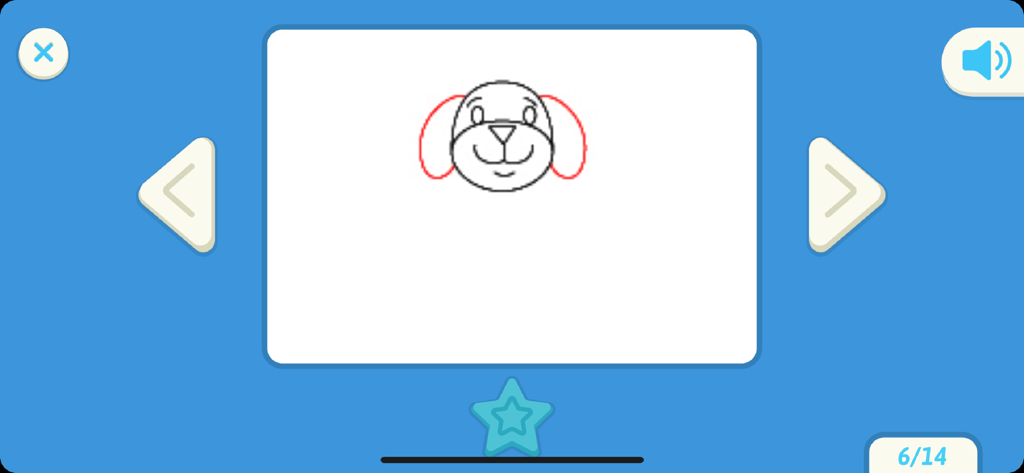
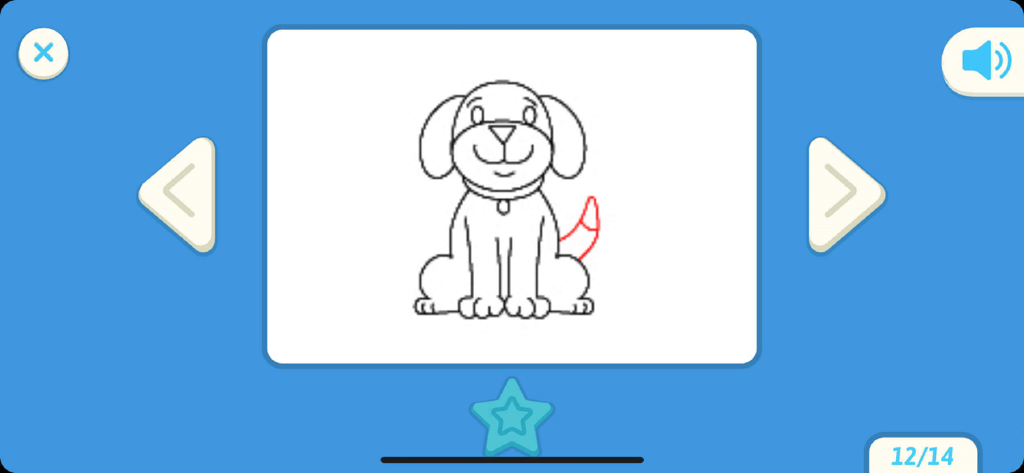
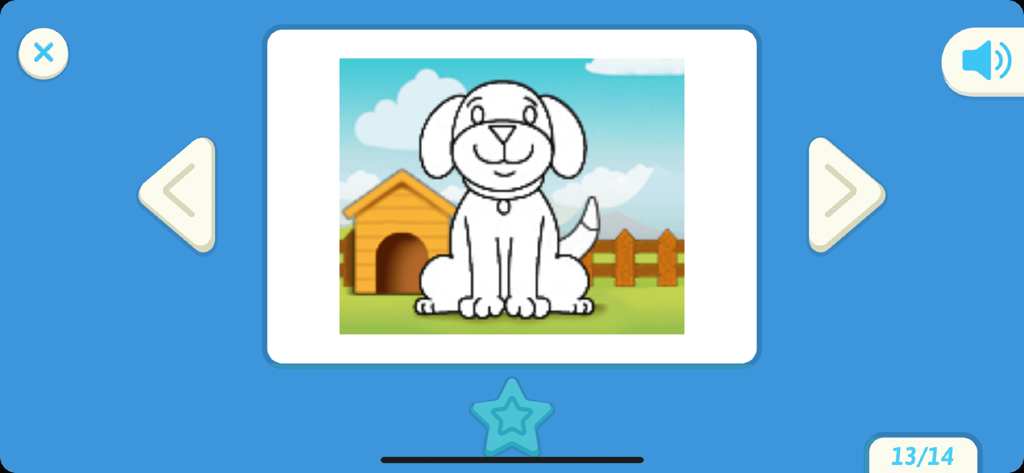
The tools that make this app stand out, trusted by 445K+ users.
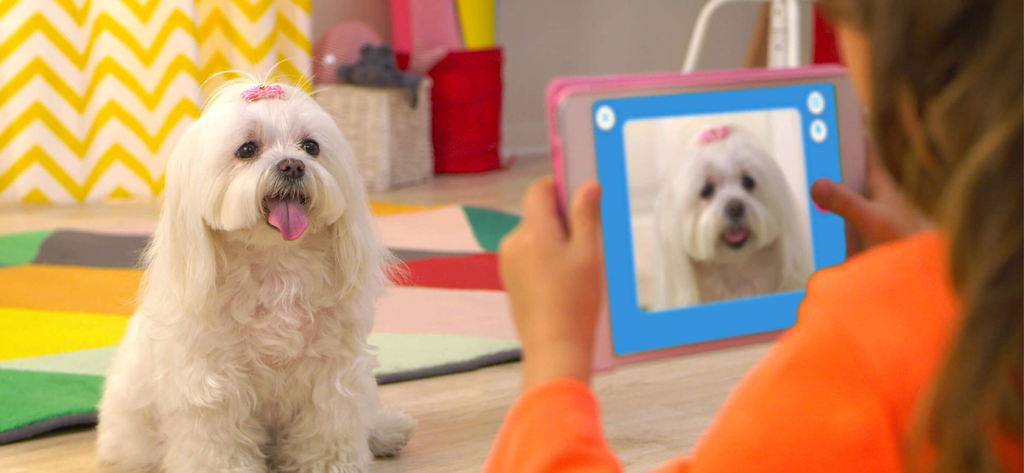
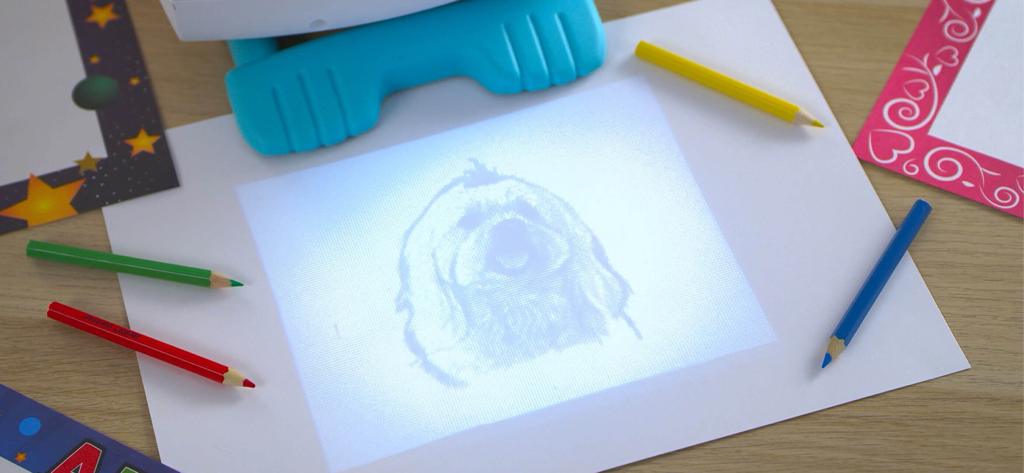
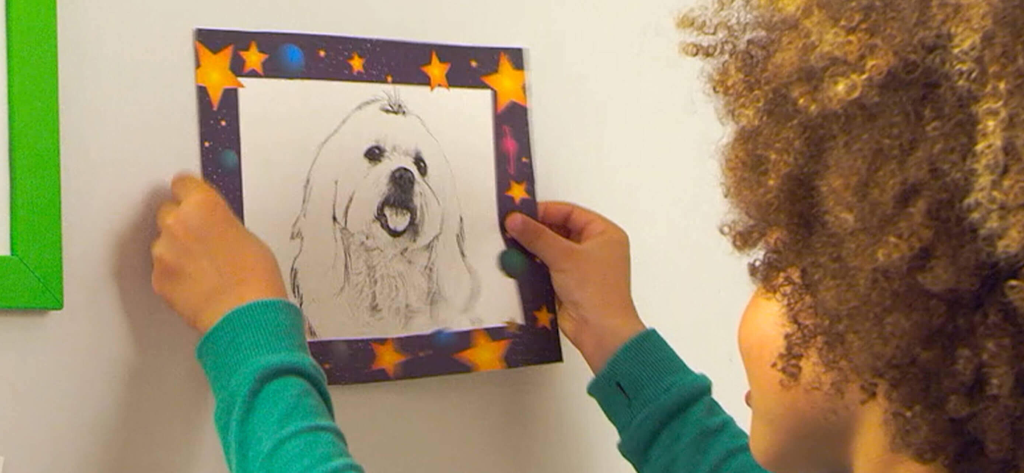
Convert any photo from your device into a sketchable outline. It’s the magic of technology turning personal memories into hand-drawn art.
Step-by-step guides help kids master uppercase, lowercase, and cursive writing through engaging, curriculum-based practice.
Guided drawing sequences break down complex illustrations into simple steps, fostering fine motor skills and a sense of achievement.
Trusted by 445K+ people who love this app.
"As a parent, I am always looking for ways to make screen time more productive. The smART sketcher has been a game-changer for my 6-year-old's fine motor skills. He went from struggling with his letters to confidently tracing and coloring complex drawings. It bridges the gap between digital fun and real-world creativity perfectly!"
"My daughter absolutely loves being able to take a photo of our dog and see it projected right onto her paper! The step-by-step instructions make her feel like a professional artist, and it's kept her engaged for hours. It's the first smart toy we've owned that actually encourages her to put down the tablet and pick up a pencil."
Everything you need to know about smART sketcher projector.
Description
Latest Version
4.71
Size
46.6 MB
First Released
Sep 19, 2017
Download the free app today to bridge the gap between play and learning. Connect your smART sketcher® projector and start creating masterpieces in minutes.
Everything you need to know about smART sketcher projector
The smART sketcher projector app is compatible with the original smART sketcher® Projector and the smART sketcher® 2.0 Projector. It is not compatible with the smART sketcher® AI Projector.
Yes, you need a physical smART sketcher® Projector to use the smART sketcher projector app. The app requires connection to the projector for its functions.
Users can sketch, draw, and learn to write using the smART sketcher projector app. It provides step-by-step instructions for creative and educational activities.
The smART sketcher projector app is designed for kids and individuals aged 5 to 105. It encourages creativity and learning across a wide age spectrum.
Yes, the smART sketcher projector app allows you to download any photo from your mobile device. You can then project and filter it for drawing.
The Super smART subscription is a members-only program offering exclusive content and new monthly activities. It enhances the smART sketcher experience with additional play and learning options.
Yes, new subscribers can try one month of the Super smART subscription for free. After the trial, a monthly or yearly auto-renewable subscription activates.
Yes, additional smART sketcher® activity products are available for separate purchase. These include Creativity Packs, Learn-A-Language Alphabet Packs, a Creativity Set, and Picture This! Frames.
You can contact app support for the smART sketcher projector at https://www.flycatcher.toys/support/.
The privacy policy for the smART sketcher projector app is available at https://www.flycatcher.toys/smart-sketcher/privacy-policy/. This policy is accepted upon app download.
Apps with similar features and user experience

DROIDFUN LIMITED

Big Idea Design LLC

SMDA GROUP SP Z O O SP KOMANDYTOWA

ANDROID VIETNAM TECHNOLOGY CORPORATION

EIGEN SOFTWARE LIMITED

Magomed Dzhamalov

Da Vinci Eye LLC

Ketanbhai Khokhani

HEY CLAY LTD


