Snap Markup - Annotation Tool

Snap Markup - Annotation Tool

Download on App Store
Spark by MWM logo
Logo of Snap Markup - Annotation Tool
Snap Markup - Annotation Tool: Master Visual Communication with Precision

The professional choice for highlighting critical details, protecting privacy with blurs, and stitching images. Transform your photos into clear, actionable insights in seconds.

Download on App Store

Publisher

Raghvendra Bhargava

Category

Utilities

Downloads

183K+

User Rating

4.6/5

Total Ratings

9K+

Locales

12

Precision at a Glance

Discover the interface used by 183K+ users.
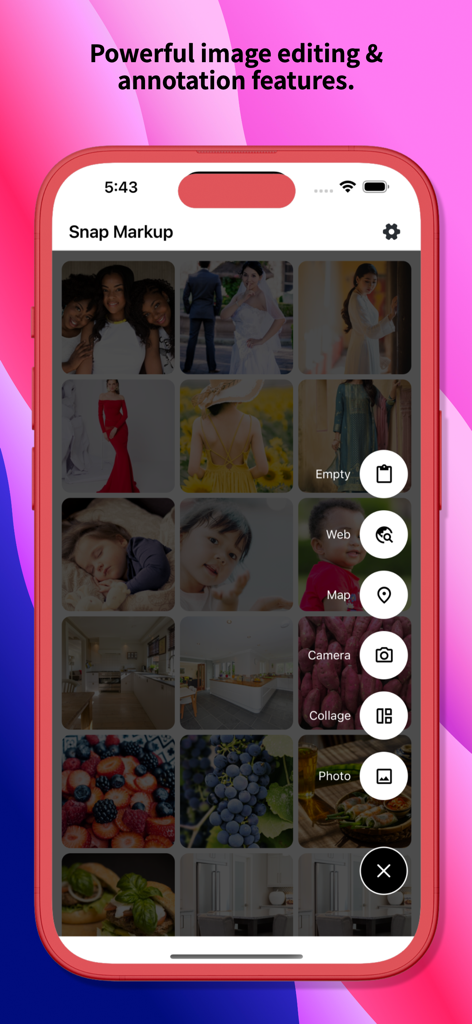
Snap Markup app home screen showing a photo gallery and a selection menu for web map camera and collage tools

Snap Markup app home screen showing a photo gallery and a selection menu for web map camera and collage tools

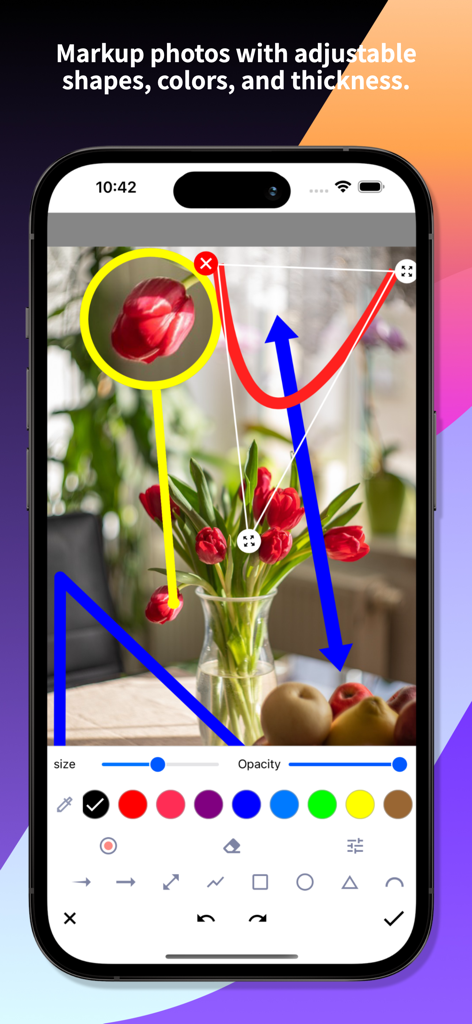
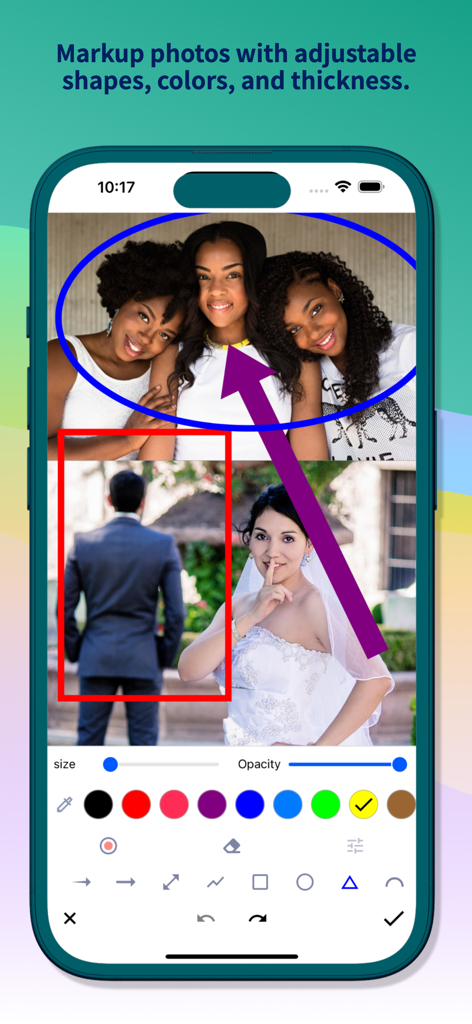
Snap Markup app interface showing a photo being annotated with colorful adjustable shapes and arrows on an iPhone

Snap Markup app interface showing a photo being annotated with colorful adjustable shapes and arrows on an iPhone

Snap Markup app showing photo annotation with adjustable shapes colors and arrows

Snap Markup app showing photo annotation with adjustable shapes colors and arrows

Smartphone screen displaying the Snap Markup spotlight and magnification tools on an interior photo

Smartphone screen displaying the Snap Markup spotlight and magnification tools on an interior photo

Interface of the Snap Markup app showing a heart-eyes emoji placed over a bride's face with a selection of hand emojis below.

Interface of the Snap Markup app showing a heart-eyes emoji placed over a bride's face with a selection of hand emojis below.

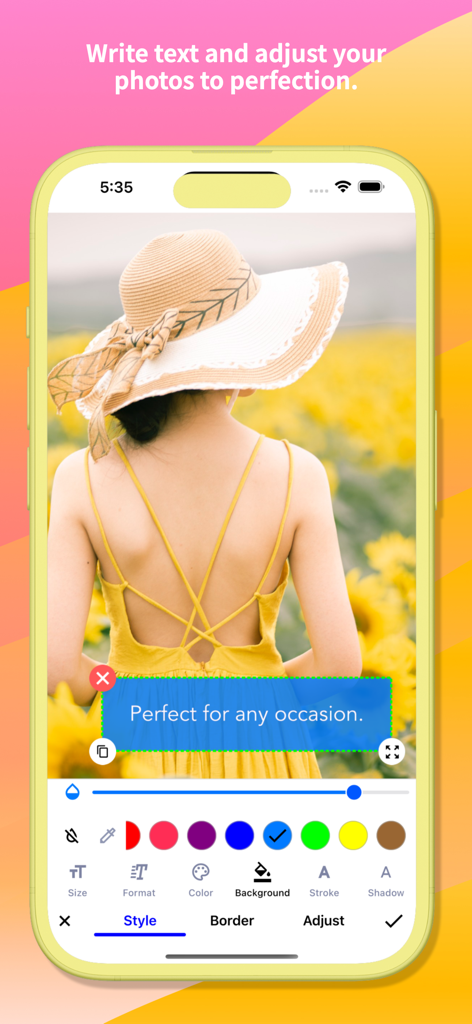
Smartphone screenshot showing Snap Markup photo text editing tools with a blue text box overlay on a sunflower field image

Smartphone screenshot showing Snap Markup photo text editing tools with a blue text box overlay on a sunflower field image

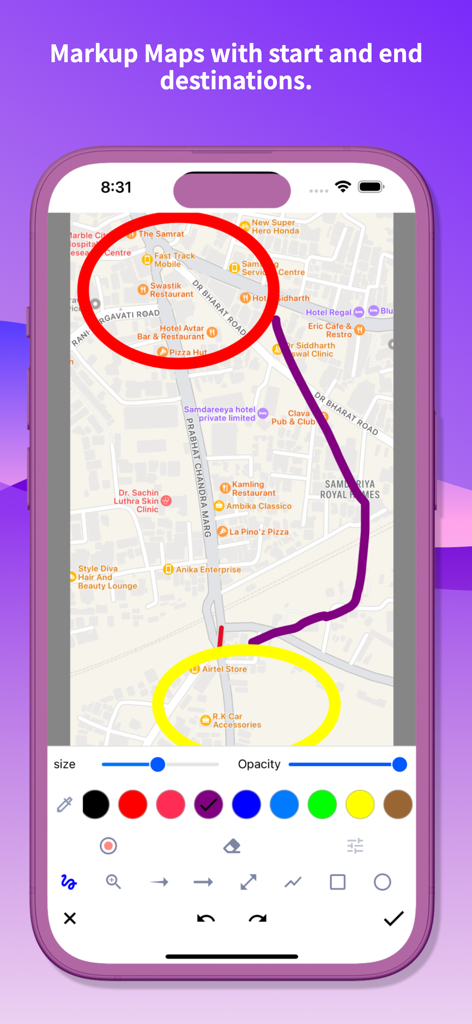
Snap Markup app showing map annotation with start and end destinations highlighted by circles and a path.

Snap Markup app showing map annotation with start and end destinations highlighted by circles and a path.

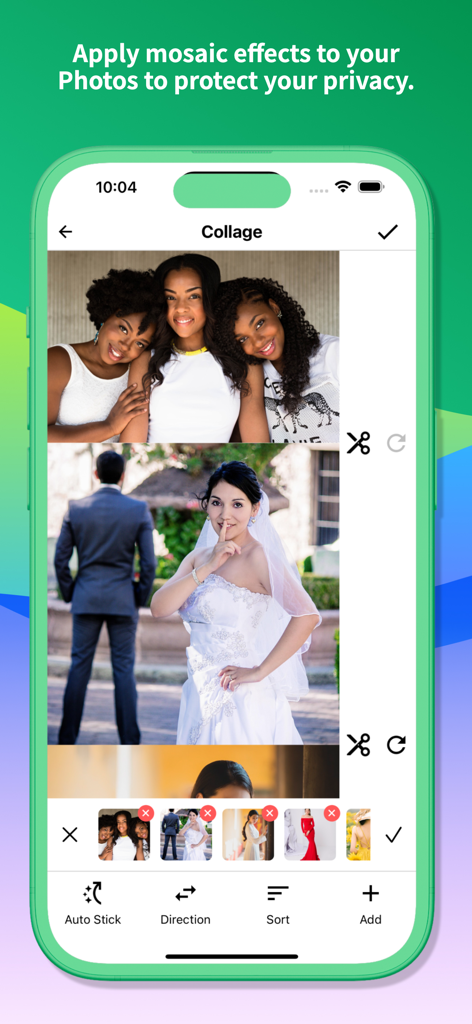
Snap Markup app interface showing the photo stitching and collage feature with a vertical layout of multiple images.

Snap Markup app interface showing the photo stitching and collage feature with a vertical layout of multiple images.

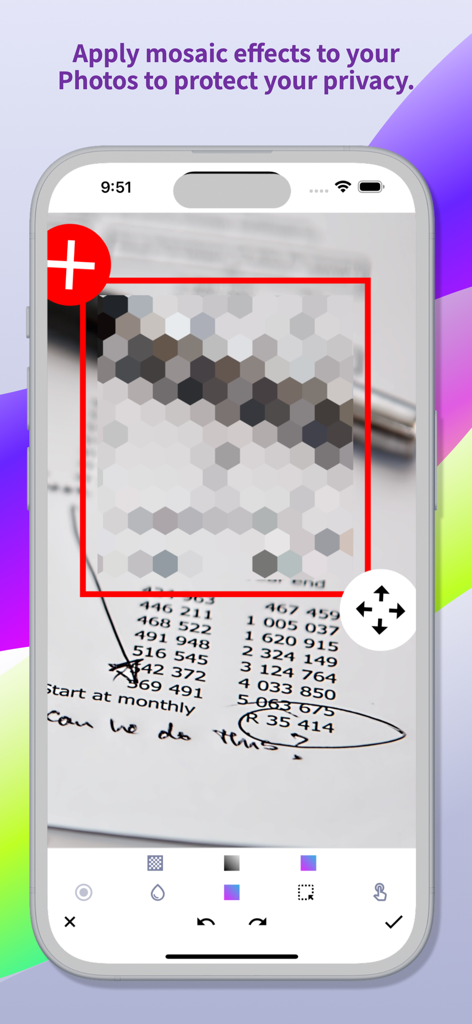
iPhone screenshot showing a document with sensitive data being pixelated using the mosaic tool in Snap Markup

iPhone screenshot showing a document with sensitive data being pixelated using the mosaic tool in Snap Markup

Communicate Faster with Precision Annotations

The tools that make this app stand out, trusted by 183K+ users.

🔍

Highlight Critical Details

Use the Loupe and Spotlight tools to zoom in on specific areas, ensuring your team or clients see exactly what you are pointing at.

🛡️

Protect Your Privacy

Instantly blur or pixelate sensitive information like passwords or addresses before sharing, keeping your communications secure.

📸

Professional Image Stitching

Combine multiple photos into seamless panoramic views—perfect for real estate, inspections, and documenting large-scale projects.

Loved by users worldwide

Trusted by 183K+ people who love this app.

"

"Snap Markup is hands-down the best tool for site inspections. The magnification loupe and arrow tools make it so easy to point out specific defects to my team. It is way faster and more precise than the built-in iPhone markup features. A must-have for any professional who relies on visual communication."

Michael Sterling, Project Manager
"

"I use this app daily to annotate floor plans and highlight property features for my clients. The photo stitching is a lifesaver for creating panoramas, and the blur tool helps me quickly hide private information before sharing. It is intuitive, powerful, and saves me so much time every single day."

Sarah Jenkins, Real Estate Agent

About the app

Everything you need to know about Snap Markup - Annotation Tool.

Description

Snap Markup is an easy-to-use and powerful photo markup tool. It offers a variety of annotation features such as cropping, adding text, pixelating images, drawing arrows, rectangles, circles, lines, freehand drawing, curves, triangles, and more. It allows you to edit and markup your photos effortlessly and share them quickly with your friends! Key Features: - Crop and rotate images: can be cut into rectangular, round, star, triangle, and other shapes - Highlight key info: spotlight important details - Blur images: pixelate to cover areas you don't want to show - Magnify images: zoom in on selected sections with a loupe - Add emoji stickers: make your photos lively and interesting - Add text on photos: customise text colour, background, shadow, stroke, style, size, and more - Annotate pictures with all necessary tools: Arrow, Rect, Circle, Pen - Direct annotation of large pictures without needing to crop first - Import photos from your gallery, save in HD, and share with friends - High-quality, lossless saving in PNG and JPG formats - Support for multiple languages Stitching Photos: Easily stitch multiple photos into panoramic images, horizontally and vertically. Webpage and Map Annotation: Mark up web pages and maps effortlessly, and share your ideas with friends. Blank Image Creation: Create blank images and draw according to your needs. For comments or suggestions on Snap Markup, please contact us at support@appculus.com. We appreciate your feedback!

Latest Version

2.6

Size

9.5 MB

First Released

Sep 9, 2015

Stop explaining and start showing with Snap Markup

Join over 183,000 professionals using the ultimate annotation tool for faster, clearer, and more precise communication. Download the pro-grade toolkit for iOS today.

Download on App Store