
tpMiFi




The essential companion for your TP-Link Mobile Wi-Fi. Effortlessly monitor data usage, manage battery life, and secure your connection on the go.
Publisher
Category
ProductivityDownloads
1M+User Rating
Total Ratings
5K+Locales
16Discover the interface used by 1M+ users.
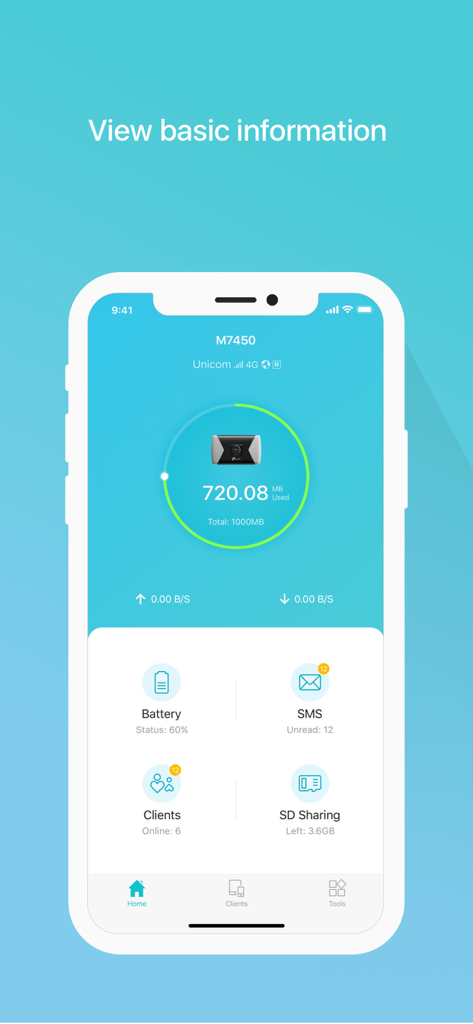
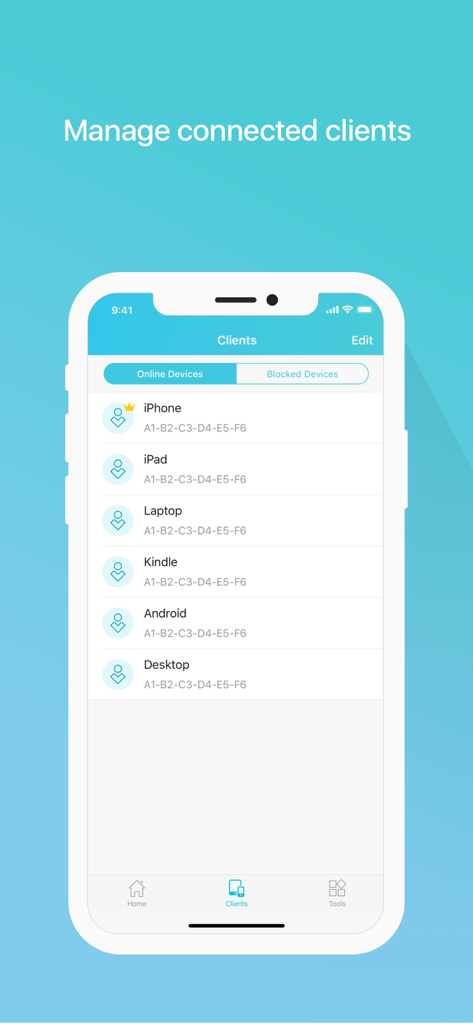
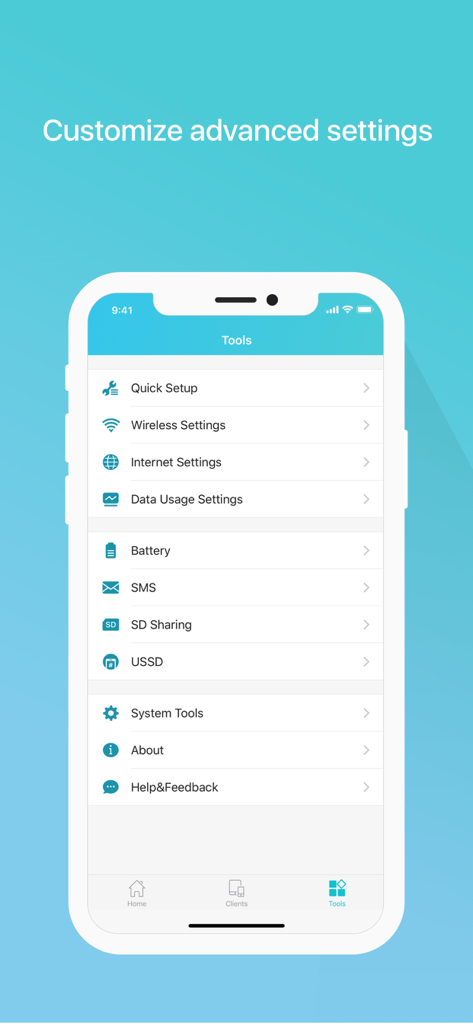
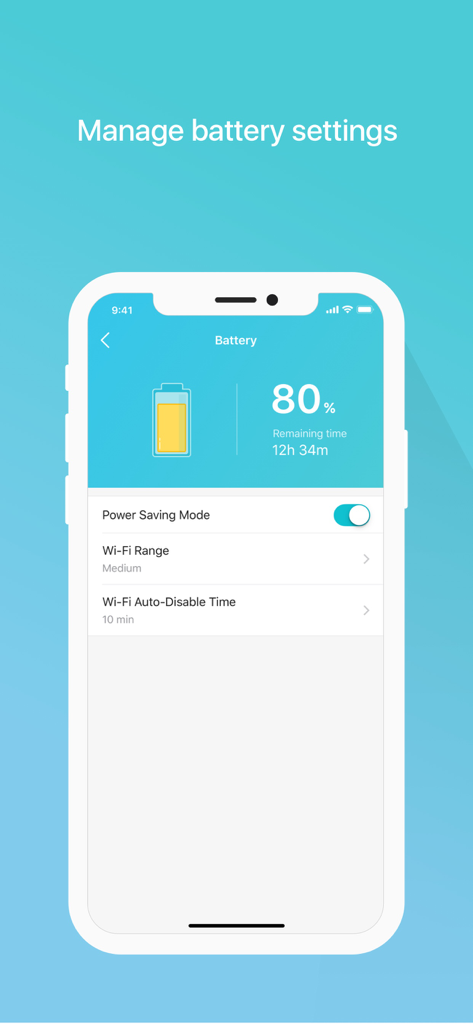
The tools that make this app stand out, trusted by 1M+ users.
Monitor your usage in real-time and set monthly caps to avoid surprise bill shocks from your carrier.
See exactly who is using your bandwidth and block unwelcome devices instantly to keep your connection private.
Track your MiFi’s battery life and activate power-saving modes to ensure you stay connected during long workdays.
Trusted by 1M+ people who love this app.
"As a digital nomad, staying under my data cap is crucial. This app makes it incredibly easy to monitor my usage in real-time and manage all my connected devices. I especially love the ability to block unwanted users with just a simple swipe."
"The SD card sharing feature is a total game-changer for my photography workflow in the field. I can transfer files to my iPhone instantly without needing a laptop. Plus, being able to check the MiFi battery life at a glance is a lifesaver during long shoots."
Everything you need to know about tpMiFi.
Description
Latest Version
2.4.32
Size
31.1 MB
First Released
Jun 9, 2015
Join over 1 million users managing their data, battery life, and security on the go. Download the tpMiFi app today and take full control of your mobile office.
Everything you need to know about tpMiFi
Yes, tpMiFi is an app designed to manage your TP-Link Mobile Wi-Fi devices directly from a connected iPhone, offering control over various features.
To use tpMiFi, your iPhone must be connected to the Wi-Fi network of your TP-Link Mobile Wi-Fi device. Management features are only available under this condition.
tpMiFi is compatible with TP-Link Mobile Wi-Fi models including M7650, M7450, M7350, M7310, M7300, M7200, M7010, and M7000.
Yes, tpMiFi allows monitoring current data usage, setting monthly allowances, and adjusting data consumption for your TP-Link Mobile Wi-Fi device.
Yes, tpMiFi manages connected devices by allowing you to view them and block any unwanted devices by sliding their entry and tapping 'Block'.
Yes, tpMiFi monitors your Mobile Wi-Fi's battery life in real-time, displays its percentage and remaining time, and enables a power-saving mode.
Yes, tpMiFi allows you to share, download, and upload files to and from the SD card inserted in your TP-Link Mobile Wi-Fi device.
Yes, tpMiFi enables customization of wireless settings, including changing your Mobile Wi-Fi's SSID (Wi-Fi name) and wireless password.
Yes, tpMiFi provides advanced functions such as firmware upgrades, powering off, rebooting, and performing a factory default restore for the Mobile Wi-Fi device.
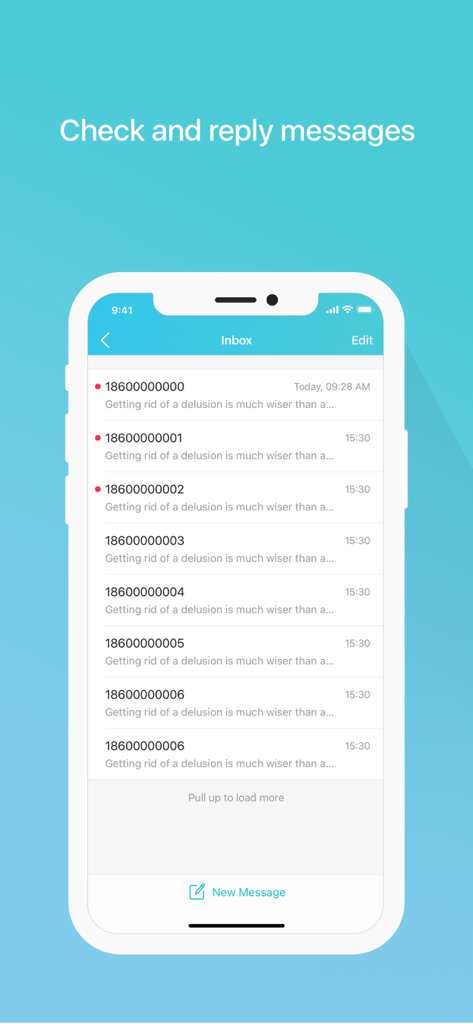
Yes, tpMiFi allows you to view and reply to SMS messages received by your Mobile Wi-Fi device through its dedicated Inbox feature.
Apps with similar features and user experience

TP-Link Systems Inc.

AT&T Services, Inc.

TP-Link Systems Inc.

eero LLC

MERCUSYS Technologies Co., Ltd.

TP-Link Systems Inc.

eero LLC

NETGEAR, Inc.

Ubiquiti Inc.
