
Teleprompter Pro


Join over 1 million creators and studios like Netflix, ABC, and BBC. Deliver every script with confidence, record in one take, and control your scrolling remotely via Apple Watch, iPhone, or game controller.
Publisher
Category
ProductivityDownloads
1M+User Rating
Total Ratings
22K+Locales
10Discover the interface used by 1M+ users.
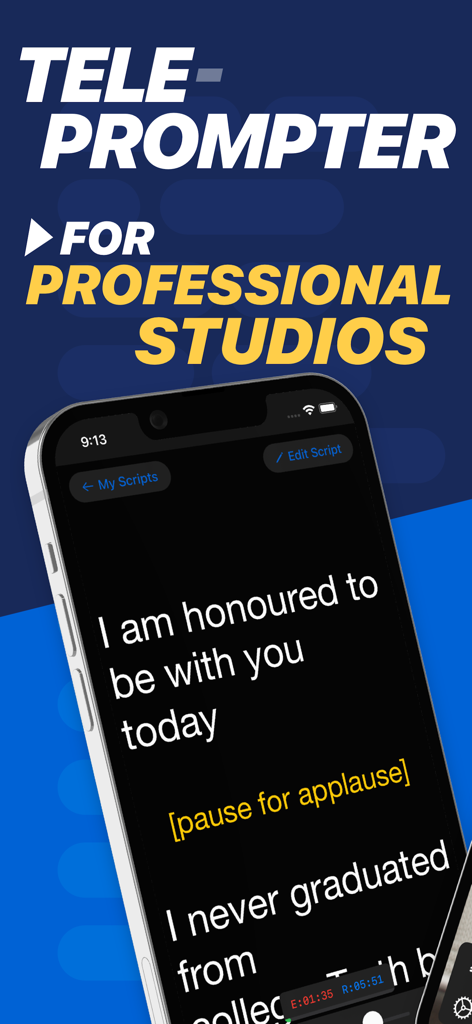
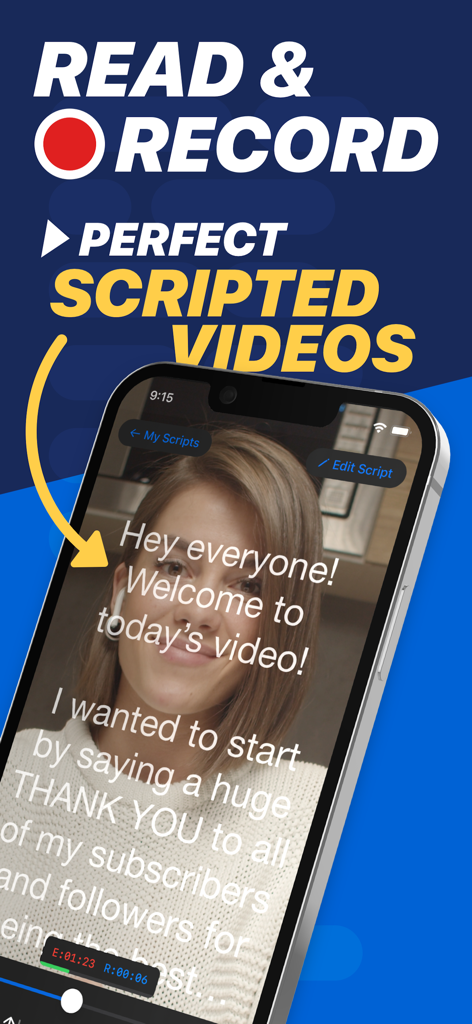
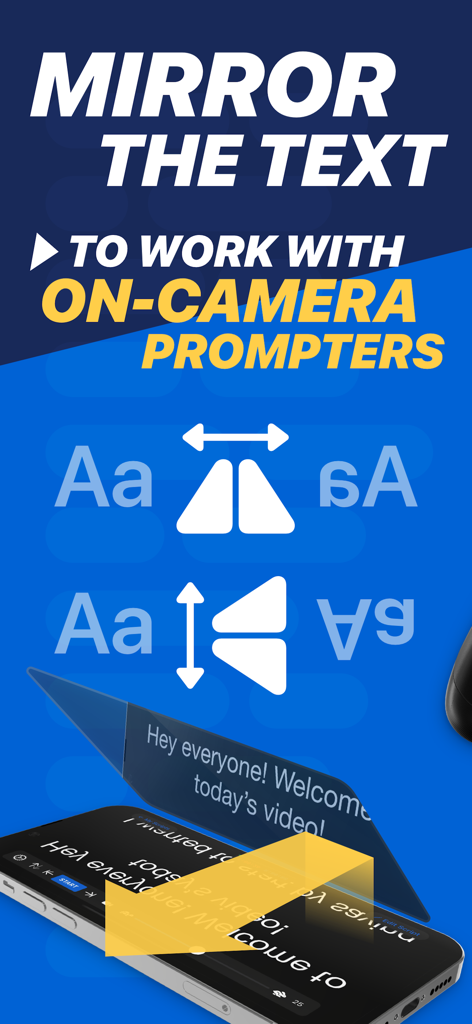

The tools that make this app stand out, trusted by 1M+ users.
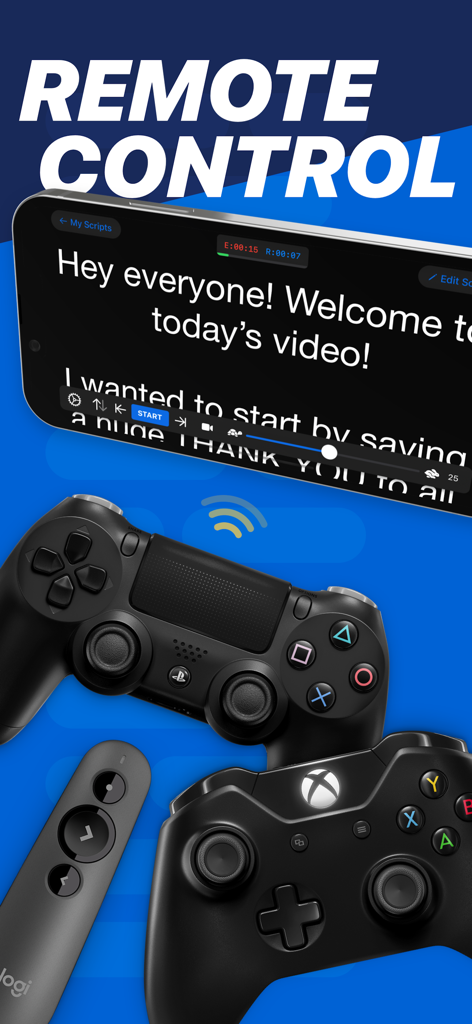
Maintain a natural flow by controlling your script speed and scrolling directly from your Apple Watch, iPhone, or even a gaming controller.
Capture professional video while you read and automatically generate SRT captions to save hours of tedious post-production work.
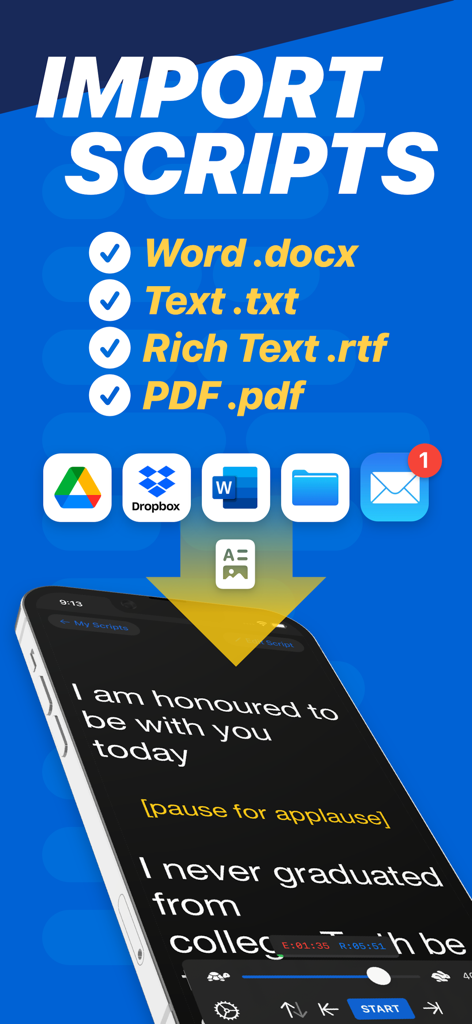
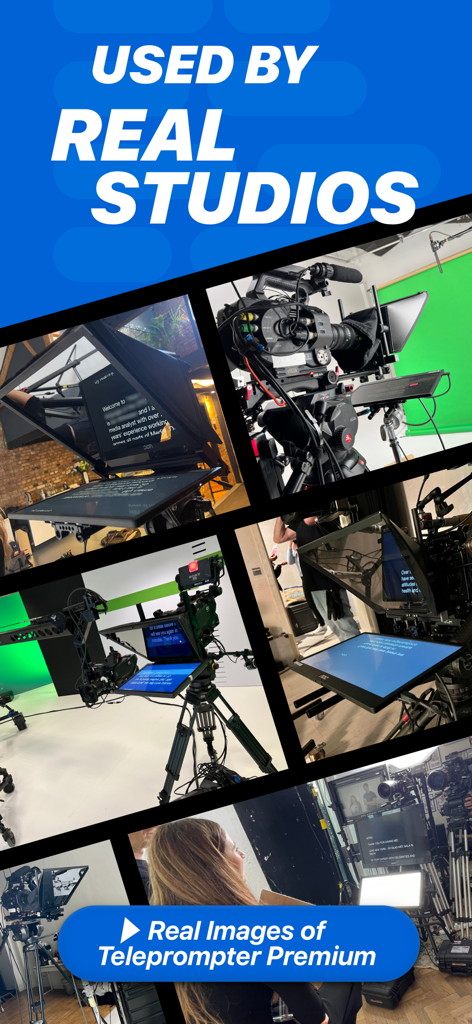
Enable instant text mirroring for professional glass rigs and import scripts from Word or PDF to ensure you always look directly into the lens.
Trusted by 1M+ people who love this app.
"As a corporate trainer, maintaining eye contact during remote presentations is crucial. Teleprompter Pro has been a game-changer for my workflow. I can deliver complex modules in a single take, and the Apple Watch remote control means I never have to awkwardly reach for my iPad. It's the most polished productivity tool in my kit."
"I've tried every teleprompter app out there, but this is the only one that truly handles professional rigs with ease. The mirroring feature is flawless, and being able to import scripts directly from Word saves me hours every week. It is clear why the big studios use it—the scrolling is butter-smooth and the auto-captions are a lifesaver for my social clips."
Everything you need to know about Teleprompter Pro.
Description
Latest Version
3.57.0
Size
58.6 MB
First Released
Feb 17, 2015
Trusted by studios like Netflix and over 1 million creators worldwide. Download Teleprompter Pro now and turn your iPad or iPhone into a professional studio rig.
Everything you need to know about Teleprompter Pro
Teleprompter Pro is an industry-recommended teleprompter app for iPad, iPhone, and Mac. Major studios like Netflix and BBC use it. With over 141,000 five-star ratings, it is widely considered the best teleprompter app.
Yes, Teleprompter Pro allows you to use your device's camera to record your scripts as you read from the teleprompter. This recording feature is available as part of the Pro upgrade.
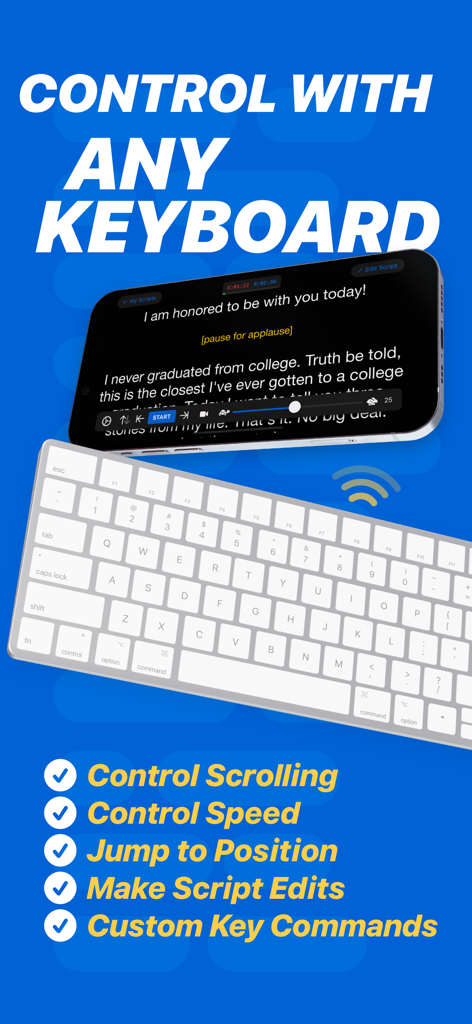
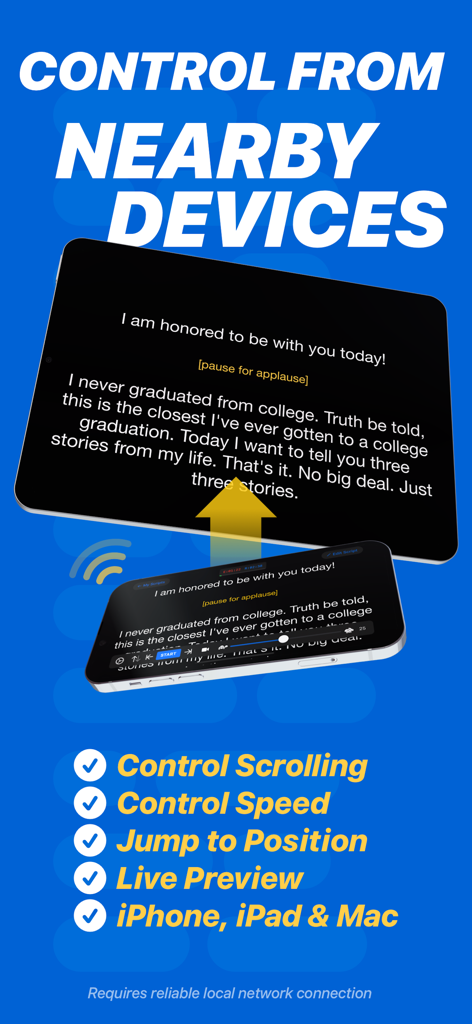
Yes, Teleprompter Pro offers extensive remote control capabilities. Users can control scrolling and speed using a keyboard, handheld remote, gaming controller (including PlayStation and Xbox), or even another iOS device.
Teleprompter Pro, with the Pro upgrade, supports instant import of PDF, Word (.docx), Powerpoint, plain text (.txt), and Rich Text (.rtf) files. These can be imported from various favorite apps.
Yes, Teleprompter Pro is suitable for professional studio use. It features mirroring for teleprompter rigs and is recommended and utilized by leading television and movie studios worldwide.
Yes, Teleprompter Pro includes an "Auto Captions" feature that automatically generates '.srt' captions and subtitles for your videos. This specific functionality requires a Pro subscription.
Teleprompter Pro offers its Pro upgrade either as a one-time in-app purchase for permanent access or as an optional subscription for additional features, including auto-captions. Users can cancel subscriptions anytime.
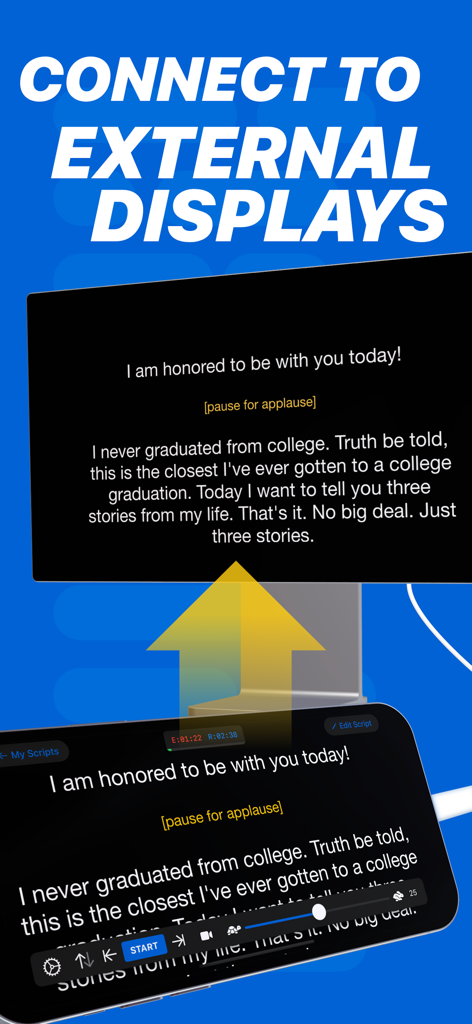
Yes, Teleprompter Pro allows users to mirror or reverse their script full screen on an external connected display or an AirPlay TV. This capability is part of the Pro upgrade features.
Teleprompter Pro offers various script customization options, including adjustable text size, text color, and background color. Users can also set side margins and choose between 'Continuous' or 'Paging' scroll modes.
Yes, Teleprompter Pro is compatible with Apple Watch. Users can utilize their Apple Watch to remotely control the scrolling of their scripts when connected to their iPhone.
Apps with similar features and user experience

Teleprompter Apps Ltd

BIGVU INC

Norton Five Ltd

Teleprompter LLC

Starii Tech Pty Ltd

Hangzhou Gaishi Technology Co., Ltd.

晨铭 李

Verba Creative Inc.

志威 王

