Tracover - File Transfer

Tracover - File Transfer

Download on App Store
Spark by MWM logo
Logo of Tracover - File Transfer

Tracover - Secure File Transfer and Encrypted Private Vault

Instantly share photos, videos, and documents with encrypted 6-digit keys while keeping your most sensitive data hidden and safe in a password-protected Private Space.

Publisher

GIYASTAR LIMITED

Category

Utilities

Downloads

79K+

User Rating

1.3/5

Total Ratings

0

Locales

1

Experience Seamless Transfer

Discover the interface used by 79K+ users.
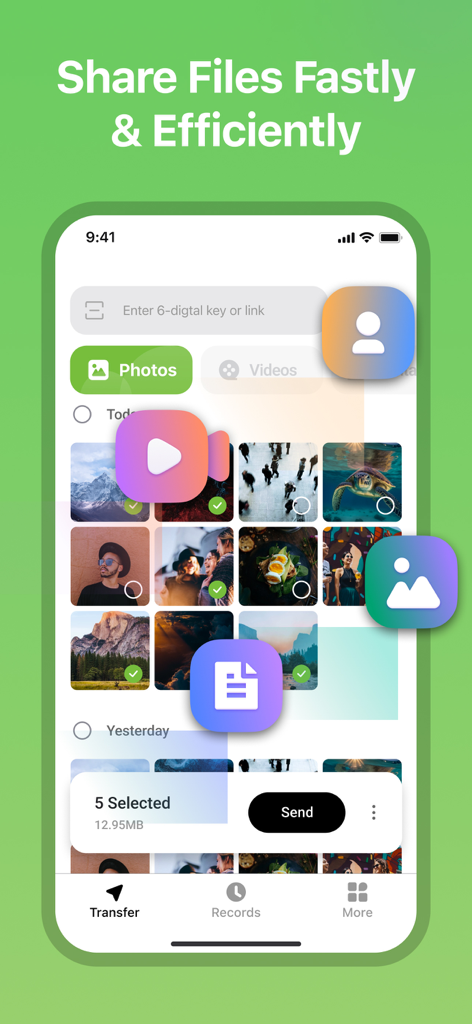
User interface of Tracover app showing photo selection for fast and efficient file sharing.

User interface of Tracover app showing photo selection for fast and efficient file sharing.

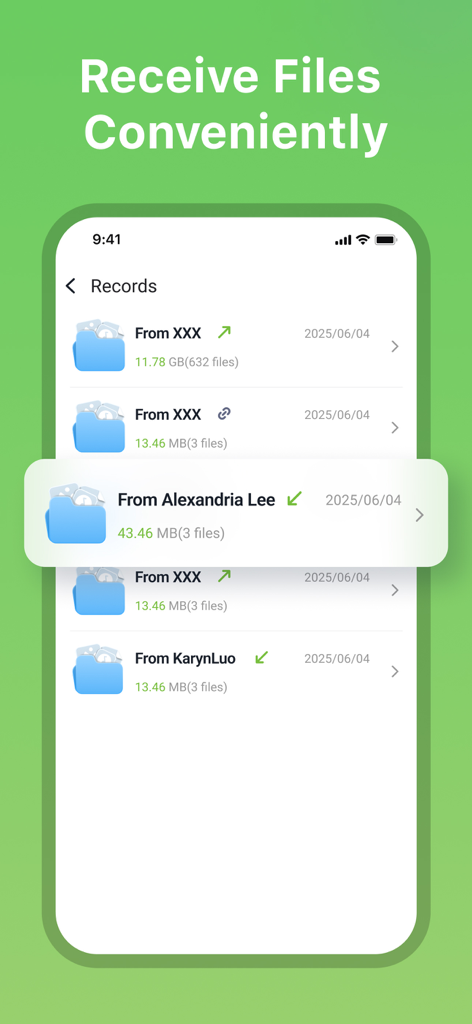
A list of received file records in the Tracover app showing sender names and file sizes

A list of received file records in the Tracover app showing sender names and file sizes

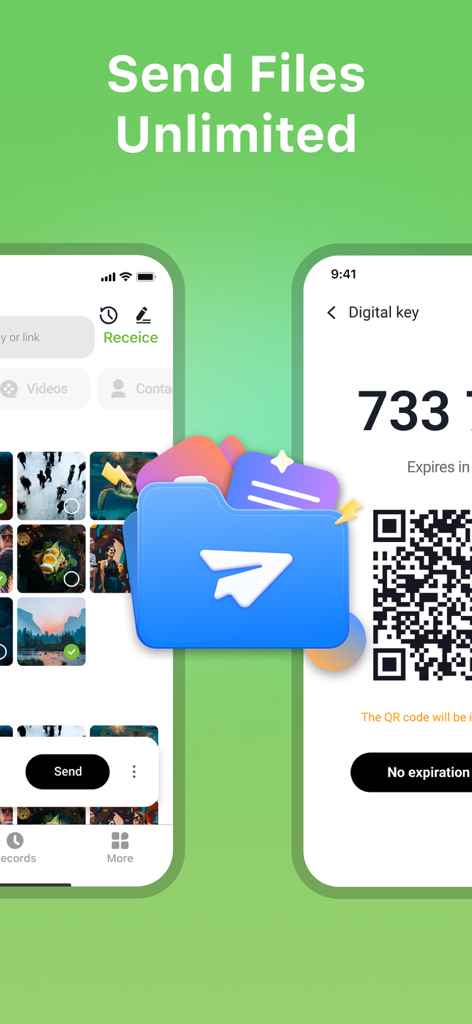
Tracover app interface showing photo selection and a QR code for unlimited file transfer

Tracover app interface showing photo selection and a QR code for unlimited file transfer

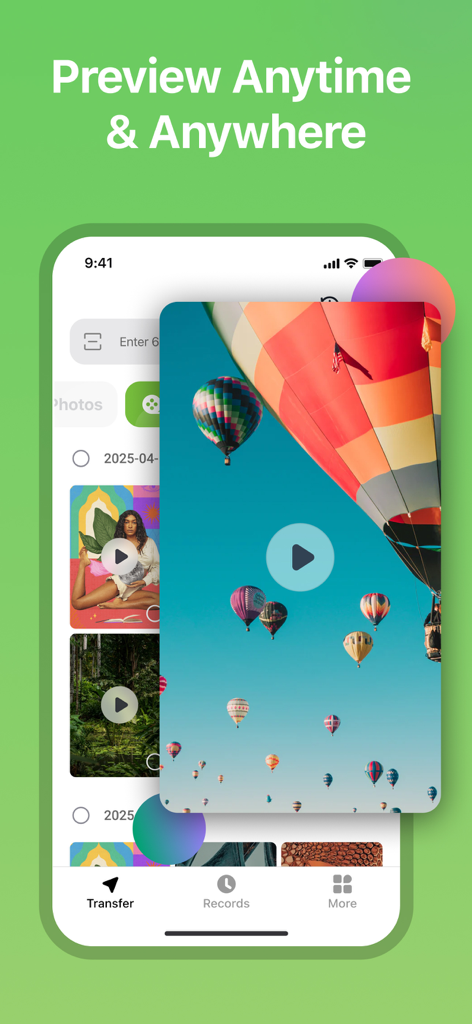
Tracover app interface showing a hot air balloon video preview in the media gallery

Tracover app interface showing a hot air balloon video preview in the media gallery

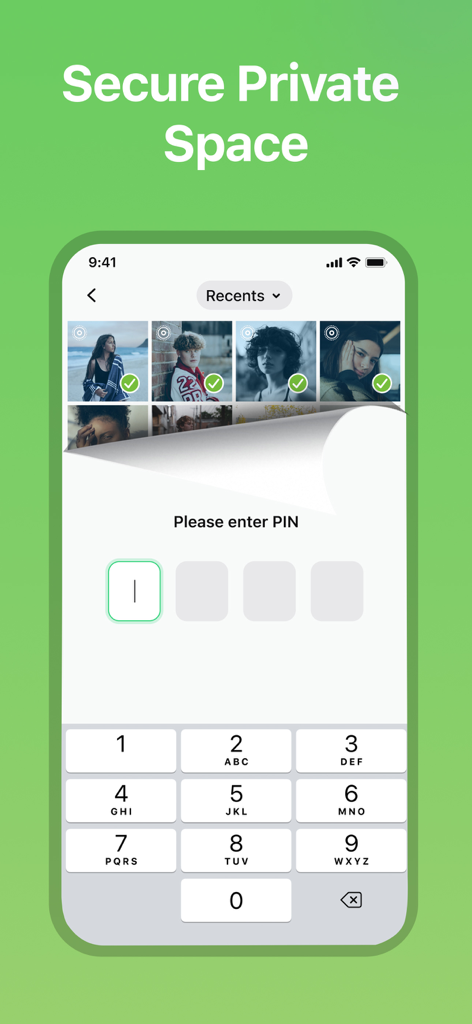
Secure private space lock screen in the Tracover app requiring a PIN to access hidden photos

Secure private space lock screen in the Tracover app requiring a PIN to access hidden photos

Seamless Sharing Meets Ultimate Privacy

The tools that make this app stand out, trusted by 79K+ users.

Instant Secure Transfer

Move photos, videos, and documents between devices in seconds using a unique 6-digit security key or a simple QR code scan.

🔒

Encrypted Private Space

Store your most sensitive memories and confidential work files in a password-protected vault that keeps data hidden even if someone else uses your phone.

🔗

Effortless Batch Sharing

Generate secure links valid for 7 days to share large collections of files with colleagues or friends without the friction of email attachments.

Loved by users worldwide

Trusted by 79K+ people who love this app.

"

"As a freelance photographer, I need to move high-res galleries between my iPad and iPhone constantly. The 6-digit security key is so much more reliable than AirDrop, and upgrading to the 20GB quota gives me all the space I need for my professional workflow."

Sarah J.
"

"The Private Space feature is a lifesaver. I use it to keep my sensitive business contracts and personal ID scans encrypted and password-protected. It is the perfect all-in-one tool for someone who values privacy as much as efficiency."

David L.

About the app

Everything you need to know about Tracover - File Transfer.

Description

Simple transfer, simple share! Tracover is the easiest file transfer App. Transfer files such as photos,videos,contacts,documents from your phone to others quickly and share them with your friends easily. With Tracover, you can share not only files, but also life! Send Files and Receive Files A security key that lets you send and receive files. It will be generated after selecting files. When the key is entered on the receiving device, files will be sent instantly. Share Link You can generate a link and share with multiple people. Links are valid for 7 days. Tracover allows you to transfer 10 MB of files gratis at a time. If the amount of transferred files exceeds 10 MB at a time, you can upgrade your quota to 20 GB by subscribing to our service. The subscription can also unlock more other features of Tracover. Private Space Protect your sensitive photos, videos, and documents with a secure, password-protected Private Space. Only you can access the locked content — even if someone else uses your phone. Tracover keeps your personal files hidden, encrypted, and safe from prying eyes. Manage private media with peace of mind, whether you're storing work files or personal memories. Tracover Subscription Terms: Payments will be charged to iTunes Account at confirmation of purchase. Recurring subscriptions automatically renew unless auto-renew is turned off at least 24 hours before the end of the current period. The account will be charged for renewal within 24-hours prior to the end of the current period for the original subscription price. You can manage and cancel subscriptions from the account settings after purchase. Any unused portion of a free trial period will be forfeited when you purchase a subscription (excluding trial extensions.) Privacy Policy & Terms of Use Privacy Policy: https://www.wondershare.com/privacy.html Terms of Use: https://www.wondershare.com/company/terms_conditions.html How to Use Tracover Step 1: Install the Tracover app on both the sending and receiving devices. Then sign up for an account within the app. Step 2: Log in to a Tracover account on the sending device, and select the files to transfer. Touch Send to generate a code. Step 3: Log in to a Tracover account on the receiving device. On the Receive tab, enter the 6-digital key or scan the QR code to receive the files. Full user guide: https://drfone.wondershare.com/guide/file-sharing.html Contact: If you have any questions,please submit your feedback here: https://support.wondershare.com If you have any issues or suggestions, please message using 'Send Feedback' menu. Thanks.

Latest Version

1.0.16

Size

20.0 MB

First Released

May 7, 2019

Ready to Take Control of Your Files?

Join over 79,000 users who bridge the gap between instant sharing and absolute privacy. Download Tracover today to secure your digital life with encrypted transfers and your own Private Space.

Download on App Store
FAQ

Frequently Asked Questions

Everything you need to know about Tracover - File Transfer

What is Tracover and what does it do?

Tracover is an app for fast and secure file transfer, allowing users to move photos, videos, contacts, and documents between devices. It also features dual WhatsApp account management and a secure Private Space.

How do I transfer files using Tracover?

To transfer files with Tracover, install the app on both devices, log in, select files, and generate a 6-digit code or QR code. Enter the code or scan the QR on the receiving device to complete the transfer.

Can Tracover manage dual WhatsApp accounts?

Yes, Tracover manages dual WhatsApp accounts. Users can link their WhatsApp account via a quick QR-based pairing and then easily switch between different accounts within the Tracover app.

Does Tracover save temporary WhatsApp chat media?

Yes, Tracover's WA Recovery feature saves temporary chat media. After linking via a QR scan, users can save temporary photos, videos, and voice notes from chats with one tap, protecting them in Private Space.

Is Tracover's Private Space secure for personal files?

Yes, Tracover's Private Space is secure. It protects sensitive photos, videos, and documents with a secure, password-protected and encrypted environment, ensuring only the user can access the locked content.

What are the transfer limits for Tracover free users?

Free Tracover users can transfer up to 10 MB per send. Upgrading to a subscription increases the quota to up to 20 GB and unlocks additional premium features.

How long are shared links valid in Tracover?

Shared links generated by Tracover for file transfer remain valid for 7 days. This allows recipients to download the shared files at their convenience within that period.

What types of files can Tracover transfer?

Tracover supports the transfer of various file types. Users can easily move photos, videos, contacts, and documents between different devices quickly and efficiently.