Turn Off the Lights for Safari

Turn Off the Lights for Safari

Download on App Store
Spark by MWM logo
Logo of Turn Off the Lights for Safari
Turn Off the Lights for Safari: Transform Your Screen into a Private Cinema

Dim the distractions and immerse yourself in your favorite videos. Experience a premium theater atmosphere with eye protection, auto-HD, and night mode built for the Safari power user.

Publisher

Stefan Van Damme

Category

Productivity

Downloads

200K+

User Rating

3.9/5

Total Ratings

1K+

Locales

28

A Cinematic Glimpse

Discover the interface used by 200K+ users.
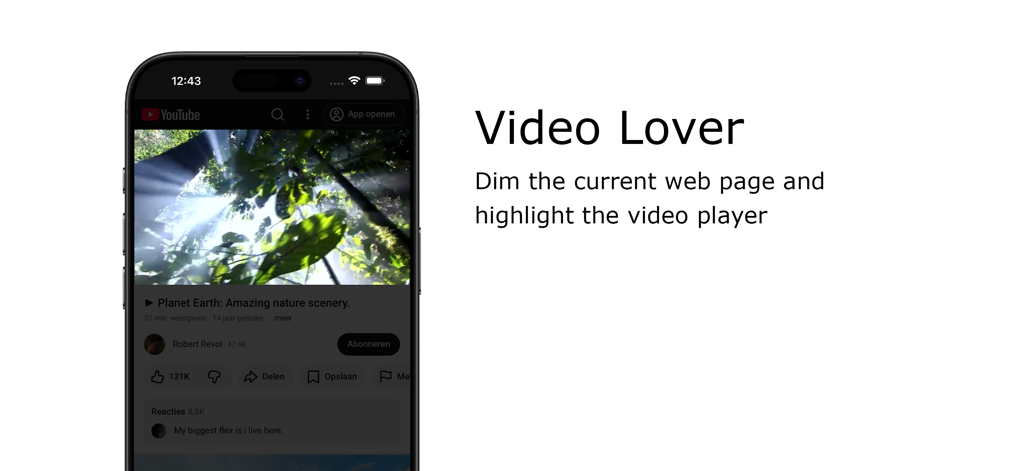
Turn Off the Lights Safari extension dimming the background to highlight a video player on an iPhone

Turn Off the Lights Safari extension dimming the background to highlight a video player on an iPhone

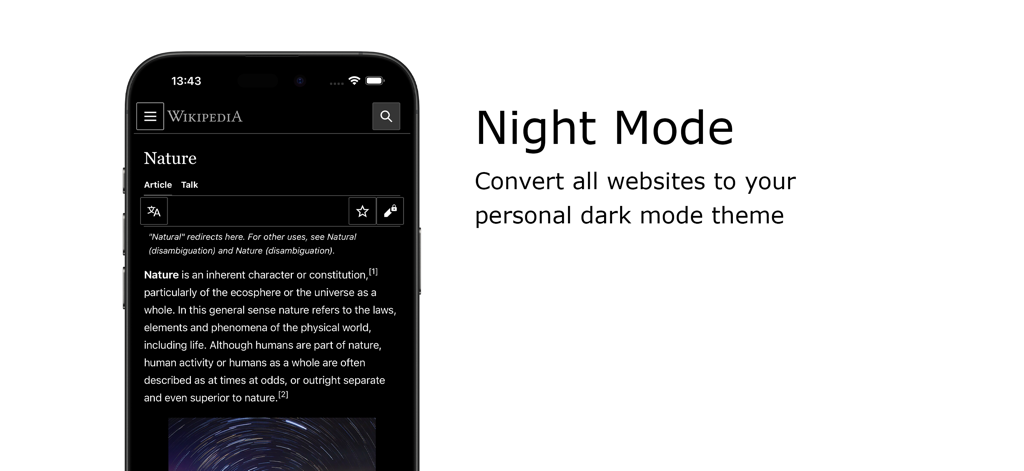
A smartphone showing Wikipedia in dark mode using the Turn Off the Lights Safari extension

A smartphone showing Wikipedia in dark mode using the Turn Off the Lights Safari extension

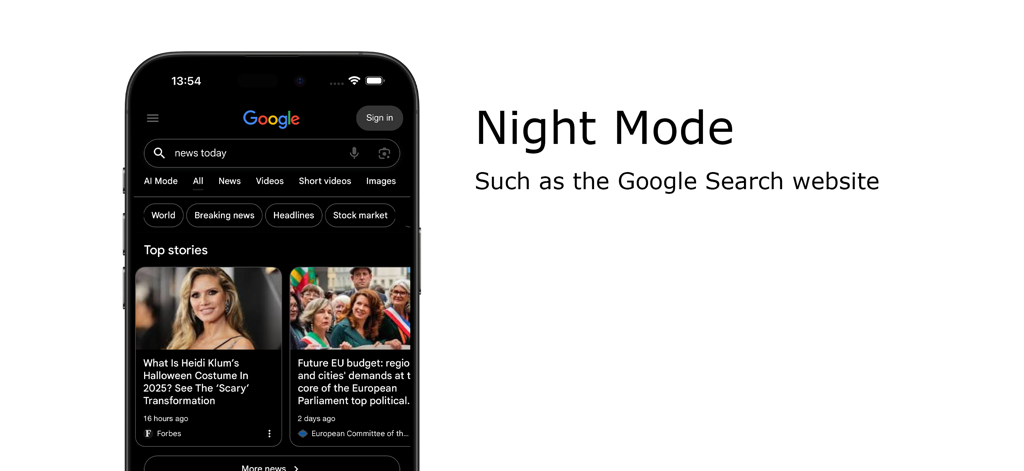
iPhone displaying Google Search in dark mode using the Turn Off the Lights Safari extension.

iPhone displaying Google Search in dark mode using the Turn Off the Lights Safari extension.

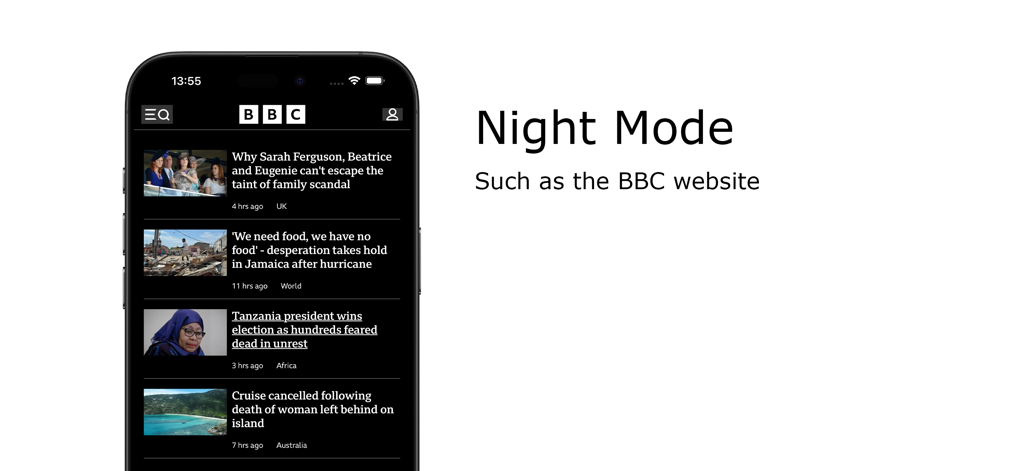
Night Mode feature of the Turn Off the Lights Safari extension showing the BBC website in dark mode on an iPhone

Night Mode feature of the Turn Off the Lights Safari extension showing the BBC website in dark mode on an iPhone

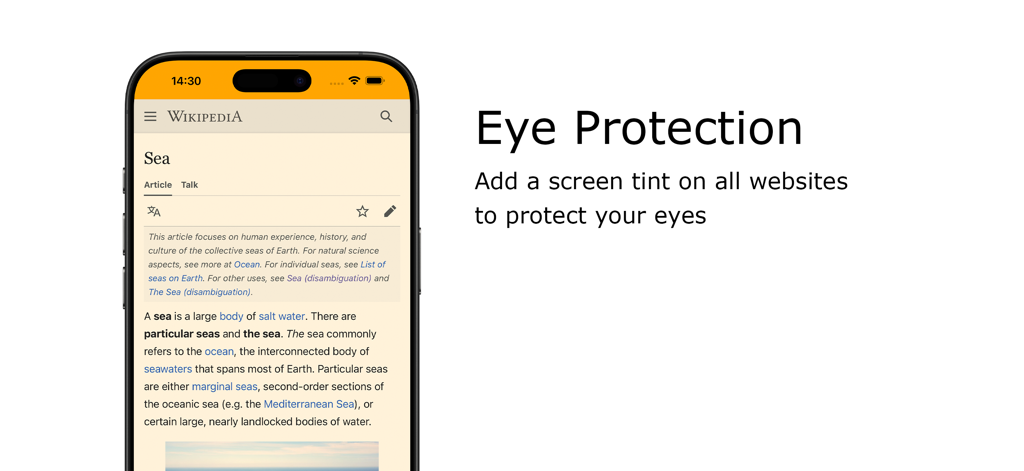
iPhone showing the Eye Protection feature with a warm screen tint on a Wikipedia page

iPhone showing the Eye Protection feature with a warm screen tint on a Wikipedia page

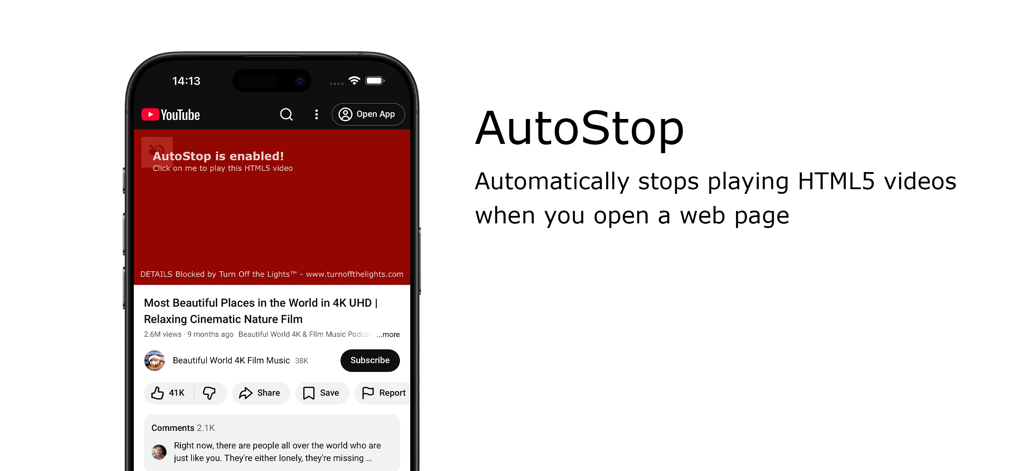
AutoStop feature in Turn Off the Lights for Safari extension blocking autoplay videos

AutoStop feature in Turn Off the Lights for Safari extension blocking autoplay videos

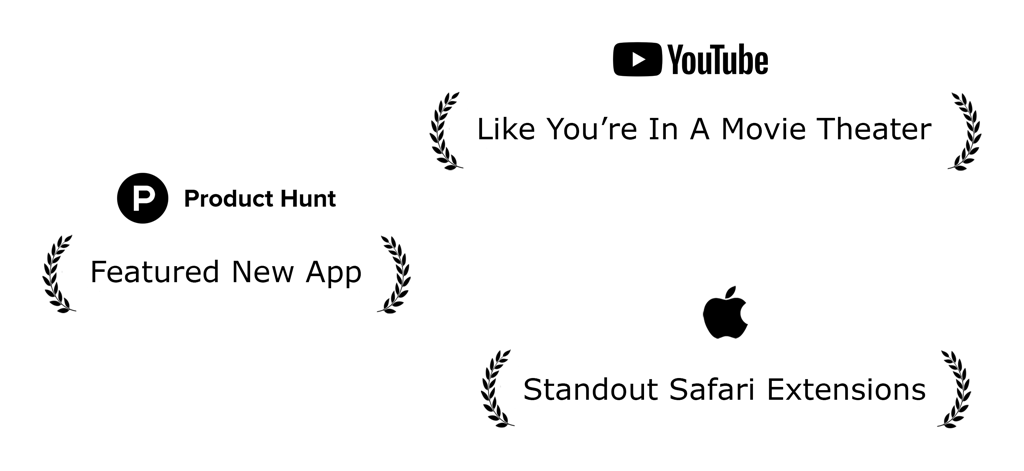
Accolades for Turn Off the Lights for Safari extension featuring recognition from Apple and Product Hunt

Accolades for Turn Off the Lights for Safari extension featuring recognition from Apple and Product Hunt

Elevate Your Viewing Experience

The tools that make this app stand out, trusted by 200K+ users.

🎬

Cinematic Focus Mode

One click dims the entire web page to highlight your video, eliminating distractions and creating a theater-like atmosphere instantly.

🛡️

Digital Wellness & Night Mode

Safeguard your vision with advanced eye protection filters and a smart Night Mode that transforms bright websites into soothing dark themes.

🚀

Power User Automation

Take full control with Auto-HD resolution, wide-screen defaults, and custom keyboard shortcuts designed for maximum efficiency.

Loved by users worldwide

Trusted by 200K+ people who love this app.

"

"As a student who spends hours watching lectures and tutorials late at night, this extension is a literal eye-saver. The way it dims the distractions and focuses only on the video helps me concentrate so much better. The Night Mode is the most polished and customizable feature I have found for Safari."

Liam Jenkins
"

"Turn Off the Lights is a must-have for any movie lover. The Atmosphere Lighting effect is stunning—it makes my MacBook feel like a mini cinema. I also love the Auto HD feature; it is so nice to finally have my videos play in the highest resolution every single time without manual adjustments."

Sophia Martinez

About the app

Everything you need to know about Turn Off the Lights for Safari.

Description

Immerse yourself in a cinematic atmosphere while watching videos online with Turn Off the Lights. This powerful browser extension dims everything on the web page except for the video you are watching, bringing your focus to the content that matters most. Turn Off the Lights browser extension has also been featured on several popular websites, including Lifehacker, CNET, ZDNet, BuzzFeed, and PC World. With its growing popularity and positive feedback, it is no surprise that the Turn Off the Lights browser extension has become one of the most popular and trusted browser extensions in the market. Please share your feedback, suggestions, and thoughts with us https://www.turnoffthelights.com/support Browser extension features: ◆ Turn the lights back on by clicking on the black layer ◆ Supports multiple video sites: YouTube, Dailymotion, Vimeo, Twitch, and more ◆ Customize your YouTube experience: - Auto HD: Set videos to play in HD automatically, with options ranging from highres > 8K > 5K > 4K > 1080p > 720p > 480p > 360p > 240p > 144p > default - Auto Wide: Automatically plays videos in the widest mode - 60 FPS Block: Disable YouTube 60 FPS for Auto HD 30 FPS video quality ◆ Easter Eggs: Shortcut key: T -> Experience a real movie theater feeling ◆ Darken the screen when the user clicks on the play button ◆ Toggle fade in and fade out effects ◆ Customize colors ◆ Enable Multimedia Detection ◆ Display Dimness Level Bar ◆ Eye Protection for nighttime browsing, with a whitelist/blacklist filter ◆ Atmosphere lighting to create a glow around the video player ◆ Show the dark layer on top of the window ◆ Shortcut Keys: Ctrl + Shift + L: Toggle the lights Alt + F8: Restore default opacity value Alt + F9: Save current opacity value Alt + F10: Enable/disable the Eye Protection feature Alt + (Arrow Up): Increase opacity Alt + (Arrow Down): Decrease opacity Alt + *: Toggle lights on all open tabs ◆ Mouse Wheel Volume Control for each HTML5 video player ◆ Apply filters to the current HTML5 video player (grayscale, sepia, invert, contrast, saturate, hue rotation, brightness) ◆ Audio Visualization effect on top of the current HTML5 video (Blocks, Frequency, and Music Tunnel) ◆ Loop the current HTML5 video player ◆ Night Mode switch to toggle YouTube in black or white theme, with whitelist/blacklist filter - Timestamp: Activate Night Mode within the chosen time - Blackout: Dim web page and activate Night Mode ◆ Stop YouTube and HTML5 videos from automatically playing ◆ And more… Do not forget to Like & Follow Us: Facebook https://www.facebook.com/turnoffthelight X https://www.x.com/TurnOfftheLight Pinterest https://www.pinterest.com/turnoffthelight Instagram https://www.instagram.com/turnoffthelights YouTube https://www.youtube.com/@turnoffthelights Project Information: https://www.turnoffthelights.com/browser Note: YouTube is a trademark of Google Inc. Use of this trademark is subject to Google Permissions.

Latest Version

4.6.3

Size

33.9 MB

First Released

Sep 19, 2017

Ready to Transform Your Safari Viewing Experience?

Join 200,000+ users who have already upgraded to a cinematic, distraction-free environment. Download the extension now and give your eyes the comfort they deserve.

Download on App Store
FAQ

Frequently Asked Questions

Everything you need to know about Turn Off the Lights for Safari

What is Turn Off the Lights for Safari?

Turn Off the Lights for Safari is a browser extension. It dims the web page background, highlighting the video player for a cinematic viewing experience. This focuses attention on your online video content.

How do I toggle the lights with Turn Off the Lights for Safari?

You can toggle the lights in Turn Off the Lights for Safari by clicking the black layer or using the keyboard shortcut Ctrl + Shift + L. The extension automatically dims the page when a video plays.

What video platforms does Turn Off the Lights for Safari support?

Turn Off the Lights for Safari supports multiple video platforms. These include YouTube, Dailymotion, Vimeo, and Twitch. The extension enhances your viewing experience across these popular sites.

Can I customize my YouTube experience with Turn Off the Lights for Safari?

Yes, Turn Off the Lights for Safari offers YouTube customizations. Features include Auto HD for setting video quality, Auto Wide for wider playback, and blocking 60 FPS for 30 FPS video quality.

Does Turn Off the Lights for Safari offer a Night Mode?

Yes, Turn Off the Lights for Safari includes a Night Mode feature. It converts all websites, such as Google Search and Wikipedia, to a personal dark mode theme to reduce eye strain.

Does Turn Off the Lights for Safari have an Eye Protection feature?

Yes, Turn Off the Lights for Safari offers an Eye Protection feature. It adds a screen tint to all websites during nighttime browsing, complete with a whitelist/blacklist filter for personalized use.

Does Turn Off the Lights for Safari prevent videos from auto-playing?

Yes, Turn Off the Lights for Safari has an AutoStop feature. This automatically prevents HTML5 videos from playing when you open a new web page, giving you complete control over media playback.

What are the main keyboard shortcuts for Turn Off the Lights for Safari?

Turn Off the Lights for Safari provides various keyboard shortcuts. Key examples include Ctrl + Shift + L to toggle lights, Alt + F10 for Eye Protection, and Alt + Up/Down Arrow to adjust opacity.

Does Turn Off the Lights for Safari provide atmosphere lighting?

Yes, Turn Off the Lights for Safari includes an Atmosphere lighting feature. This creates a subtle glow around the video player, enhancing the immersive cinematic viewing experience on any web page.

How does Turn Off the Lights for Safari enhance video quality?

Turn Off the Lights for Safari enhances video quality with its Auto HD feature for YouTube. It automatically sets videos to play in your preferred HD resolution, supporting options from 144p up to 8K.

Has Turn Off the Lights for Safari received official recognition?

Yes, Turn Off the Lights for Safari has received official recognition. It was featured as a 'Featured New App' on Product Hunt and acknowledged by Apple as a 'Standout Safari Extension.'