WristMail for Gmail

WristMail for Gmail

Download on App Store
Spark by MWM logo
Logo of WristMail for Gmail

WristMail for Gmail: The Professional Email Experience Your Apple Watch Was Missing

Stay productive on the go with the power to send, receive, and triage your Gmail inbox directly from your wrist. Experience seamless, secure, and private email management without ever reaching for your iPhone.

Publisher

Muhammad Siddiqui

Category

Productivity

Downloads

118K+

User Rating

3.9/5

Total Ratings

1000

Locales

8

Your Inbox at a Glance

Discover the interface used by 118K+ users.
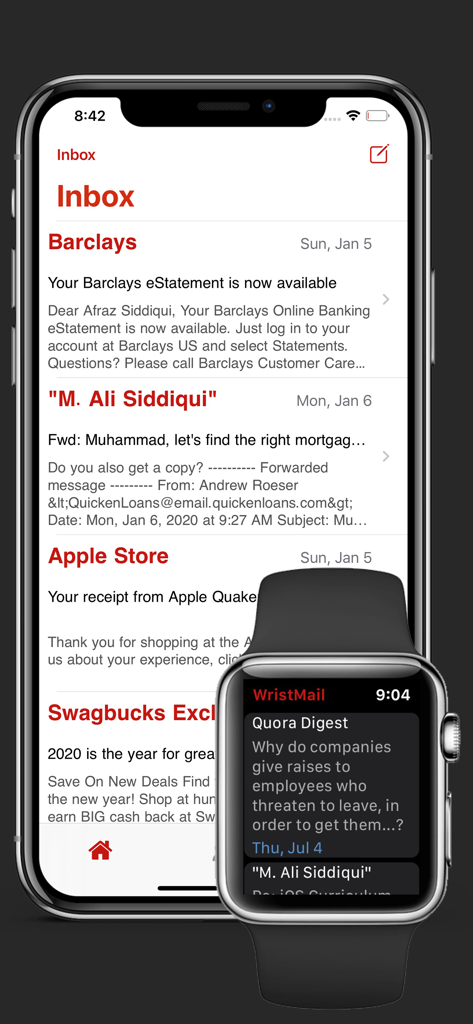
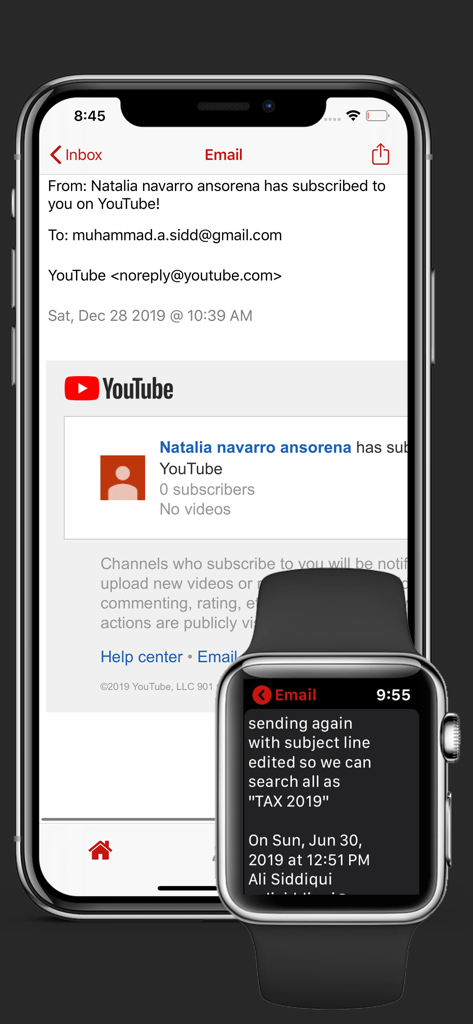
WristMail for Gmail inbox view on iPhone and Apple Watch

WristMail for Gmail inbox view on iPhone and Apple Watch

WristMail for Gmail interface showing email synchronization between iPhone and Apple Watch

WristMail for Gmail interface showing email synchronization between iPhone and Apple Watch

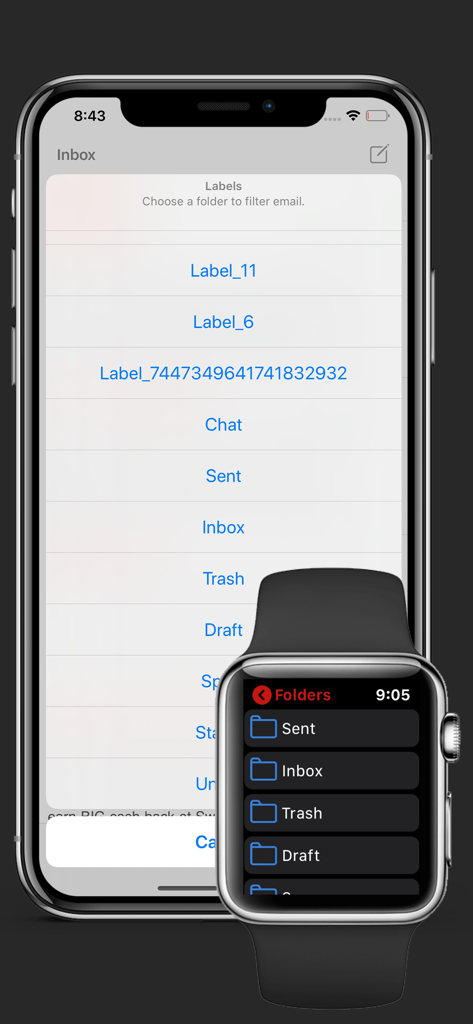
WristMail app showing Gmail folders on iPhone and Apple Watch

WristMail app showing Gmail folders on iPhone and Apple Watch

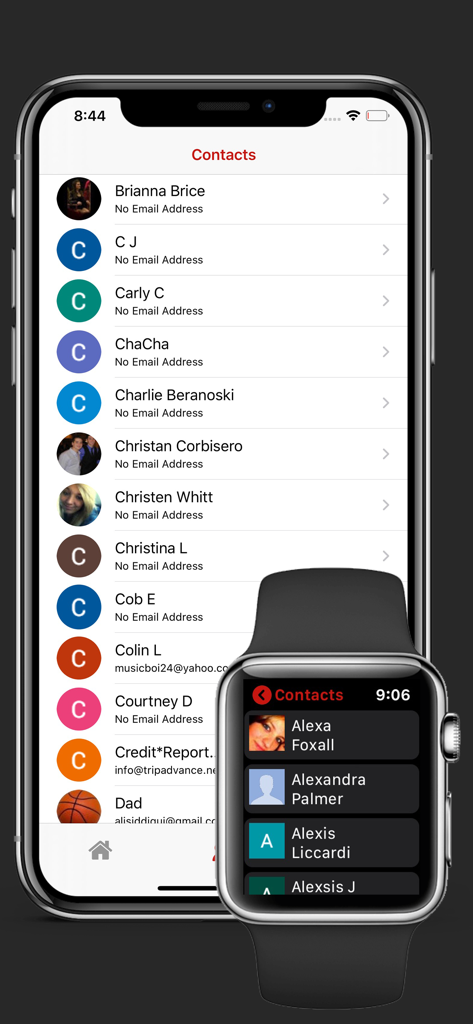
WristMail app displaying the contacts list on an iPhone and an Apple Watch

WristMail app displaying the contacts list on an iPhone and an Apple Watch

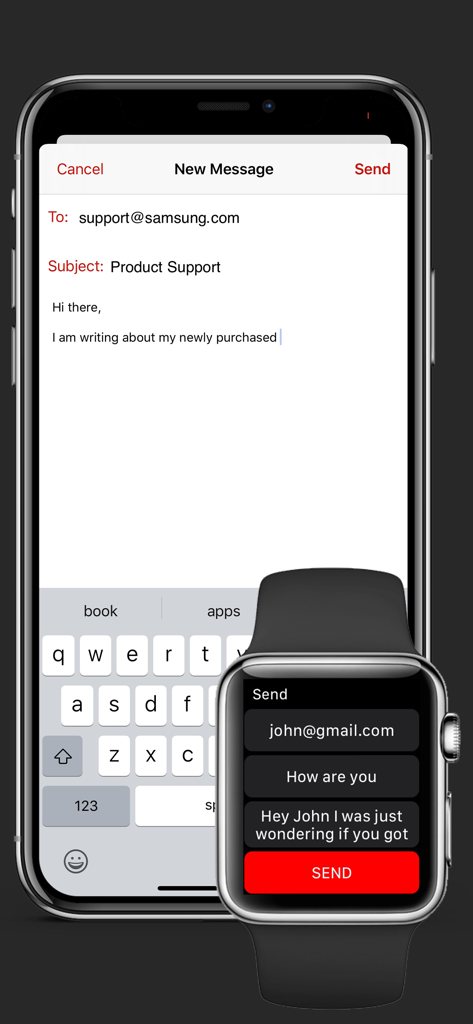
Interface showing email composition on both an iPhone and an Apple Watch using the WristMail for Gmail app.

Interface showing email composition on both an iPhone and an Apple Watch using the WristMail for Gmail app.

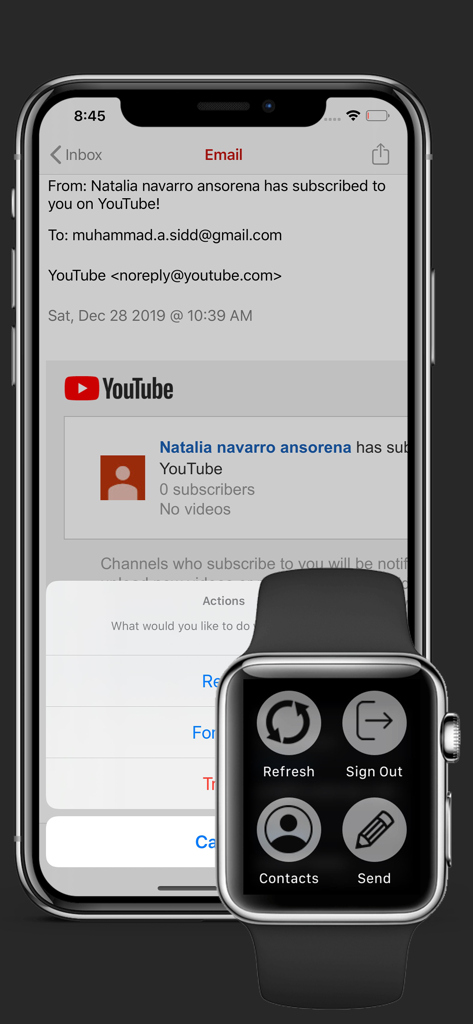
WristMail for Gmail app showing email on iPhone and navigation menu on Apple Watch

WristMail for Gmail app showing email on iPhone and navigation menu on Apple Watch

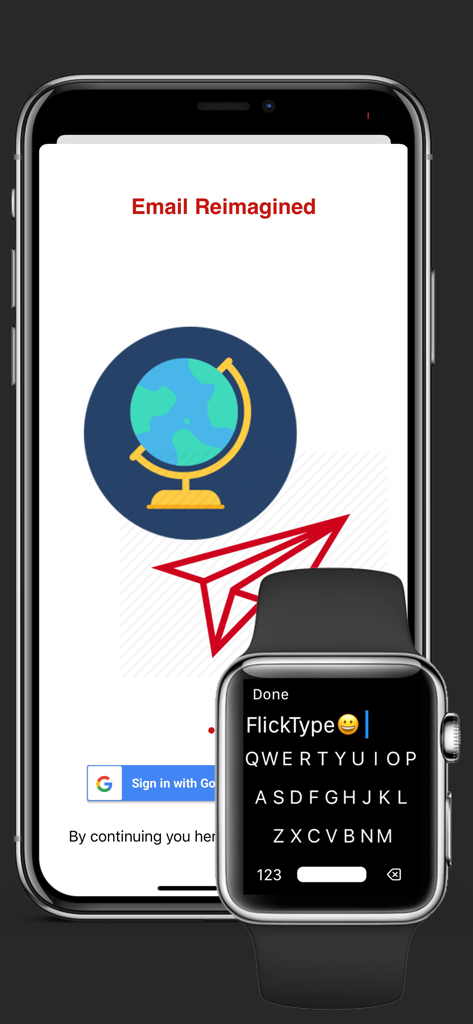
WristMail app interface on iPhone with Google sign-in and Apple Watch showing a QWERTY keyboard

WristMail app interface on iPhone with Google sign-in and Apple Watch showing a QWERTY keyboard

Stay Productive, Hands-Free

The tools that make this app stand out, trusted by 118K+ users.

✍️

Effortless Communication

Respond to urgent emails in seconds using voice dictation, scribble, or a full QWERTY keyboard directly from your wrist.

🔒

Privacy-First Security

Your data is yours alone. We use official Google Sign-In and never store your emails or credentials on any external servers.

Inbox Triage at a Glance

Stay on top of your workflow with watch complications and folder support, letting you archive or reply without breaking your stride.

Loved by users worldwide

Trusted by 118K+ people who love this app.

"

"As a project manager who is constantly on the move, the lack of a native Gmail app for Apple Watch was a huge productivity killer. WristMail fills that gap perfectly. I can now triage my inbox during commutes or between meetings without ever taking my iPhone out of my pocket. The dictation feature is remarkably accurate and makes quick replies a breeze."

James T., Project Manager
"

"I am extremely selective about third-party apps accessing my email, but WristMail’s commitment to privacy and direct Google Sign-In won me over. It is fast, secure, and the complication support means I can see my unread count with a simple glance. It’s exactly what I needed to keep my 'Inbox Zero' status while staying active and away from my desk."

Sarah L., UX Designer

About the app

Everything you need to know about WristMail for Gmail.

Description

WristMail lets you quickly access your Gmail emails from your Apple Watch, iPhone, & iPad. **How It Works** 1. Sync your Gmail account to Apple Watch via iPhone 2. Watch the magic happen - literally Setting up WristMail requires you to have a valid Gmail account. The app signs users in via the official platform thus ensuring all credentials and information is safe and secure. - Send and Receive emails! - Supports dictation and scribble on watch - Easily view new emails (unread vs. read) on watch - Support for multiple folders - Complication Support (watch) - View Sender, Subject, Time Received - Refresh email list - Full iOS Support - Dark mode support - Sign out with ease - View contacts - QWERTY keyboard support (watch) - Full HTML and Plain email support on iOS - Tap into emails to view + image support PRIVACY: We take privacy and security very seriously. This is why we do not save any of your emails or information on a server. Users are required to sign in to their Gmail accounts directly through Google Sign In to ensure 1 to 1 security between your account and your device - period. When you are waiting for that important email, it is super useful to glance at your wrist and know when it comes. For feedback and support please contact us by tapping the contact icon in the iOS app. This is a very new app and we look forward to continuously improving it and adding features. NOTE: This is a third party application that is not affiliated or endorsed by Gmail or Google Inc. The application uses the official APIs and Platform, thus is compliant with all Terms and Policies.

Latest Version

3.3

Size

16.5 MB

First Released

Jan 13, 2019

Bring Gmail to Your Apple Watch Today

Join 118,000+ professionals who manage their inbox on the go. Fast, secure, and perfectly synced to your wrist.

Download on App Store