
Writing Board


No menus, no saving, and no digital clutter. Open the app to write immediately and clear your screen with a single tap—perfect for quick memos, transient notes, and temporary sketches.
Publisher
Category
UtilitiesDownloads
6K+User Rating
Total Ratings
0Locales
30Discover the interface used by 6K+ users.
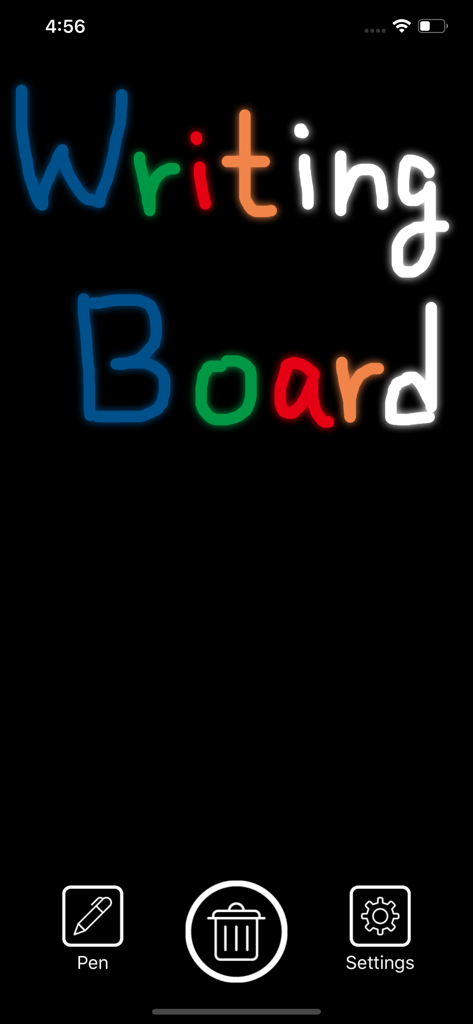
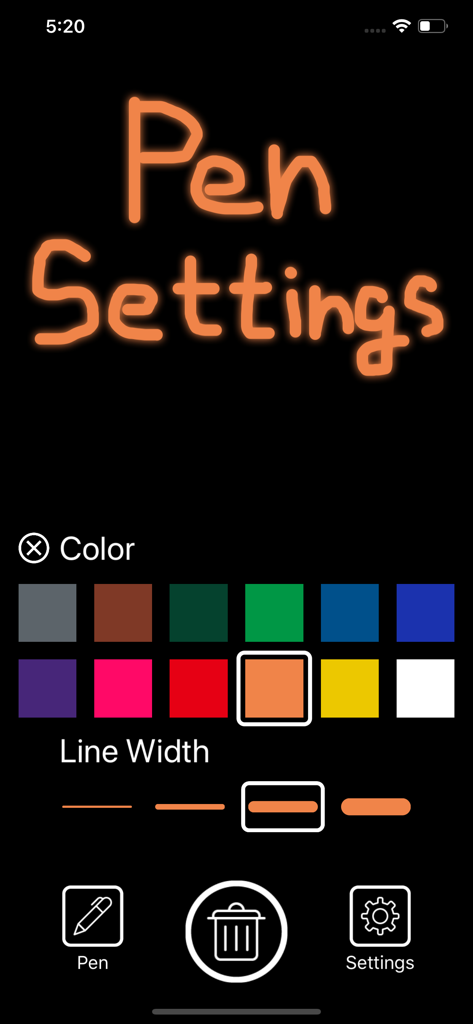
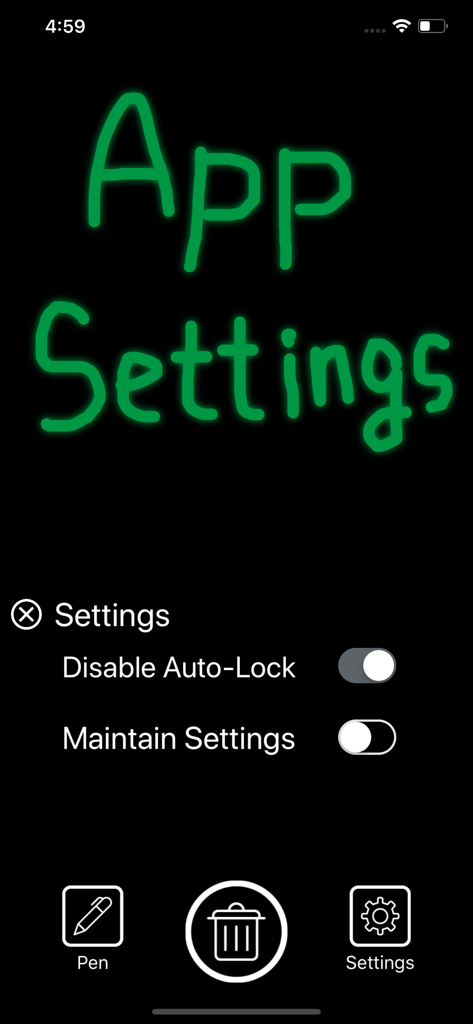
The tools that make this app stand out, trusted by 6K+ users.
Start scribbling the moment you open the app. There are no menus to navigate or files to name—just your thoughts and a blank canvas.
Delete your notes instantly with one tap. Since nothing is saved, your temporary ideas leave no digital footprint and never clog your device storage.
Keep your screen awake with the Disable Auto-Lock feature. Perfect for tracking live lists, sketches, or measurements while you work hands-free.
Trusted by 6K+ people who love this app.
"As someone who spends hours on client calls, I used to have hundreds of 'Untitled' notes cluttering my phone. Writing Board is a game-changer. I open it, jot down a confirmation code or a quick address, and wipe it clean the moment I'm done. It is the fastest digital scratchpad I've ever used."
"I keep my iPad on my desk with the 'Disable Auto-Lock' feature turned on. It has completely replaced my physical Post-it notes. I love that there are no menus to navigate—just a clean space to sketch out a quick logic flow or a daily To-Do list that I can delete instantly once the work is finished."
Everything you need to know about Writing Board.
Description
Latest Version
1.2.0
Size
8.2 MB
First Released
Mar 4, 2019
Join thousands of minimalists who have traded messy notes for a frictionless scratchpad. Download Writing Board today and start thinking without the clutter.
Top-ranked apps in the same category

Google LLC

Google LLC

China Mobile Online Services Co., Ltd.

Google LLC

Servicos e Informacoes do Brasil

DEEP FLOW SOFTWARE SERVICES - FZCO

Servicos e Informacoes do Brasil

CHINA TELECOM Corporation Ltd.

Microsoft Corporation