
Zoho Sheet—Spreadsheet on iPad



Transform your iPad into a mobile data powerhouse. Import Excel files, scan physical data with AI, and collaborate in real-time within a secure, privacy-first environment designed for your professional workflow.
Publisher
Category
ProductivityDownloads
14K+User Rating
Total Ratings
300Locales
32Discover the interface used by 14K+ users.
The tools that make this app stand out, trusted by 14K+ users.
Let Zia, our built-in AI, crunch numbers for you. Generate pivot tables instantly and get data-driven answers using simple voice commands.
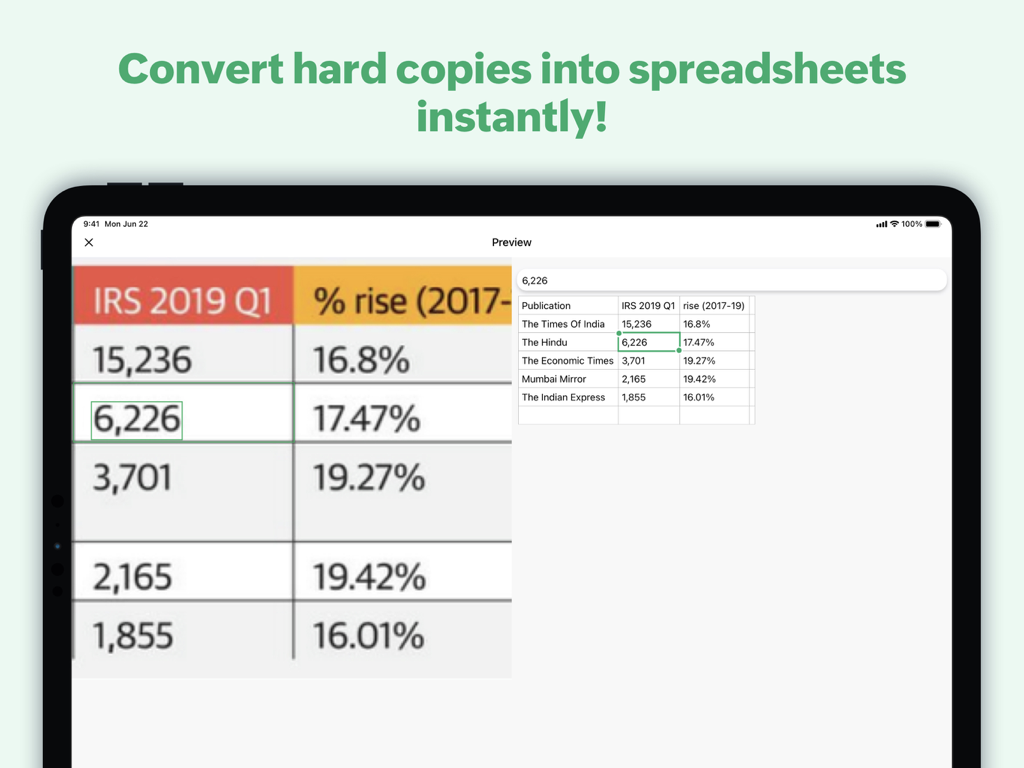
Stop manual typing. Use your iPad camera to scan printed reports or receipts and convert them into editable digital rows in seconds.
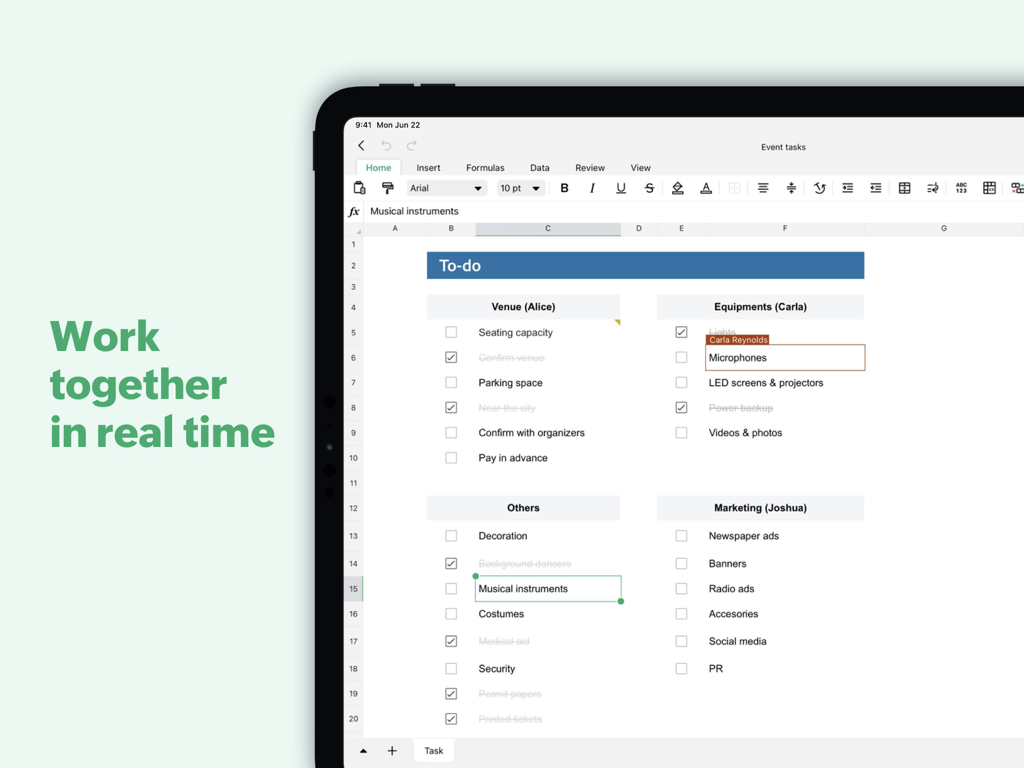
Work with your team in real-time with @mentions and comments, knowing your sensitive business data is never sold or used for advertising.
Trusted by 14K+ people who love this app.
"As a real estate consultant constantly on the move, the 'Scan to Sheet' feature is a total game-changer. I can snap a photo of a property expense list and it populates the cells instantly. Plus, knowing my client data isn't being sold for ads gives me real peace of mind."
"I've ditched my laptop for an iPad Pro, and Zoho Sheet is the first spreadsheet app that doesn't feel like a 'lite' version. Zia's AI suggestions for pivot tables save me hours of manual analysis during client meetings. It's fast, professional, and stays perfectly in sync."
Everything you need to know about Zoho Sheet—Spreadsheet on iPad.
Description
Latest Version
3.0.19
Size
385.0 MB
First Released
Jan 13, 2021
Join thousands of mobile-first professionals using AI-powered insights and privacy-focused tools. Start your smarter spreadsheet experience today for free.
Everything you need to know about Zoho Sheet—Spreadsheet on iPad
Zoho Sheet is a free iPadOS spreadsheet app. It allows users to create, import, edit, and collaborate on spreadsheets, offering features like data scanning, AI analysis, and template usage for enhanced productivity.
Yes, Zoho Sheet for iPad allows you to import .xlsx, .xls, .csv, and .tsv files from your device or cloud services like Dropbox and Box. You can then edit and save them.
Yes, Zoho Sheet for iPad supports real-time collaboration. Users can track budgets, manage projects, create reports, and add cell or range-specific comments with @mentions for seamless teamwork.
Zoho Sheet helps with data entry by allowing users to scan and insert data from printed materials or images stored in their iPad Photos app. This is a two-step process to save time.
Zoho Sheet can export spreadsheets in various formats, including Microsoft Excel (.xlsx, .xls) and PDF. Users choose the optimal format for offline access, hard copies, or sharing finished work.
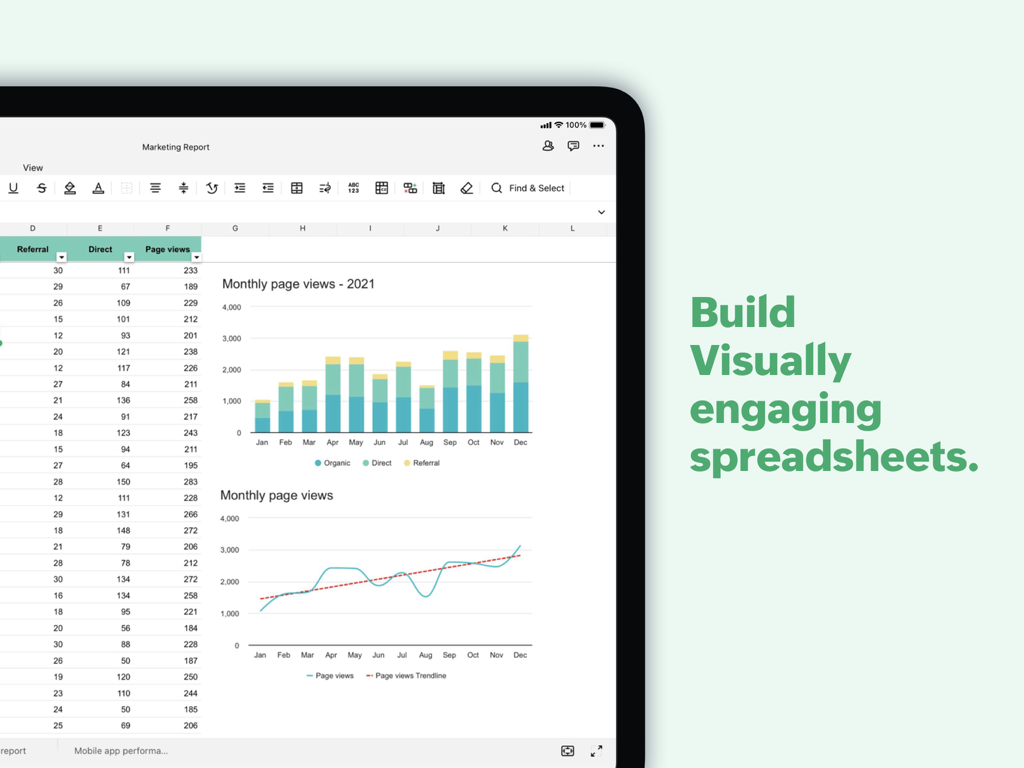
Yes, Zoho Sheet integrates Zia, its in-house artificial intelligence. Zia provides suggestions for data analysis, automatically generates charts and pivot tables, and responds to voice commands for data-related questions.
Yes, the Zoho Sheet app for iPadOS is free. It allows users to create, import, and collaborate on spreadsheets without cost, as stated in the app description.
Zoho Sheet prioritizes user privacy. Zoho states it has never shared user information for advertising purposes, nor generated revenue by displaying ads from other sources.
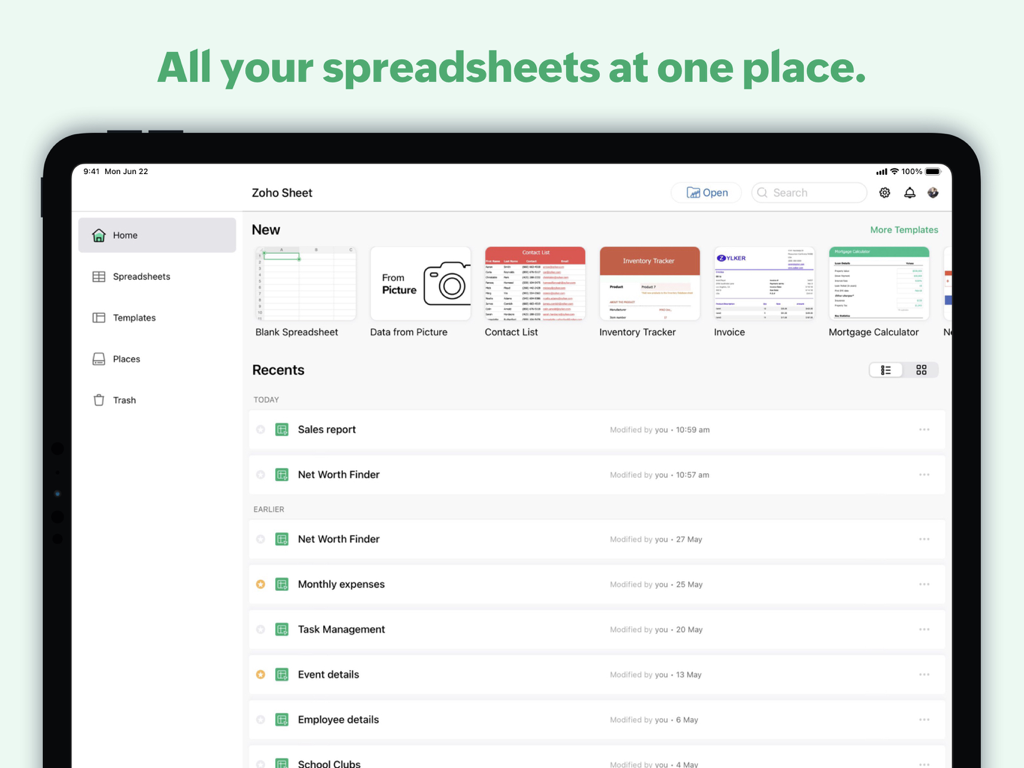
Yes, Zoho Sheet offers a gallery of ready-made spreadsheet templates. These templates, such as inventory trackers and invoices, help users quickly solve various use cases.
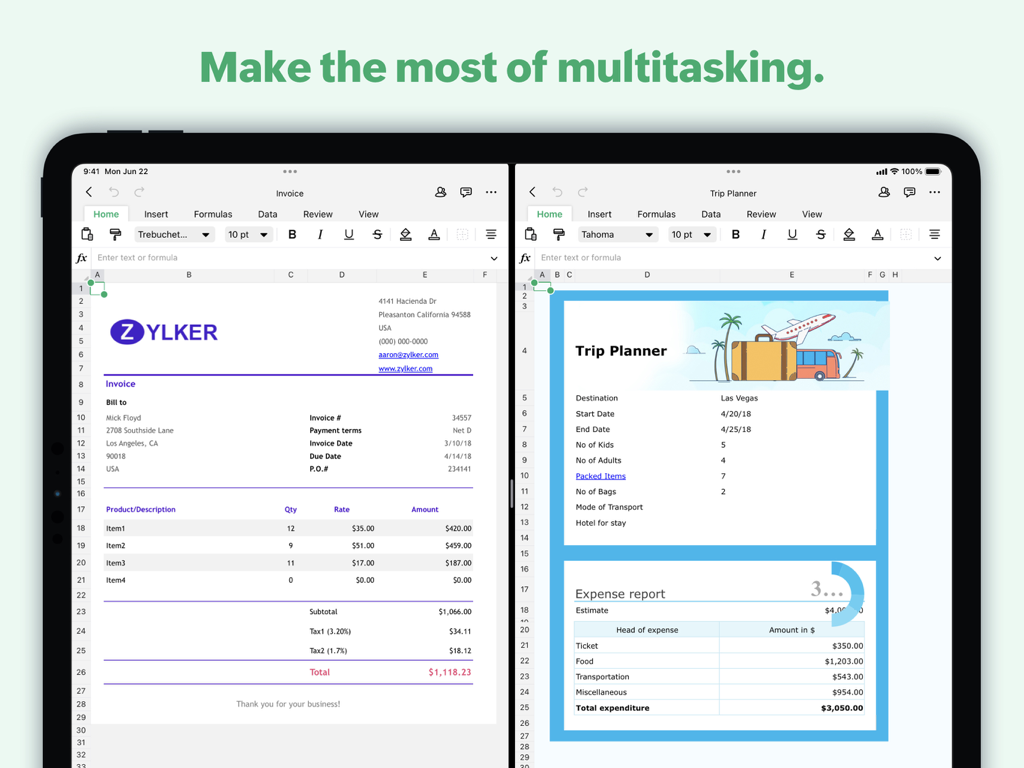
Yes, Zoho Sheet supports multitasking on iPad. Screenshot #5 demonstrates the app running two separate spreadsheet documents side-by-side, showcasing its ability to handle multiple tasks concurrently.
Top-ranked apps in the same category

OpenAI OpCo, LLC

Google LLC

X.AI Corporation

Google LLC

Shanghai Zhixin Puhui Technology Co., Ltd.

Google LLC

Microsoft Corporation

Google LLC

Google LLC
