
GFiber: The Google Fiber App



The ultimate companion for your digital lifestyle. Run instant speed tests, manage your network settings, and share Wi-Fi with a single tap, all from the palm of your hand.
Publisher
Category
UtilitiesDownloads
464K+User Rating
Total Ratings
4K+Locales
2Discover the interface used by 464K+ users.

The tools that make this app stand out, trusted by 464K+ users.
Validate your connection with real-time speed tests and maintain peak performance with the ability to restart your router directly from your phone.
Eliminate the friction of long passwords. Share your Wi-Fi credentials with family and friends instantly to keep your social circle connected.
Manage your payments, view billing history, and access the Help Center for instant answers without ever needing to wait on a support call.
Trusted by 464K+ people who love this app.
"As a remote marketing executive, reliability is everything. The GFiber app allows me to run quick speed tests before big presentations and manage my payments in seconds. It is the most seamless utility app I have ever used."
"Managing a smart home with over 20 devices can be tricky, but this app makes it simple. I can restart my router from the couch and share the Wi-Fi password with guests via a quick text. It is a must-have for any tech enthusiast."
Everything you need to know about GFiber: The Google Fiber App.
Description
Latest Version
3.7.1
Size
112.7 MB
First Released
Apr 12, 2016
Join 464K+ users optimizing their digital home. Download the GFiber app to take full control of your network, run instant speed tests, and manage your account with ease.
Everything you need to know about GFiber: The Google Fiber App
The GFiber app allows users to manage internet service, run speed tests, adjust network settings, restart their router, and share Wi-Fi. It also provides account management, bill viewing, and access to customer support.
Yes, users can manage their GFiber payments directly within the app. It provides options to view current balances, access previous statements, and manage payment methods.
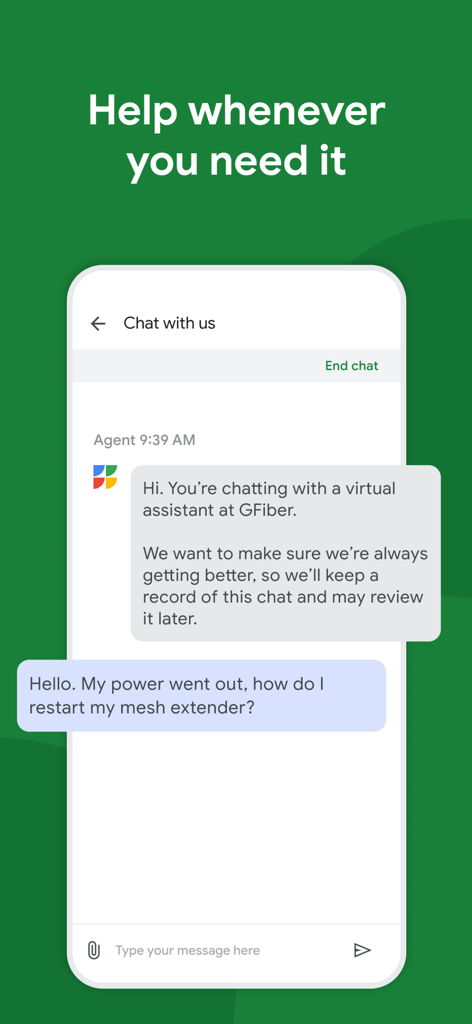
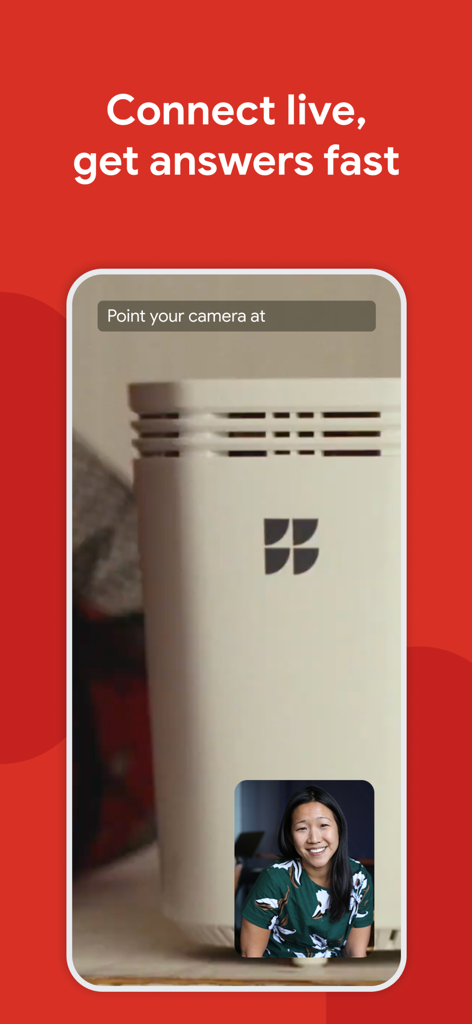
The GFiber app offers multiple support options. Users can access the GFiber Help Center for common questions, utilize the in-app chat with a virtual assistant, or connect live for visual assistance.
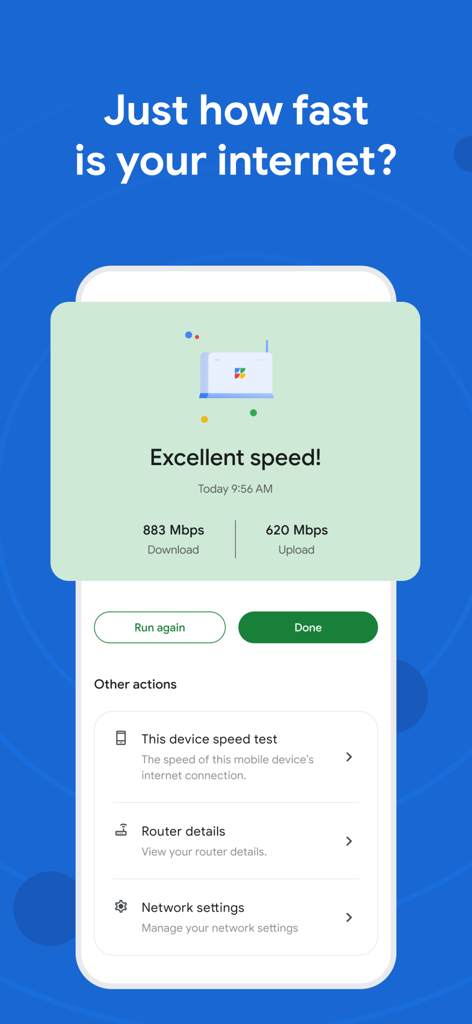
Yes, the GFiber app enables users to run internet speed tests. It displays current download and upload speeds, and also offers a specific test for the device itself.
Yes, the GFiber app includes a feature to restart the router remotely. This function is part of the essential tools for managing your GFiber internet service.
No, The Google Fiber App is exclusively for GFiber customers. An active GFiber internet service subscription is a prerequisite for app usage.
Yes, the GFiber app facilitates sharing your Wi-Fi password. This feature allows users to easily provide network access to family and friends.
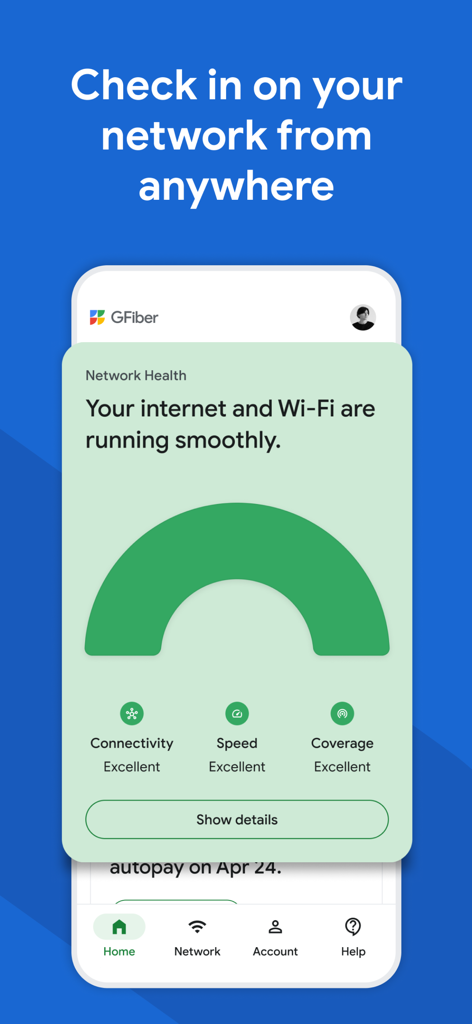
The GFiber app monitors network health, displaying the status of internet and Wi-Fi. It provides excellent ratings for connectivity, speed, and coverage, ensuring smooth operation.
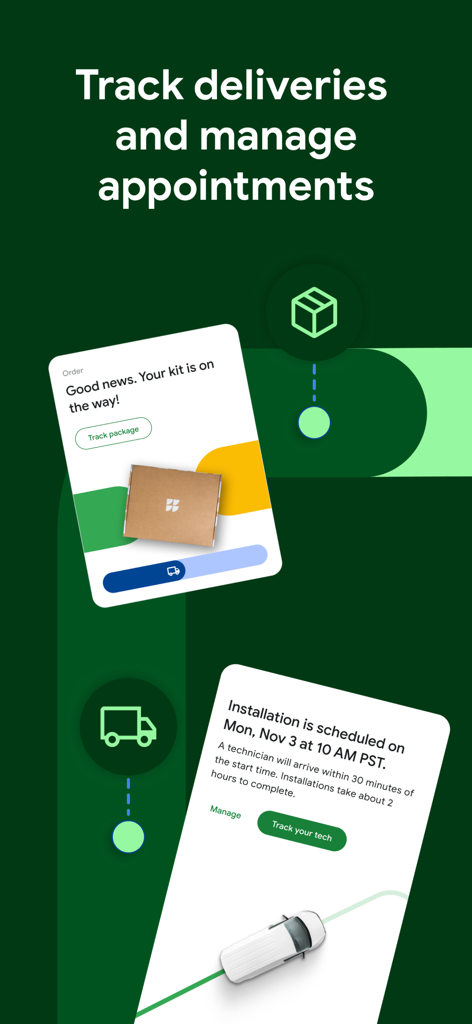
Yes, the GFiber app allows users to track package deliveries and manage installation appointments. It provides updates on order status and the technician's arrival time.
Yes, GFiber has received awards for customer satisfaction. It is recognized as a "2X WINNER" and "#1 in Customer Satisfaction for Residential Wired Internet Service in the South" by J.D. Power.
Apps with similar features and user experience

DATACAKE SERVICOS EM TECNOLOGIA LTDA

Uniti Group Inc.

TNL PCS S/A.

Telenet

CenturyTel Service Group, LLC

Telecom Italia spa

TurkNet Iletisim Hizmetleri A.S.

Atria Convergence Technologies Private Limited

EXCITEL BROADBAND PRIVATE LIMITED