
Google Tasks: Get Things Done



The simple, powerful way to capture and manage your to-dos. Seamlessly integrated with Gmail and Calendar to keep you organized across all your devices without the clutter.
Publisher
Category
ProductivityDownloads
12M+User Rating
Total Ratings
308K+Locales
55Discover the interface used by 12M+ users.
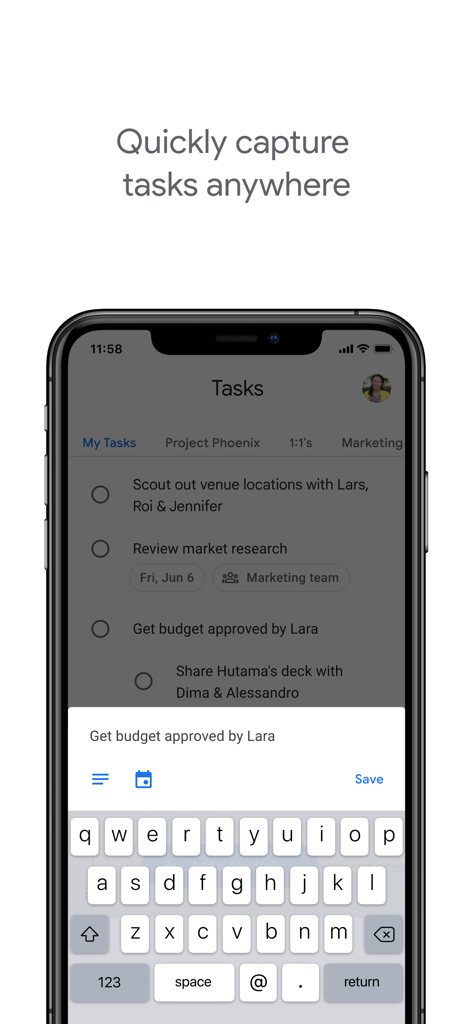
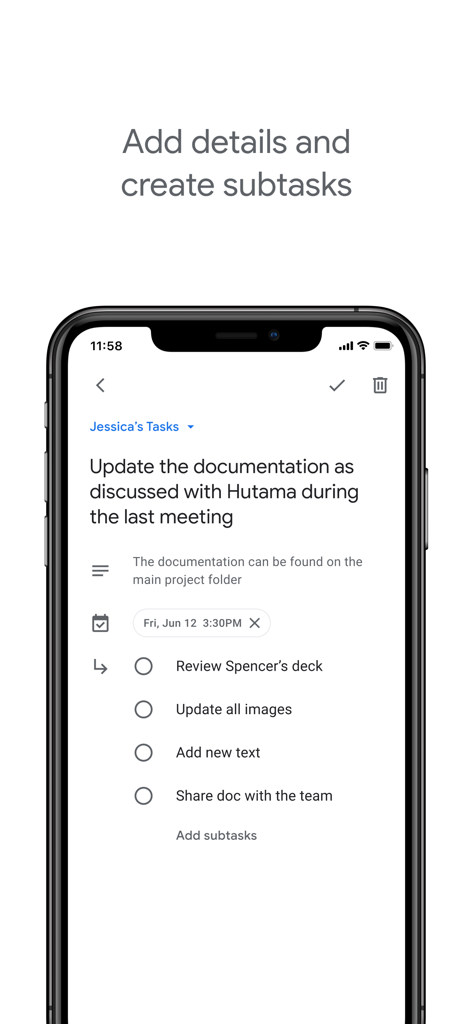
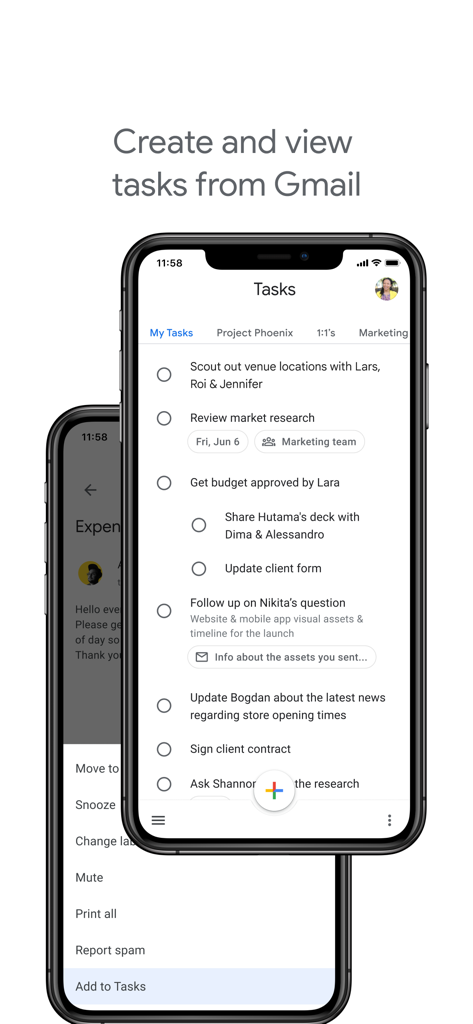
The tools that make this app stand out, trusted by 12M+ users.
Turn stressful emails into actionable tasks instantly. Track every to-do and trace it back to the source without leaving your workflow.
Switch effortlessly between your workstation and your mobile. Your tasks are always with you, perfectly updated in real-time.
Capture thoughts, set due dates, and organize subtasks with a minimalist interface designed to reduce mental load and decision fatigue.
Trusted by 12M+ people who love this app.
"Google Tasks is a game-changer for my productivity. The seamless integration with Gmail allows me to convert emails into actionable items in seconds. It is the perfect tool for keeping my inbox clean and my daily schedule organized without any unnecessary clutter."
"As a freelancer, I need a tool that just works across all my devices. This app is incredibly intuitive and keeps me on track with subtasks and due date reminders. It is the minimalist solution I have been looking for to manage both my professional projects and personal life admin."
Everything you need to know about Google Tasks: Get Things Done.
Description
Latest Version
26.1.0
Size
94.6 MB
First Released
Apr 27, 2018
Join 12M+ users who turn chaos into clarity. Seamlessly sync your Gmail, Calendar, and daily to-dos into one powerful, minimalist app.
Everything you need to know about Google Tasks: Get Things Done
Google Tasks: Get Things Done is a task management app for managing, capturing, and editing tasks. It syncs across all devices and integrates with Gmail and Google Calendar for efficient task completion.
Google Tasks allows quick task capture by enabling users to create task lists. Users can view, edit, and manage these tasks on the go from any device, ensuring flexibility and accessibility.
Yes, Google Tasks supports subtasks. Users can break down main tasks into smaller subtasks and add specific details. Task details are editable as work progresses, providing flexible organization.
Google Tasks integrates with Gmail, allowing users to create tasks directly from emails. Users can view tasks in the Gmail side panel and trace each task back to its original source email.
Yes, Google Tasks enables users to set due dates for tasks and receive notification reminders. Users can also organize tasks by date or prioritize them using a drag-and-drop interface.
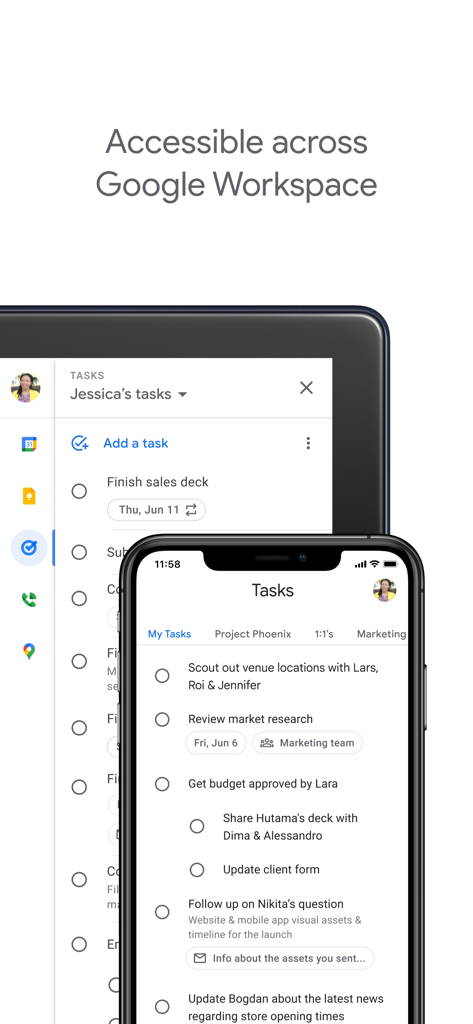
Yes, Google Tasks is part of Google Workspace. It brings powerful, intelligent apps together, leveraging Google's AI. This suite seamlessly connects users with Gmail, Calendar, and more.
Yes, Google Tasks ensures tasks sync across all user devices. This feature allows users to manage, capture, and edit their tasks efficiently from anywhere and at any time.
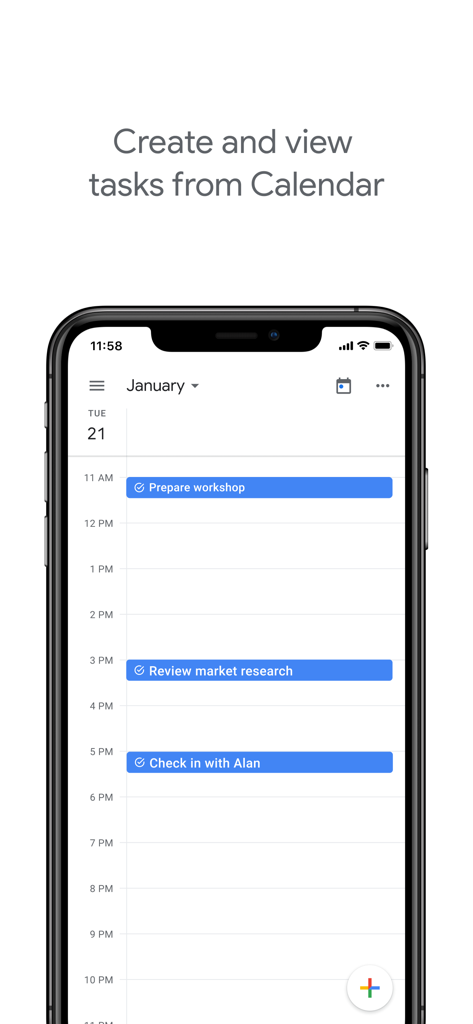
Google Tasks integrates with Google Calendar. Users can manage tasks originally created in Calendar directly from their mobile device. This integration helps streamline task completion for users.
Apps with similar features and user experience

Notion Labs, Incorporated

Hangzhou Free Notes Technology Co., Ltd

unorderly GmbH

Appest Limited

Noteful Technologies Ltd

Doist Inc.

Inner Grow Limited

monday.com Ltd.

EMMO Corp.
